Newsletter Subscribe
Enter your email address below and subscribe to our newsletter

Enter your email address below and subscribe to our newsletter
Imagine sitting in an airport or your favorite coffee shop, sipping a latte that costs roughly the same as a lightly used car. You log onto the free public Wi-Fi to quickly check your bank balance or send an email to your grandkids. Unbeknownst to you, the teenager sitting three tables over—who looks like he hasn’t showered since 2019—is quietly peeking at your digital data.
Going online without protection in a public place is basically like living in a glass house and changing your clothes with all the lights on. Sure, you’re comfortable in your own space, but everyone walking down the street can see exactly what you’re doing.
If this thought makes you want to unplug your router and throw your computer into the nearest river, don’t panic. You don’t need a degree in computer science to keep your private information private. You just need a “Digital Cloak,” otherwise known as a VPN. Today, we’re going to ditch the confusing tech jargon and explain exactly how to choose the right one, without pulling your hair out in the process.
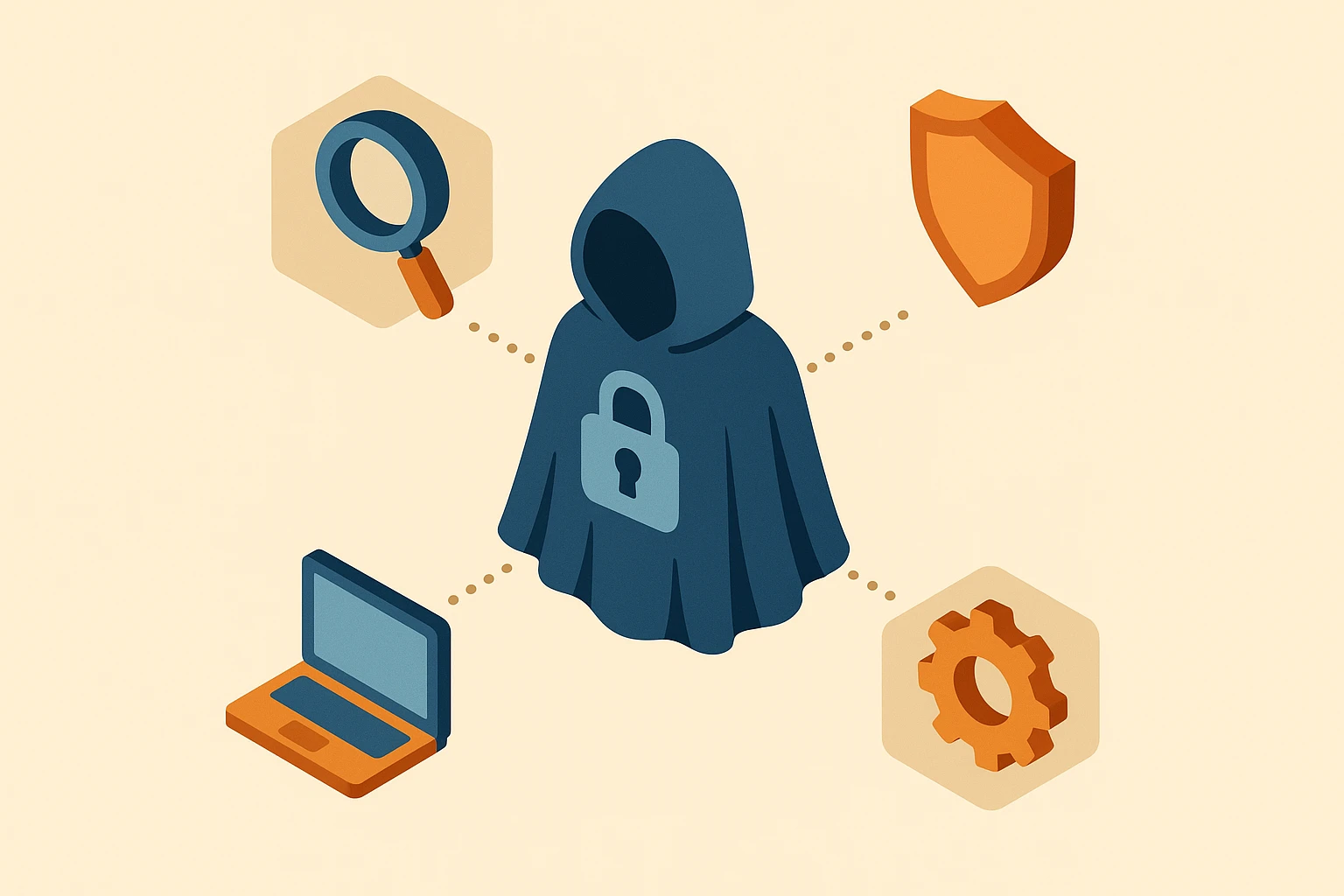
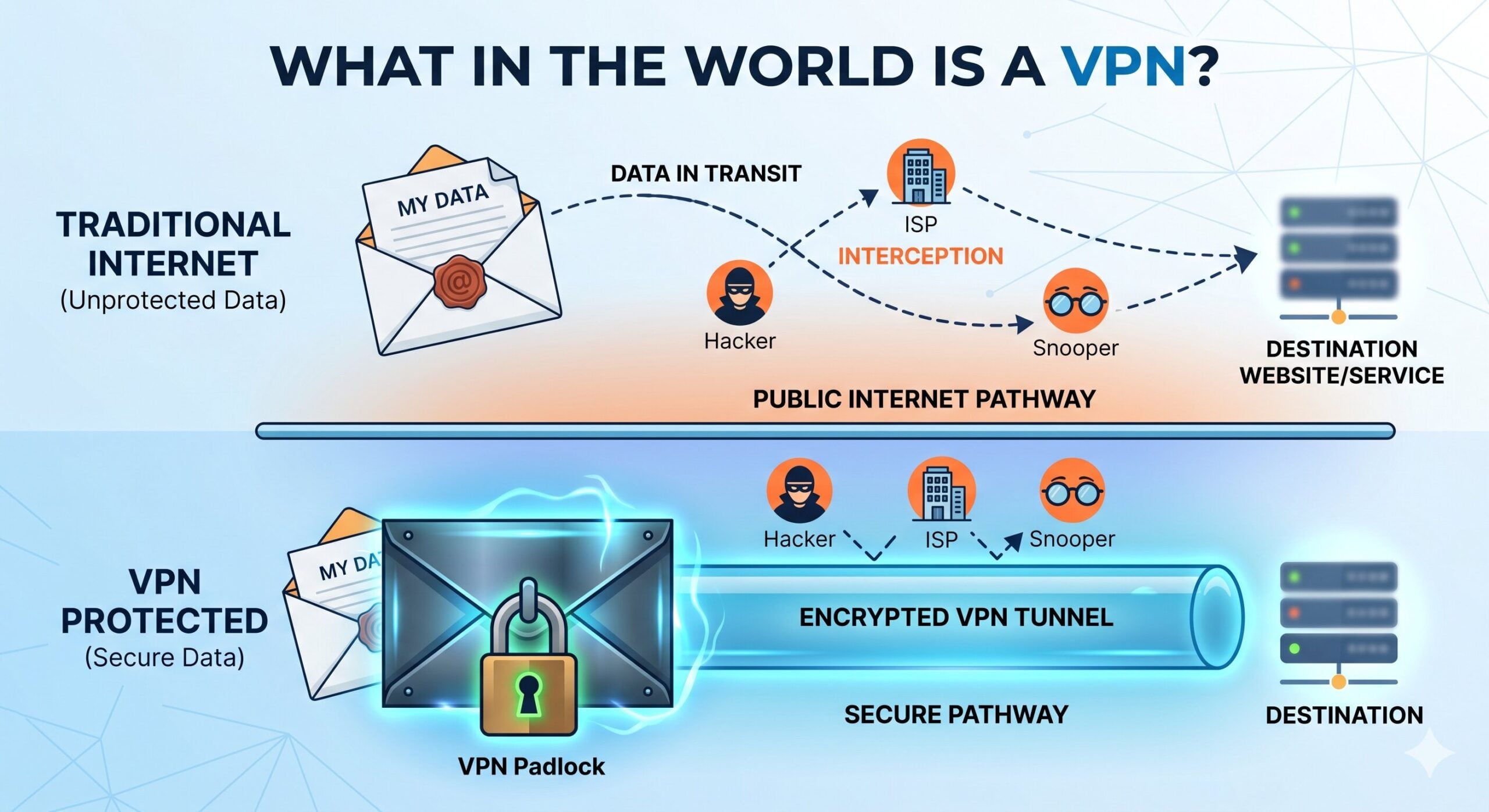
A VPN stands for Virtual Private Network, which sounds like something a secret agent uses in a spy movie. But in plain English, think of it as an “Invisible Envelope” for your internet traffic. Normally, everything you do online is sent like a postcard; anyone working at the digital post office can read it as it passes by.
When you turn on a VPN, it takes your postcard and seals it inside a locked, steel, tamper-proof envelope. Even if a snooper intercepts it, all they see is a bunch of scrambled nonsense. This is incredibly important when you are traveling, staying in hotels, or using any Wi-Fi network that isn’t the one safely locked inside your own home.
However, we need to clear up a massive misconception right now: a VPN is not a virus protector. It also does not make you entirely invisible. If you put on your Digital Cloak but then willingly log into Facebook and post your entire life story, Facebook still knows who you are. A VPN protects your connection, but it won’t stop a scammer if you voluntarily read them your credit card number over the phone.
If you search for “Best VPN” online, you will instantly be bombarded by articles written for hardcore tech nerds. They will throw around terms like “AES-256 encryption” and “WireGuard protocols,” which is just a fancy way of giving you a headache. Here is what actually matters for us:
You shouldn’t have to input manual codes to get online. The best VPNs have a giant, obvious “Connect” button that turns green when you are safe. If the screen looks like the control panel of a nuclear submarine, it’s the wrong product for you.
Many mainstream tech reviewers forget that you don’t buy a new computer every six months. If your trusty laptop from 2015 still works perfectly fine for reading the news and emailing friends, your VPN should be able to run on it. We’ll cover this sneaky trap in a moment.
If something goes wrong, you want a lifeline. Look for a VPN service that offers 24/7 live chat support. You want to be able to type a question and get an answer from an actual human being, rather than a robot named “ChatBot3000” that just links you to unhelpful articles.
Here is a wildly frustrating scenario that happens all the time. You decide to be proactive, so you buy a highly-rated VPN. You go to install it on your perfectly good Apple computer, and a box pops up saying your operating system is too old. Your computer basically scoffs at you like a snooty French waiter refusing to serve you a hotdog.
Most major VPN apps today demand that you have at least macOS 11.0. But what if you are happily running macOS High Sierra (10.13) or Mojave (10.14)? Most tech sites leave you out to dry. The good news is, you aren’t out of luck.
Providers like Proton VPN still offer “legacy clients”—older versions of their software built specifically for your older machine. Alternatively, many VPNs allow you to use a built-in tool called OpenVPN to connect manually. Before you hand over your credit card to any VPN company, check their website’s “Help” section to confirm they still support your exact operating system version.
Have you ever turned on a privacy tool, tried to check your checking account, and instantly been locked out? Suddenly, your bank is frantically texting you, convinced that you’ve been kidnapped and relocated to a hacker den in Romania. This is the number one reason older adults abandon VPNs out of sheer frustration.
When your VPN is on, it routes your internet traffic through a different location to protect your identity. But banks have hyper-sensitive security. If they see your computer logging in from Seattle at 9:00 AM, and then suddenly logging in from Switzerland at 9:05 AM, they panic and freeze your account to protect you.
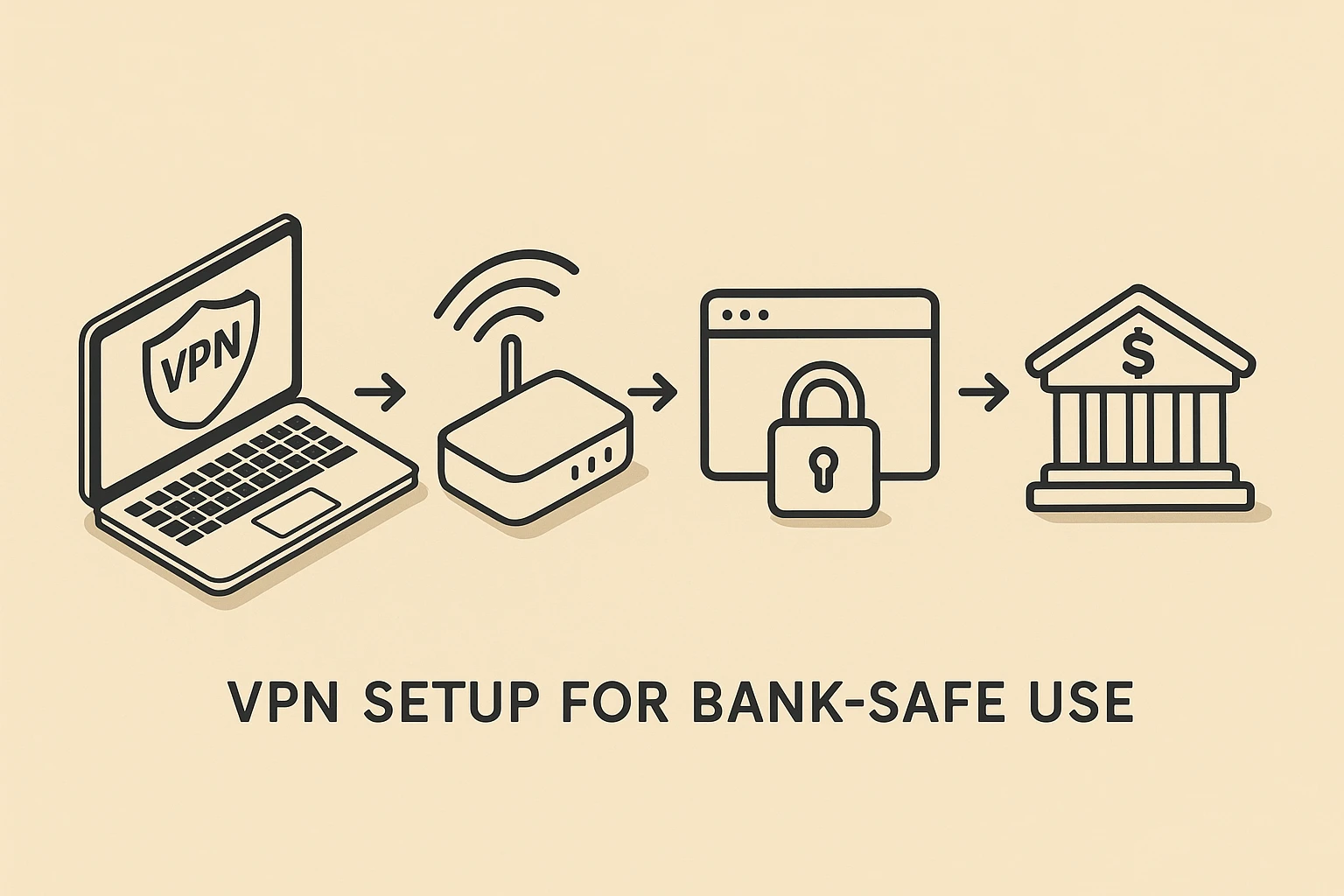
The secret weapon to fix this is a feature called “Split Tunneling.” Think of it as a VIP fast pass at an amusement park. Split Tunneling allows you to tell the VPN, “Keep everything protected, but let my bank’s app skip the cloak and connect normally.” Look for this feature in the settings menu of your VPN app so you can manage your money without triggering an international fraud alert.
Ready to take your Digital Cloak for a spin? When you install your chosen VPN, use this quick checklist to make sure it’s actually working.
Using a VPN can slightly reduce your internet speed because your connection is taking a detour through a secure tunnel. However, with a good quality VPN, the difference is usually so small you won’t even notice it. Just make sure to choose a server location close to your actual home for the best speeds.
Your home Wi-Fi is generally much safer than a coffee shop, assuming you have a password on your router. However, your internet service provider (the company you pay every month) can still see and record your browsing history. A VPN stops them from snooping, keeping your private business entirely yours.
As the old saying goes, “If you aren’t paying for the product, you are the product.” Free VPNs often pay for their servers by tracking your data and selling it to advertisers, which completely defeats the purpose of having a privacy tool! Stick to reputable, paid services—they usually only cost a few dollars a month.
Now that you understand what a VPN is, you can comfortably ignore all the flashy tech jargon and focus on what matters. Look for a service that is easy to use, supports your specific computer model, and offers the Split Tunneling feature to keep your bank happy.
Taking control of your digital privacy doesn’t have to be intimidating. By adding a VPN to your toolkit, you can enjoy your morning coffee and browse the web with absolute peace of mind. Now, if only we could invent a tool that stops the coffee shop from misspelling your name on the cup.