Newsletter Subscribe
Enter your email address below and subscribe to our newsletter

Enter your email address below and subscribe to our newsletter
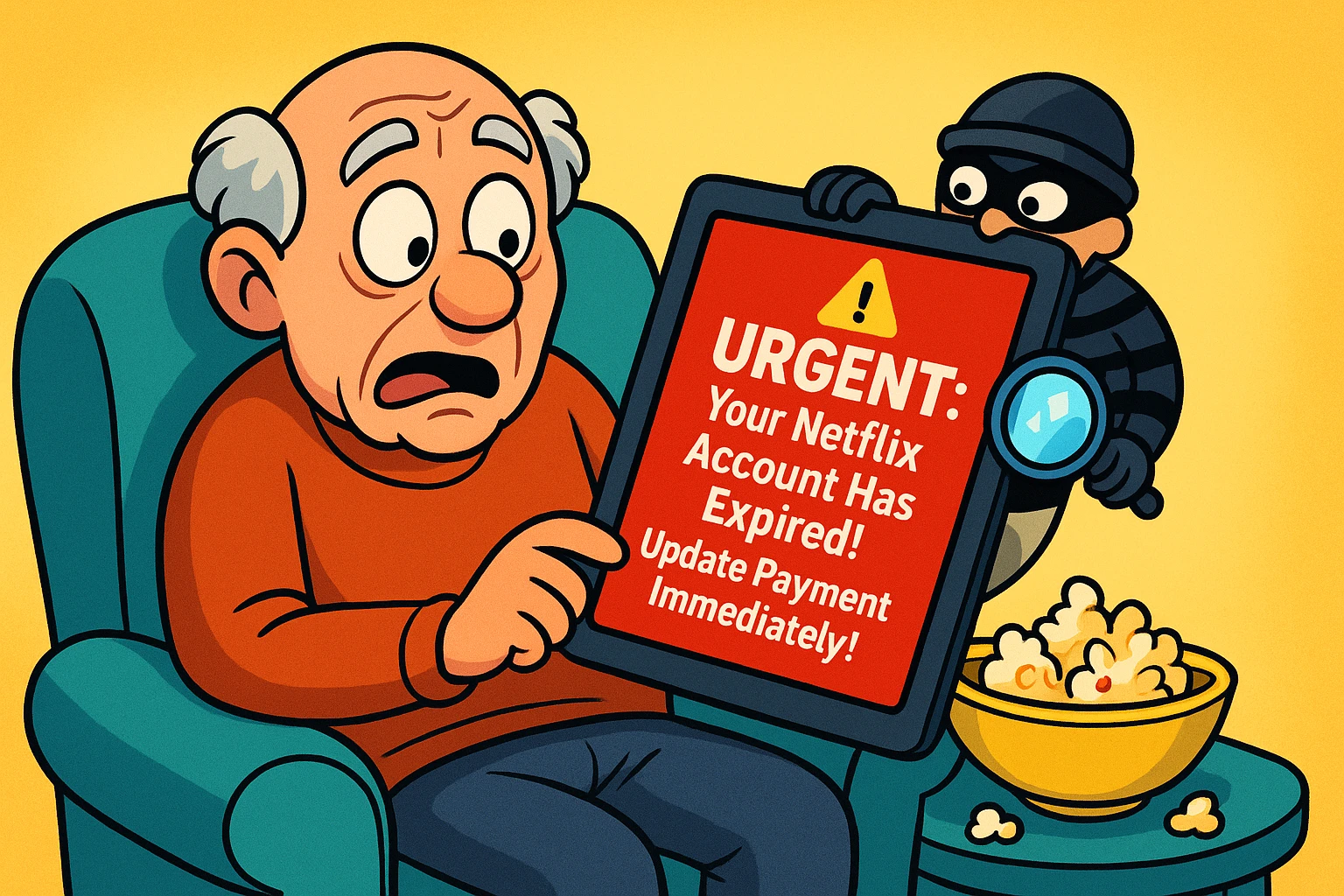
Picture this: It’s 7:00 PM. You’ve just microwaved a pristine bag of popcorn, settled into your favorite armchair, and mentally prepared to watch four consecutive episodes of a British baking competition. But before you can grab the remote, your tablet dings.
You glance down and see a terrifying email: “URGENT: Your Netflix Account Has Expired. Update Payment Immediately!”
Panic sets in. Did you forget to pay the bill? Has your credit card expired? Most importantly, how will you know if Paul Hollywood gave out a handshake in the finale? Your instinct is to immediately click the bright red “Update Payment” button to save your evening.
Take a deep breath and put down the popcorn. Your Netflix account is probably perfectly fine—but your personal data might not be.
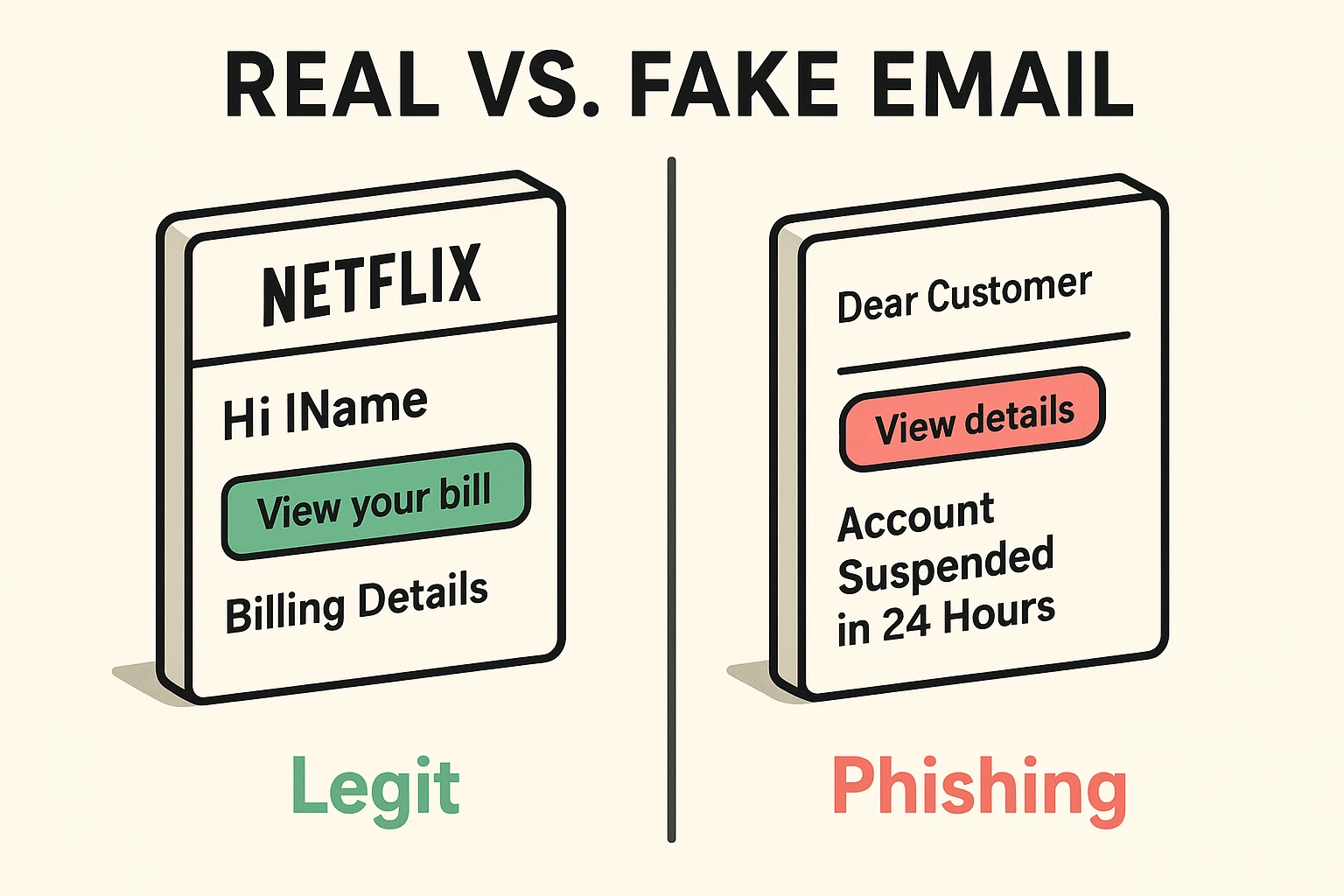
What you’ve likely just received is a “phishing” email. Think of phishing not as standard junk mail, but as a digital con artist wearing a very convincing Netflix disguise, trying to trick you into handing over your wallet.
According to the National Council on Aging, seniors lose billions annually to scams like these. In fact, the FBI recently reported a staggering 814% increase in phishing complaints among older adults. Scammers love targeting streaming services because they know how much we value our daily entertainment.
They use fear and urgency to short-circuit our common sense. But once you know their tricks, spotting a fake email is easier than spotting a bad toupee. Let’s put on our detective hats.
Scammers have gotten pretty good at copying logos, but they always leave behind clues. Here are the top three red flags to look for.
If Netflix is billing you, they know who you are. A real email will almost always use your actual name. Scammers, on the other hand, are sending this same email to thousands of people at once.
If the email starts with “Dear Customer,” “Hi Subscriber,” or just an awkward blank space where a name should be, you’re looking at a scam. It’s the digital equivalent of someone calling you “pal” because they forgot your name.
Scammers want you to act fast before you have time to think. They love phrases like “Account Suspended in 24 Hours!” or “Immediate Action Required.”
Real companies give you plenty of warning if a payment fails. They don’t threaten to digitally evict you by sundown. If an email makes your heart race, that is a deliberate tactic—and a massive red flag.
The entire goal of a phishing email is to get you to click a disguised link. That link will take you to a fake website that looks exactly like the Netflix login page.
If you type your password and credit card number into that fake site, the scammers instantly steal it. The good news? You can safely peek at where a link goes before you ever click it.
Back in the day, if you were using a computer mouse, you could just “hover” your pointer over a link to reveal the hidden website address. But how do you hover when you’re using a touchscreen iPad or smartphone? You can’t. Your finger doesn’t have a hover setting.
Instead, you use the “Press-and-Hold” technique. Gently press your finger down on the suspicious link and keep it there for a few seconds.
A little menu will pop up showing you exactly where that link wants to take you. If it says anything other than a clean, simple “netflix.com” (like “netflix-billing-update-xyz.com” or a string of random numbers), close the email immediately.
Here is the single greatest piece of safety advice you will ever read regarding emails: Never click the link.
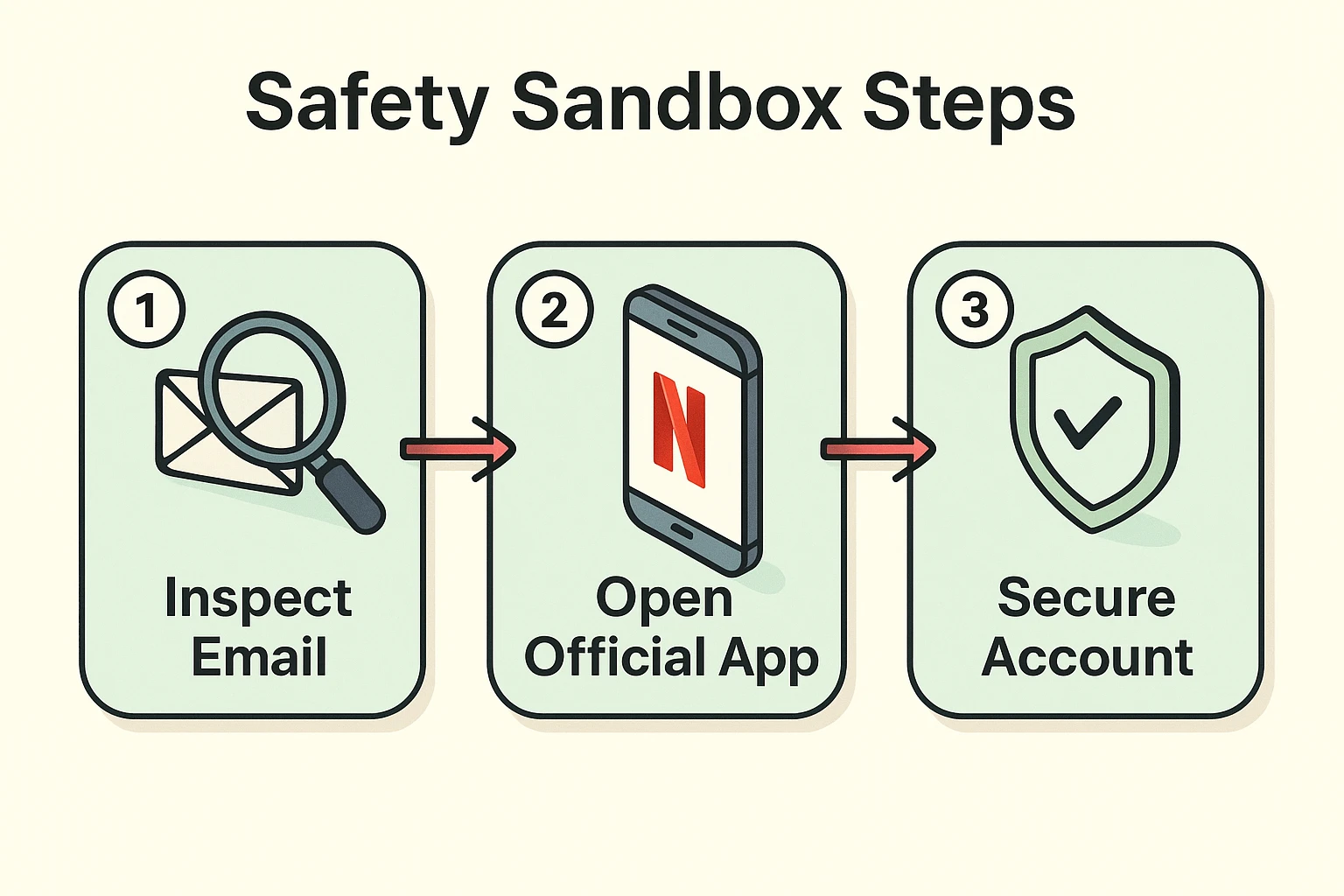
Even if you think an email might be real, don’t use the buttons provided in the message. Instead, take the “independent verification” route. Simply close your email, open your web browser, and manually type in the website address yourself.
Alternatively, grab your smart TV remote or open the official Netflix app on your tablet. If there is genuinely an issue with your payment, the official app will display a large, unmissable warning right on your screen. You can also manually check their website to safely log into your account without relying on a suspicious email link.
So, what happens if you read this article a day too late and you already clicked the link? Don’t panic, and don’t feel embarrassed. These scams are designed by professionals to trick smart people.
First, if you entered your password on a fake site, immediately go to the real Netflix site and change your password. If you use that same password for other accounts (like your email or bank), change those too!
Second, if you typed in your credit card number, call the phone number on the back of your card right away. Tell the bank you suspect fraud, and they will cancel the card and issue a new one.
Yes! Netflix does send real emails about new shows, account logins, and occasionally, payment failures. That’s why these scams are so effective. The key is to never click the links in those emails. Always verify by logging into your account directly.
Absolutely. Copying and pasting a company’s logo takes a scammer about three seconds. A professional-looking logo is never proof that an email is legitimate.
Yes, that specific address is on the “Legit List” of official Netflix sender domains. However, scammers can sometimes “spoof” (forge) the sender address to make it look real at first glance. This is why you might also want to try a bitdefender scam detector to help you automatically scan questionable messages for hidden threats.
If you spot a scam, you can actually help take the bad guys down! Forward the phony email to phishing@netflix.com, and their security team will investigate it. Once you’ve forwarded it, delete the email from your inbox and go back to enjoying your baking shows in peace.