Newsletter Subscribe
Enter your email address below and subscribe to our newsletter

Enter your email address below and subscribe to our newsletter
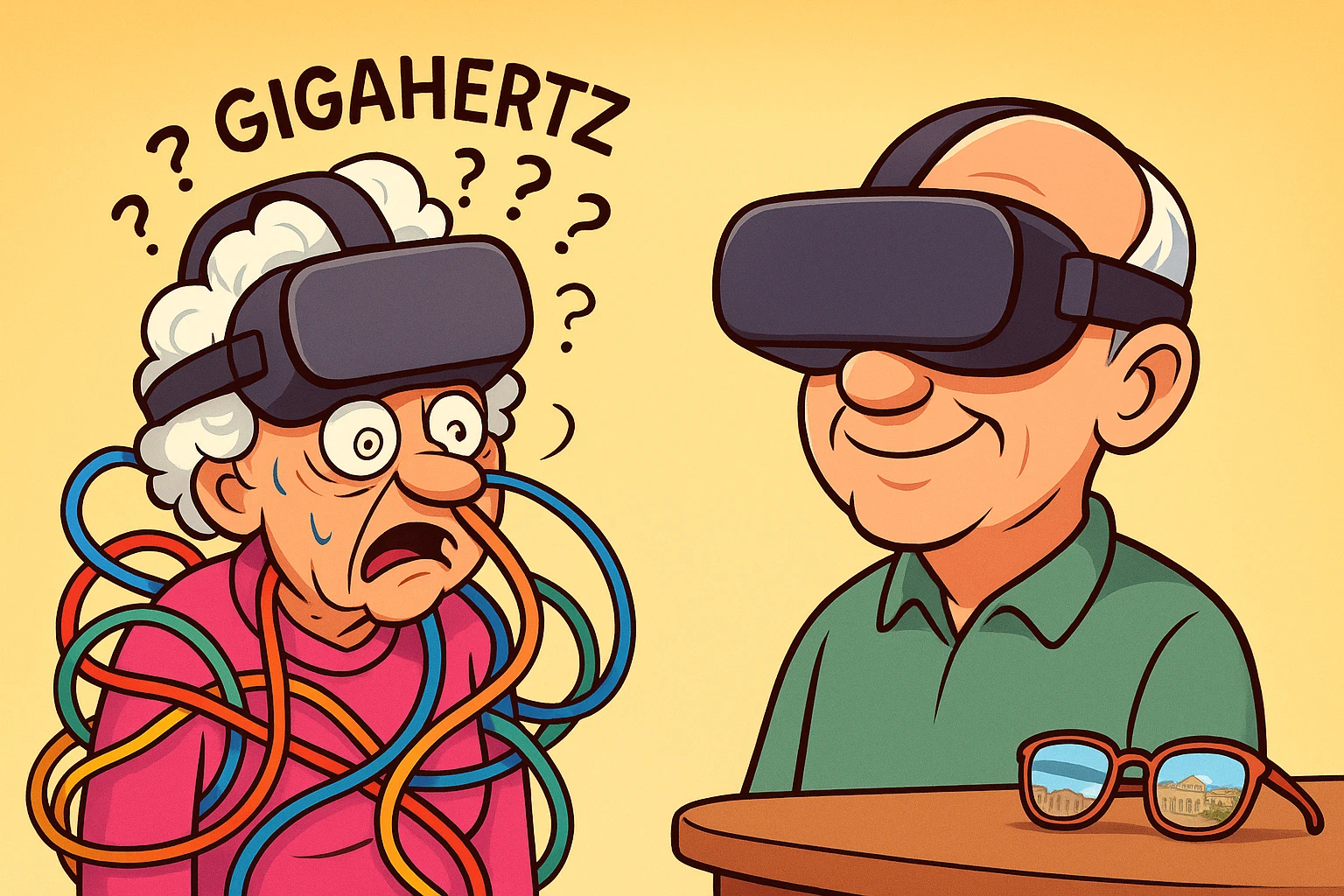
Have you ever wanted to stroll the cobblestone streets of Rome without the jet lag, lost luggage, or the very real risk of someone offering you an overpriced keychain? Virtual reality (VR) promises exactly that. But if you’ve ever tried to buy one of these futuristic gadgets, you’ve probably felt like you accidentally walked into a meeting of NASA engineers speaking entirely in acronyms.
You ask a teenager at an electronics store if a headset is good for viewing family photos, and suddenly they are yelling at you about “gigahertz,” “latency,” and “refresh rates.” You could have learned to actually fly a plane in the time it takes to decipher what any of that means.
If this sounds familiar, you are not alone. For many older adults, the biggest hurdle to enjoying VR isn’t the technology itself—it’s figuring out which plastic box to strap to your face without getting a headache or tripping over the coffee table. The good news is that you don’t need a degree in computer science to figure this out.
We are going to skip the gamer jargon and focus entirely on what matters for you: comfort, safety, and ease of use. By the time we’re done, you’ll know exactly how to pick a VR headset that feels less like a medieval torture device and more like a first-class ticket to anywhere in the world.
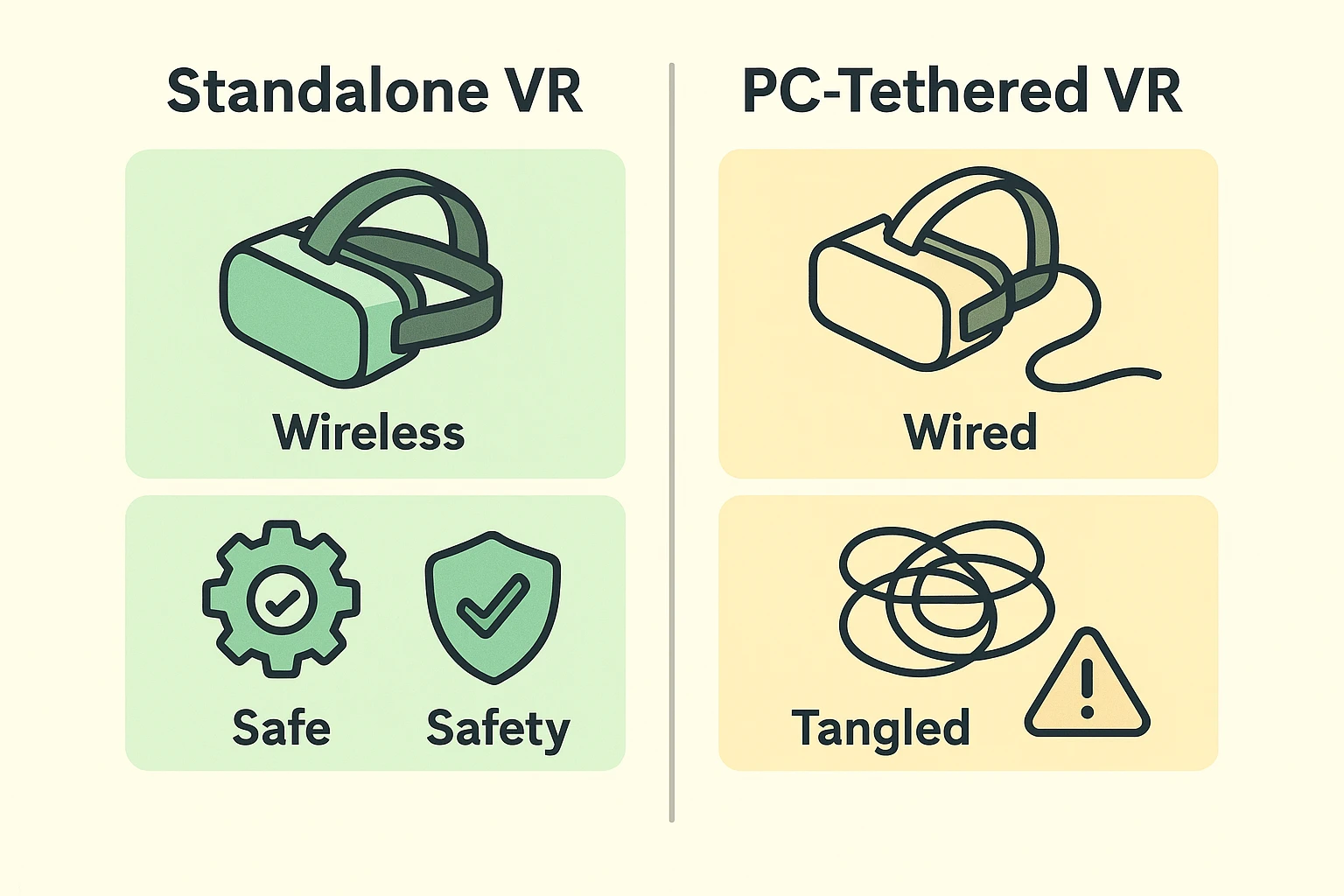
When you start shopping for VR, you will immediately encounter two distinct tribes: “Standalone” and “PC-Tethered.” Let’s translate this into plain English.
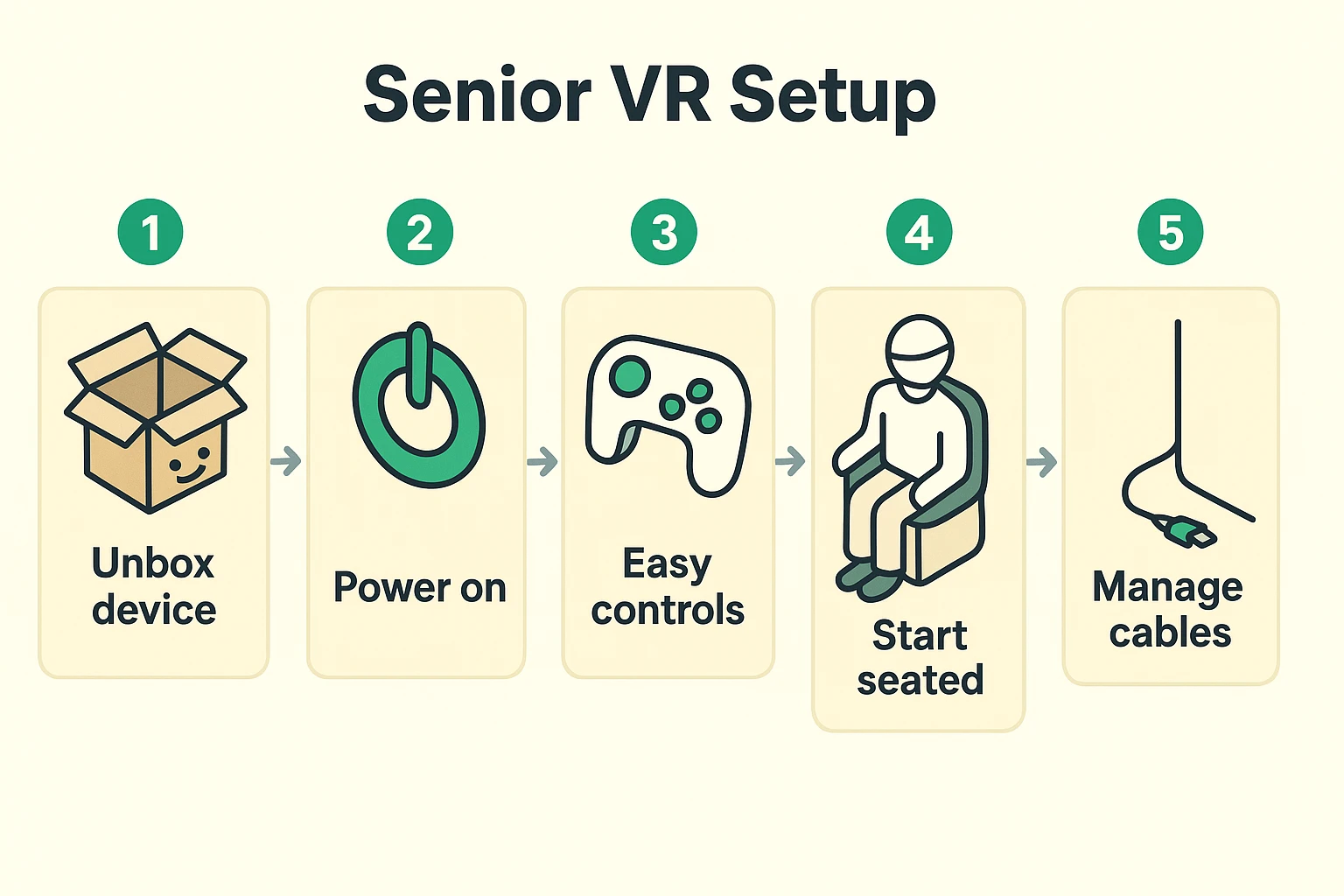
A “PC-Tethered” headset requires you to plug a thick, heavy cable into a highly powerful, expensive computer. While this might make the graphics look slightly sharper for someone playing a fast-paced zombie game, it also introduces a massive, undeniable flaw: the wire. A wire trailing behind your legs while you cannot see your own living room floor is basically a high-tech tripwire waiting to send you tumbling into a floor lamp.
A “Standalone” headset, on the other hand, is completely wire-free. Everything the device needs to run—the screen, the battery, the computer chips—is built right into the goggles. You just put it on, and it works.
For seniors, this is a no-brainer. Always choose a standalone headset. No wires equals no falling, and no falling means you get to actually enjoy your virtual trip to the Grand Canyon instead of a very real trip to the emergency room.
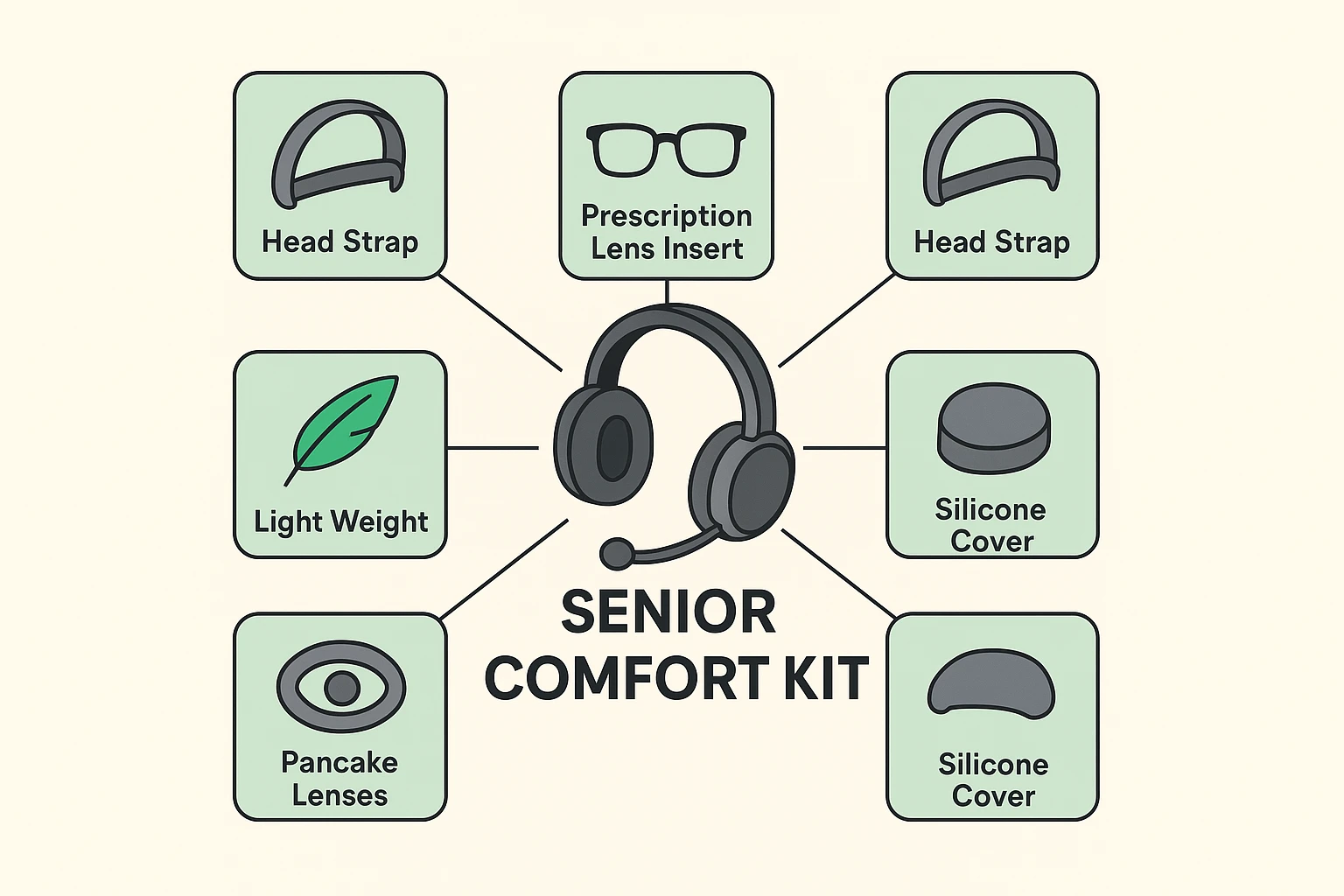
Headsets can be heavy, and if they don’t sit right, they will squish your nose and make your neck ache. When comparing modern standalone headsets, you’ll want to pay close attention to something the industry calls “Pancake Lenses.”
I know it sounds like a delicious breakfast option, but pancake lenses are actually a specific type of glass inside the headset. Older headsets (like the Meta Quest 2 or the newer budget-friendly Meta Quest 3S) use older lenses that have a very small “sweet spot.” If the headset isn’t perfectly positioned on your face down to the millimeter, the screen looks blurry. For older hands that might tremble, constantly adjusting a headset is maddening.
Newer headsets with pancake lenses (like the Meta Quest 3) offer a massive sweet spot. You can just throw the headset on like a baseball cap, and everything looks crisp and clear right away. When shopping, the slightly higher price for a headset with pancake lenses is absolutely worth it for your eyes and your sanity.
Let’s address the elephant in the room: wearing glasses inside a VR headset is a miserable experience. You have to awkwardly jam the goggles over your frames, and if you move too fast, your glasses will rub against the VR lenses. This can permanently scratch both your glasses and your expensive new headset.
Thankfully, there is a brilliant, inexpensive fix. You can buy custom prescription lens inserts for about $50 from companies like Zenni or VR Wave. These small plastic rings snap directly over the lenses inside the VR headset.
With inserts, you just take your glasses off, put the headset on, and everything is miraculously in focus. It is the single best accessory a senior can buy, transforming a frustrating, uncomfortable experience into pure magic.
One of the most intimidating things about older VR headsets was the feeling of being blindfolded. You couldn’t see if your dog walked into the room, and taking a sip of coffee felt like playing a dangerous game of roulette with a hot beverage.
Today’s best headsets feature something called “Passthrough,” though we like to call it the “Safety View.” Using cameras on the outside of the headset, you can double-tap the side of your device, and suddenly the virtual world fades away, replaced by a live video feed of your actual living room.
This means you can easily grab your water glass, answer your phone, or talk to your spouse without having to take the headset off and put it back on. It reduces anxiety immensely because you always know your physical environment is just a double-tap away.
The first twenty minutes with a new VR headset can be a hurdle. You have to connect to Wi-Fi, create an account, and navigate digital menus. If you have a tech-savvy grandchild, this is the perfect time to invite them over for coffee and let them do the heavy lifting.
It’s also important to remember that time can slip away when you’re immersed in a new digital world. Before you put the headset on for the first time, make sure your real-world routines are squared away. If you rely on a medication reminder to manage your daily health, keep your phone nearby and use that “Safety View” to check it when it chimes!
When you are finally ready to dive in, make sure you start while sitting down in a sturdy chair or recliner. Your brain is about to be tricked into thinking you are somewhere else, and it’s very common to lose your balance your first few times. Once you are seated safely, you can begin exploring virtual travel experiences, returning to childhood neighborhoods, or enjoying immersive nature documentaries.
It can, but you can prevent it. Motion sickness in VR happens when your eyes see movement but your inner ear feels perfectly still. The trick is to start slow. Begin with seated, stationary experiences (like watching a virtual concert) rather than games that have you “walking” around. Keep your first sessions to just 10-15 minutes to let your brain adjust.
Not anymore! Meta finally realized that forcing people to link their social media profiles to a piece of hardware was a terrible idea. You now just need a standard “Meta Account” using an email address, which keeps your private social media life entirely separate from your headset.
IPD stands for Interpupillary Distance—which is a needlessly fancy medical way of saying “the distance between your pupils.” Everyone’s eyes are set slightly differently. Most headsets have a little dial to move the lenses closer together or further apart so they match your specific eyes perfectly.
Yes, but if you both wear glasses with different prescriptions, you’ll either need to swap out the prescription lens inserts (which usually snap in and out magnetically) or both resort to wearing your glasses inside the headset.
Getting into VR doesn’t have to be intimidating. By prioritizing a standalone headset with pancake lenses, investing in prescription inserts, and remembering to play safely from your favorite recliner, you can bypass all the usual frustrations.
Your next step is to look at the available models—like the Meta Quest 3—and decide if the investment makes sense for your entertainment budget. Don’t be afraid to ask a family member to help you print out this guide so you can reference the comfort checklist when you’re ready to buy!