Newsletter Subscribe
Enter your email address below and subscribe to our newsletter

Have you ever tried making a new friend as an adult? Back in the day, it usually involved wearing a sticky paper nametag in a drafty community center, sipping coffee that tasted vaguely of pennies, and hoping someone would strike up a conversation about the weather. It was awkward, a little exhausting, and frankly, required putting on real pants.
Fast forward to today, and the tech whizzes in Silicon Valley are telling us we should just strap a plastic box to our faces and go to the “Metaverse.” If you’re like most rational people, the word Metaverse probably sounds like a sci-fi villain’s secret lair. You might be picturing a confusing digital wasteland filled entirely with hyperactive teenagers screaming at each other in languages you don’t understand.
But before you dismiss virtual reality as just a noisy video game for your grandkids, hear me out. The Metaverse is quietly becoming one of the most vibrant, welcoming, and accessible places for seniors to socialize. Research actually shows that just 20 minutes of positive virtual interaction can significantly boost your mood and combat the isolation that often creeps up when mobility or distance keeps us homebound.
We’re going to cut through the jargon, skip the confusing tech-speak, and look at exactly how you can use Social VR to meet wonderful people, join clubs, and even travel the world—all from the comfort of your favorite armchair.
Let’s get one thing straight right out of the gate: “The Metaverse” isn’t a single, magical place. Think of it exactly like the internet. When you use the internet, you use a device (like a laptop) to visit different websites (like Amazon or YouTube).
Virtual Reality (VR) works the exact same way. You use a piece of hardware—typically a headset like the Meta Quest 2 or Quest 3—to visit different digital “apps.” Instead of looking at a flat screen, though, you feel like you’ve physically stepped inside the screen.
The magic happens when you realize you aren’t in there alone. Other people, wearing their own headsets in their own living rooms across the globe, are in there with you. You can hear their voices, see their hand gestures, and have perfectly normal conversations, just like you were sitting on the same park bench.
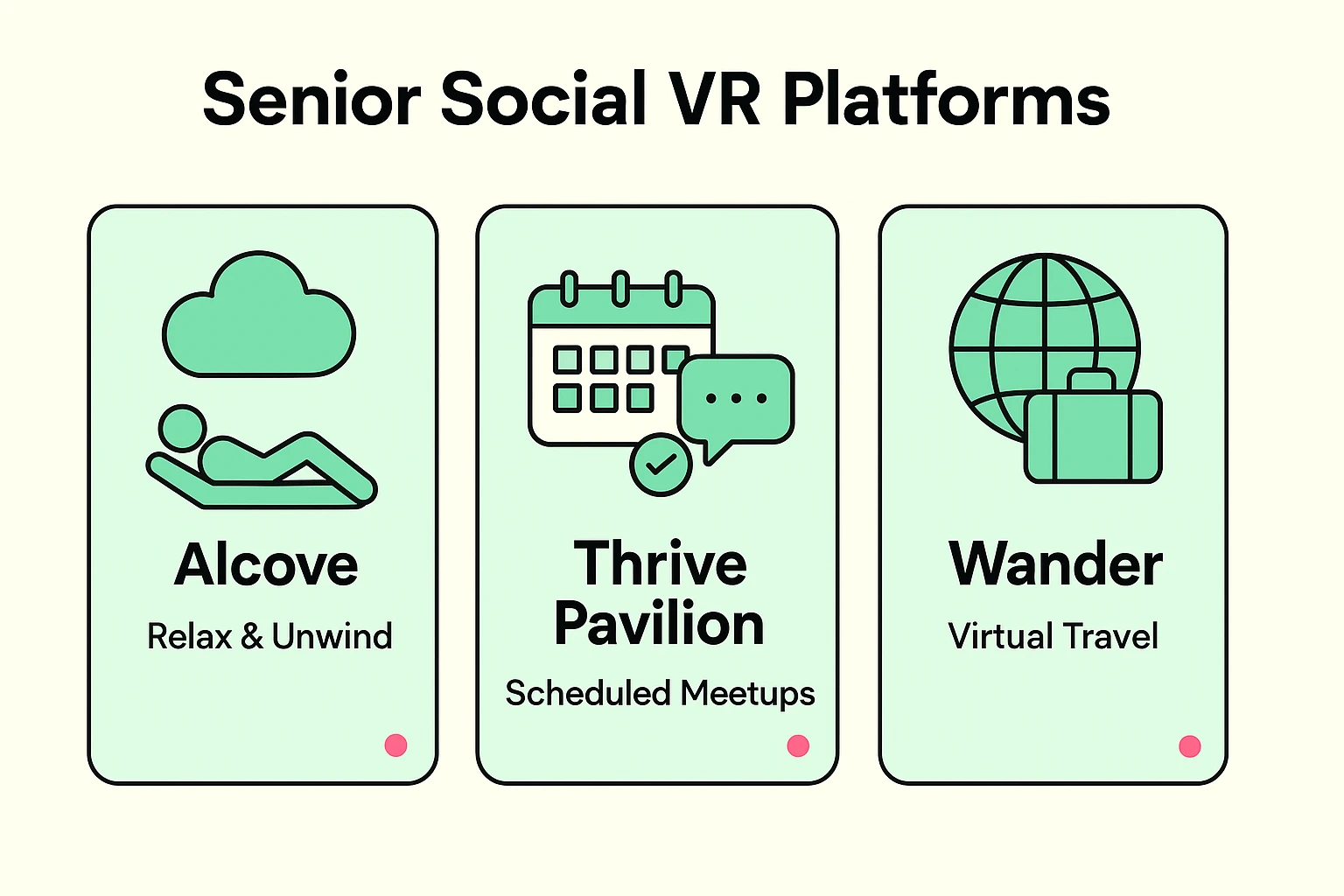
The biggest hurdle for seniors in VR isn’t the technology; it’s the “Utility Gap.” You might know how to turn the headset on, but where on earth do you actually go to find people your own age? You don’t want to end up in a virtual laser tag arena by mistake. Here are the three best starting points:
If you only visit one place, make it Thrive Pavilion. This operates inside an app called Horizon Worlds, and it is the gold standard for senior socializing. It is entirely member-driven and explicitly designed for adults 50 and over.
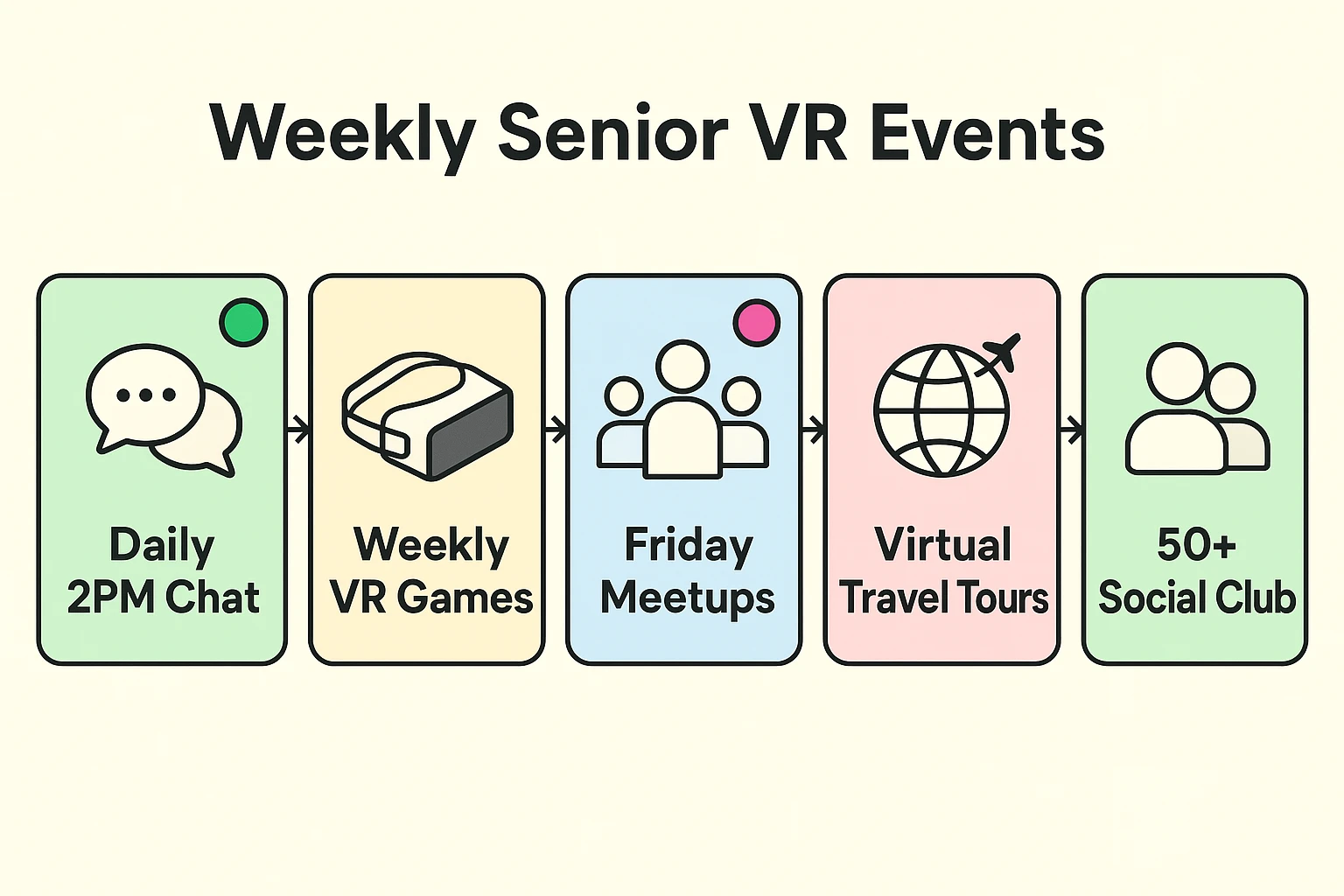
What makes Thrive Pavilion special is its structure. Unlike other apps where you just wander around aimlessly, Thrive has a master calendar. They host scheduled, expert-led meetups every single day from 11 AM to 8 PM. Whether you want to join a book club, a trivia night, or just a 2 PM afternoon coffee chat, you show up at the scheduled time and guarantee you’ll be surrounded by friendly peers.
If the idea of talking to strangers right away gives you hives, start with Alcove. Backed by AARP, this app focuses heavily on cognitive health, relaxation, and safe digital travel.
It feels like stepping into a beautiful, cozy digital home. You can invite your real-life family members to join you here to play a quiet game of checkers or watch a documentary together on a giant virtual screen. It’s the perfect, low-pressure way to get your “VR sea legs.”
Remember the days of pulling out massive slide projectors to show off vacation photos? Wander is the modern, mind-blowing upgrade. It uses Google Street View data to let you virtually stand anywhere on Earth.
The social aspect here is incredible. You can join group tours led by other users. Imagine standing at the base of the Eiffel Tower or walking down your childhood street, chatting in real-time with five other seniors who are sharing their own memories of the area.
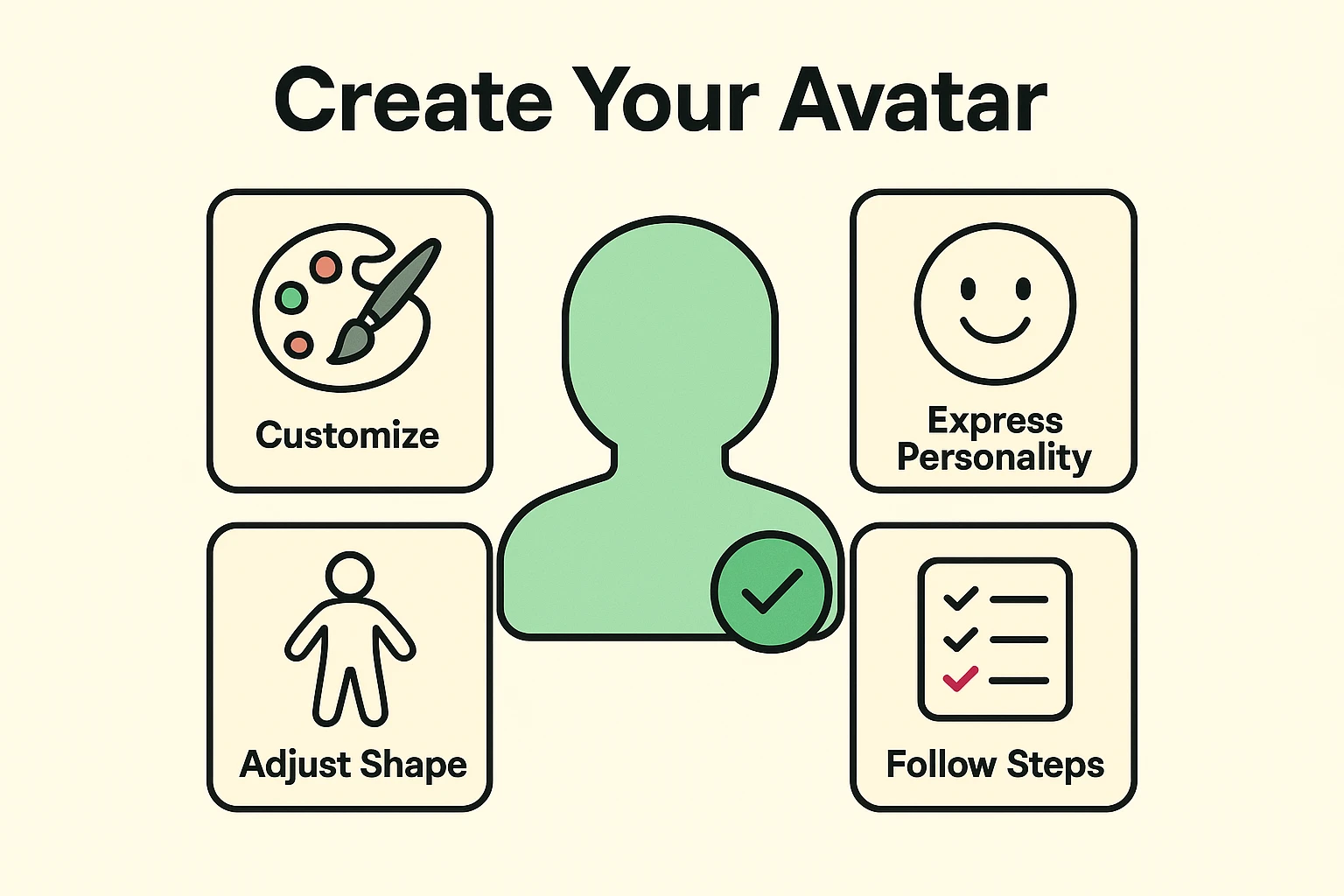
Before you can join the fun, you have to create your “Avatar.” This is your digital representation—the character that other people will see when they talk to you. For many seniors, this step feels intimidating.
Here is the secret: Your avatar does not have to be a photorealistic copy of you. In fact, it shouldn’t be! Think of your avatar as a reflection of your personality, not just your driver’s license photo.
Always wanted bright purple hair but didn’t want to ruin your pillowcases? Give your avatar purple hair. Want to wear a tuxedo to a virtual Tuesday morning coffee chat? Go for it. Creating an avatar is your first chance to have a little fun and set the tone for your new virtual social life.
We promise to never blindly cheerlead for Big Tech, which means we need to talk about the physical and digital realities of strapping a computer to your face.
First, let’s talk about your stomach. As we age, our inner-ear sensitivity increases, meaning VR can sometimes cause motion sickness. The trick is to check your “VR Comfort Settings.” Always choose the “Teleport” movement option rather than “Continuous Walking.” Teleporting lets you point and instantly jump to a new spot, which keeps your brain from getting confused and your stomach perfectly settled.
Second, let’s talk about digital safety. Just like the real world, the Metaverse has its share of annoying people—often referred to as “griefers.” Fortunately, dealing with a jerk in VR is much easier than in real life. You have a magical “Mute” and “Block” button on your wrist menu. Furthermore, most social apps have a “Personal Space Bubble” setting. If you turn this on, anyone who tries to get too close to you simply disappears from your view.
Absolutely. While you should always clear any new activity with your doctor if you have balance issues, VR headsets are generally very safe when used seated. The key is to start in short, 15-minute bursts to let your eyes and brain adjust, and to utilize the comfort settings mentioned above.
Nope! This is the best part about modern VR. Headsets like the Meta Quest 2 and Quest 3 are “standalone.” The computer is built right into the headset itself. All you need is the headset and a standard home Wi-Fi connection.
While the headset itself is an upfront hardware cost, the vast majority of social apps—including Horizon Worlds (home of Thrive Pavilion) and Alcove—are completely free to download and use.
The great thing about senior-specific communities like Thrive Pavilion is that they are built by folks who understand the learning curve. When you first arrive, you can usually spot a greeter or a guide whose sole job is to help newcomers figure out their menus and microphones.
Taking the plunge into virtual reality might feel a bit like learning to ride a bicycle again, but the social payoff is immense. You aren’t just buying a gadget; you are unlocking a door to a global community center that is open 24/7, immune to bad weather, and filled with folks just like you who are eager to connect.
If you already have a headset or are planning to get one, your mission this week is simple: Download the Horizon Worlds app, search for Thrive Pavilion, and pop into a scheduled event. You don’t even have to talk the first time. Just sit in a virtual chair, listen to the chatter, and marvel at the fact that you’re making new friends without ever having to put on your shoes.