Newsletter Subscribe
Enter your email address below and subscribe to our newsletter

Have you ever looked at your bank statement and squinted, convinced there must be a typo? There’s a mysterious $9.99 charge from a company called “StreamyFlix” and a $4.99 deduction from “GameFunGo.” You have a vague memory of signing up for a free trial to watch that one show about the British baker who was also a spy, but you certainly don’t remember agreeing to a lifelong financial commitment.
If this sounds familiar, you’ve been visited by the Subscription Gremlins. These sneaky little critters thrive on the “set it and forget it” nature of modern services. They quietly nibble away at your bank account, one small, seemingly harmless charge at a time. Before you know it, you’re paying for three music services, a cloud storage account you don’t use, and an app that promises to identify birds by their chirps (which seemed like a great idea last spring).
You are not alone in this. These small, recurring charges are designed to be forgotten. But today, we’re handing you a magnifying glass and a detective’s hat. It’s time to track down these silent spenders and take back control of your budget.
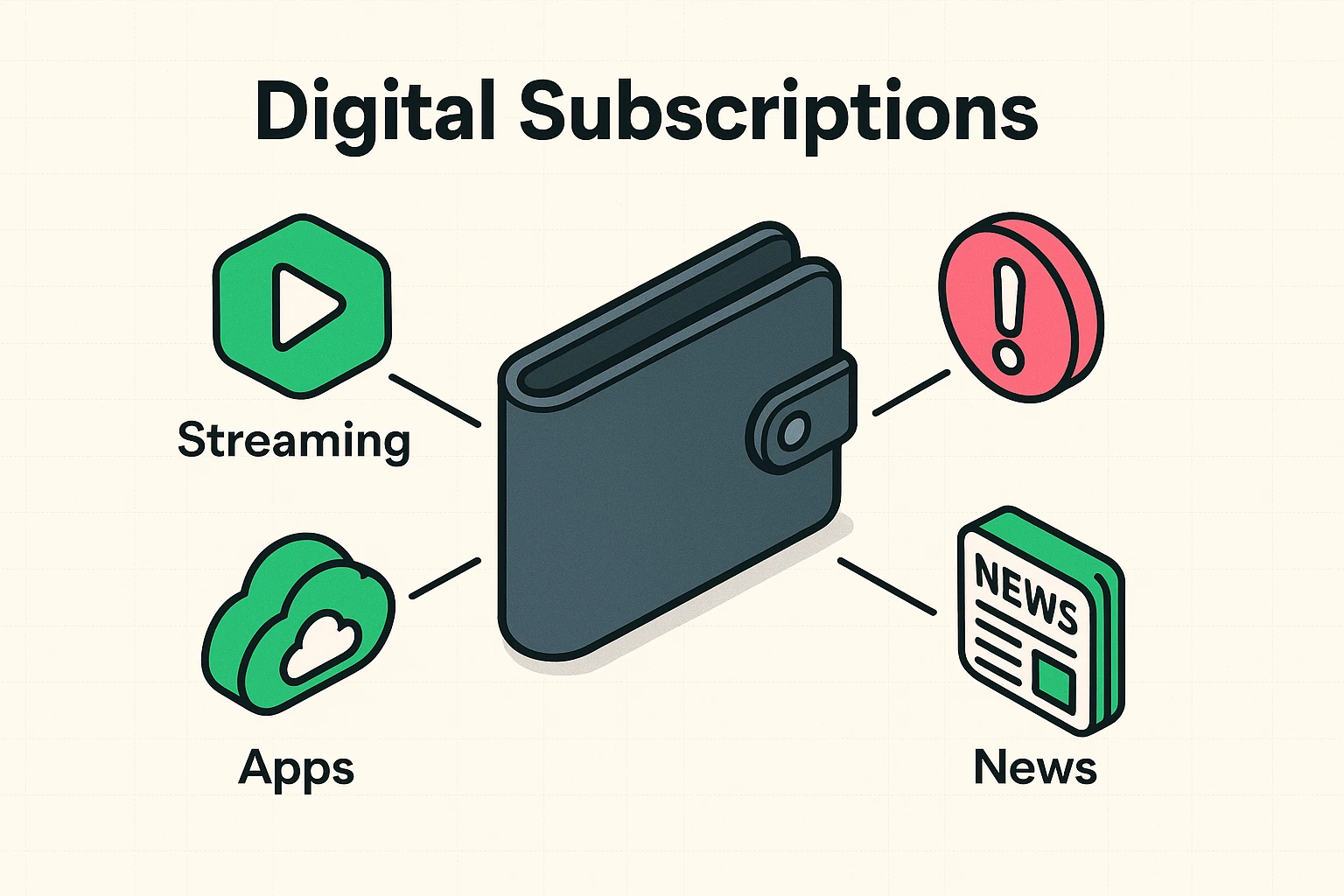
Think of digital subscriptions like the magazine subscriptions of yesteryear. You paid a fee, and a new issue of Good Housekeeping or National Geographic would magically appear in your mailbox every month. Digital subscriptions are the same idea, but for things on your computer, phone, or TV.
This includes:
The trick is that unlike a pile of unread magazines staring at you from the coffee table, digital subscriptions are invisible. They don’t create physical clutter, so they quietly drain your funds without the guilt-inducing visual reminder. Taming them isn’t just about saving money; it’s about the satisfying feeling of digitally decluttering your life and ensuring your money is going where you want it to.
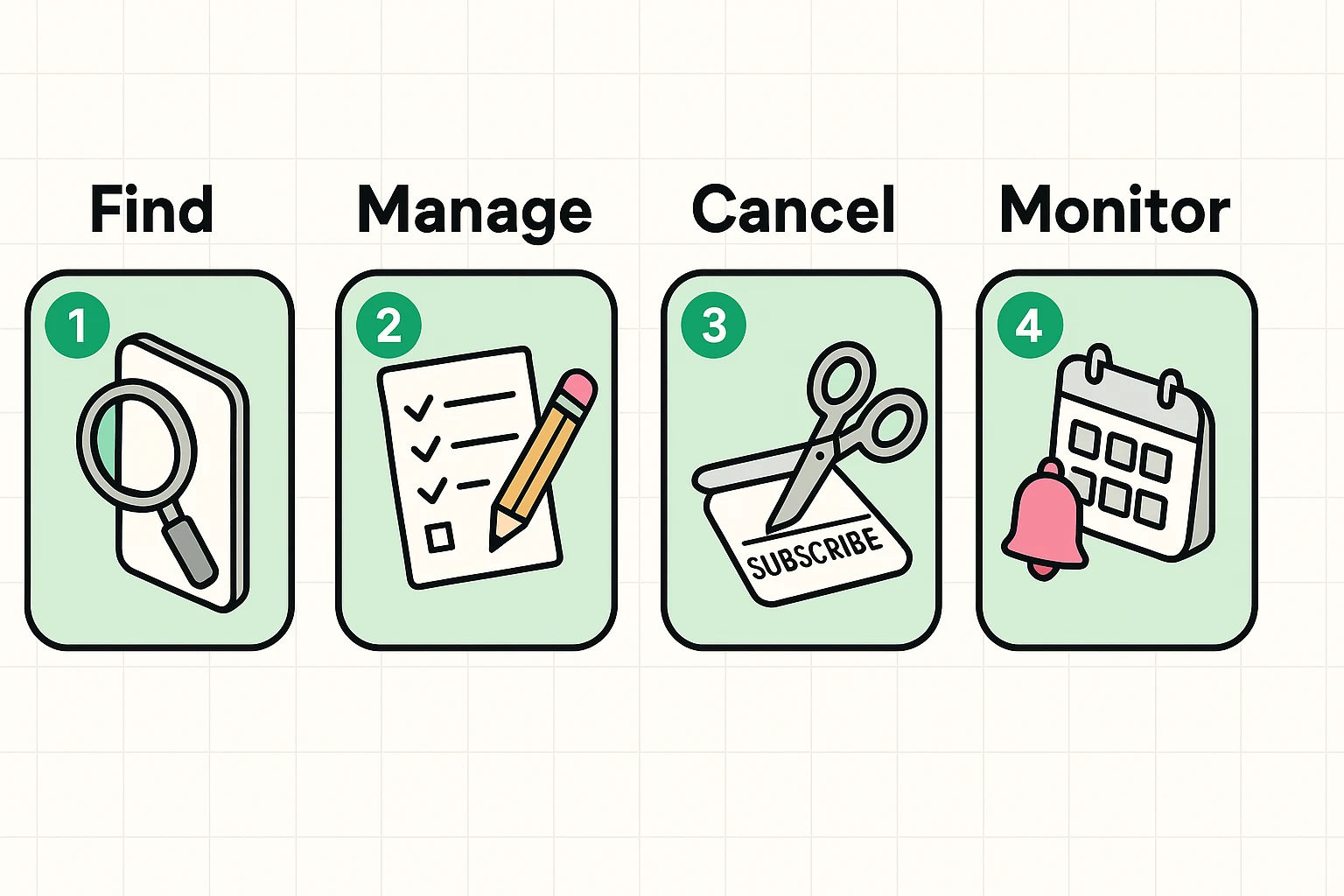
Finding all your subscriptions can feel like a game of whack-a-mole. Just when you think you’ve found them all, another one pops up. Luckily, there are several ways to approach this, from a good old-fashioned pen-and-paper investigation to letting a high-tech app do the heavy lifting.
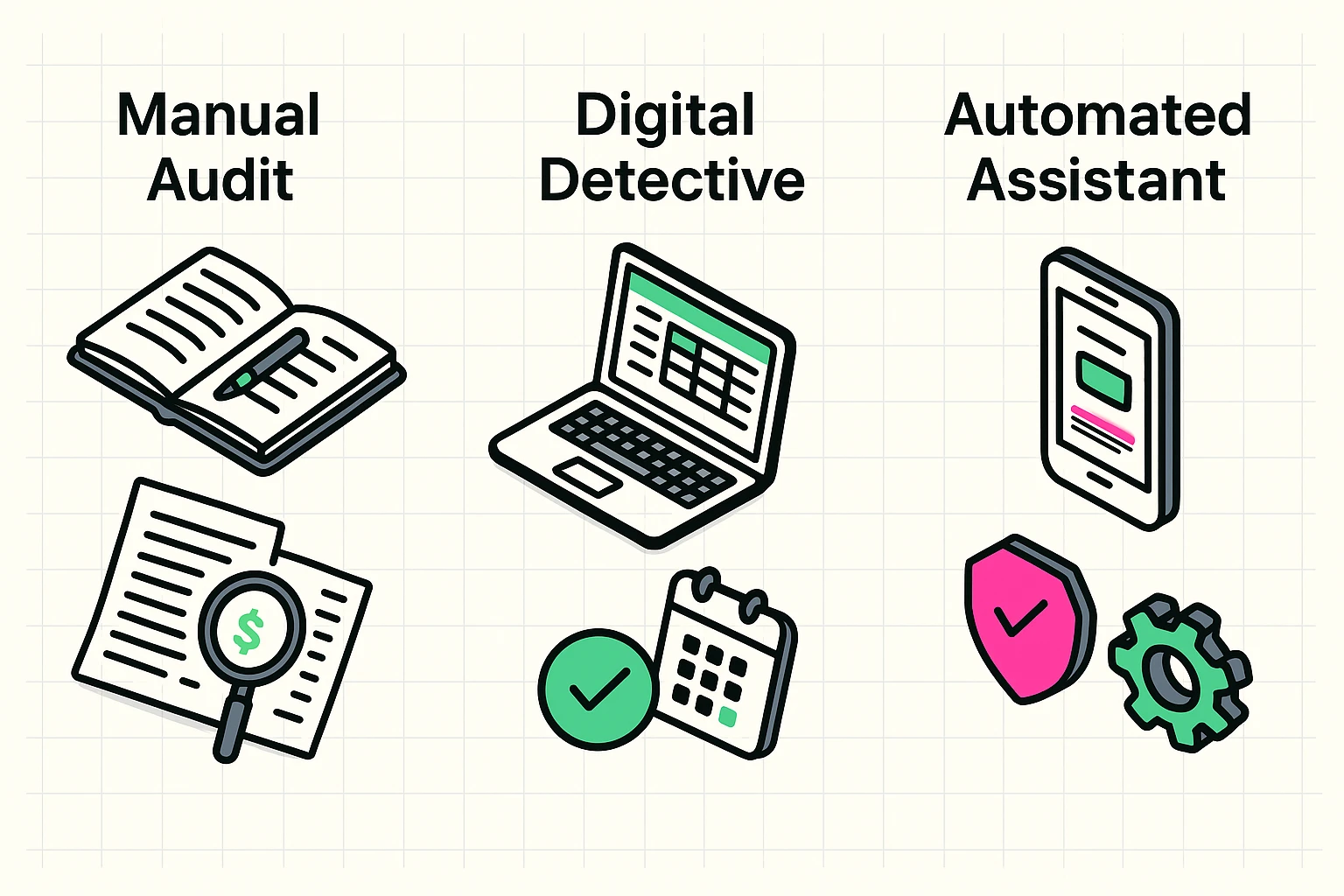
This is the most private and foolproof method. It requires no new technology, just a bit of patience and a comfortable chair. Think of yourself as a financial archaeologist, uncovering the mysteries of your own spending.
This method gives you total control and ensures none of your financial information is shared with a third-party app.
If you’re comfortable using a computer but wary of connecting your bank account to an app, this is a great middle ground. It’s like the paper method, but with the organizing power of a digital tool.
You’ll still need to review your bank statements to find the subscriptions. But instead of a notebook, open a simple spreadsheet program (like Microsoft Excel, Google Sheets, or Apple Numbers). Create the same columns: Service Name, Cost, and Renewal Date.
The real magic here is using your digital calendar. For every subscription you decide to keep, create an event on your calendar for two days before it’s set to renew. Set a reminder for that event. This way, you’ll get a little nudge every month or year, giving you a chance to re-evaluate if you still need it. No more renewal surprises!
For those who want the quickest solution, there are apps designed specifically to be your subscription bloodhound. Services like Rocket Money or Trim scan your accounts and present you with a neat list of all your recurring payments.
A Quick Word on Safety: This is where we need to be cautious. For these apps to work, you must give them permission to access your bank or credit card transaction data. It’s a bit like giving a trusted accountant access to your books—they can’t do their job without it, but you need to trust them. Reputable apps use bank-level encryption and security to protect your data, but the concern is valid.
Before you sign up, ask yourself:
These apps are incredibly convenient, but always prioritize your comfort level with privacy.
Identifying your subscriptions is half the battle. The other half is canceling the ones you no longer want. This can sometimes feel like trying to escape a corn maze, as some companies don’t make it easy.
It’s important to understand the difference between tracking and managing. Some apps will simply show you the subscriptions; you still have to go cancel them yourself. The safest bet is always to cancel directly with the source.
Many app subscriptions are managed right through your device’s app store.
Settings, tap your name at the top, then tap Subscriptions. You’ll see a list of all active subscriptions billed through Apple. You can cancel with one tap.Google Play Store app, tap your profile icon in the top right, then tap Payments & subscriptions, and finally Subscriptions.Many of the big ones, like Netflix, Amazon Prime, or your online newspaper, were likely signed up for on their websites. To cancel these, you’ll need to log into your account on their website. Look for a section called “Account,” “Billing,” “Membership,” or “Manage Subscription.” This is also where skills in ensuring you’re getting a good deal and shopping securely online come in handy, as managing accounts is a key part of digital safety.
If you hit a wall and can’t find the cancellation button, a quick internet search for “How to cancel [Service Name]” will usually give you the exact steps.
The most thorough way is the manual audit. Go through 3-6 months of your bank and credit card statements with a fine-tooth comb. This ensures you catch everything, including annual renewals that an app might miss if it only looks at the last 30 days.
They can be! The pros: They are fast, convenient, and excellent at finding subscriptions you completely forgot about. The cons: You have to be comfortable linking your financial accounts, and some apps have premium features that cost money. It’s a trade-off between convenience and privacy.
Most tracking apps will find your subscriptions for free. Some offer a cancellation service as a paid feature. However, it’s generally safer and more reliable to cancel them yourself directly through the app store or the company’s website. This way, you know it’s done right.
Some companies, particularly those for services like gym memberships or certain online services, are notorious for making you call and speak to a “customer retention specialist” whose entire job is to talk you out of leaving. Be polite but firm. A simple “I am no longer using the service and would like to cancel my account” repeated as necessary usually does the trick.
Wrangling your digital subscriptions is more than a financial chore. It’s an act of taking control in a digital world that often feels like it’s running on autopilot. Each canceled service you didn’t need is a small victory, a little bit of your hard-earned money and mental space reclaimed.
So go ahead, put on your detective hat and start the hunt. You might be surprised by how much you save and how good it feels to know exactly where your money is going.