Newsletter Subscribe
Enter your email address below and subscribe to our newsletter


Have you ever tried to buy a new laptop? You walk into a store, or more likely, wade into the digital jungle of an online retailer, and you’re immediately ambushed by a salesman speaking a language that sounds vaguely like English but makes absolutely no sense.
“This one’s a beaut,” he says, his eyes gleaming. “It’s got 16 gigabytes of DDR5 RAM, a one-terabyte NVMe solid-state drive, and an 8-core processor that turbos up to 5 gigahertz!”
You nod wisely, trying to look like you understand. In your head, you’re thinking, “He could have just told me it comes with a cup holder and a free air freshener, and I would have been equally informed.” You’re not looking to pilot a spaceship to Jupiter; you just want to check your email, see what the grandkids are up to on Facebook, and maybe watch a video of a cat playing a tiny piano without the whole thing freezing.
If this sounds familiar, take a deep breath. You are not alone. Understanding computer guts can feel like trying to assemble a lawnmower from a manual written in Swedish. But here’s the secret: it’s not that complicated. You just need the right translator. Today, we’re going to turn that techno-babble into plain English.
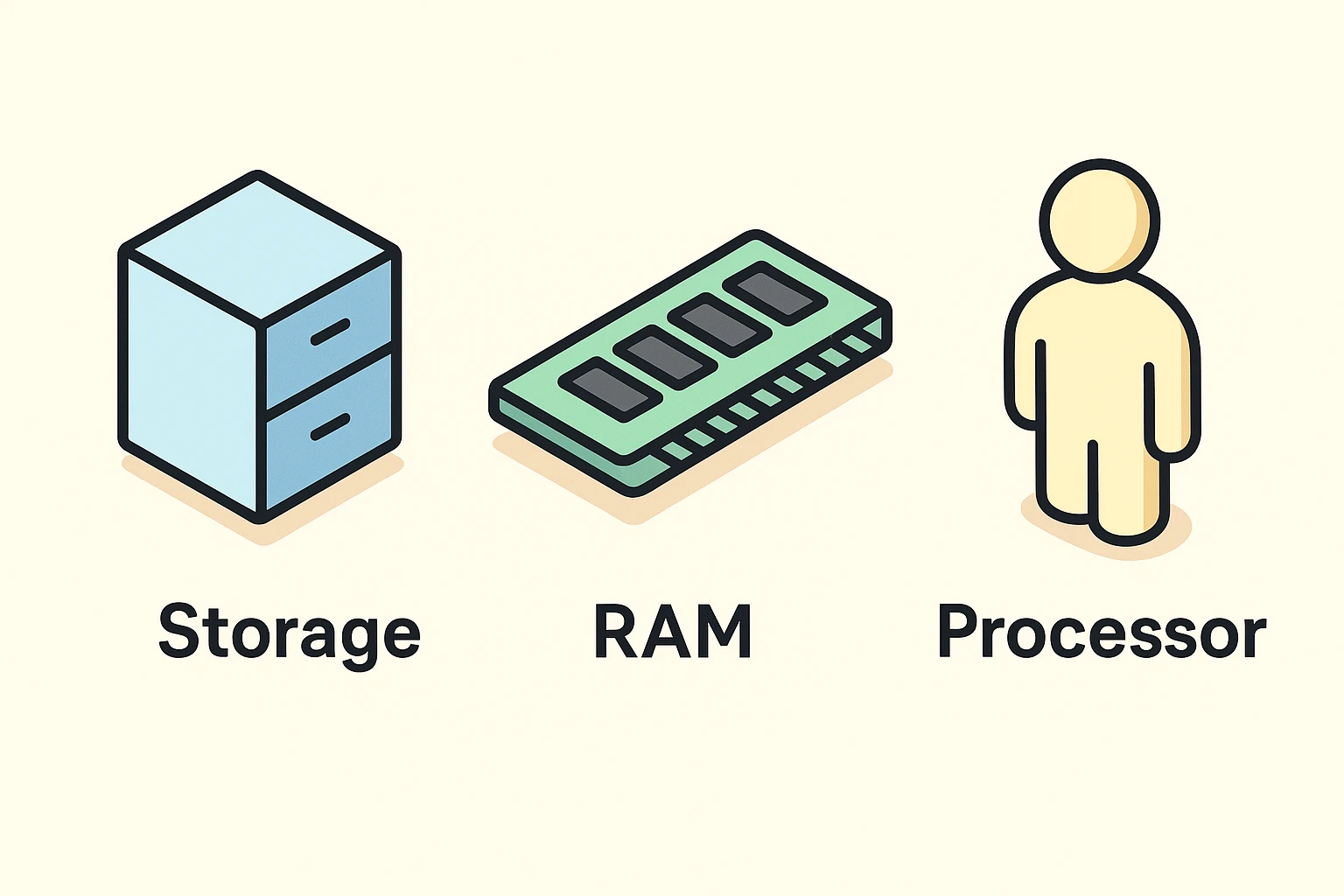
Forget gigabytes and gigahertz for a second. To understand what makes a computer tick, let’s imagine you’re working in an office. In this office, there are three key things: your desk, your filing cabinet, and you.
RAM is Your Desk. Think of RAM (Random Access Memory) as the size of your desk. The bigger the desk, the more projects, papers, and books you can have open and spread out at the same time. If you have a tiny desk (not much RAM), and you try to work on too many things at once, papers start falling on the floor, you can’t find anything, and everything slows to a crawl. When you turn the computer off, the desk gets cleared for the next day.
Storage is Your Filing Cabinet. This is where you keep everything for the long term: your family photos, important documents, saved recipes, everything. When you save a file, you’re putting it in the filing cabinet. When you turn the computer on, you pull files out of the cabinet and put them on your desk (RAM) to work on them.
The Processor (CPU) is You! The processor, or CPU, is the worker bee. It’s you, sitting at the desk, doing all the thinking, calculating, and organizing. A faster processor is like a super-efficient you who’s had three cups of coffee—you can switch between tasks quickly, get work done in a flash, and not get bogged down.
That’s it! That’s the core concept. Now, let’s see how this “office” applies to what you actually do on your laptop.
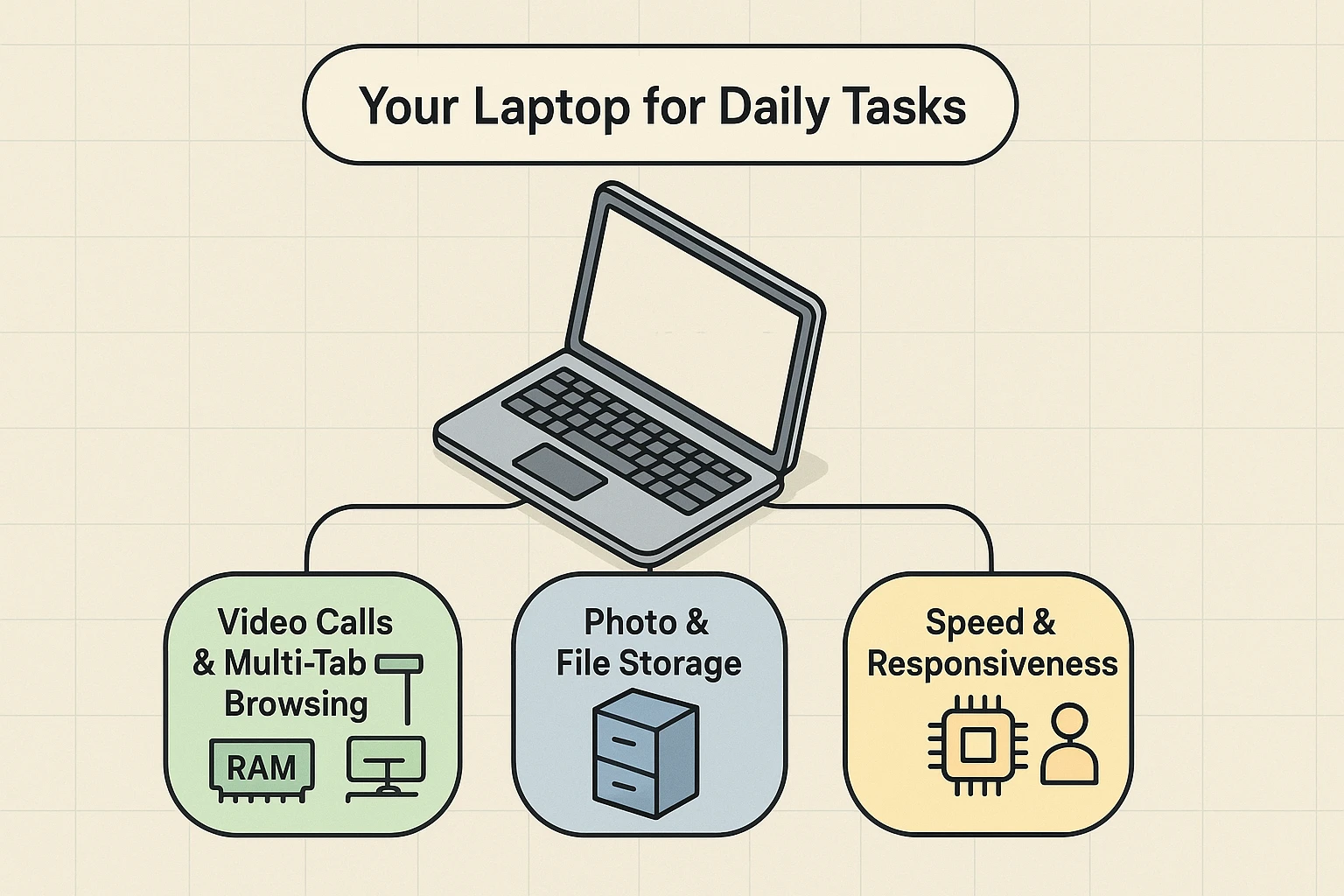
The best laptop for you isn’t the one with the biggest numbers; it’s the one that’s best equipped for the “jobs” you give it.
What matters most: Your Filing Cabinet (Storage)
If you’re the designated keeper of decades of family photos, you need a good filing cabinet. But not all are created equal.
Recommendation: Insist on a laptop with an SSD. Don’t even consider one with an old HDD. For storing a good amount of photos and files, 256GB is a decent start, but 512GB will give you plenty of breathing room for years to come.
What matters most: Your Desk (RAM)
Do you ever find yourself with 12 tabs open in your web browser? You’ve got a recipe for banana bread, the local news, your email, a YouTube video, and you’re about to start a video call with the grandkids. This is where your desk space (RAM) becomes critical.
With too little RAM (a small desk), your computer starts to panic. It shuffles things around, trying to make space, which causes that dreaded slowness, freezing, and the spinning wheel of doom.
Recommendation: 8GB of RAM is the sweet spot for most people. It gives you a nice, big desk to handle multitasking without breaking a sweat. If you’re a serious multi-tasker or want to “future-proof” your laptop a bit, 16GB is fantastic, but for most everyday users, 8GB is plenty.
What matters most: You, the Worker (Processor/CPU)
The processor is the engine. It determines how quickly your computer can “think.” You’ll see names like Intel Core i3, i5, and i7. Think of them as Good, Better, and Best.
Recommendation: For 95% of seniors, an Intel Core i5 (or its AMD equivalent, a Ryzen 5) is the perfect choice. It’s powerful enough to handle anything you throw at it without paying for overkill performance you’ll never use.
Here’s where we save you some money. Salespeople love to sell you on the biggest, fanciest numbers because they cost more. But you’re smarter than that.
The secret to a great laptop experience for most users isn’t a super-powered processor; it’s the combination of a quick SSD for storage and enough RAM to multitask.
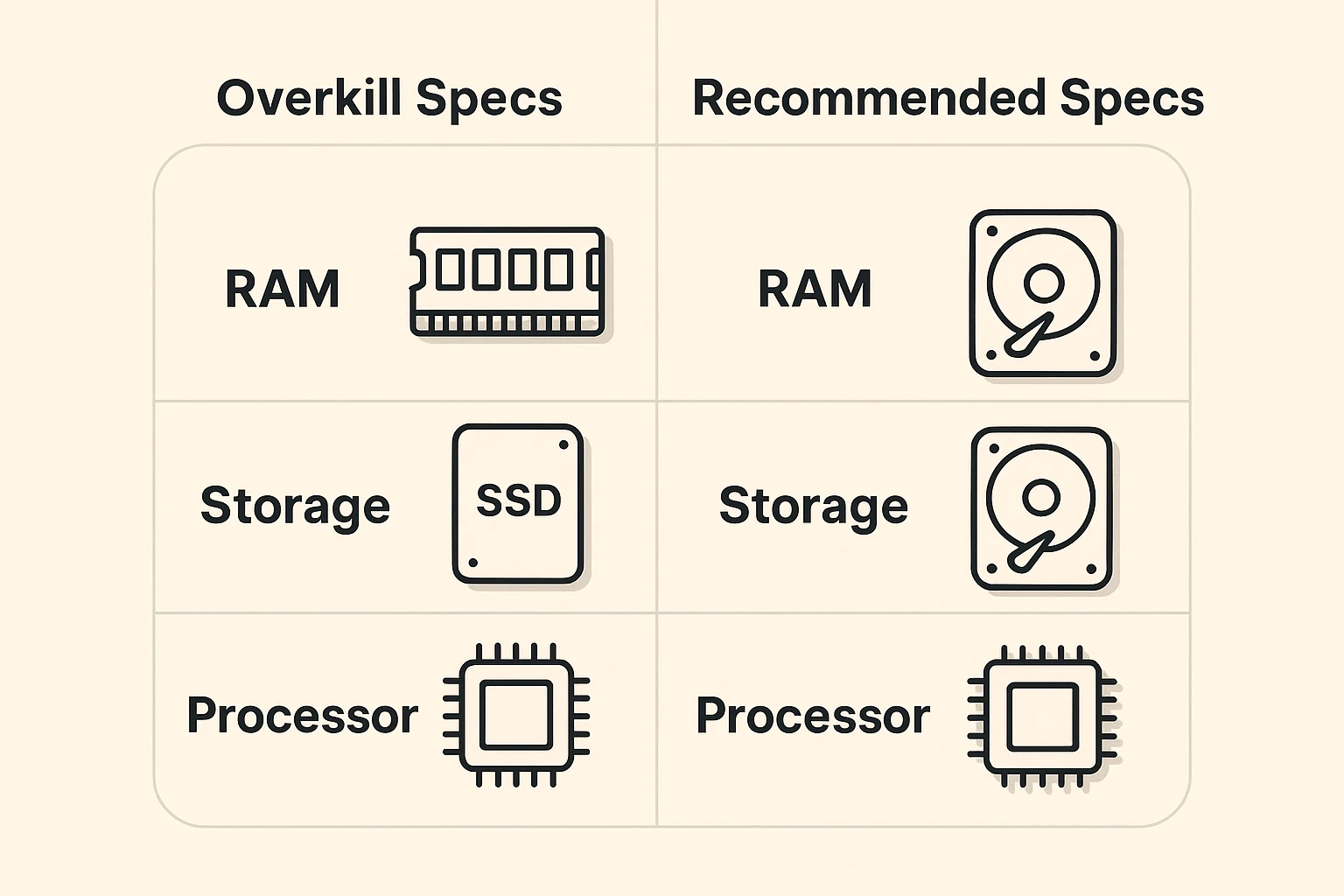
They work as a team, but the component that makes the biggest difference in how fast a computer feels for everyday use is switching from an old HDD to a modern SSD for storage. After that, having enough RAM (8GB) is more important than having the fastest processor.
Absolutely! Memory (RAM) is the temporary workspace—your desk. Storage (SSD/HDD) is the permanent file storage—your filing cabinet.
A terabyte is bigger (it’s about 1,000 gigabytes), but it’s not necessarily “better” if you don’t need that much space. 512GB is enough to hold over 100,000 photos. For most people, that’s plenty of room.
It just means it’s a newer, faster type of SSD. All you need to know is that if it says SSD, you’re in good shape!
Congratulations! You are now officially fluent in the basics of computer specs. You can walk into that store, look that salesperson in the eye, and say with confidence, “Show me your laptops with at least 8 gigabytes of RAM, a 512-gigabyte solid-state drive, and an i5 processor.”
You’re not just buying a machine; you’re investing in a tool that will be a smooth, frustration-free part of your daily life. And now you know exactly what to look for.
Now that you’re armed with this knowledge, you can take the next step in becoming a tech-savvy user. A great place to start is by securing your online accounts. Learn all about it in our simple guide, “Why You Need 2-Factor Authentication (2FA) in Your Life.” And if you’re in the mood to challenge some common tech tall tales, have a look at our article busting “9 Big Tech Myths Busted.”