Newsletter Subscribe
Enter your email address below and subscribe to our newsletter

Remember the good old days of buying software? You’d march into a store, pick up a box that was roughly the size of a cereal box (but significantly heavier), pay for it once, and take it home. Inside, you’d find a CD—or if you go back far enough, a stack of floppy disks the size of waffles—and a manual thick enough to prop up an uneven table.
You installed it. You owned it. It was yours until the end of time, or at least until your computer exploded.
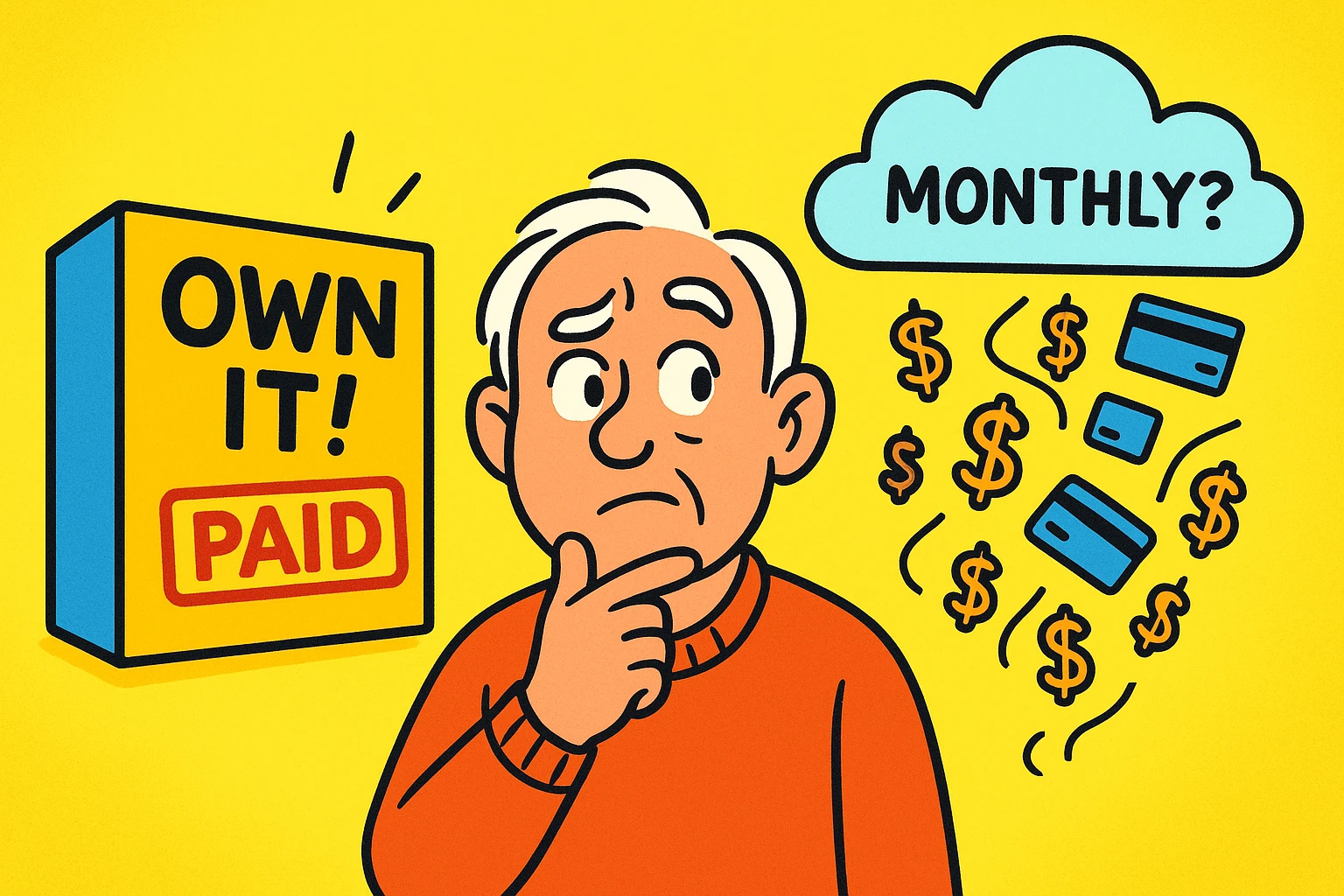
Fast forward to today. You sit down to buy Microsoft Office or a photo editing program, and suddenly you’re faced with a question that feels less like a purchase and more like a marriage proposal: “Do you want to commit to a monthly fee forever?”
Welcome to the modern era of the “Subscription Model.” It’s everywhere. It seems you can’t even buy a doorbell these days without it asking for a monthly allowance. For seniors on a fixed income, this shift from “buying” to “renting” software is frustrating, confusing, and frankly, can put a serious dent in the budget.
But is the monthly bill always the villain? Or are there times when it actually makes sense? Let’s break it down, do the math, and figure out which option keeps your computer happy without emptying your wallet.
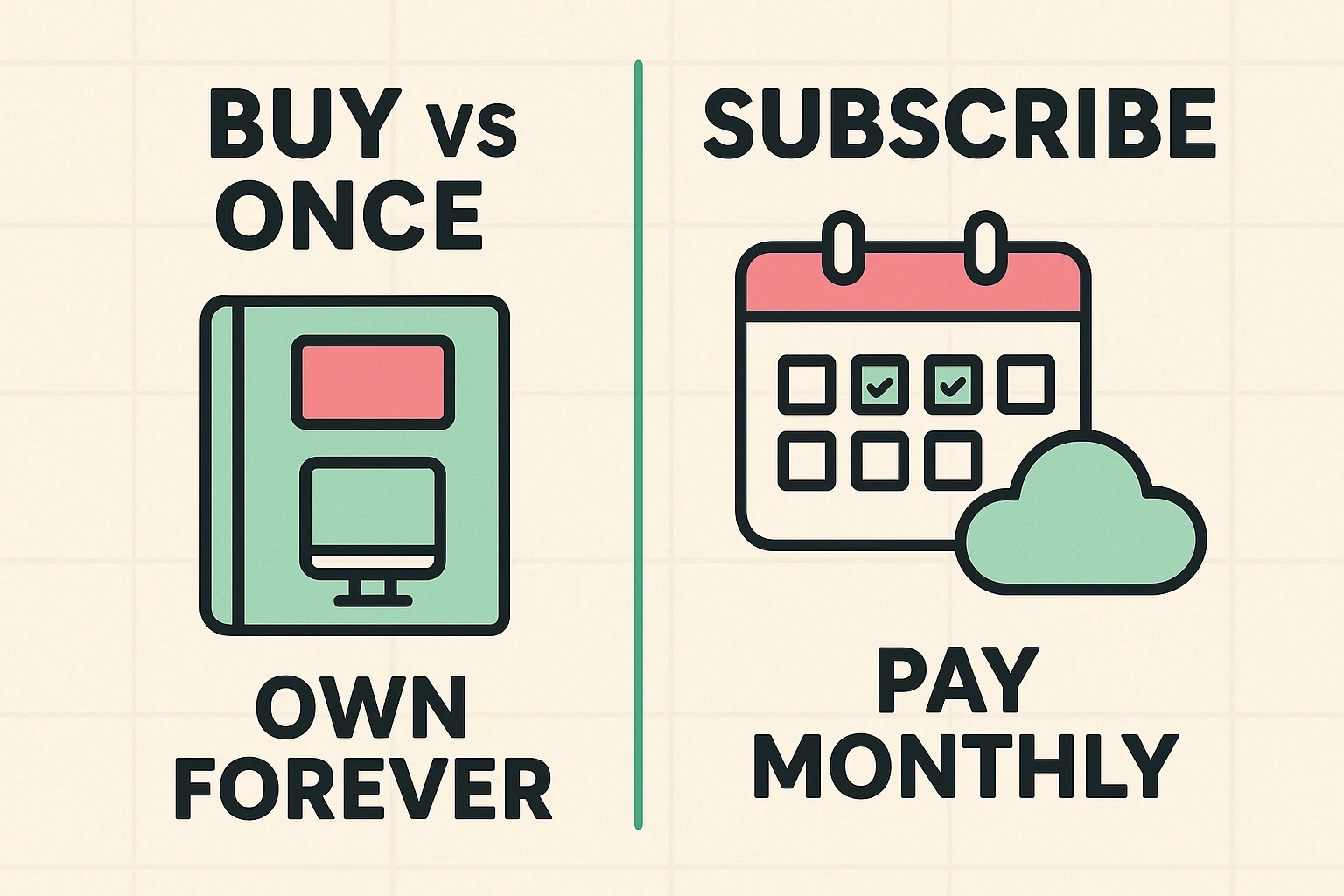
To understand what you’re paying for, we need to strip away the tech jargon. Tech companies love words like “SaaS” (Software as a Service) and “Perpetual License.” Let’s translate that into plain English.
Think of this like buying a movie on DVD. You pay $20, and you take the disc home. You can watch that movie every day for the next ten years. It’s yours.
However, if the director releases a “Special Edition” with new scenes next year, you don’t get it for free. You have to buy the new DVD. Also, if you buy a brand-new 8K futuristic TV five years from now, your old DVD player might not hook up to it. The movie didn’t change, but the technology around it did.
Common Examples: Microsoft Office Home & Student 2021, Adobe Photoshop Elements.
This is like signing up for a streaming service. You pay a monthly or yearly fee. As long as you keep paying, you have access to the movie.
The benefit? If they release a new version, you get it instantly at no extra cost. The downside? The moment you stop paying, the screen goes black. You don’t own the movie; you were just renting the right to watch it.
Common Examples: Microsoft 365, Norton 360, Adobe Lightroom Creative Cloud.
Here is where the rubber meets the road. Subscriptions usually look cheaper upfront. Spending $7 a month sounds much more pleasant than dropping $150 all at once. It’s the same psychology that makes us buy that fancy coffee—it’s “only” five dollars, until you realize you’ve spent $1,500 on lattes this year.
Let’s look at the most common dilemma: Microsoft Word and Excel.
Option A: You buy “Office Home & Student 2021” for a one-time cost of roughly $150.Option B: You subscribe to “Microsoft 365 Personal” for $70 per year.
At the checkout counter, the subscription looks like a steal. But let’s look at the timeline.
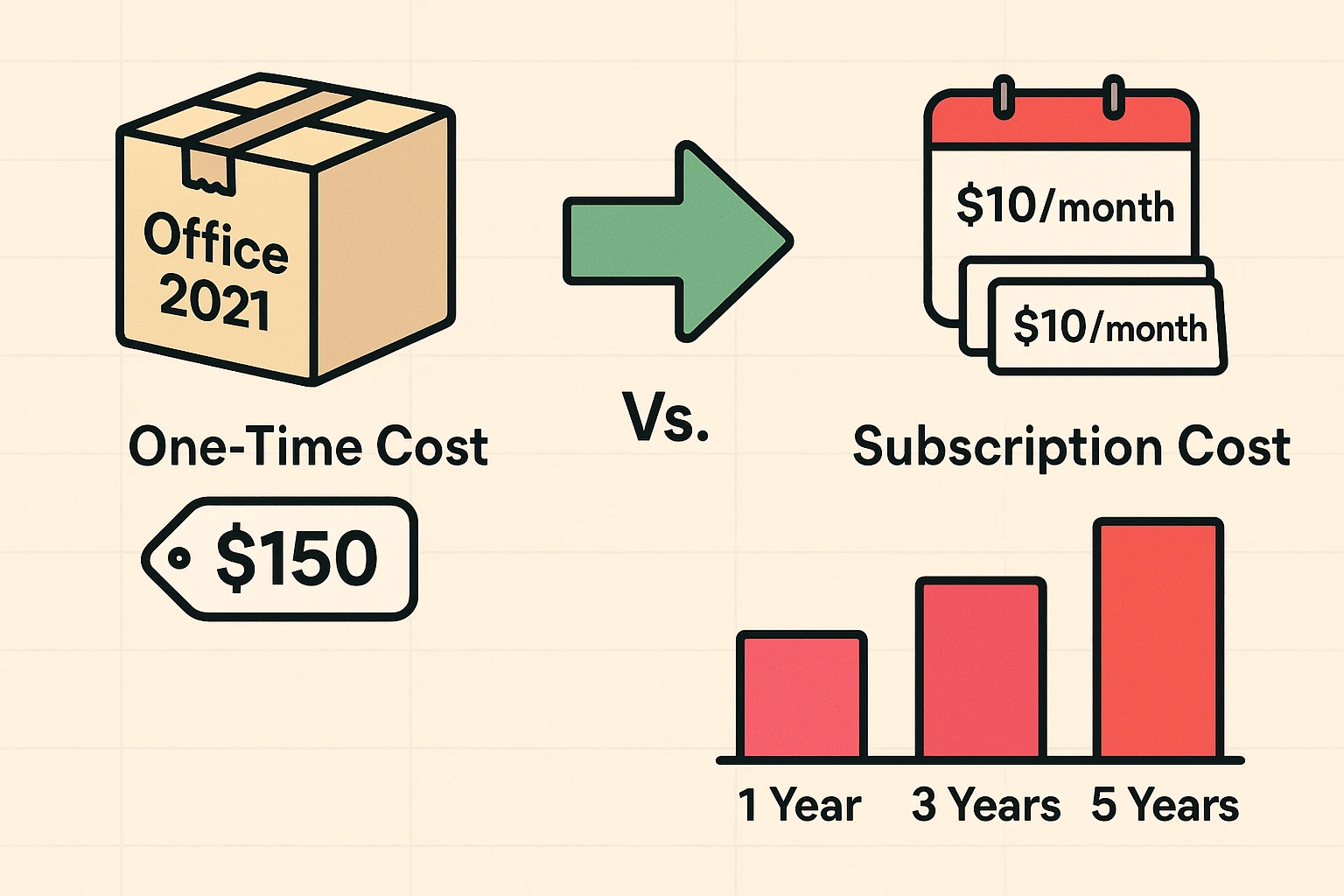
The “Aha” Moment:By the beginning of Year 3, the subscription has officially become more expensive than the one-time purchase. By Year 5, you have paid $350 for the subscription, versus the flat $150 for the one-time purchase.
If you are someone who keeps a computer for 5 to 7 years and mostly uses Word to type letters to the HOA about the neighbors’ trash cans, the one-time purchase is the clear financial winner.
If the math is so simple, why does anyone subscribe? Well, sometimes the “rental” comes with perks that act like a digital safety net.
Subscription services often include “Cloud Storage.” This is a fancy way of saying they let you store your files on their massive, secure computers instead of just your own hard drive.
If you subscribe to Microsoft 365, they give you 1 Terabyte of storage. That is enough space for roughly 250,000 photos of your grandkids. If your computer crashes, is stolen, or gets spilled on by a well-meaning cat, your photos and documents are safe. You just log into a new computer, and there they are.
With the one-time purchase, if your computer dies, your files die with it (unless you were diligent about backing them up to a thumb drive).
There is one area where you should always subscribe: Security Software (Antivirus).
Buying an antivirus program once and using it for five years is like buying a flu shot in 2018 and hoping it protects you against the flu in 2024. Viruses change daily. You need a subscription (like Norton or McAfee) because you are paying for them to constantly update their list of “bad guys” to keep you safe.
Before you pull out your credit card, we need to clear up some rumors that float around the internet.
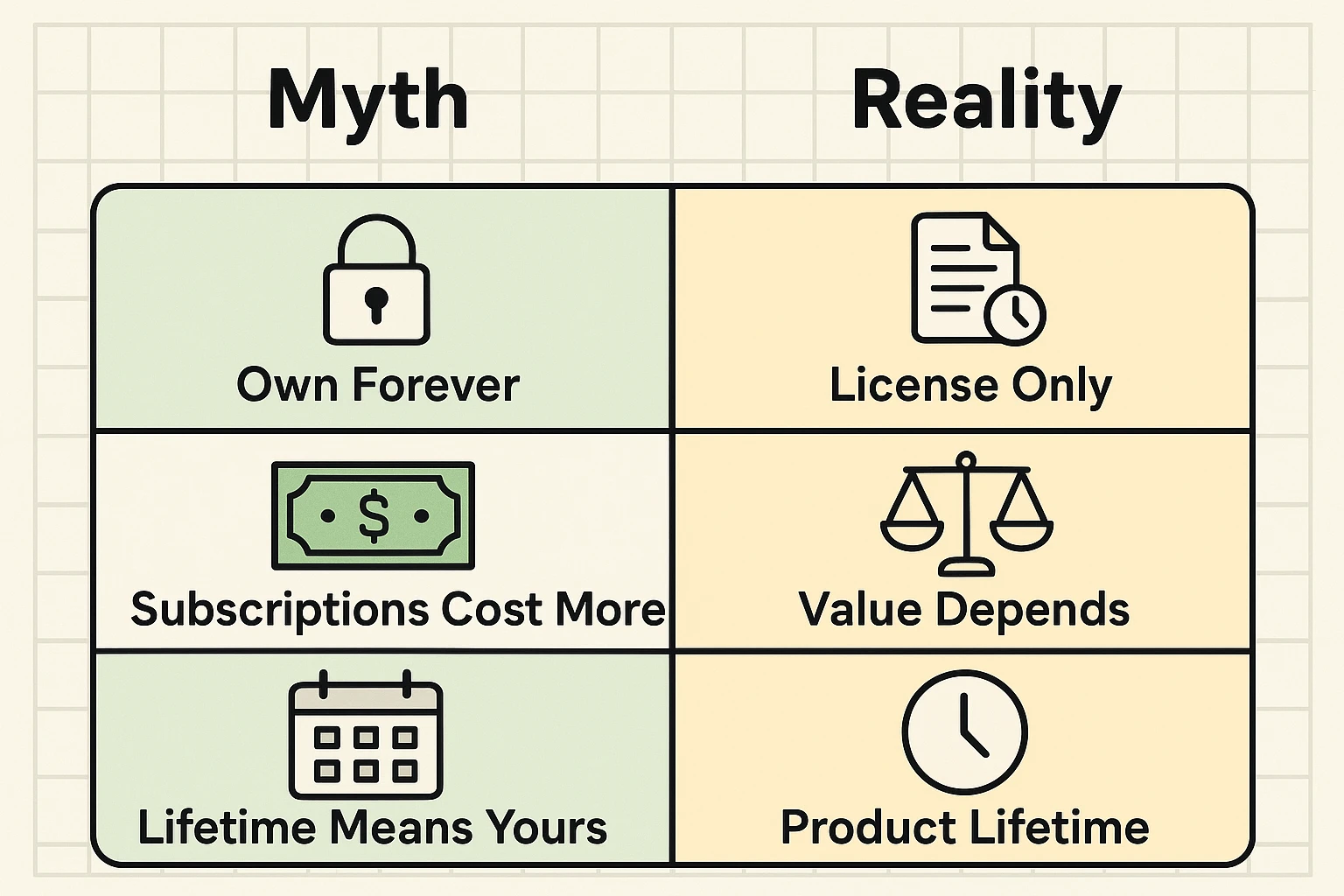
Reality: Sadly, no. It means the “lifetime” of the product. If you buy a program from a small company and they go out of business next Tuesday, your software might stop working. Or, more commonly, if you buy software designed for Windows 10 and then your computer upgrades to Windows 11, the old software might just shrug and refuse to open.
Reality: They usually don’t delete your files instantly, but they do lock the door. For example, if you cancel Microsoft Word, you can still open and read your documents. You just can’t edit them. It turns your powerful word processor into a “look-but-don’t-touch” viewer. To edit them again, you’d need to renew or use a free program.
Reality: For the average user, free software is excellent. Google Docs (which lives on the web) or LibreOffice (which you download) can do 95% of what Microsoft Office does. If you aren’t writing a 400-page corporate manual with complex pivot tables, the free stuff is often all you need.
Still on the fence? Here is a simple checklist to help you decide.
Buy the “One-Time” Version IF:
Choose the Subscription IF:
Yes! You just cancel the subscription when it expires and buy the one-time software license. You will just need to uninstall the “365” version and install the “2021” version. Your documents will be fine.
Generally, no. If you see Microsoft Office for $10, it’s likely a “gray market” key. It might work for a month and then get deactivated by Microsoft. Stick to reputable stores like Best Buy, Amazon, or the Microsoft store directly.
If you use a service like OneDrive or Google Photos and stop paying, they won’t delete your photos immediately. However, they will stop you from adding new ones, and eventually, they may delete files if you are over your storage limit for a long time. They will send you many email warnings before they do this.
Technology shouldn’t feel like a trap. Whether you choose to buy your software outright like a piece of furniture, or rent it like an apartment, the right choice is the one that fits your budget and your peace of mind.
If you only type a letter once a year to complain about the post office, don’t pay a monthly fee for it. But if you want a digital fortress for your family memories, that monthly subscription might just be the best insurance policy you ever buy.