Newsletter Subscribe
Enter your email address below and subscribe to our newsletter

Do you remember walking into a video rental store on a Friday night? You’d stroll down the aisle, pick up a box, read the back, and make a decision. The whole process took about ten minutes, and you usually walked away with a movie you actually wanted to see.
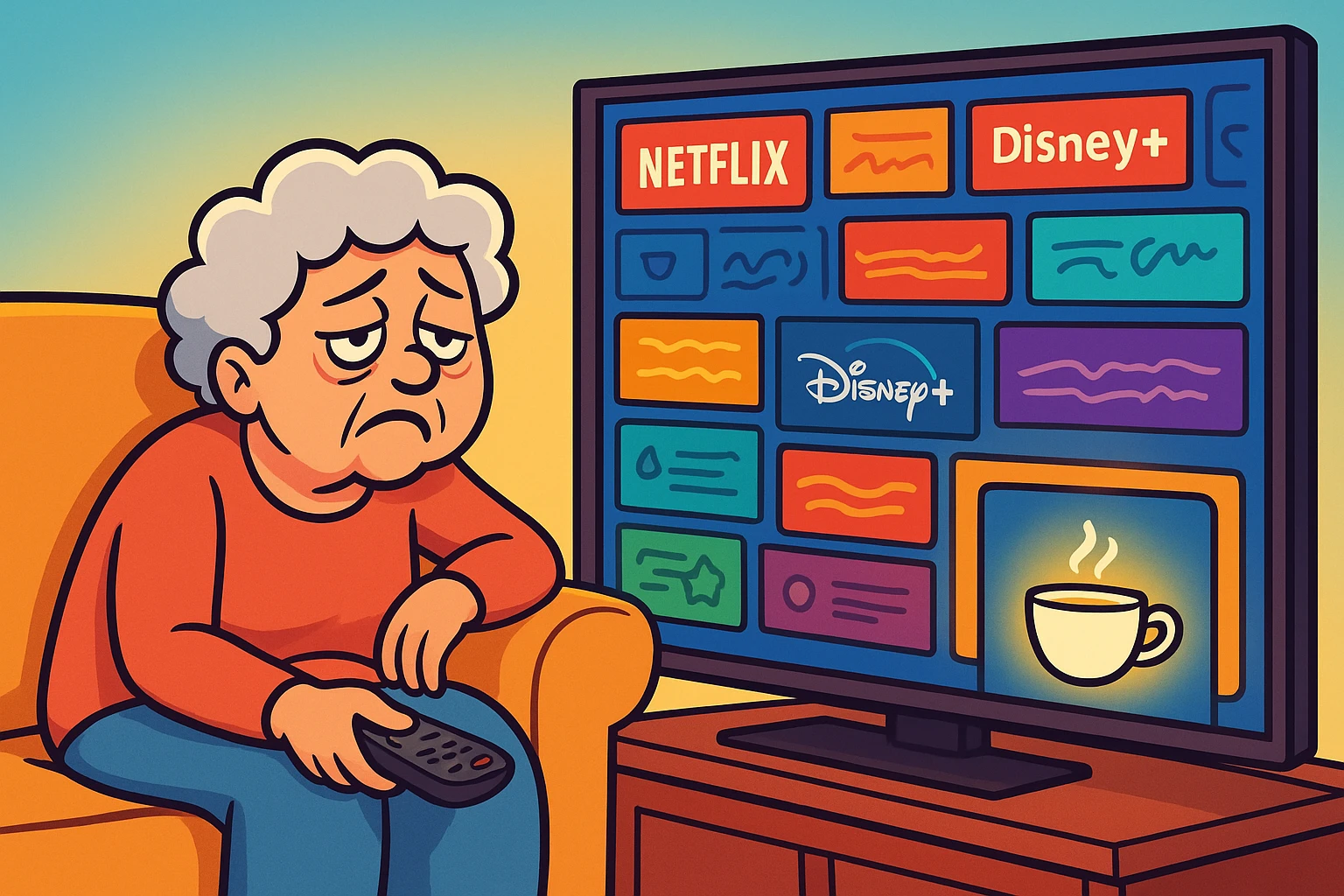
Now, let’s look at modern streaming. You sit down on your couch, ready to relax. You turn on the TV and open Netflix or Hulu. You start scrolling. And scrolling. You see titles like Sharknado 4 and Zombie Prom Queen. You scroll past seventeen different superhero movies you’ve never heard of. Forty-five minutes later, your tea is cold, you’re frustrated, and you end up watching a rerun of The Andy Griffith Show because you’re too exhausted to choose anything else.
If this sounds familiar, welcome to the club. We call this “The Paradox of Choice,” but a better name would be “Why Is There So Much Stuff, and Why Is Most of It Terrible?”
The big streaming giants try to be everything to everyone. But for many of us, that just means paying for a giant digital warehouse full of clutter. But here is the secret the tech companies don’t tell you: You don’t have to subscribe to the “Big Guys.” There is a whole world of “niche” streaming services—smaller, specialized apps—that cater specifically to the things you actually want to watch.
Think of Netflix like a massive Super Supermarket. It has tires, lawn chairs, gallons of mayonnaise, and somewhere in the back, a few books. It’s convenient, but it’s loud, crowded, and impossible to navigate.
Niche streaming services are like your favorite local boutique or specialty shop. A niche service does one thing, and it does it very well. One might only carry British mysteries. Another might only show classic films from the 1940s and 50s. Another focuses entirely on history documentaries.
For seniors (and frankly, anyone with good taste), these services offer three major advantages over the tech giants:
To find the right service, you just need to know what you like. We’ve broken down the best options based on what kind of viewer you are.
If you believe that a crime isn’t worth solving unless it happens in a quaint English village with a thatched roof, you have two main contenders. This is the “Coke vs. Pepsi” of the British TV world.
The Verdict: If you want “comfort food” TV, go with Acorn TV. If you want the “Greatest Hits of the UK,” go with BritBox.

Maybe you’ve already worked your way through every suspicious vicar, poisoned aristocrat, and body discovered behind a charming English garden shed.
Good news: Europe has plenty more murder to go around.
MHz Choice: This service specializes in international TV, especially mysteries, crime dramas, and thrillers from places like France, Germany, Italy, Scandinavia, and beyond. Most shows are in their original language with English subtitles, so yes, you’ll have to read while you watch. But if you like smart mysteries and want something beyond the usual British fare, there is an enormous world waiting for you.
The Verdict: If Acorn and BritBox have started feeling a little too familiar, MHz Choice is a terrific next stop.
Are you tired of movies that are 90% computer-generated explosions and 10% dialogue that you can’t hear over the music?
Here is one of the best streaming deals around, and a surprising number of people have no idea it exists.
Kanopy: Many public libraries give their cardholders free access to Kanopy, a streaming service filled with movies, documentaries, classic films, independent movies, educational programs, and plenty of other things you probably won’t find staring back at you from Netflix.
There are no commercials, and you don’t need another monthly subscription. You just need a library that participates. What you can watch—and how much you can watch each month—depends on your particular library.
The Verdict: Before paying for another streaming service, check whether your library offers Kanopy. Free is an awfully difficult price to beat.
This one works a little differently from the others.
PBS Passport: If you already watch PBS, Passport can open up a much larger on-demand library of PBS programs, including shows from Masterpiece, NOVA, Nature, Finding Your Roots, and plenty more.
Passport isn’t really a separate streaming subscription. It’s a benefit offered to people who support participating local PBS stations with a qualifying donation. The exact amount depends on your station, but it’s commonly around $5 a month or $60 a year.
The Verdict: If your idea of a good evening involves British drama, history, science, nature, travel, or documentaries—and you’d rather support PBS than another giant streaming company—this one is absolutely worth checking.
Before you rush off to sign up, let’s take a moment to discuss the fine print. We at Senior Tech Cafe believe you should know the “strings attached” before you click.
Many paid streaming services offer free trials, but don’t assume they all do.
If you do start a free trial, remember that the entire business model is depending on one thing: You forgetting to cancel.
Pro Tip: The second you sign up, set an alarm on your phone or write it on your kitchen calendar for a day before the trial ends. “Cancel BritBox” should be written in big red letters. If you like it, ignore the note. If you don’t, you’ve just saved yourself another monthly charge.
Kanopy doesn’t need a free trial because participating libraries provide it free. PBS Passport works differently, too: it’s a benefit connected to supporting your local PBS station rather than a traditional streaming subscription.
We know that modern sound mixing can be terrible (why is the music so loud and the whispering so quiet?).
| Service | Best For | Vibe | Approximate Cost |
|---|---|---|---|
| Acorn TV | Cozy mysteries & comfort TV | Relaxing, Gentle | ~$10/month |
| BritBox | Classic & modern British TV | Very British, Very Deep | ~$11/month |
| MHz Choice | International mysteries & dramas | Smart, Subtitled | ~$9/month |
| Criterion Channel | Classic & important films | Film-Lover Heaven | ~$11/month |
| CuriosityStream | Science, history & nature | Educational, Factual | ~$50/year and up |
| Kanopy | Movies & documentaries | Eclectic, Free | Free with participating libraries |
| PBS Passport | PBS, Masterpiece & documentaries | Familiar, Educational | Usually with a qualifying PBS donation |
Ready to dip your toe in the water? You don’t need a degree in computer science. Here is your 3-step plan.
No! There is no law that says you must have Netflix. If you find you are watching Acorn TV every night and haven’t opened Netflix in a month, cancel Netflix. You can always sign up again later if you miss it.
Yes. All the services listed above have apps for iPads, iPhones, and Android devices. You can start a show on the TV and finish it in bed on your tablet.
Generally, no. Unlike the old cable companies that required a 4-hour phone call and a blood oath, most streaming subscriptions can be canceled online.
Just remember that you usually need to cancel through the same company you subscribed through. If you signed up through Roku, Amazon, Apple, or another service, that’s probably where you’ll need to cancel it.
Kanopy is free through participating libraries, so there is nothing to cancel. PBS Passport is tied to your support of a local PBS station, so changing or stopping a recurring donation generally needs to be handled through that station.
Yes, streaming video uses data. If you have an unlimited home Wi-Fi plan (which most people do these days), you are fine. If you use a mobile hotspot or have a data cap, keep an eye on your usage.
Technology is supposed to make life better, not just more complicated. By stepping away from the “Big Tech” streamers and trying something tailored to your tastes, you might remember what it was like to actually enjoy picking out a movie.
So, pour yourself a cup of tea (or something stronger), fire up a British mystery, and enjoy the satisfaction of knowing you’re only paying for the shows you actually watch.