Newsletter Subscribe
Enter your email address below and subscribe to our newsletter

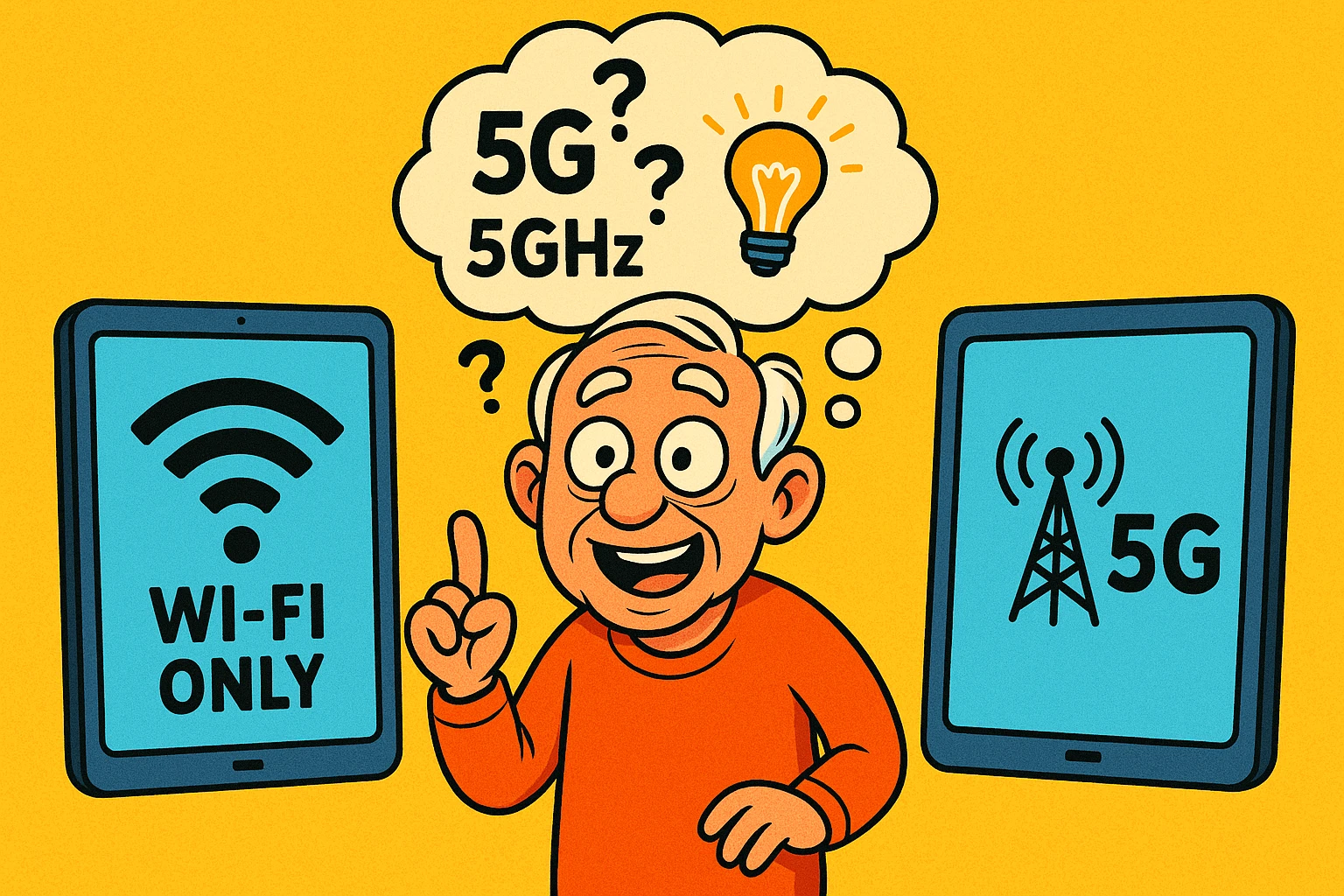
Picture this: You’ve finally decided to treat yourself to a new iPad or tablet. You walk into the electronics store, head held high, ready to exchange currency for technology. You point to the shiny slate of glass you want, and the salesperson—who looks young enough to still be ordering from the kids’ menu—asks you a question that stops you cold.
“Do you want the Wi-Fi model, or the Cellular + Wi-Fi model with 5G?”
Suddenly, your confidence evaporates. You stare at him. He stares at you. You wonder if “5G” is the price, the weight, or the number of G-forces the tablet can withstand. You just wanted to read eBooks and email your grandkids; you didn’t know you needed a degree in telecommunications engineering just to buy the thing.
If you’ve ever felt this specific brand of tech-induced panic, take a deep breath. It’s not you; it’s the industry. They love naming things with letters and numbers that sound impressive but explain nothing.
Today, we are going to strip away the jargon. We’re going to look at the difference between Wi-Fi and Cellular tablets, figure out why one costs significantly more than the other, and help you decide which one actually fits your life.
Before we talk about which tablet to buy, we have to address the elephant in the room. Or rather, the “G” in the room.
If you look at the box of a Wi-Fi router, it says “5G” (or 5GHz). If you look at a cellular tablet advertisement, it also says “5G.” Naturally, any rational human being would assume these are the same thing.
They are not. Because in the tech world, we like to reuse words just to keep everyone on their toes.
Think of it like the word “Bat.” In a baseball game, it’s a wooden stick. In a cave, it’s a flying rodent. Same word, totally different context.

Now that we’ve solved the riddle of the Gs, let’s look at how these tablets actually connect to the internet. The best way to understand this is to look back at the phones of the 1990s.
Wi-Fi Only is like your old Cordless Landline Phone.Remember that phone? It was great. You could walk around the kitchen, maybe even step out onto the porch. But if you walked to the end of the driveway, the signal got fuzzy. If you drove to the grocery store, the phone was basically a paperweight.
Cellular is like your Mobile Phone.You can use it in the kitchen. You can use it in the car. You can use it at the park. You can use it while camping (assuming there’s a tower nearby). It doesn’t need to ask permission to join a network; it just grabs a signal from the sky and works.
The decision usually isn’t about technology specs; it’s about lifestyle. You don’t buy a hiking boot if you only walk on carpet, and you don’t buy a Ferrari to drive to the mailbox.
Let’s look at three common scenarios to see where you fit.
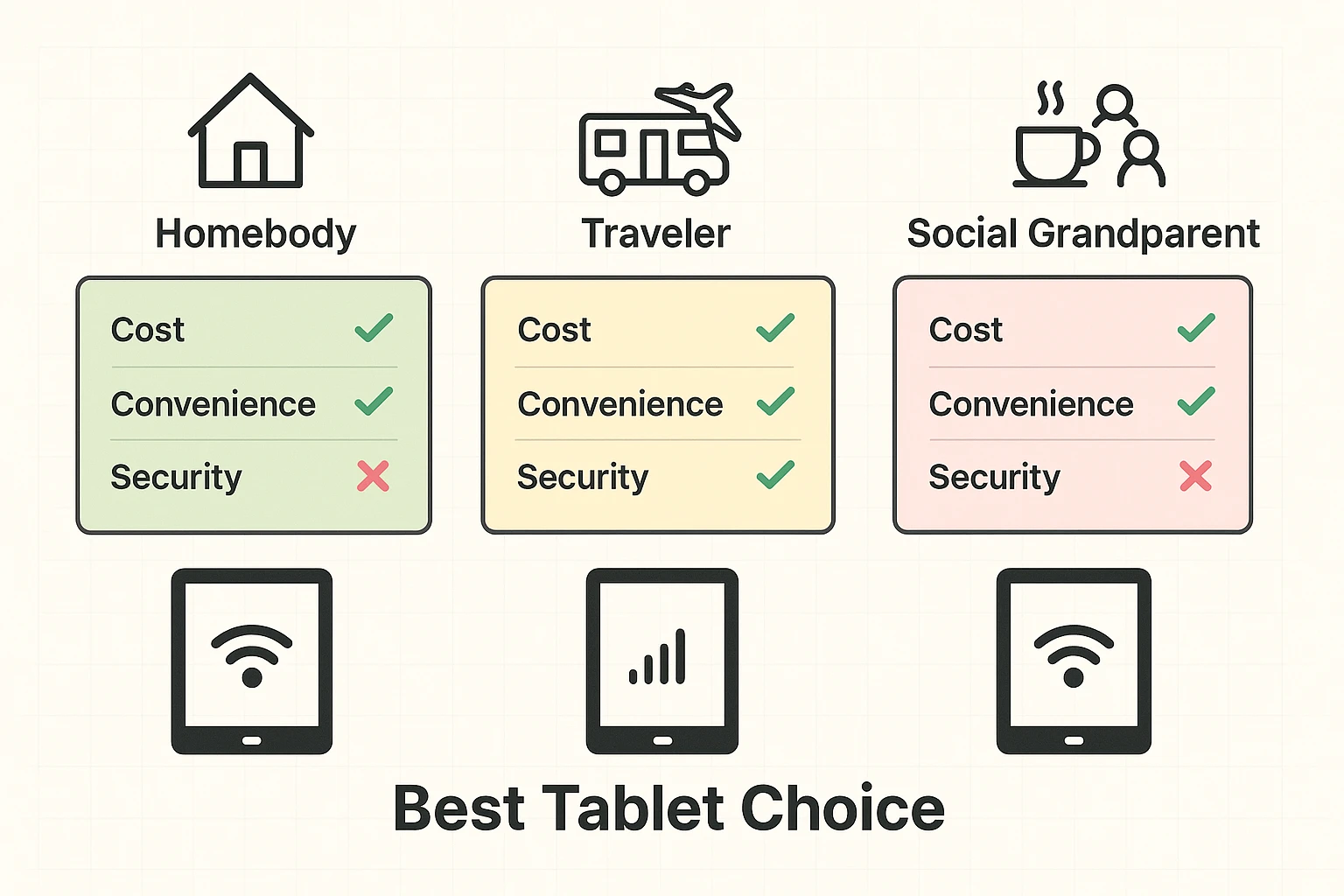
You enjoy the comforts of home. Your tablet is mostly used for reading news over breakfast, checking Facebook from the recliner, or following a recipe in the kitchen. When you do travel, it’s usually to a hotel or a relative’s house where you can ask, “Hey, what’s your Wi-Fi password?”
You spend months of the year on the road or in a secondary location. You might be at an RV park with “free Wi-Fi” that is so slow it takes three hours to load a picture of a cat. You want to check maps, email, and weather reports without hunting for a Starbucks.
You are out and about—coffee shops, libraries, the grandkids’ soccer games. You like having your tablet with you, but you’re usually in civilization.
“But wait,” I hear you ask. “Is public Wi-Fi safe? My nephew said hackers are everywhere.”
Your nephew isn’t entirely wrong, though he might be watching too many spy movies. Public Wi-Fi (like at a coffee shop or airport) is like having a conversation in a crowded room. If you shout your credit card number, someone might hear it.
Cellular connections are more like a private phone line. They are encrypted and generally much harder for a hacker to snoop on.
Does this mean you need Cellular? Not necessarily. If you only read the news and play Solitaire at the coffee shop, public Wi-Fi is fine. Just don’t check your bank account or file your taxes while sipping your latte on a public network. Save the sensitive stuff for your secure home Wi-Fi.
This is where the salesperson usually gets quiet. They will tell you the monthly plan is “only $10 or $20.” That sounds cheap—less than a pizza!
But let’s look at the Total Cost of Ownership for the first year. We’ll use a standard iPad as an example, but the math is similar for Samsung or other tablets.

As you can see, that “convenience” costs nearly $400 extra in the first year alone. That is a lot of pizzas.
Here is the tip that the phone companies don’t emphasize enough. You probably already have a device in your pocket that connects to the cellular network: Your Smartphone.
Most modern smartphones have a feature called a “Personal Hotspot.”
This feature turns your phone into a mini Wi-Fi router. You turn it on, and suddenly your Wi-Fi-only tablet thinks it’s at home. It connects to your phone, and voila—you have internet on your tablet, using the data plan you already pay for on your phone.
Why isn’t everyone doing this?
For the vast majority of seniors, buying a Wi-Fi tablet and learning to use your phone’s hotspot is the smartest financial move.
No! This is a common myth. If you buy the cellular version, it still has Wi-Fi inside. You can use it on Wi-Fi forever and never activate the cellular service. However, you still paid the extra $150 upfront for the ability to use cellular. It’s like buying a convertible and never putting the top down.
Generally, no. Even though it has a “phone number” attached to it for billing purposes, it doesn’t work like a giant telephone. You can use apps like FaceTime, Zoom, or Skype, but you can’t hold it up to your ear and call your neighbor.
Maybe, but it can get incredibly expensive. If you travel abroad, stick to hotel Wi-Fi unless you want to come home to a bill that costs more than your plane ticket.
Technology should make your life easier, not drain your bank account for features you don’t use.
Buy the Cellular Model If:
Buy the Wi-Fi Only Model If: