Newsletter Subscribe
Enter your email address below and subscribe to our newsletter

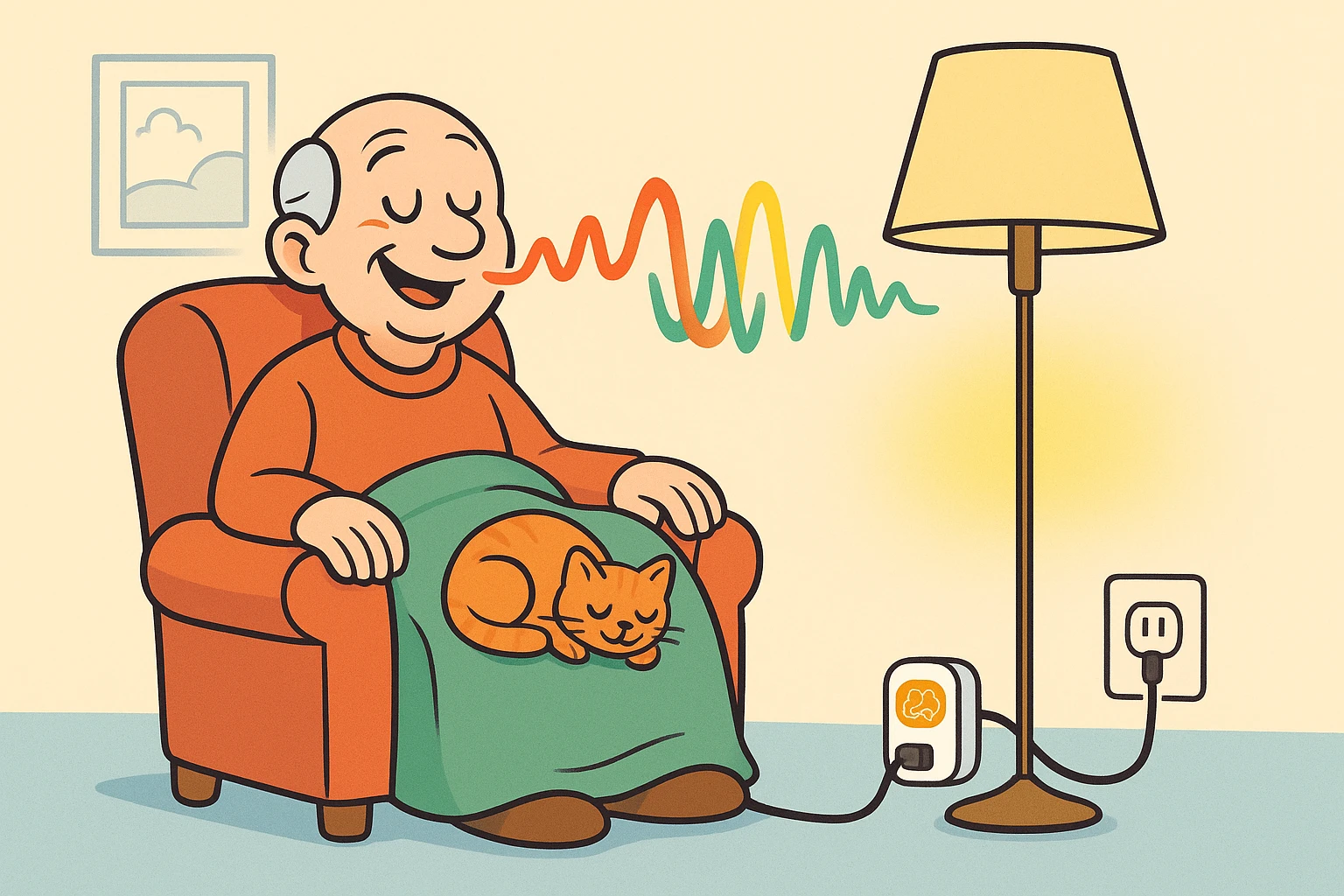
You know the feeling. You’ve just achieved the perfect level of comfort in your favorite armchair. You have your tea, your blanket is arranged with structural integrity that rivals a suspension bridge, and the cat has finally decided you are a worthy mattress.
Then you realize: The lamp across the room is glaring in your eyes.
In the old days (or, you know, yesterday), you had two choices: Accept your fate and squint, or disrupt the cat, ruin the blanket nest, and walk across the room. But we live in the future now. Wouldn’t it be nice if you could just mutter, “Light off,” and have the lamp obey you like a well-trained butler?
The good news is, you don’t need to buy a fancy $200 “smart lamp” that requires a degree from MIT to operate. You just need a simple gadget called a Smart Plug. It’s the easiest way to turn your reliable, “dumb” appliances into genius helpers, and frankly, it’s the best thing to happen to home comfort since sliced bread (or at least since sliced bread that comes in a resealable bag).
Think of a smart plug as a middleman. It looks like a chunky adapter that plugs into your wall outlet. You then plug your lamp, fan, or kettle into it.
It acts as a gatekeeper for electricity. When you tell it to open the gate (via a smartphone app or a voice command to Alexa or Google), power flows through to your lamp. When you say “off,” it cuts the power.
That’s it. It doesn’t actually know how to make coffee or illuminate a room; it just knows how to allow electricity to flow. It’s a “Safety Bridge” that connects your trusty old devices to the modern world, giving you control without the reach.
Before you rush out to buy a six-pack of smart plugs, we need to have a serious talk about your appliances. Not all old tech is created equal.
For a smart plug to work, your appliance needs to have a mechanical switch. This is the type of switch that physically clicks into an “On” or “Off” position and stays there.
Why does this matter? Because the smart plug simply cuts the power and brings it back. If your device has a modern “soft-touch” digital button (the kind that resets every time you unplug it), a smart plug won’t work. The power will come back on, but the device will sit there in “Standby” mode waiting for you to press the button again.
Here is the 10-second test to see if your favorite lamp or kettle is compatible:
The Diagnostic:
If it immediately roars back to life (or lights up), congratulations! It passed the test. If it stays dark or silent until you press a button, it’s not smart-plug compatible.
Okay, you bought the plug. Now you have to introduce it to your Wi-Fi. This is the part where many people get frustrated and threaten to throw the device out the window. But don’t worry—we’re going to translate the geek-speak.
Most affordable smart plugs (brands like Kmart, Lepro, or generic ones on Amazon) use a system called Tuya or Smart Life. These are just the names of the apps you put on your phone to talk to the plug.
The biggest hurdle is the “Pairing Mode.” This is just the plug waving its arms saying, “I’m here! Talk to me!” You’ll know it’s ready when a little light on the side starts blinking rapidly.
Here is the roadmap to getting connected without losing your cool:
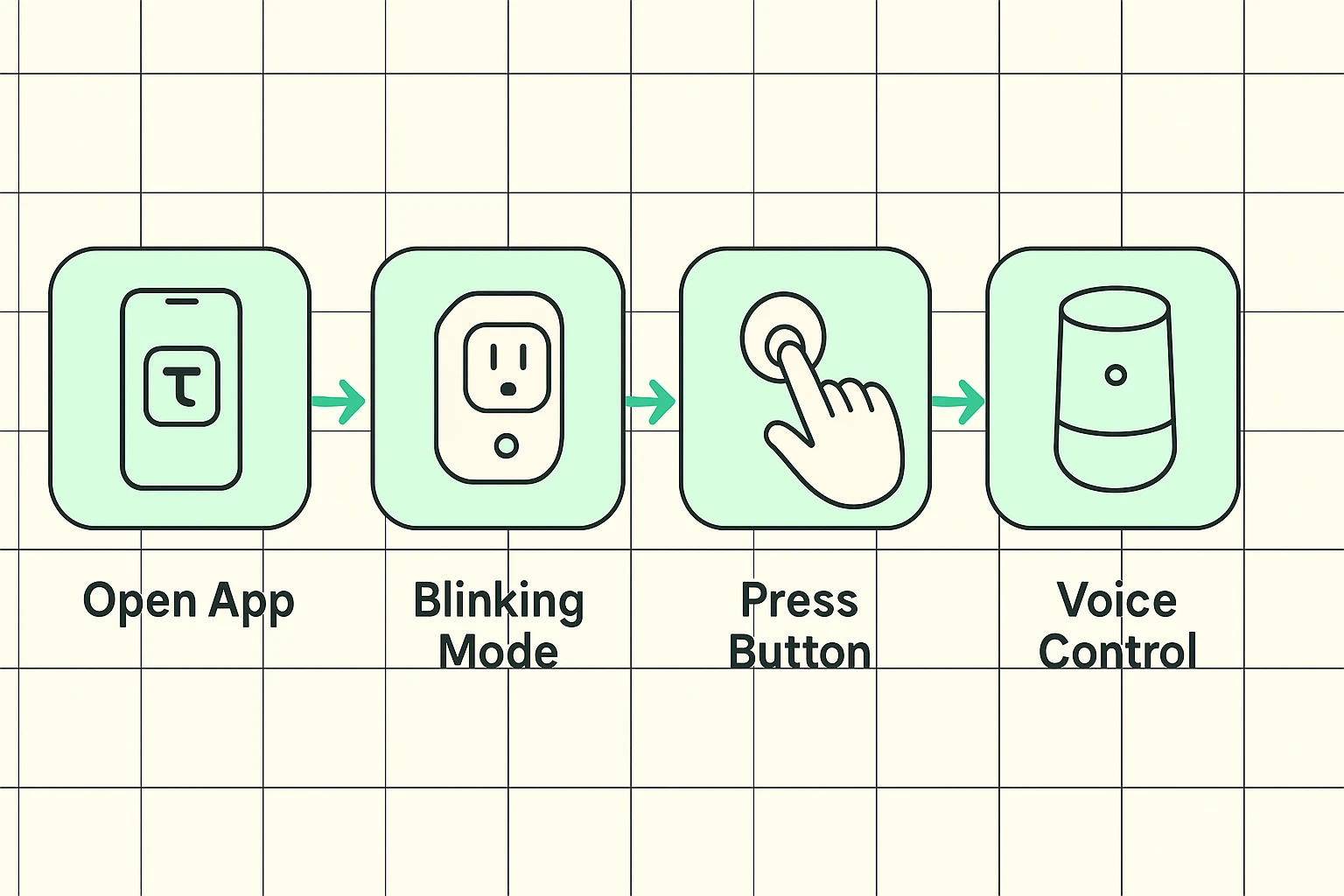
Pro Tip: When the app asks for your Wi-Fi password, make sure you are close to your router. Wi-Fi signals can be temperamental, much like a teenager asked to do chores
Once the plug is connected, the app will ask you to name it. Do not leave the default name, which is usually something like “SmartSocket8492_V2.”
If you try to say, “Alexa, turn on Smart Socket 8492 V2,” she will likely respond by playing a polka playlist or ordering you paper towels.
Give it a simple, distinct name.
Just because you can plug something into a smart plug doesn’t mean you should. Smart plugs are designed for low-power items like lamps, fans, and radios.
The Danger Zone:Do not use standard smart plugs for high-wattage appliances that generate intense heat. We are looking at you, Space Heaters and Wall Air Conditioners.
These devices draw a massive amount of electricity. If you run them through a small smart plug, the plug can overheat and melt. It’s not worth the risk. Stick to lighting and small electronics. If you must control a heavy-duty appliance, you need a specialized “heavy-duty” smart plug rated for 15 or 20 amps—but for now, let’s stick to the lamps.
The true magic happens when you link your Smart Life app to Alexa or Google. Suddenly, you aren’t just controlling a light; you are commanding your environment.
This isn’t just about laziness; it’s about Independence Restoration. For anyone with arthritis, mobility issues, or just a really comfortable cat on their lap, eliminating the need to reach behind furniture to find a switch is a game-changer.
You can even set up “Routines.” Imagine saying, “Alexa, Goodnight,” and having the reading lamp turn off, the fan turn on, and the radio silence itself—all at once.
Yes, but with a catch. If you turn the lamp off using the smart plug (voice), the physical switch on the lamp is still in the “On” position. To turn it back on manually, you’d have to flip the switch off and then on again. Think of it as resetting the system.
A tiny, tiny amount. It needs just enough power to stay connected to your Wi-Fi so it can listen for your command to turn back on. It costs pennies per year.
If the internet goes down, voice commands won’t work. However, almost all smart plugs have a small physical button on the side. You can press that to turn the power on or off manually. You are never locked out of your own lamp.
You don’t need to transform your entire house into a spaceship overnight. Start with one plug. Maybe it’s for that floor lamp that requires you to contort your body like a yoga instructor just to reach the switch.
Give it a try. The worst that happens is you have to stand up to turn on a light. The best that happens? You feel like a wizard every time you walk into a room. And that, dear reader, is a pretty bright idea.