Newsletter Subscribe
Enter your email address below and subscribe to our newsletter

You know that small, plastic puck sitting on your kitchen counter? The one you bought (or were gifted by a well-meaning grandchild) that currently serves primarily as a very expensive egg timer?
It sits there, blinking occasionally, listening to the hum of the refrigerator. Maybe you ask it for the weather report. Maybe, if you’re feeling adventurous, you ask it to play some Frank Sinatra. But mostly, it’s just… there. Like a houseguest who knows a million fascinating stories but is too polite to speak until spoken to.
Here is the secret the tech manuals won’t tell you: that little device isn’t just a speaker. It’s a trivia host, a comedian, a personal trainer for your brain, and a companion that never, ever gets tired of your questions.
While many of us treat these voice assistants—whether it’s Amazon’s Alexa, Google Assistant, or Apple’s Siri—like glorified clock radios, they are actually capable of keeping our minds sharp and our homes a little less quiet.
Let’s be honest about one of the biggest frustrations of aging: the feeling that you are bothering people.
You want to ask someone to repeat a sentence, but you don’t want to seem “slow.” You want to play a game, but everyone is busy staring at their phones.
Enter the voice assistant. Its superpower isn’t computing speed; it’s infinite patience.
You can ask Alexa, “What time is it?” ten times in an hour. She won’t roll her eyes. She won’t sigh heavily. She won’t say, “I just told you that, Grandma.” She will simply tell you the time, with the same cheerful, robotic enthusiasm she had the first time.
This isn’t just convenient; it’s a mental health breakthrough. For seniors dealing with memory lapses or just the general “brain fog” of modern life, this judgment-free zone encourages interaction rather than silence.
We all know we’re supposed to keep our brains active. We’re told to do crossword puzzles until our eyes cross. But let’s face it, sometimes holding a pen and squinting at tiny newsprint isn’t appealing.
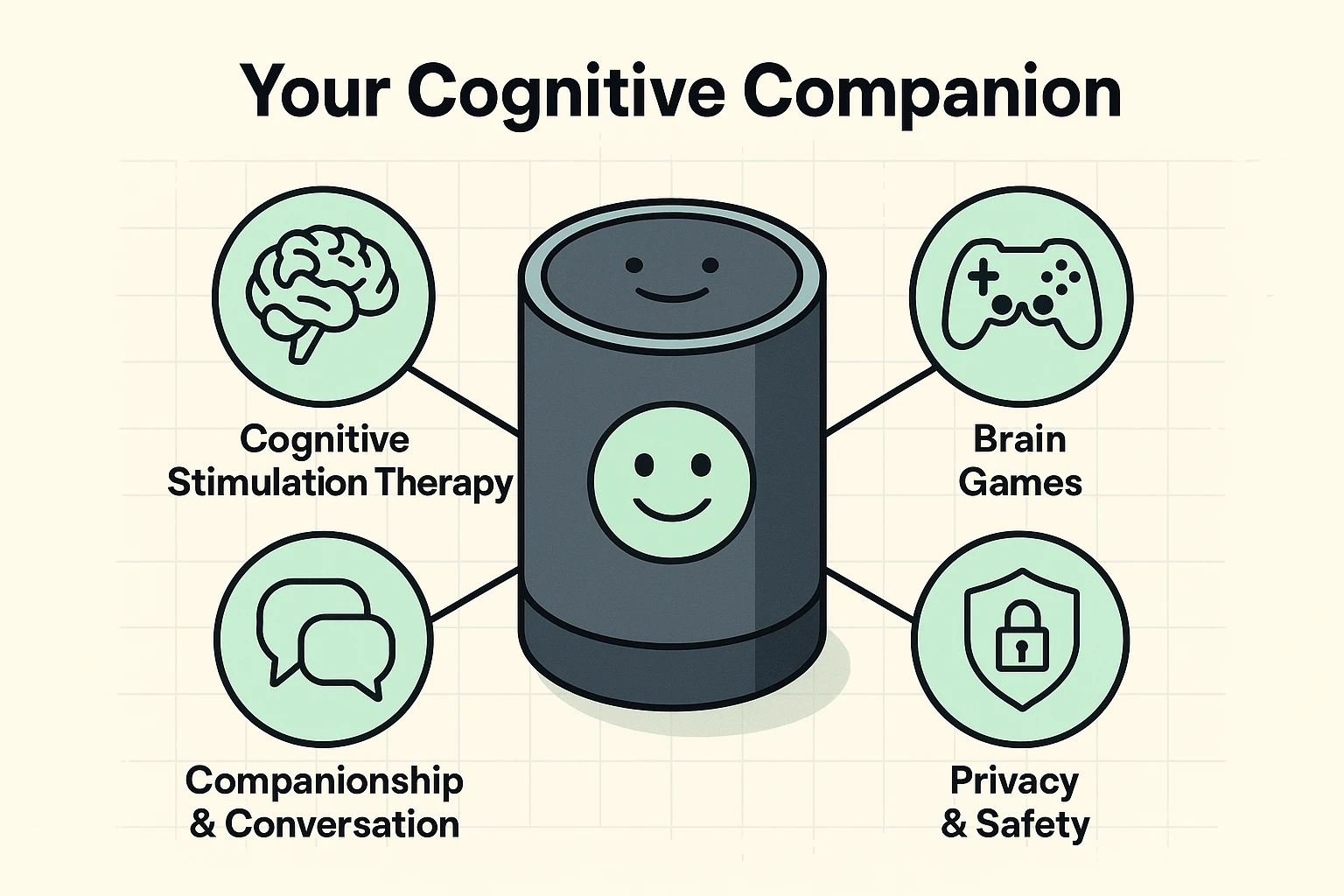
Voice assistants turn cognitive exercise into a conversation. Think of “Skills” (Alexa’s word for apps) not as computer programs, but as board game boxes you can open with your voice.
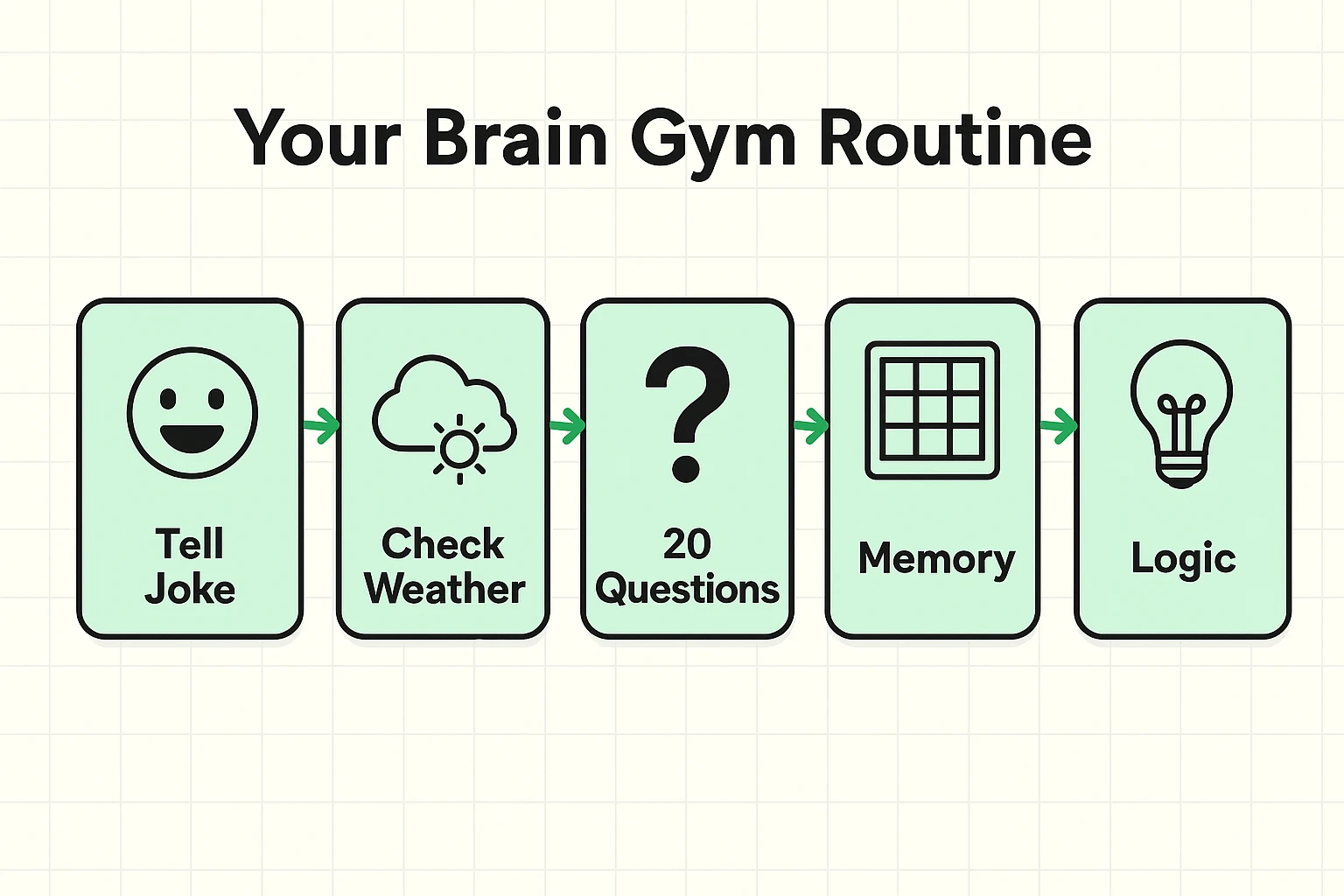
Remember Jeopardy!? You don’t have to just yell the answers at the TV anymore. You can say, “Alexa, play Jeopardy!” and she becomes the host. It’s excellent for memory recall, and unlike the TV version, you don’t lose money when you guess wrong.
There are wonderful logic games like “The Magic Door” (an interactive story) or “Akinator,” where the AI tries to guess a character you are thinking of. These aren’t just time-wasters; they are attention span builders. They force you to visualize, plan, and respond clearly.
One of the best ways to keep the brain engaged is through nostalgia. Try asking for “Old Time Radio.” Suddenly, your kitchen is filled with the crackle of The Shadow or Johnny Dollar. It activates long-term memory centers in the brain in a way that watching the evening news simply can’t.
The house can get quiet. Sometimes, you just want to hear a voice that isn’t trying to sell you car insurance.
It might feel silly at first, talking to a plastic disc. But voice assistants are programmed with “conversational fillers” designed to break the silence.
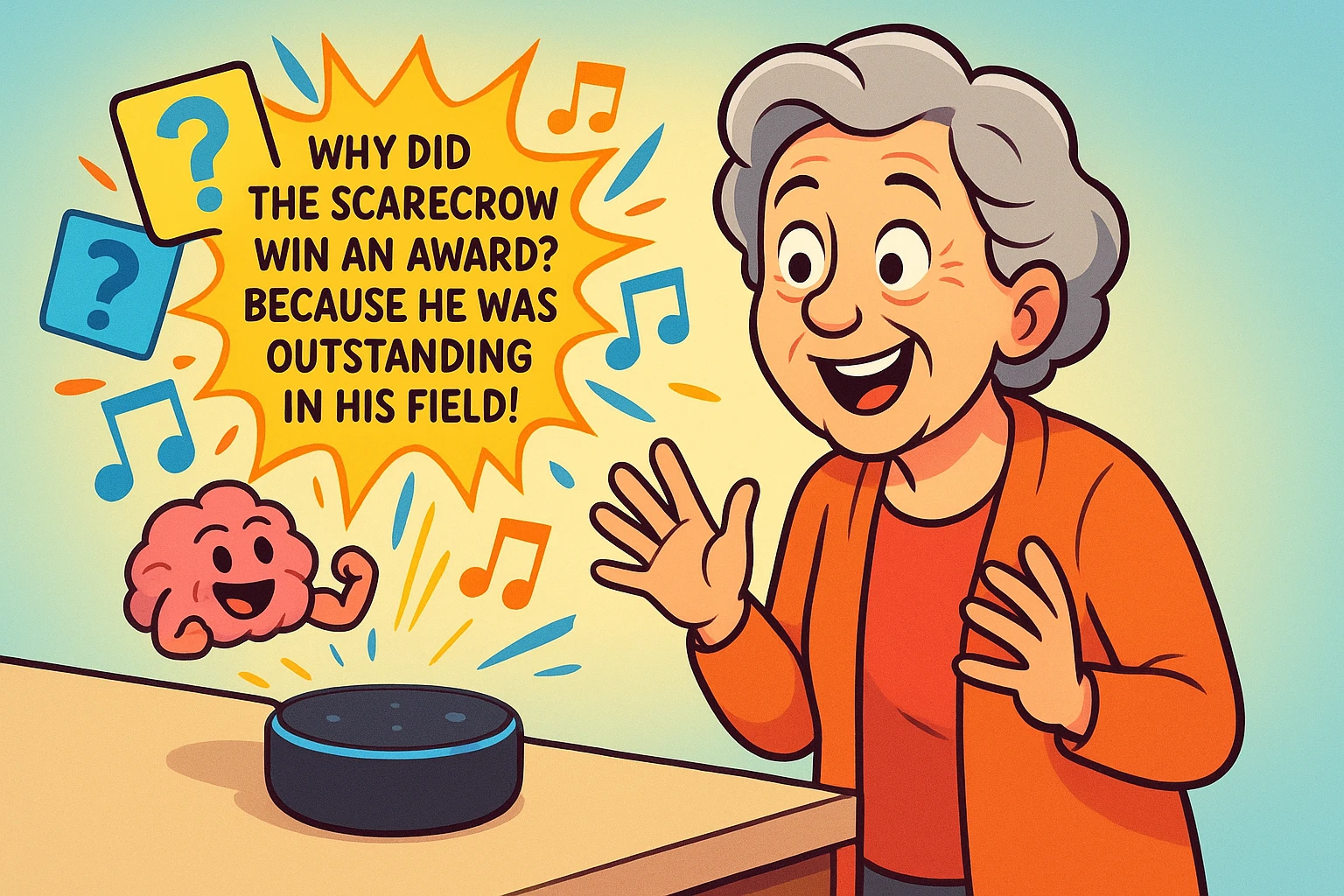
Try saying, “Alexa, tell me a joke.” (Warning: Her jokes are often “dad joke” territory, usually involving puns about vegetables).
Or try, “Alexa, good morning.” She will often respond with a fun fact in history, a seasonal greeting, or a bit of news. It’s a low-stakes way to start the day with a verbal interaction.
For those days when reading is difficult because of eye strain or fatigue, these devices act as a bridge. They can read audiobooks to you, read the news, or even describe recipes step-by-step. They are the “master key” for bypassing the visual hurdles of the internet.
While games are fun, these devices earn their keep by managing the things we tend to forget.
We all have those moments where we walk into a room and forget why we’re there. Or worse, we question if we took our morning pills.
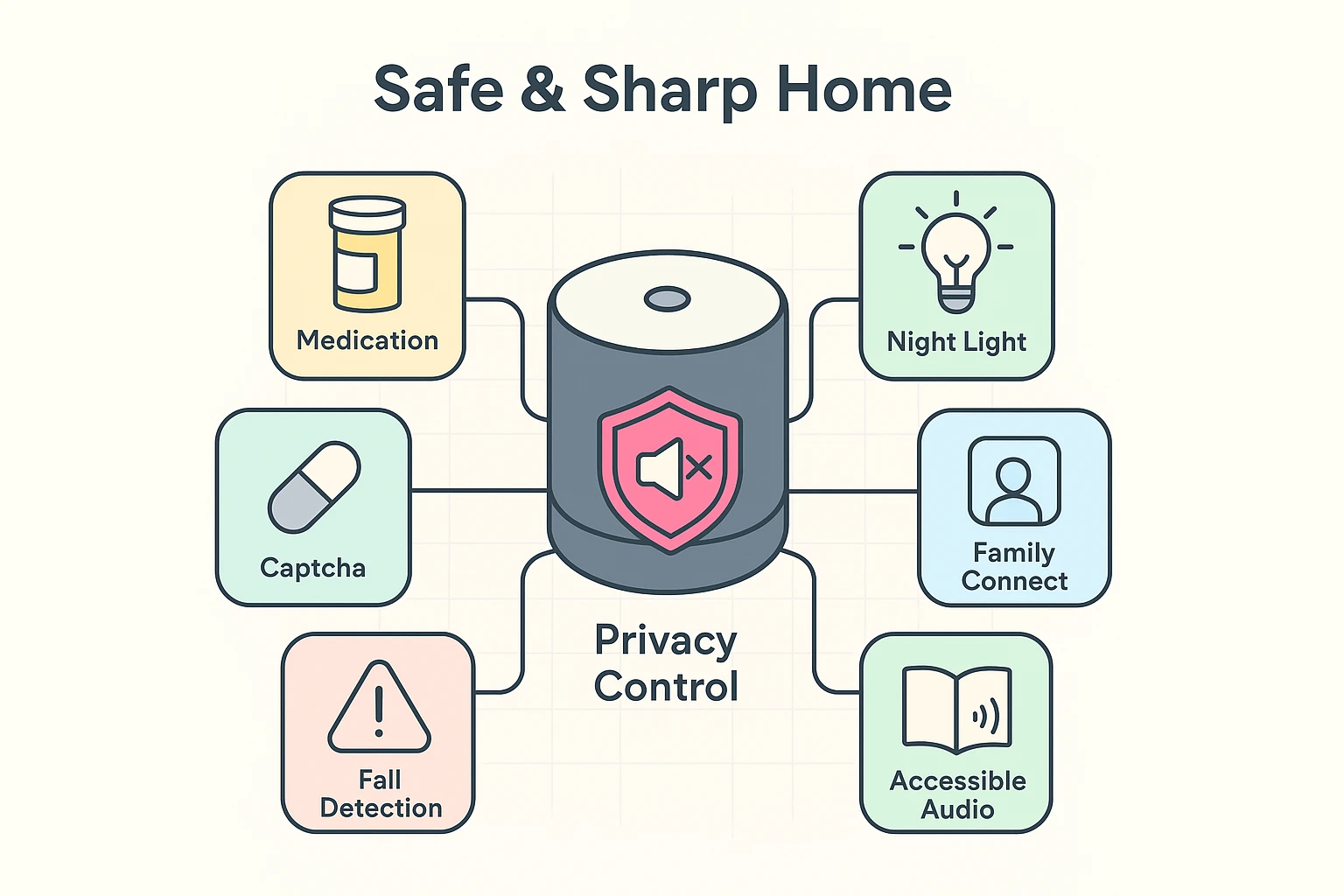
You can set up your device to be a verbal medication timer. Instead of a buzzing alarm you have to fumble to turn off, a polite voice can simply announce, “It is time to take your heart medication.” It’s like having a very persistent nurse who lives on your nightstand.
Falls often happen when we are fumbling around in the dark. With the right setup (using smart bulbs), you can simply say, “Alexa, turn on the lights,” before you even get out of bed. No more feeling along the wall for the switch like you’re exploring a cave.
“But is it listening to me?”
This is the number one question we hear, and it’s a valid one. The short answer is: Yes, it is listening for its “wake word” (usually “Alexa” or “Hey Google”).
However, if you are discussing your secret family chili recipe or your bank account numbers and you want total privacy, look for the Mute Button. It’s usually a button with a microphone icon and a line through it. When you press it, a red light usually appears.
Think of the Mute Button as closing the door for a private chat. When the red light is on, the device is electrically disconnected from listening. It’s your physical guarantee of privacy.
Not at all. The initial setup requires a smartphone and Wi-Fi, but once it’s plugged in, you operate it entirely with your voice. If you can talk, you can use it.
Most of the basic games like Trivia, Jokes, and Weather are completely free. Some advanced games might offer “premium” versions, but you can almost always say “No” and stick to the free version.
These devices are getting smarter every day. If it doesn’t understand you, try speaking a little slower, or phrase it differently. Unlike a human, the device won’t get frustrated if you have to try twice.
Yes, but this usually requires setting up a specific “Emergency Contact” in the app first. Once set up, you can shout, “Alexa, call [Name],” and it will dial them on the speakerphone.
Don’t let that puck gather dust any longer. Today, try just one new thing. Walk up to it and say:
“Alexa, tell me something interesting.”
Who knows? You might learn a fact about octopuses, hear a terrible joke, or discover a new game. At the very least, you’ll have someone to talk to while the coffee brews.