Newsletter Subscribe
Enter your email address below and subscribe to our newsletter

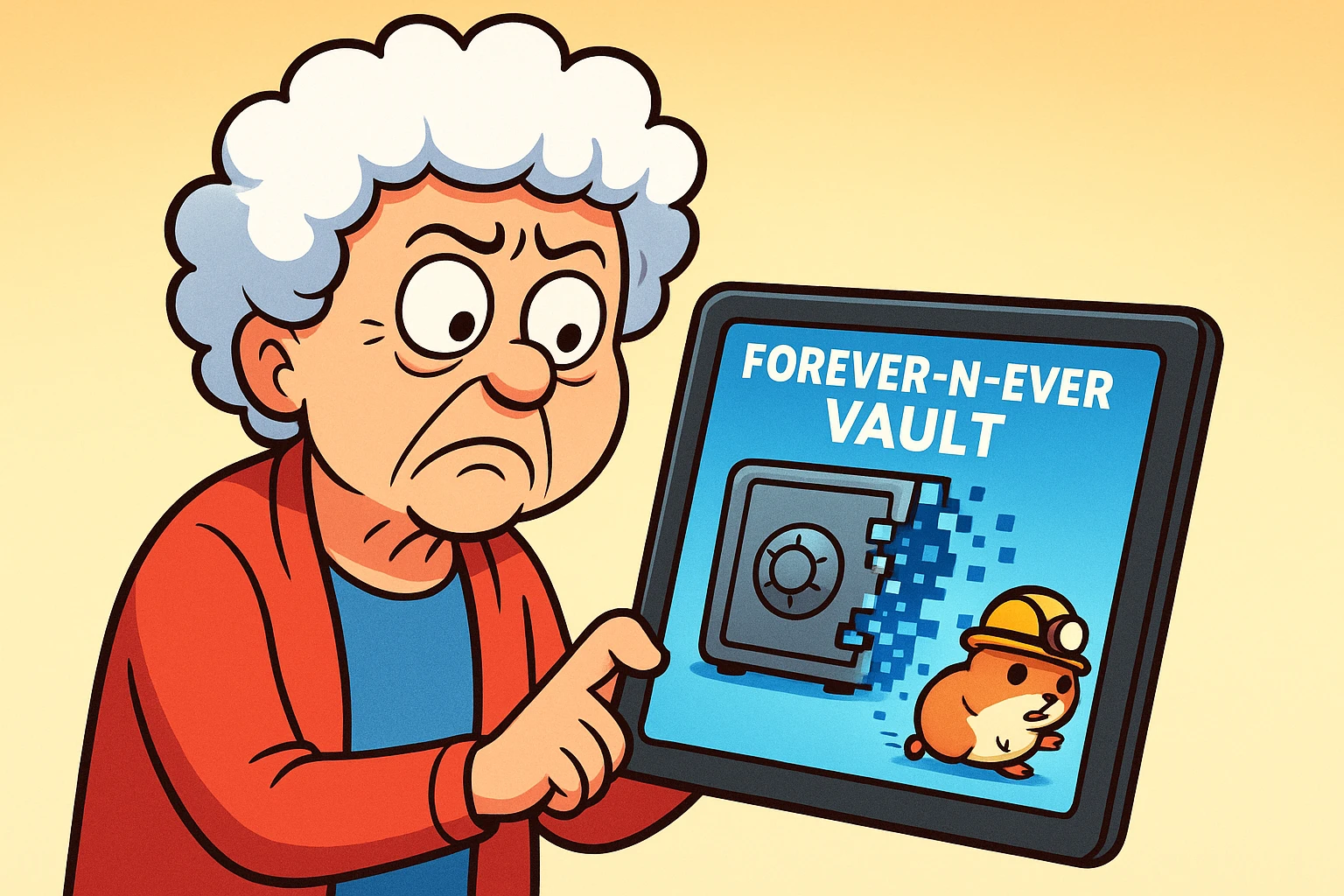
Imagine this scenario: You’ve spent weeks being a responsible adult. You’ve gathered all your passwords, your secret cookie recipes, and the location of the safe deposit key. You’ve uploaded them to a shiny new website called “Forever-n-Ever-Vault.com.” You feel great. You feel organized. You feel like you’ve finally outsmarted the chaos of the universe.
Then, three years later, you get an email (or worse, your executor gets it after you’re gone) saying: “Dear Valued Customer, Forever-n-Ever Vault is pivoting to cryptocurrency for hamsters. All user data will be deleted on Tuesday. Good luck!”
If that thought makes your blood pressure rise, you aren’t alone. We spend a lot of time worrying about creating a “Digital Will,” but we rarely ask the follow-up question: What happens if the company holding my Digital Will goes out of business?
It’s the digital equivalent of putting your last will and testament in a bank vault, only to find out the bank has been turned into a frozen yogurt shop and they lost the key.
But don’t panic. While we can’t predict the stock market or the lifespan of a tech startup, we can build a backup plan that is bulletproof. Here is how to ensure your digital legacy outlives any website.
Before we fix the problem, we have to understand what we are up against. When you trust a third-party service with your legacy, you are generally facing one of three risks. Think of these as the “Fragile Three.”
This is the most common culprit. Startups are exciting, but they are also volatile. A company like “SafeBeyond” might be the darling of the tech world one day, and facing an uncertain future or acquisition the next. If a company runs out of cash, the servers get turned off. If your data lives only on those servers, it disappears with them.
Sometimes a company doesn’t die; it gets bought. Remember when your favorite local bakery got bought by a conglomerate and suddenly the donuts tasted like cardboard? The same thing happens in tech. A new owner might change the “Terms of Service,” decide they no longer support “legacy” features, or convert a free service into a paid subscription that your heirs don’t know they need to pay.
Technology ages like milk, not wine. You might diligently save your memoirs on a platform that uses a specific file format. Ten years later, opening that file might be as difficult as trying to play a cassette tape in a Tesla. If the platform doesn’t update its tech, your data becomes a digital fossil—visible, but untouchable.
So, should you just give up and write your passwords on a napkin? Absolutely not. Napkins get thrown away, and handwriting is hard to read.
Instead, we borrow a rule from the IT world. Computer geeks live by the “3-2-1 Backup Rule.” We are going to adapt this for your legacy. The goal is “redundancy”—which is just a fancy word for “having a spare tire.”
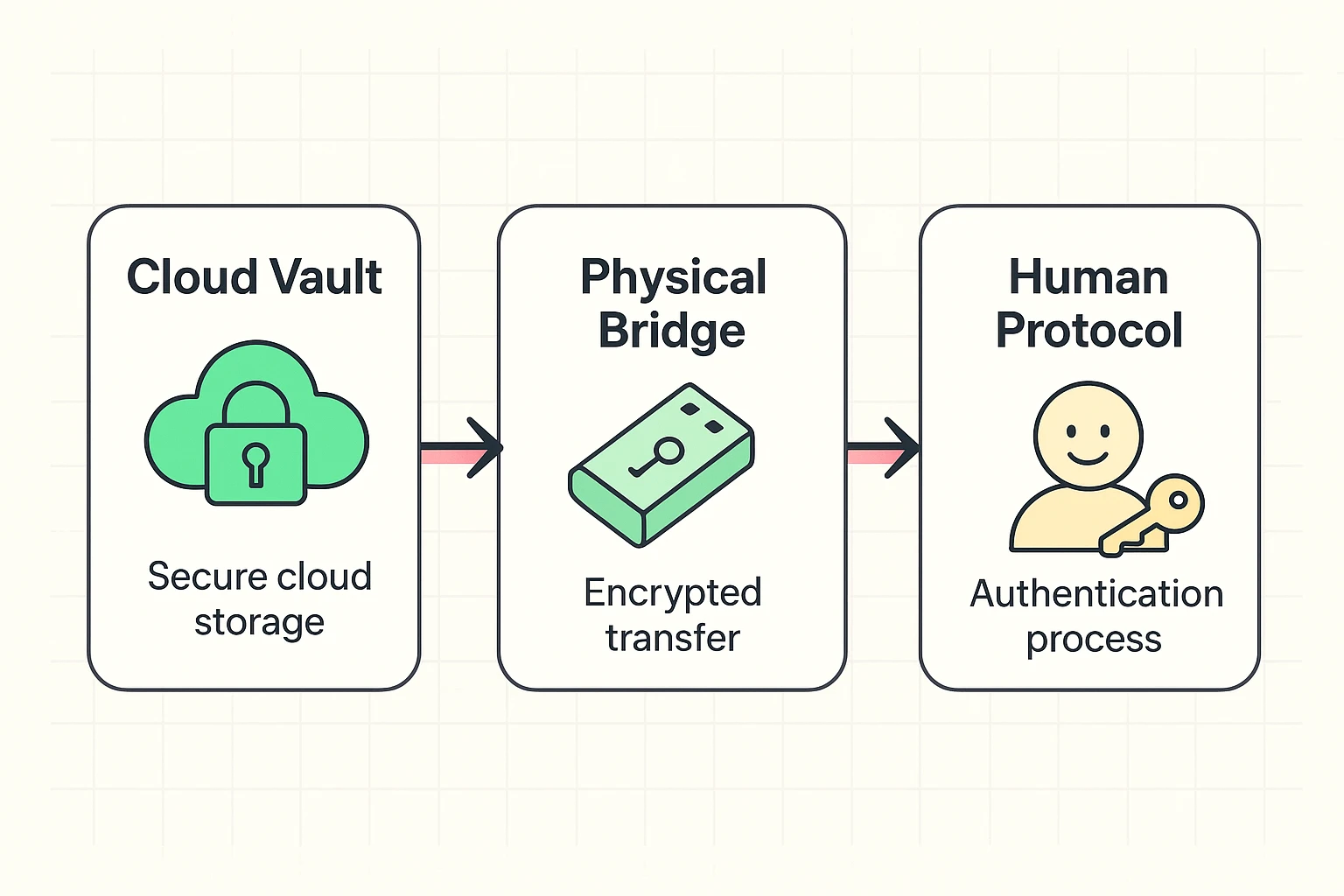
Keep using your digital legacy service (like Everplans, Trustworthy, or similar). They are fantastic for organizing the chaos and guiding you through the questions you didn’t know you needed to answer. They serve as the “Primary Access” point. But—and this is the big “but”—never let this be the only place the information exists.
This is your safety net. Once a year, you need to export your data from the cloud and save it onto a physical, encrypted USB drive or an external hard drive. This is crucial for photos and documents.
If you aren’t sure how to get your memories off your device in the first place, you need to learn how do i backup my iphone photos to a drive, not just to iCloud. If Apple or Google ever lock your account, having that physical drive in a fireproof safe is the only thing that saves your family photos.
Technology fails; people usually try their best. You need a “Human Master Key.” This is a trusted person (or an attorney) who knows exactly where the Physical Bridge (Layer 2) is located and how to access it. If the website disappears, your Human Key simply walks to the safe, grabs the USB drive, and your legacy is preserved.
When you are shopping for a digital legacy service, there is one feature that matters more than fancy graphics or emotional marketing videos: The Export Button.
In the tech world, this is called “Data Portability.” It simply means: “Can I take my ball and go home?”
Before you sign up for any service, look for their export options. You want to see words like “Download All,” “Export to PDF,” or “Export to CSV/JSON.”
If a service makes it impossible to download your own data, run away. That isn’t a vault; it’s a trap.
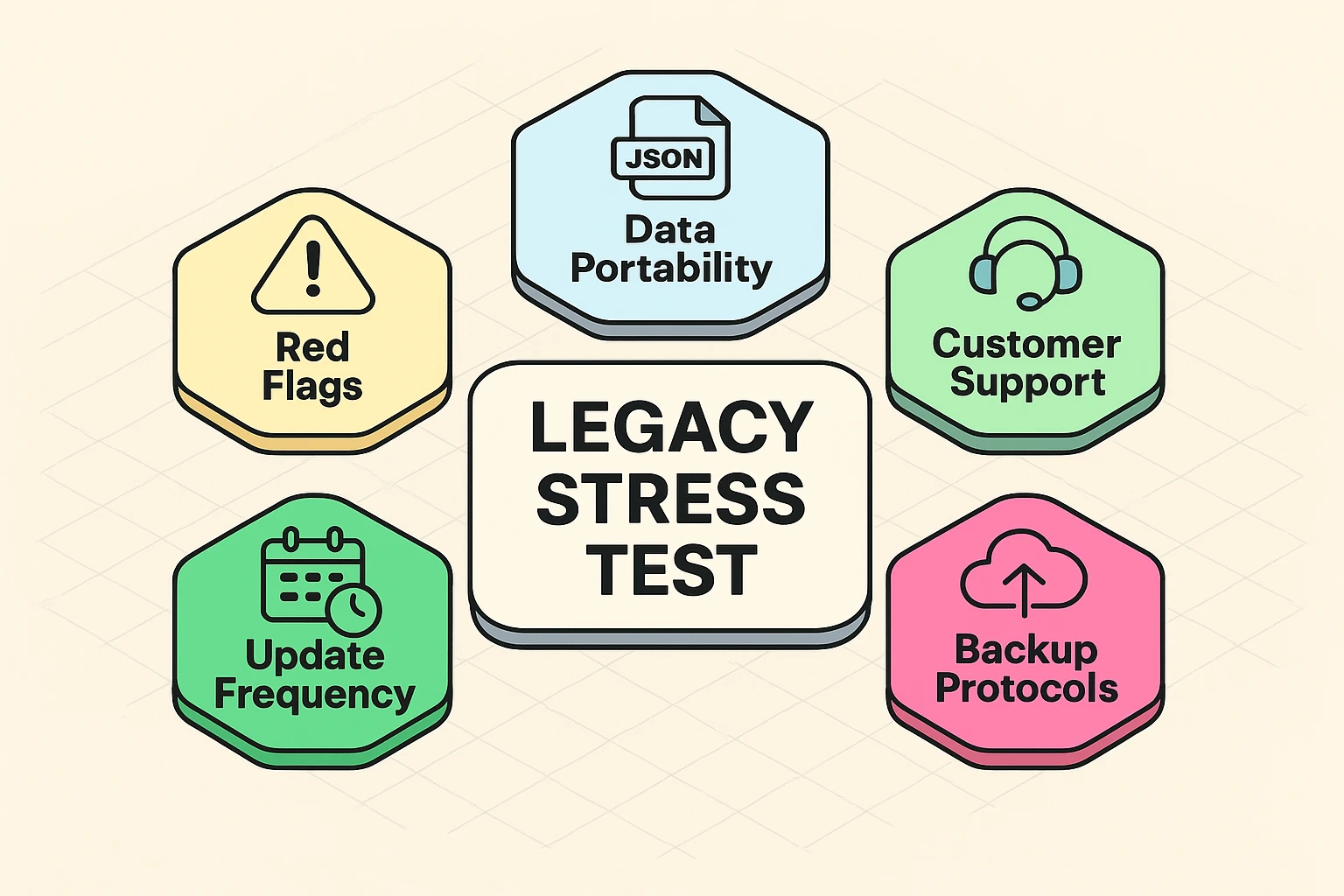
You wouldn’t buy a car without kicking the tires, so don’t trust your life’s work to a website without checking the foundation. Before you commit to a platform, run it through this 5-point stress test.
Generally, yes—if you use a reputable service with encryption. However, for critical legal documents (like the signed Will or Power of Attorney), the digital copy is usually just for information. The physical original with the “wet ink” signature is often legally required. The digital version tells your family where the physical version is hiding.
It becomes a bureaucratic nightmare. Without a plan, your family may need to provide death certificates and court orders to every single company (Google, Facebook, Apple, etc.) individually. NordPass research suggests it can require over 20 different documents just to close these accounts. A legacy plan creates a roadmap to bypass this headache.
You can, but passwords change. If you change your email password next month and forget to tell your kids, that “master list” you gave them is useless. A legacy manager (or a password manager with emergency access) ensures they always have the current key.
We often look for a “silver bullet”—one app that will solve all our problems. But when it comes to your digital legacy, the stakes are too high for a single point of failure.
By using a digital service for organization, but backing it up with a physical drive and a trusted human, you are building a system that can survive anything—even a tech company going bust. It takes a little extra effort today, but your family will thank you for it tomorrow. And isn’t that the whole point?
If you are ready to start securing your digital memories, start with the photos—they are often the most cherished and the hardest to replace. Take a moment to read our guide on how to backup iphone photos to ensure your visual legacy is safe, sound, and ready for the future.