Newsletter Subscribe
Enter your email address below and subscribe to our newsletter

Enter your email address below and subscribe to our newsletter
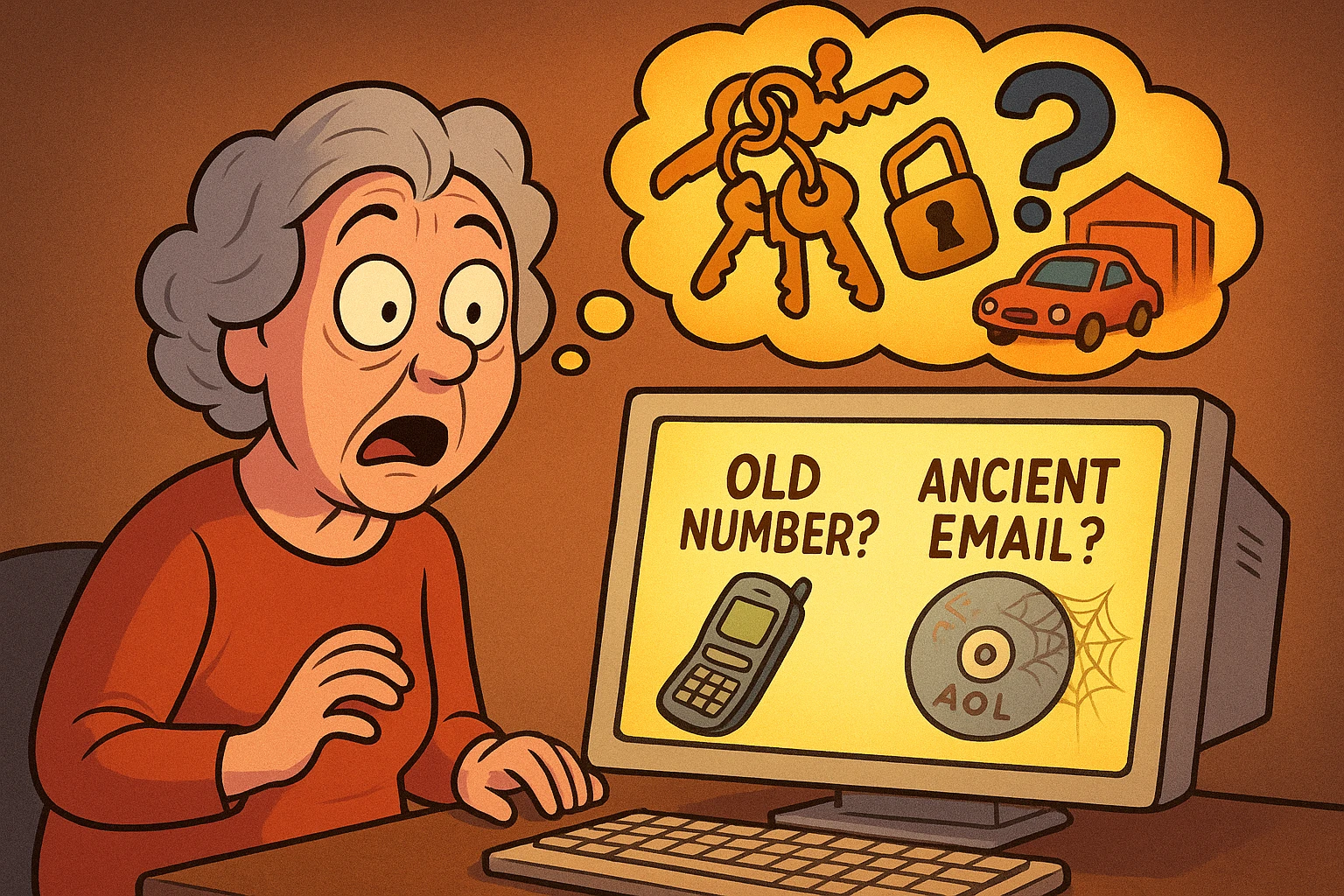
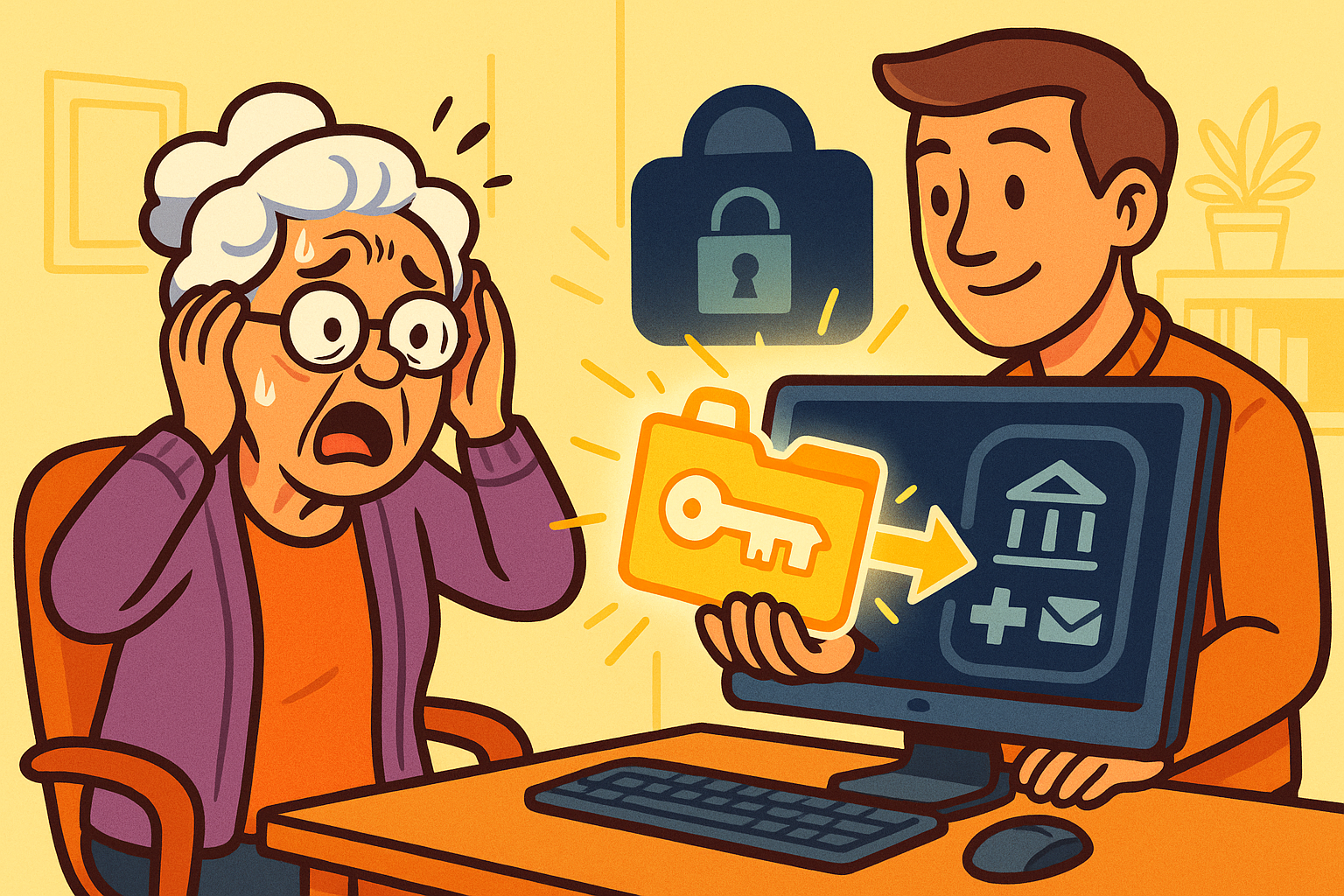
Picture this: You sit down to check your emailEmail, or electronic mail, is a digital communication tool that allows users to send and receive mes... More, ready to see if your granddaughter finally sent those photos of her new puppy. You type in your passwordA password is a string of characters used to verify the identity of a user during the authentication... More. Access denied. No problem, you think, “I’ll just reset it.”
The screen politely offers to send a code to your phone number ending in 12. “Ending in 12?” you mutter. “I haven’t had that number since flip phones were cool and I still had decent knees.”
Okay, Plan B. Send code to recovery email.” You stare at the screen. That email address belongs to an internetThe Internet is a vast network of computers and other electronic devices connected globally, allowin... More provider that went out of business during the Bush administration.
This is the “Total Lockout.” It’s the digital equivalent of locking your keys in the car, but the car is also inside a locked garage, and you’ve sort of forgotten where the garage is.
If your blood pressure is rising, take a deep breath. While this is one of the most frustrating situations in modern life—right up there with opening those indestructible plastic clamshell packages—it isn’t necessarily the end of the road.
Before you start clicking buttons wildly, let’s look at your options.
When we get locked out, our instinct is to act like a woodpecker on a sugar rush—pecking at every “Try Again” button we see. We guess passwords. We request codes to dead numbers. We shout at the monitor.
Here is the hard truth: Spamming the login page makes you look like a hacker.
Security systems at places like GoogleGoogle is a multinational technology company known for its internet-related products and services, i... More and Microsoft are designed to keep bad guys out. If you try to log in 15 times in three minutes with wrong information, the system thinks, “Aha! A cyber-criminal is attacking!” and it locks the door even tighter.
Stop. Go make a cup of tea. We need a strategy, not brute force. We need to look at this logically, the way we at senior tech cafe tackle all tech problems: with patience and a plan.
Not all accounts are created equal. Before we dive into the “how,” we need to determine the “if.”
These are services run by humans or massive corporations that want you to stay a customer. Think local utility accounts, shopping sites, or even Facebook (sometimes). They often have customer service lines or manual review forms.
Google (Gmail), Microsoft (Outlook/Hotmail), and Apple. These giants have automated almost everything. You cannot call them. I repeat: You cannot call Google. If you find a phone number for “Google Support” online, it is almost certainly a scammer waiting to steal your credit card number. However, these companies do have strict protocols that might let you back in if you can prove who you are.
If you deal with cryptocurrency or encrypted messaging apps (like Signal or ProtonMail), and you lost your password and your recovery phrase, I have bad news. These systems are designed so that nobody—not even the company CEO—can unlock them. It’s a feature, not a bugA bug is a mistake or glitch in a computer program that causes it to act in ways it shouldn’t. For... More. If the key is gone, the vault is sealed forever.
If you can’t use your phone or email to verify your identity, you have to do it the old-fashioned way: with evidence.
The automated systems are looking for proof that you are the owner. Before you attempt the “Account Recovery” form again, you need to gather your clues. Think of yourself as a detective investigating your own life.
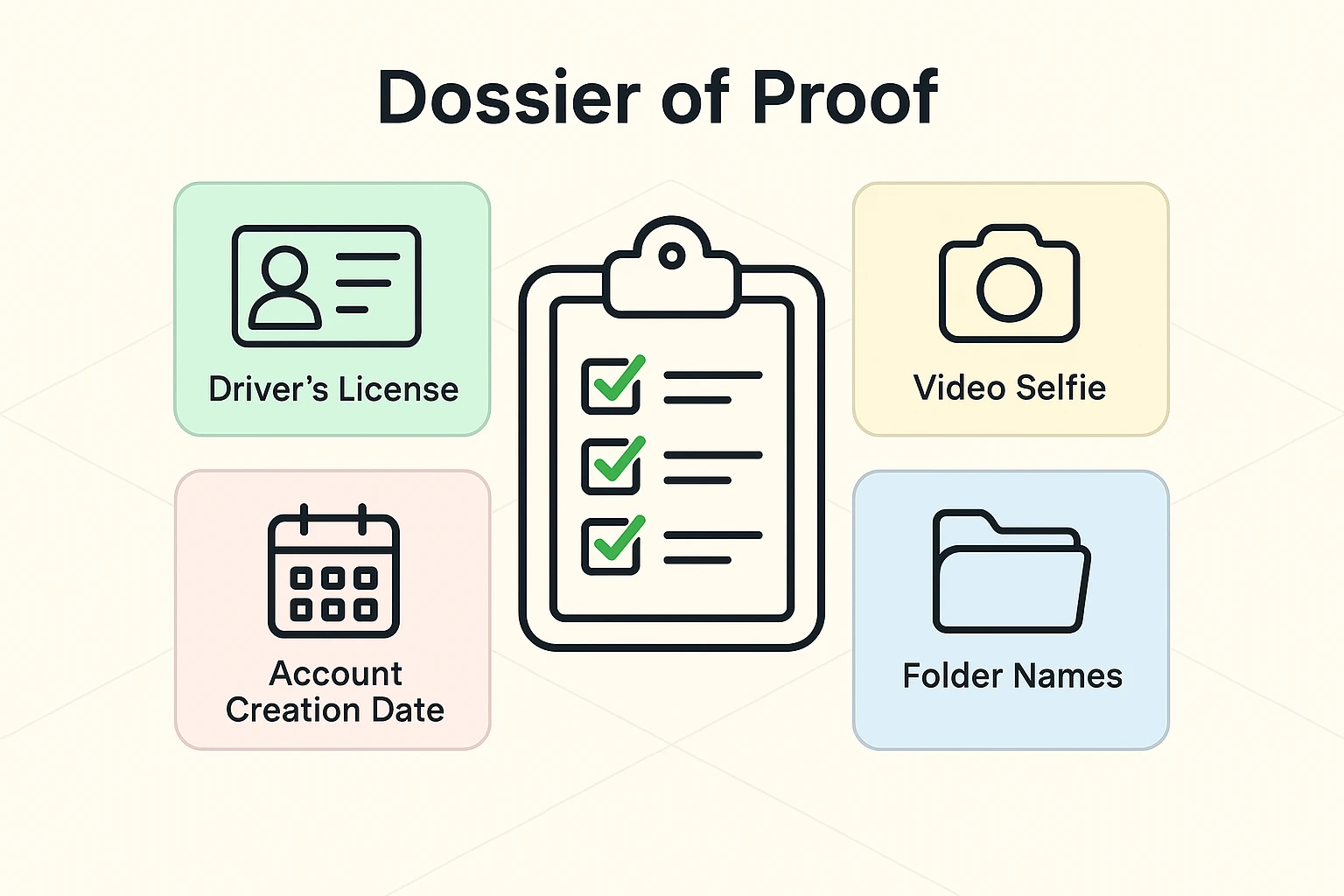
Write down the answers to these questions (but don’t type them into the computer yet):
This is the secret weapon most people ignore.
When you finally try the account recovery form, do not do it from a new device.
If you try to recover your account from your brand-new iPad while vacationing in Cancun, the security system sees: Unknown Device + Unknown Location + Wrong Password = THREAT.
Instead, find the oldest, dustiest computer you have—the one you used to log into that account for years. Use your home Wi-FiWi-Fi, short for Wireless Fidelity, revolutionizes connectivity by enabling devices to access the in... More. Sit in your usual chair.
Tech companies track “trusted devices” and “trusted locations.” If you attempt recovery from a computer the system recognizes, your “Trust Score” goes up immediately. It’s the difference between a stranger knocking on your door at midnight and your neighbor stopping by at noon. You’re much more likely to open the door for the neighbor.
For Google and Microsoft, once you fail the automated questions, you might be offered a manual review. This is rare, but it happens.
They may ask for:
If you get to this stage, accuracy is everything. Ensure your lighting is good. Hold your hands steady. This is your chance to convince the bouncer to let you back into the club.
I cannot stress this enough: There are sharks in these waters.
If you go on social mediaSocial media refers to online platforms and websites that enable users to create, share, and interac... More and post, “I’m locked out of my Gmail!”, you will immediately get comments from bots saying, “Don’t worry! @SuperHacker on Instagram got my account back in 10 minutes!”
These are lies. All of them.
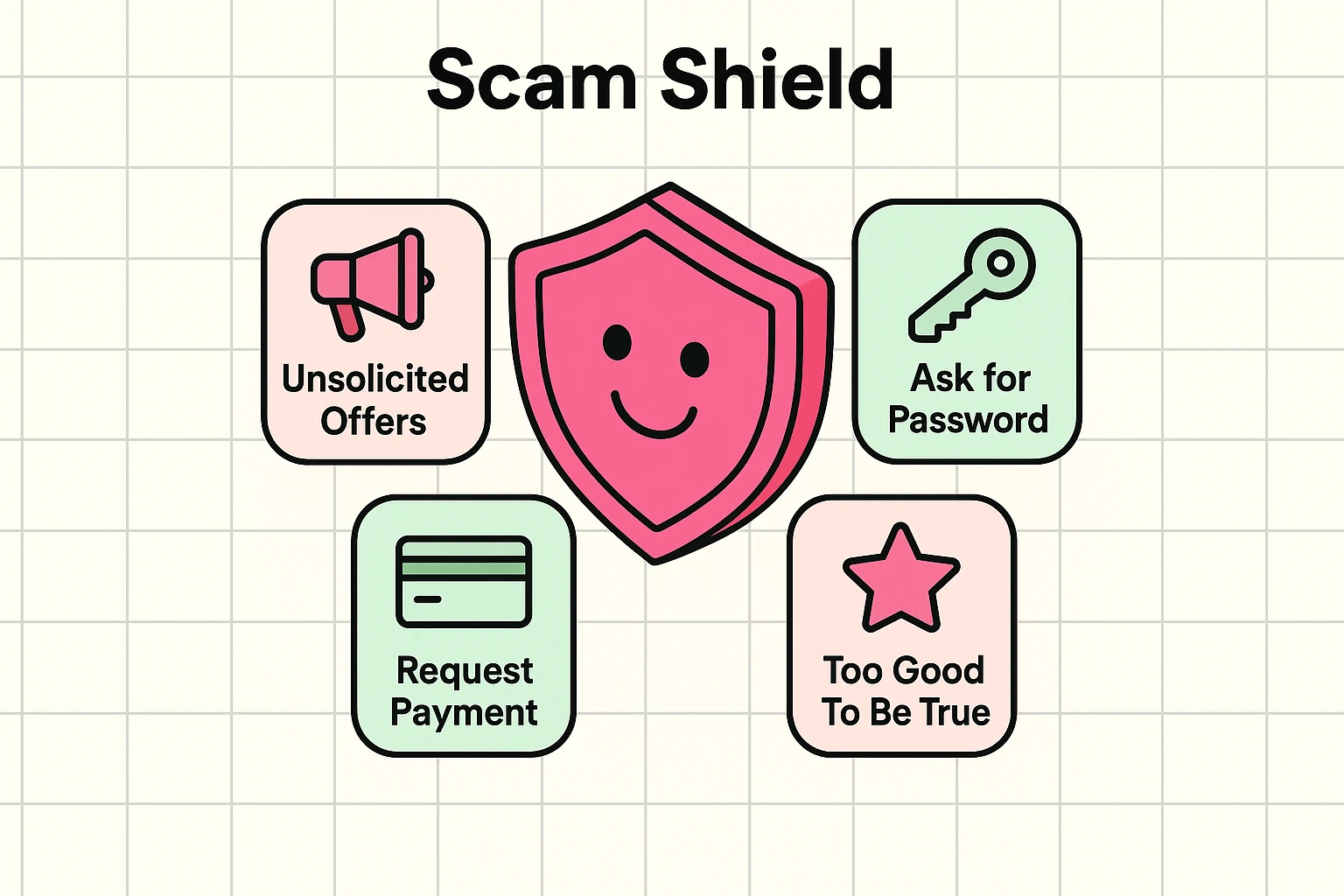
Here is how you spot them:
No one outside of the company (Google, Facebook, etc.) can unlock your account. If you pay these people, they will take your money, steal your identity, and ghost you faster than a bad date. Always check their website and verify sources before trusting anyone with your data.
It’s frustrating, but it’s actually for your protection. If it were easy to call up and say, “Hey, I’m Bob, let me in,” then anyone could pretend to be Bob. The system is designed to favor security over convenience.
No. The employees at the Google Store (or Apple Store) are sales and repair people. They do not have access to the global server database to reset passwords. They cannot override the security lock.
It is a sad possibility. If you cannot provide enough proof, the account may be lost. In that case, you must focus on damage control: notify your bank, tell your family you have a new email address, and update your information on other important sites (like Social Security or Medicare) immediately.
If reading this gave you anxiety, let’s channel that energy into prevention.
Take five minutes today to check your current accessible accounts. Is your recovery phone number up to date? Do you have a backup email listed that you actually check?
Think of it like hiding a spare key under the mat. You hope you never need it, but on that rainy day when the door slams shut behind you, you’ll be the happiest person in the world to find it there.