Newsletter Subscribe
Enter your email address below and subscribe to our newsletter

Enter your email address below and subscribe to our newsletter
You walk into the kitchen. You stand there. You look at the toaster like it’s going to give you a clue, but the toaster remains stubbornly silent. You know you came in here for something, but that thought has evaporated, likely joining the same mental black hole where your reading glasses and the name of that actor from the movie last night are currently hiding.
If this sounds familiar, you aren’t alone. Our brains are like web browsers with 47 tabs open; sometimes, we just lose track of which page we were on.
Now, add medication to the mix. Did you take that blue pill at breakfast? Or was that yesterday? You look at the pill organizer, but the little plastic “T” for Tuesday stares back at you ambiguously. This is the “Did I take it?” dance, and it’s a waltz none of us enjoy performing.
Most of us treat our voice assistants—Alexa, Siri, or Google—like glorified egg timers or weather reporters. We ask for a 10-minute timer for pasta, or we ask if we need an umbrella. But for seniors managing a complex health routine, these devices can be promoted from “kitchen gadget” to “digital nurse.”
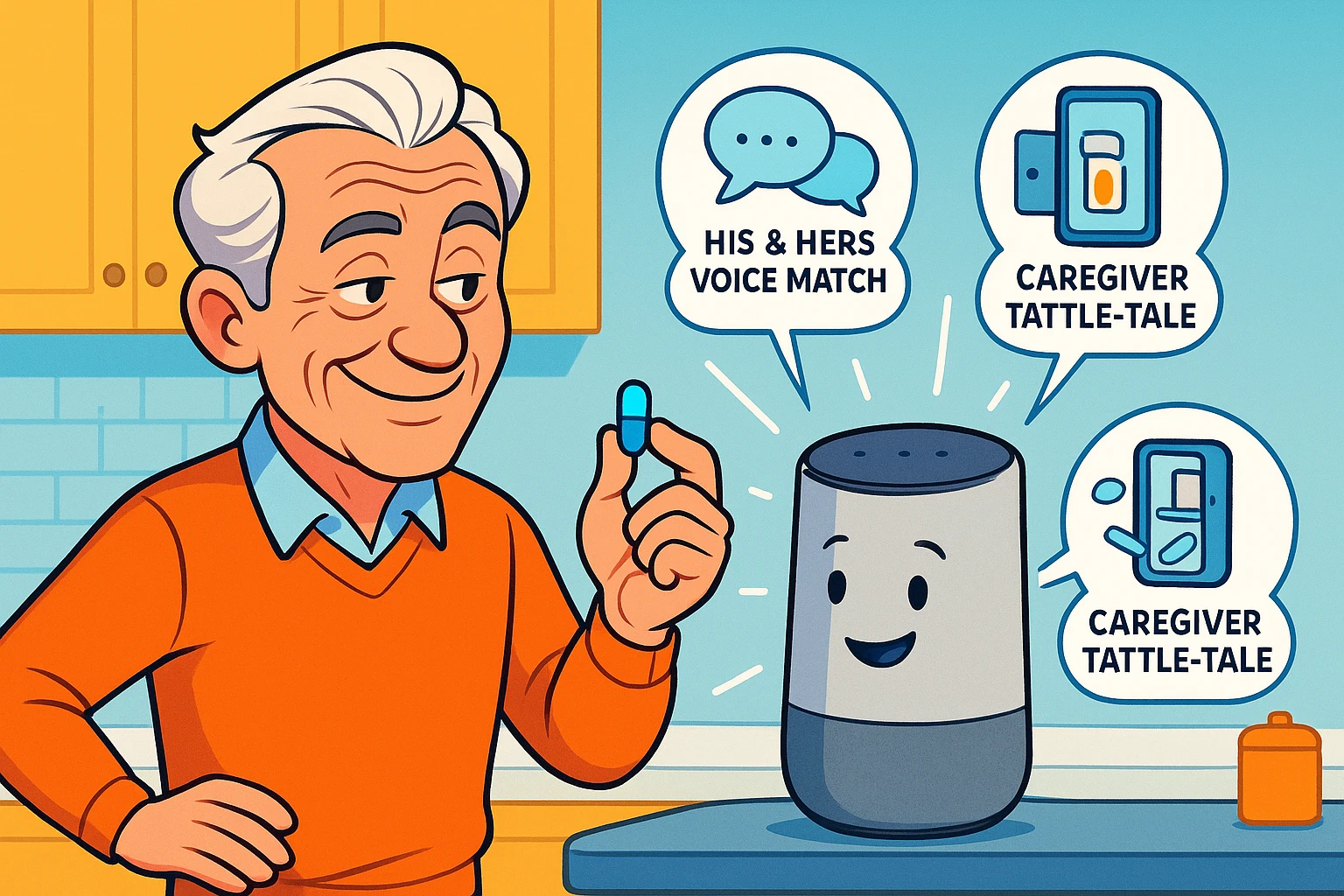
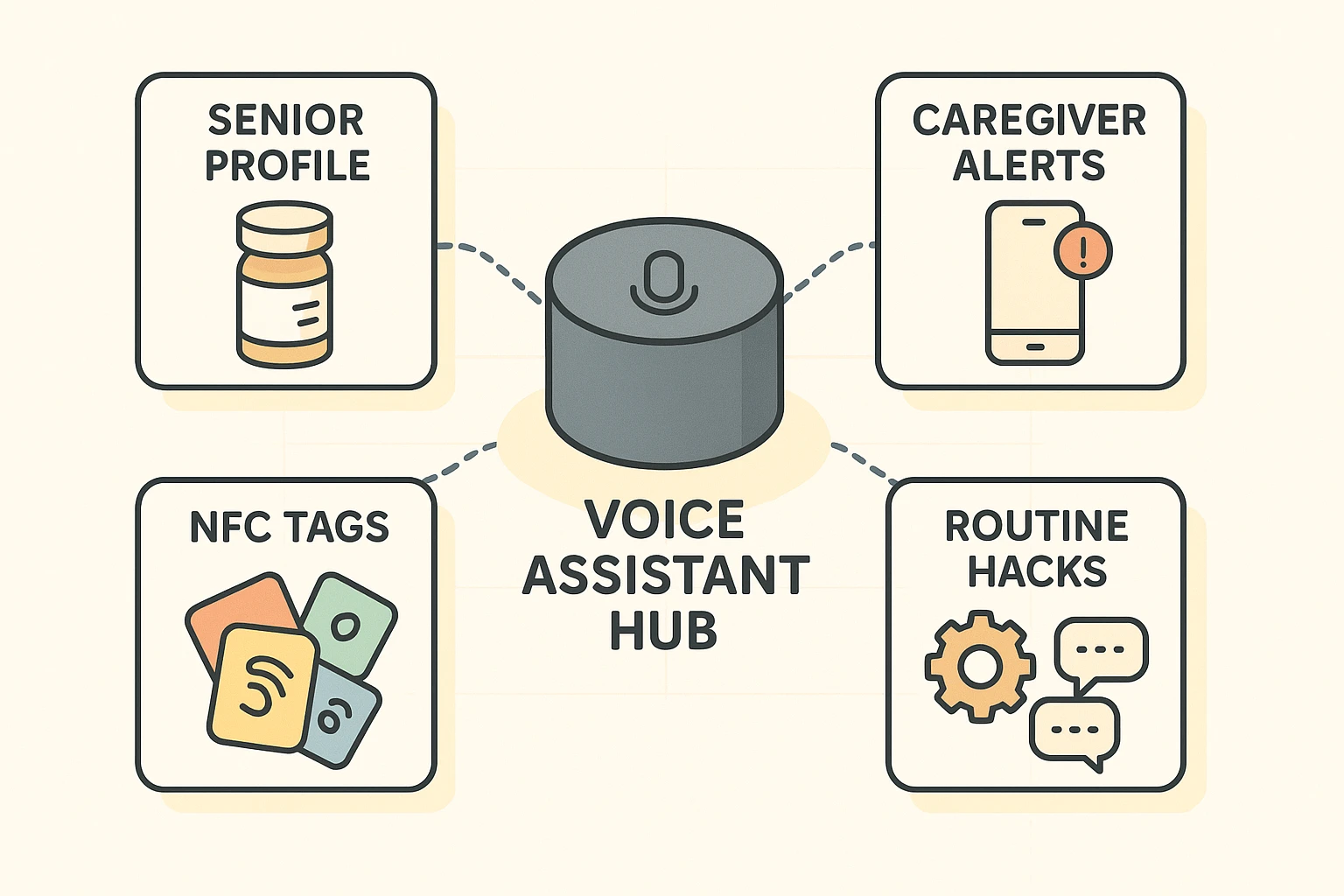
We aren’t just talking about setting a simple alarm that goes beep. We’re talking about building a safety net that knows when you’ve eaten, recognizes your voice distinct from your spouse’s, and can even tattle on you to your daughter if you forget your noon dose.
Here is the problem with a standard medication timer or a basic phone alarm: it demands your attention at an arbitrary time, not necessarily the right time.
Let’s say you set an alarm for 9:00 AM. The alarm goes off. But you’re in the middle of pouring coffee, or the cat is currently doing something suspicious near your favorite vase. You shout, “Alexa, stop!” and tell yourself, “I’ll take the pill in two minutes.”
Spoiler alert: You probably won’t.
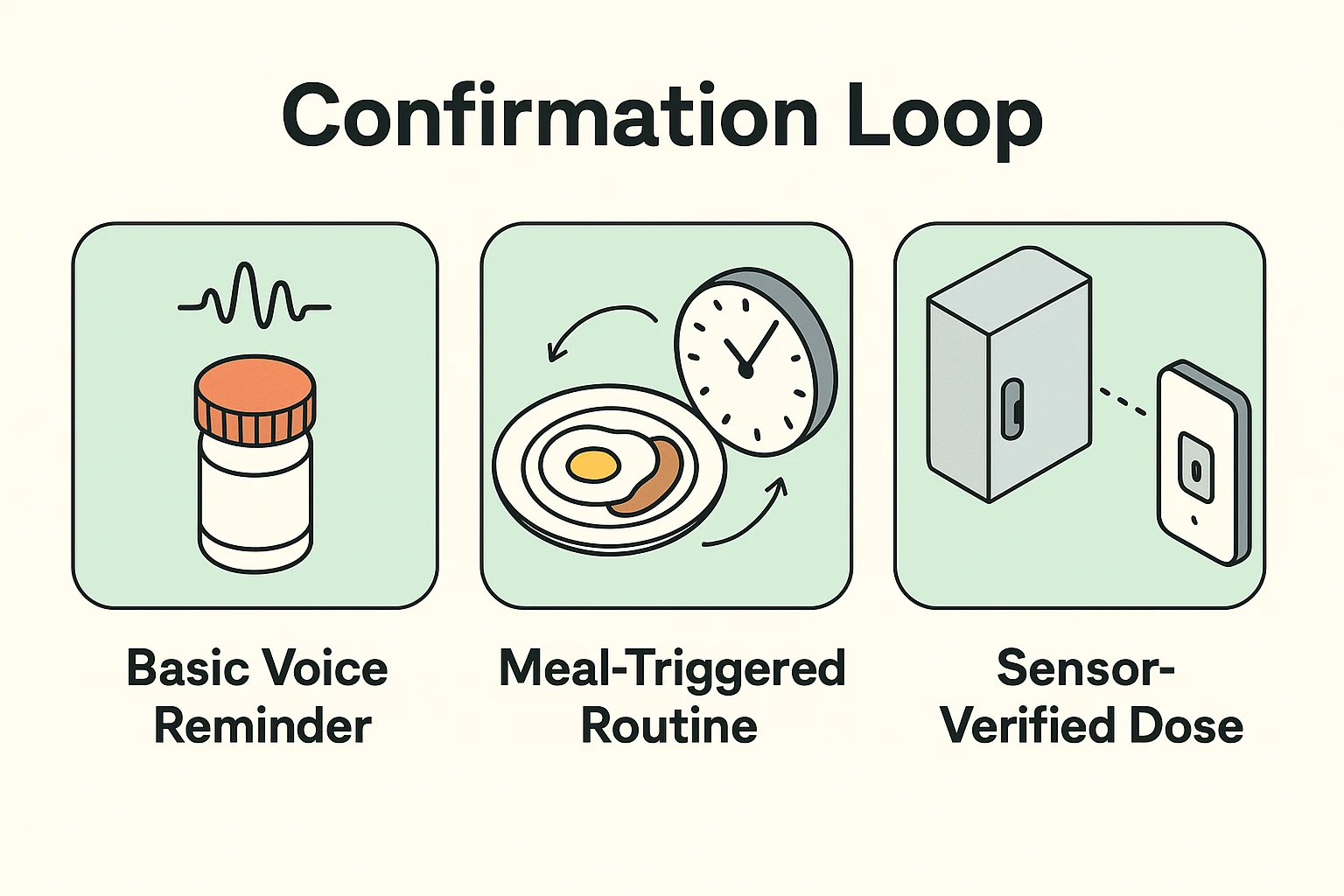
This is what experts call “Alarm Fatigue.” The noise becomes background clutter. To fix this, we need to move beyond simple alerts and create what’s called a Confirmation Loop.
A Confirmation Loop doesn’t just annoy you; it verifies you. It integrates into your life rather than interrupting it. It changes the dynamic from “Do this now” to “Have you done this yet?” It seems like a subtle difference, but it’s the difference between a missed dose and peace of mind.
Before you start shouting commands at the nearest speaker, it is important to know that not all digital assistants went to the same medical school.
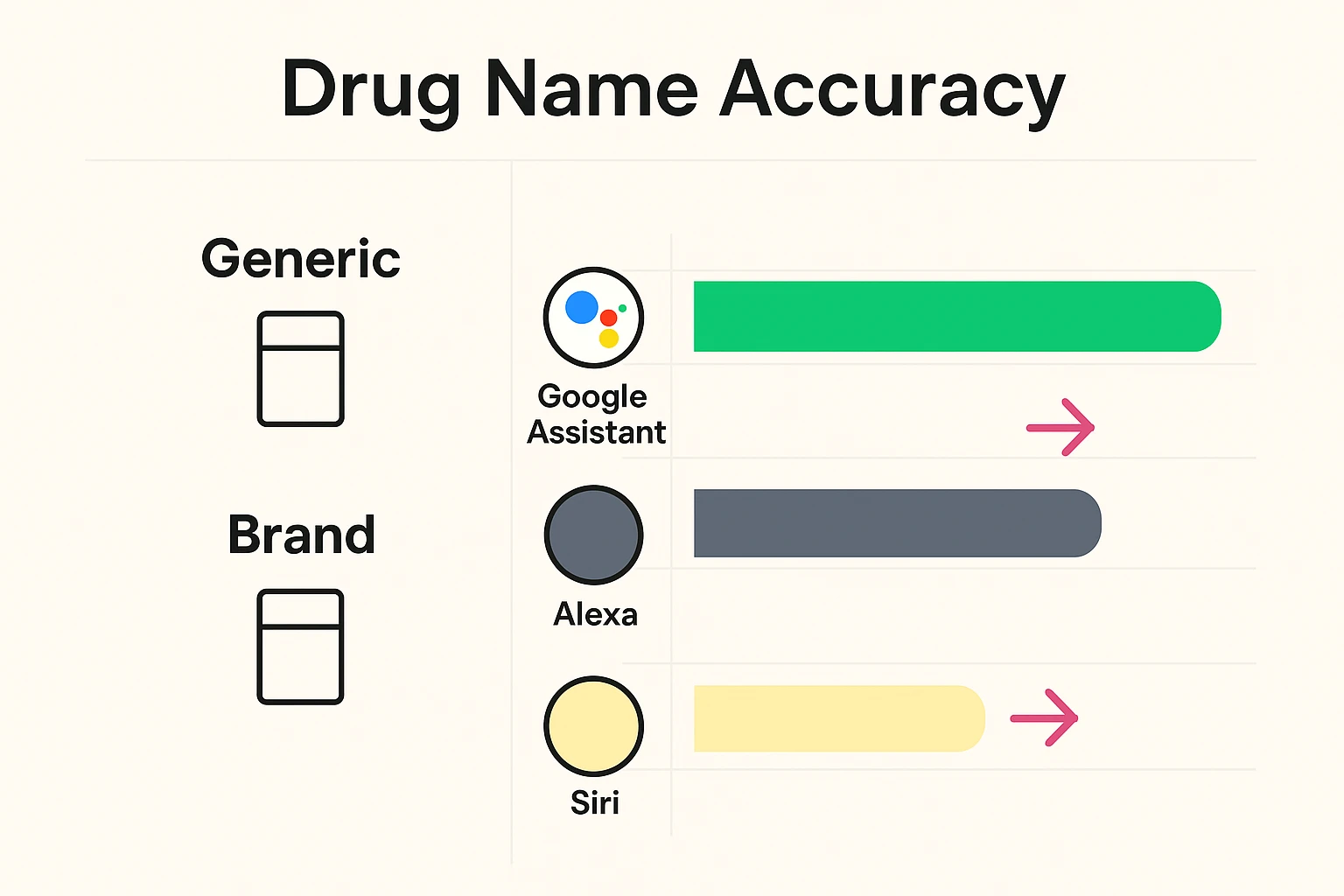
If you are just saying, “Remind me to take my medicine,” any device will do. But if you want to say, “Remind me to take my Atorvastatin,” things get tricky.
Research into voice assistant accuracy reveals a massive gap in how well these devices understand medical jargon. In tests regarding drug name recognition:
Does this mean you need to throw out your Echo? No. But it means you might need to use nicknames (like “Heart Pill”) instead of the clinical names if you aren’t using Google.
One of the biggest headaches with medication is the “Take with Food” instruction. If you set a static alarm for 8:00 AM, but you don’t eat your toast until 8:30 AM, you are in a medication limbo.
The fix? Don’t trigger the reminder based on the clock. Trigger it based on you.
You can set up a “Morning Routine” (called “Routines” in Alexa and Google Home apps). Here is how it works in plain English:
This links the medication to the habit of eating, rather than a number on the clock. It feels less like a nagging robot and more like a helpful butler.
If you and your spouse both have prescriptions, a single voice assistant can get confused. “Remind me to take pills” becomes a dangerous game of “Whose pills?”
The solution is Voice Match (Google) or Voice ID (Alexa).
You can train these devices to recognize your specific voice. Once set up, when you say “What pills do I need to take?”, the device recognizes you are asking, not your husband. It accesses your specific calendar or reminder list.
It prevents the classic comedy of errors where you end up taking his blood pressure meds and he takes your calcium supplements, and nobody feels quite right for the rest of the day.
This is where technology really shines for peace of mind. What if you want to be independent, but your daughter worries you’re forgetting?
You can set up escalation protocols.
Using the “Routines” feature combined with standard smartphone notifications, you can create a logic flow. For example, Amazon’s “Alexa Together” service (which is a paid feature, but useful) allows for activity feeds.
But for a free DIY version, you can get creative with Smart Sensors. You can buy a small “contact sensor” (for about $15) and stick it on your medicine cabinet door. You then create a routine:
If that notification doesn’t come through by 10:15 AM, your caregiver knows to give you a friendly check-in call. It verifies the action, not just the reminder.
We at Senior Tech Cafe are big fans of technology, but we aren’t blind to the strings attached. When you use voice assistants for health, you are sharing personal data with Amazon, Google, or Apple.
While these companies have strict security, they are generally not HIPAA compliant in the way your doctor’s office is required to be.
The Golden Rule: Never speak your Social Security number, insurance policy numbers, or highly sensitive diagnosis details to your smart speaker. Use them for “Blue Pill” reminders, not for dictating your medical history.
Also, remember the Power Outage Protocol. If your Wi-Fi goes out, Alexa goes mute. Always, always have a physical backup—like a printed list on the fridge or a standard battery-operated medication timer—so a thunderstorm doesn’t throw your health off track.
Absolutely. The voice assistant doesn’t know “Fluffy” is a cat. You can set a routine named “Fluffy’s Heartworm Pill” just as easily as you can for yourself.
This is a common issue. You can set the reminder to also “Announce” on all speakers in the house, or have it send a notification to your smartphone, which is likely in your pocket.
It usually takes about 3 minutes. You open the app on your phone, select “Voice Match” or “Voice ID,” and the app will ask you to repeat a few phrases so it can learn the unique sound of your voice.
By default, no—it usually chimes once or twice. However, you can set the reminder to “follow up” or repeat every 10 minutes until you verbally tell the device, “I took my medicine.”
Transforming your smart speaker from a kitchen radio into a health partner takes a little bit of tinkering, but the payoff is huge. It allows you to offload the mental burden of “remembering to remember.”
Start small. Try setting up one “Good Morning” routine that includes a simple medication reminder. Once you get used to your house talking back to you, you can explore the more advanced sensors and caregiver alerts.
Remember, technology is supposed to work for you, not the other way around. If setting it up feels like rocket science, take a break, have a cookie, and try again later. The goal is less stress, not more.