Newsletter Subscribe
Enter your email address below and subscribe to our newsletter

Enter your email address below and subscribe to our newsletter
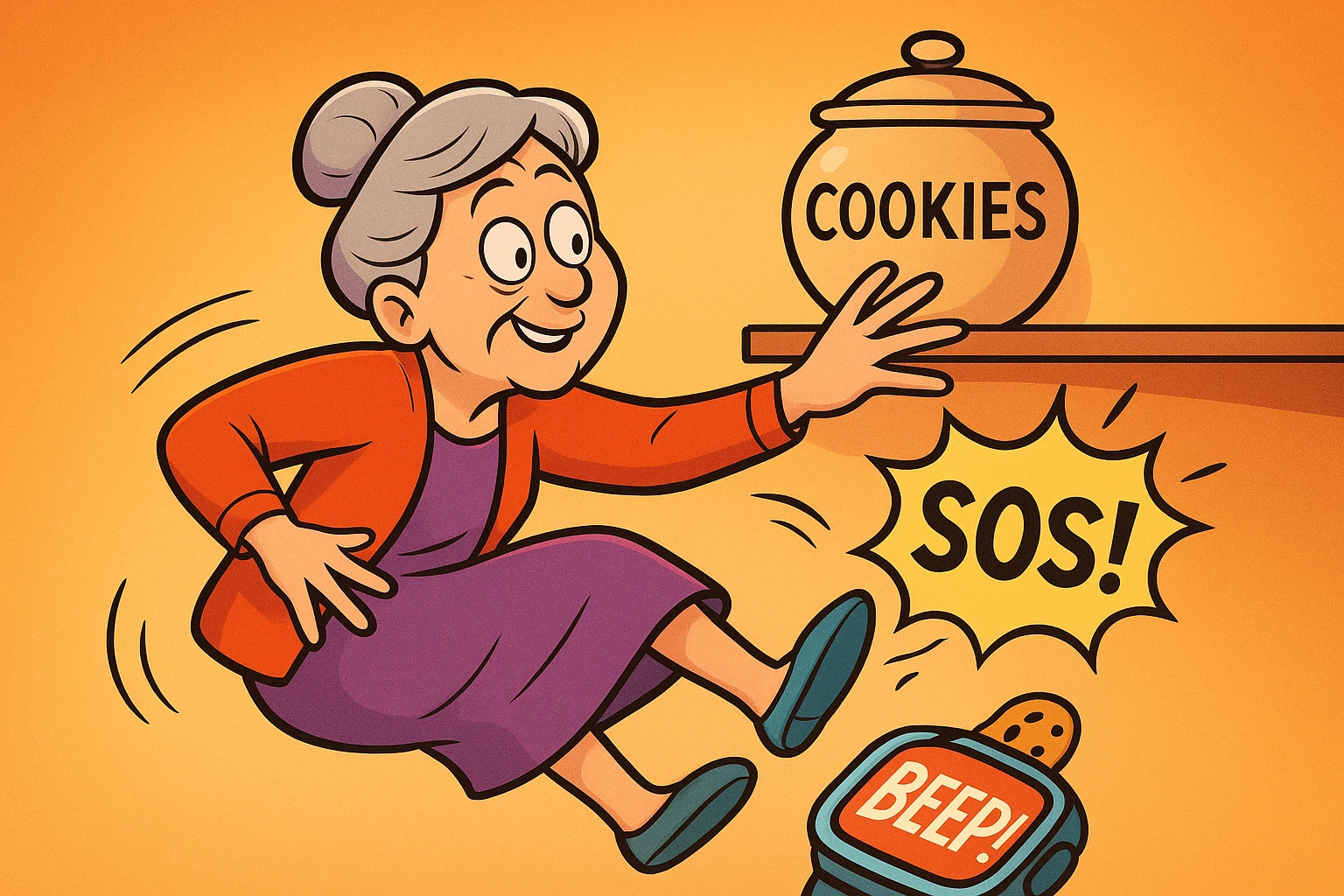
Let’s be honest, gravity has been a persistent and frankly, undefeated, opponent for most of our lives. One minute you’re reaching for the good cookies on the top shelf, and the next you’re having an unscheduled, up-close conversation with your kitchen floor. It’s the kind of sudden event that can turn a perfectly good Tuesday into a trip to the emergency room.
In the old days, the best you could hope for was that you were wearing one of those push-button pendants and remembered to, well, push the button. But what if you couldn’t?
Enter the smartwatch. This little gadget, which you thought was just for counting your steps and showing you texts from your grandkids, has a hidden superpower. It’s a silent guardian, a tiny digital lookout perched on your wrist. There are incredible, real-life stories of these watches saving lives, like the man who took a hard fall only to have his watch alert emergency services, who discovered the fall was caused by a life-threatening heart condition. It’s not science fiction; it’s technology that can offer real peace of mind.

So, how does this tiny device know the difference between you dramatically plopping onto the couch after a long day and an actual, dangerous fall? It’s not magic, but it’s pretty darn clever. It all comes down to two tiny sensors working together.
Think of the way your inner ear helps you keep your balance. It knows if you’re standing up, lying down, or spinning in circles after one too many turns on the dance floor. Your smartwatch has a digital version of this system, thanks to two key parts:
When you take a spill, these two sensors send a frantic report to the watch’s brain: “Code Red! We have experienced a sudden, high-speed impact combined with a rapid change in orientation!”
Once the sensors scream for help, the watch’s artificial intelligence (AI) kicks in. It quickly analyzes the data and asks: “Does this look like the thousands of other falls I’ve been trained to recognize?” If the answer is yes, it triggers a multi-step emergency plan, all in a matter of seconds. It buzzes, sounds an alarm, and displays a message on the screen, giving you a chance to say, “I’m okay!” If you don’t respond, it automatically calls emergency services and sends a message to your pre-selected emergency contacts.
This is the most important part to understand. While this technology is amazing, it’s not foolproof. A smartwatch is a safety net, not a magic shield. Its accuracy depends heavily on the type of fall you have.
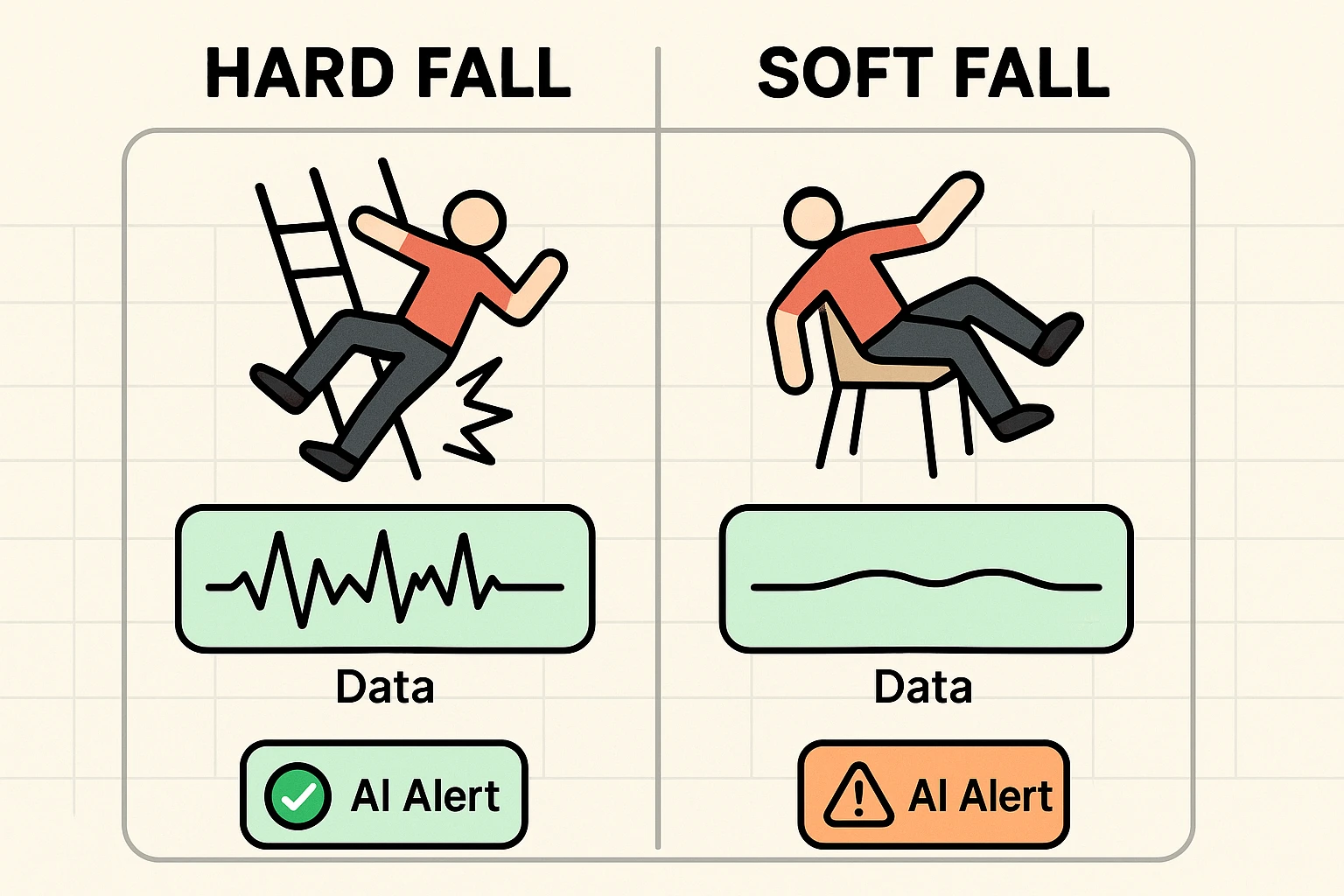
Imagine falling off a stepladder. It’s a fast, sudden, high-impact event that ends with a definite THUD. For your watch’s sensors, this is a clear signal. The accelerometer detects a massive, sudden stop, and the gyroscope sees a chaotic tumble. This is a “hard fall,” and smartwatches are very good at detecting them.
Now, imagine you feel dizzy and slowly slide out of your armchair onto the carpeted floor. There’s no big impact, no dramatic tumble. This is a “soft fall.” For the AI, the data is messy and confusing. It might look more like you’re just lying down for a nap. This is where the technology can struggle.
Sometimes, the watch can get a little overzealous. A vigorous round of applause at a concert, slamming a car door, or even just dropping your watch on the floor can sometimes trigger a false alarm. Don’t panic! The watch is designed for this. You’ll typically have up to 60 seconds to tap a button on the screen that says, “I’m OK” or “I did not fall,” which cancels the alert before it calls for help.
The “intelligence” in your watch comes from being trained on massive amounts of data. Engineers at Apple, Samsung, and Google have studied the movements of thousands of people, analyzing the unique sensor signatures of real-world falls versus everyday activities. This training teaches the AI to be a discerning judge, but just like any student, it’s better at recognizing things it has seen many times before (hard falls) than new, subtle scenarios (soft falls).
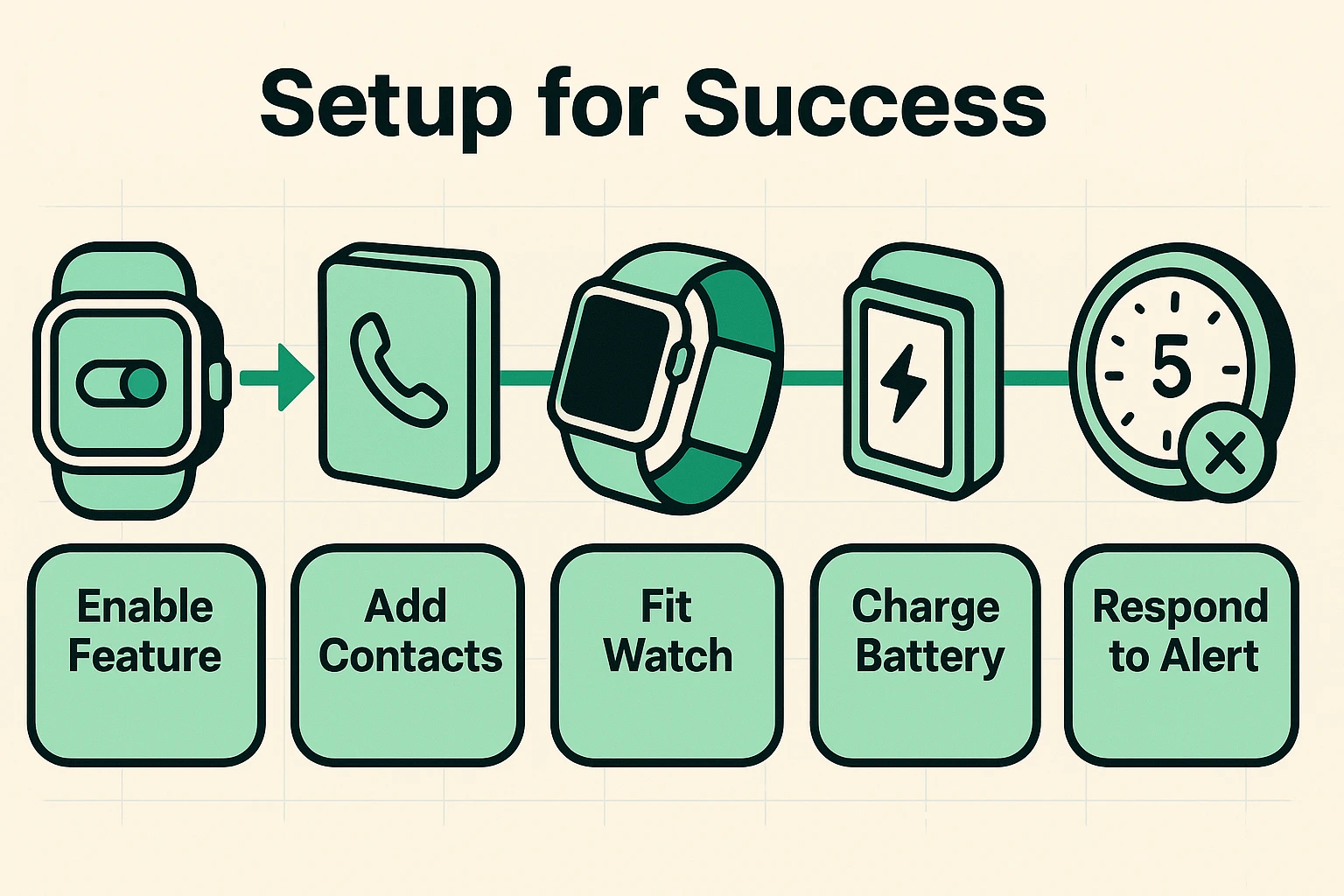
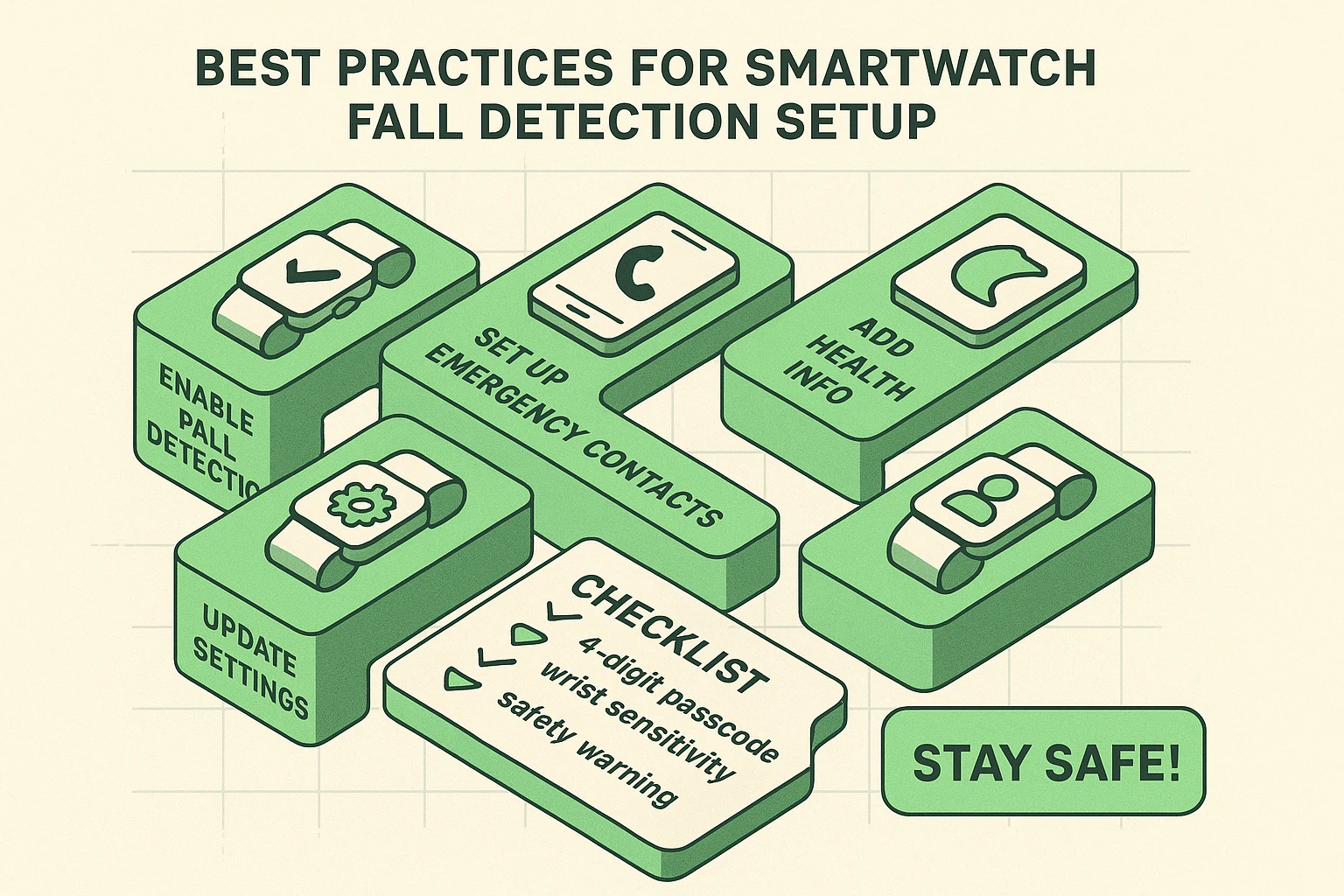
Owning a watch with fall detection isn’t enough; you have to set it up correctly to make sure it can actually help you. Think of it like buying a fire extinguisher but leaving it in the box in the garage.
Myth: It’s 100% foolproof and will detect every single fall.
Reality: It’s a powerful safety net, not a magic shield. It excels at detecting hard falls but may miss slower, softer ones.
Myth: My watch is listening to my conversations to know if I fall.
Reality: Nope! It only uses motion sensors—the accelerometer and gyroscope. Your conversations about your neighbor’s questionable lawn ornaments are safe.
Myth: A false alarm will immediately send fire trucks and ambulances to my house.
Reality: You always have a grace period (usually 30-60 seconds) to cancel the alert on the watch face before anyone is contacted.
It’s a feature that uses built-in motion sensors to recognize if you’ve had a hard fall. If it detects a fall and you don’t respond, it can automatically call for help.
Most modern smartwatches from major brands include it, such as the Apple Watch (SE and Series 4 or later), Samsung Galaxy Watch (3 or later), and Google Pixel Watch.
Not necessarily. If your watch is connected to your phone via Bluetooth and your phone is nearby, it will use your phone’s connection. However, if you have a “cellular” model of the watch with its own plan, it can call for help even if your phone is miles away.
The watch will sound an alarm and start a countdown. During this time, you can simply tap a button on the screen to confirm you are fine and cancel the emergency alert.
Generally, yes. The motion data is processed directly on your watch. It’s not sent to Apple, Google, or Samsung for analysis unless you fall and an emergency call is made, in which case your location data is shared with emergency services.
No technology is perfect, and a smartwatch won’t prevent a fall from happening. But what it can do is provide an extraordinary layer of security and peace of mind for both you and your loved ones. By understanding how it works—and its limitations—you can make it a powerful ally in your quest to stay safe and independent. It’s a small piece of tech that could make a very big difference.