Newsletter Subscribe
Enter your email address below and subscribe to our newsletter

Enter your email address below and subscribe to our newsletter

Have you ever had a conversation with yourself that goes something like this? “Okay, I need my wallet, my keys, and my phone.” You pat your pockets. Wallet, check. Phone, check. Keys… keys… where in the name of sensible shoes are the keys? You check the hook by the door. You check the kitchen counter. You check the pocket of the pants you wore yesterday. Ten minutes later, you find them in the refrigerator next to the half-eaten tub of cottage cheese.
If this scene feels vaguely familiar, you are not alone. Our brains are like incredibly busy filing cabinets, and sometimes, the file labeled “Location of Car Keys” gets shoved behind “That Song from 1973 I Can’t Stop Humming.” This is where technology, believe it or not, can be less of a headache and more of a helpful sidekick.
We’re not talking about a simple alarm clock that screeches at you at 7 AM. We’re talking about smart, AI-powered reminders—think of them as a friendly personal assistant who doesn’t need a lunch break. They can learn your routines and help you remember everything from taking your daily medication to grabbing your grocery list before you walk out the door. It’s about gaining peace of mind and keeping your independence, all without having to memorize a thing.
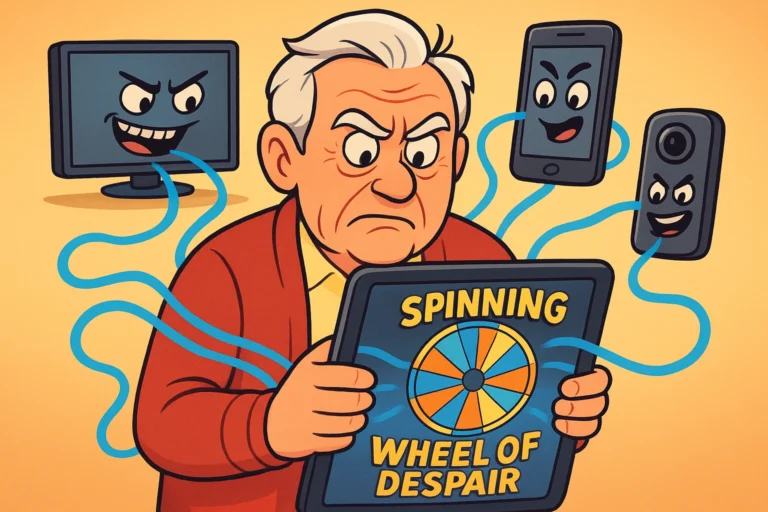
Let’s get one thing straight: “Artificial Intelligence” sounds like something from a sci-fi movie involving robots taking over the world. In reality, it’s much less dramatic.
Think of it this way: a regular alarm is like a wind-up toy. You set it for 8:00 AM, and at 8:00 AM, it makes a noise. That’s it. It doesn’t know why you need to wake up, and it will happily go off on a holiday when you’d rather be sleeping in.
An AI reminder is more like a helpful neighbor. It understands plain English. You can say, “Remind me to take my heart medication every day at 9 AM,” and it does it. Even better, it can understand context. It can learn your habits and offer reminders that are genuinely useful, turning your technology from a confusing box into a reliable partner.
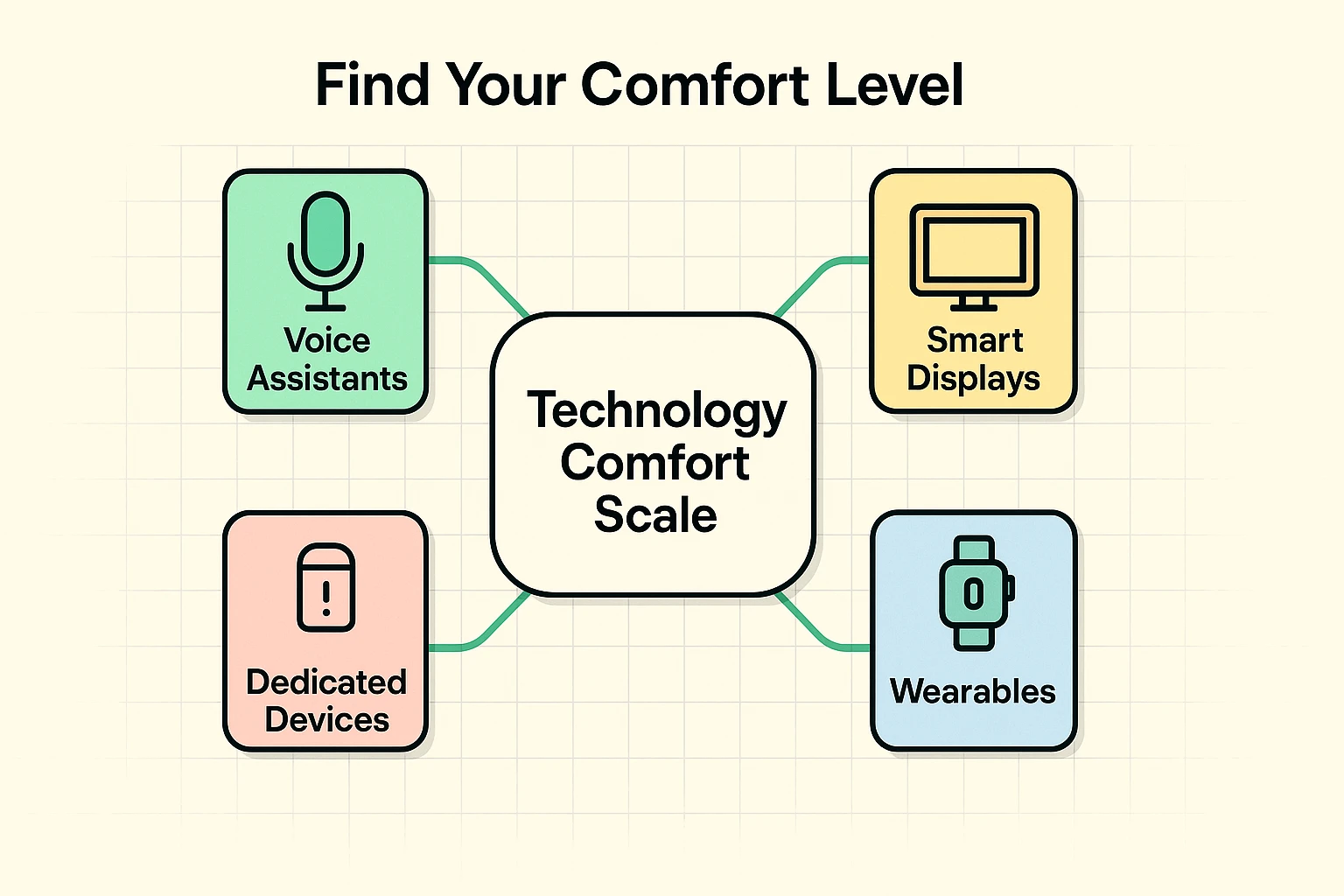
Not everyone is ready to install a talking robot in their living room, and that’s perfectly fine. The key is to find the tool that fits your life and comfort level. We call this the “Technology Comfort Scale.”
Knowing where you stand helps you pick the right tool without feeling overwhelmed. You wouldn’t learn to drive in a rocket ship, right? Same principle applies here.
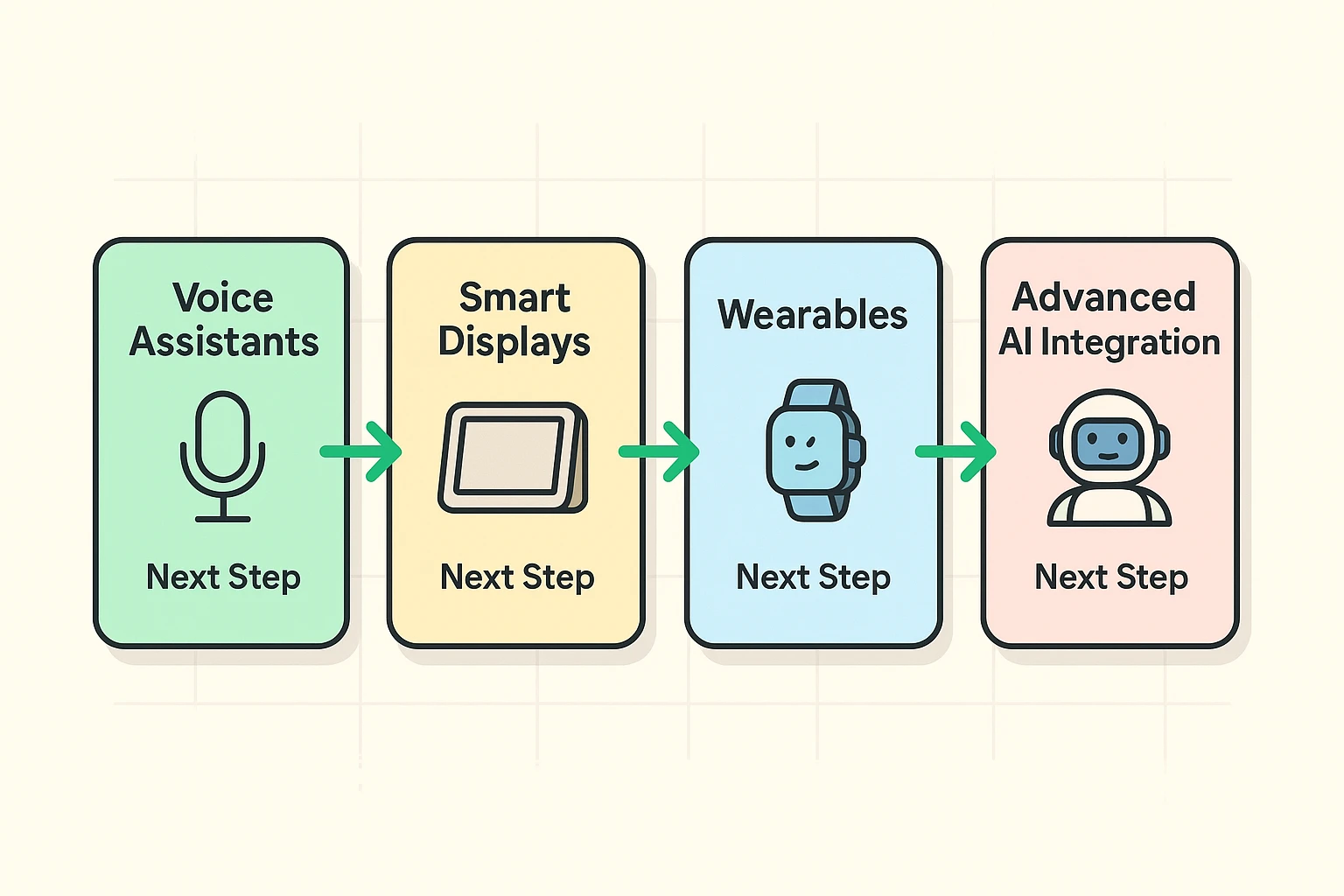
The best way to get started is to take it one step at a time. Let’s walk through the levels, from the basics you probably already own to the more advanced options.
If you have a smartphone, you already have a powerful AI assistant waiting for your command. You don’t need to download a thing. This is the perfect starting point for anyone “dipping a toe in.”
These assistants are fantastic for simple, recurring reminders.
Try these commands:
For those who are “getting comfortable” with tech, a smart display like an Amazon Echo Show or Google Nest Hub is a great next step. It’s basically a voice assistant with a screen.
Why is that better? Because it can show you things. When it’s time to take your pills, it can display a picture of the pill bottle. When your appointment is coming up, it can show you the address on a map. This visual cue makes a huge difference. You can also see your day’s reminders at a glance, like a high-tech wall calendar. For anyone looking at different medication reminder devices, these are a fantastic option.
If you’re an active person and “feeling adventurous,” a smartwatch (like an Apple Watch or a Fitbit) is your best friend. Instead of a sound, you get a gentle vibration on your wrist.
This is perfect for reminders when you’re out and about—at the grocery store, on a walk, or in a noisy place where you might not hear your phone. It’s discreet, personal, and you can’t accidentally leave it in another room.

Once you’re comfortable with the basics, you can unlock the real magic of AI. This is where your devices start anticipating your needs, almost like they can read your mind.
This is the solution to the “keys in the refrigerator” problem. Using your phone’s location, you can set reminders that trigger when you leave or arrive somewhere.
Try these commands:
Your phone uses GPS to see that you’re walking out the door or pulling into the store’s parking lot, and then it gives you the reminder. It’s brilliant. No more smacking your forehead in the cereal aisle because you forgot the list on the counter.
For the “tech savvy,” AI can connect to other gadgets in your home. Imagine it’s time for your evening medication, and you’re engrossed in a movie. Not only will your smart speaker announce the reminder, but the lamp next to your chair could flash blue. It’s hard to ignore a flashing lamp.
This is also where dedicated devices like ElliQ come in. These AI companions are designed specifically for seniors. They don’t just wait for you to ask for help; they proactively suggest activities, start conversations, and make it incredibly easy to video call family. They can manage all your reminders while also providing a source of companionship.
Your calendar is great for appointments, but it’s passive. You have to remember to look at it. An AI assistant is active—it speaks up and gets your attention. Plus, you can set it up with your voice in seconds, which is often easier than tapping on a tiny screen.
This is a big and important question. Voice assistants are designed to listen for a “wake word” (like “Hey Siri” or “Alexa”). They don’t record or process anything else until they hear that phrase. While privacy is always a valid concern, these companies have built-in controls to let you review and delete your voice history. At Senior Tech Cafe, we believe in being aware of the privacy trade-offs that come with technology.
AI has gotten much better at understanding different accents and speech patterns. If it struggles, try speaking a little slower and clearer. Most systems also let you “train” them to recognize your voice better over time. Don’t get discouraged—sometimes it just takes a little practice for both you and the machine.
Not at all! If you have a smartphone made in the last five or six years, you already have everything you need for Level 1. You can build from there if and when you feel ready.
Getting started with AI reminders isn’t about becoming a tech whiz. It’s about picking one small, annoying thing you tend to forget and letting your phone handle it for you.
Start simple. Tonight, before you go to bed, pick up your smartphone and say, “Hey Siri/Google, remind me to take my vitamin tomorrow morning.” When it goes off, you’ll have taken the first step. From there, you can explore more, from managing medications to using AI for seniors to store and retrieve documents and other important information.
This technology is a tool for independence. It’s there to handle the boring, repetitive stuff so your brain can focus on what’s important: enjoying your day, connecting with loved ones, and maybe, just maybe, remembering that song from 1973.