Newsletter Subscribe
Enter your email address below and subscribe to our newsletter

Enter your email address below and subscribe to our newsletter
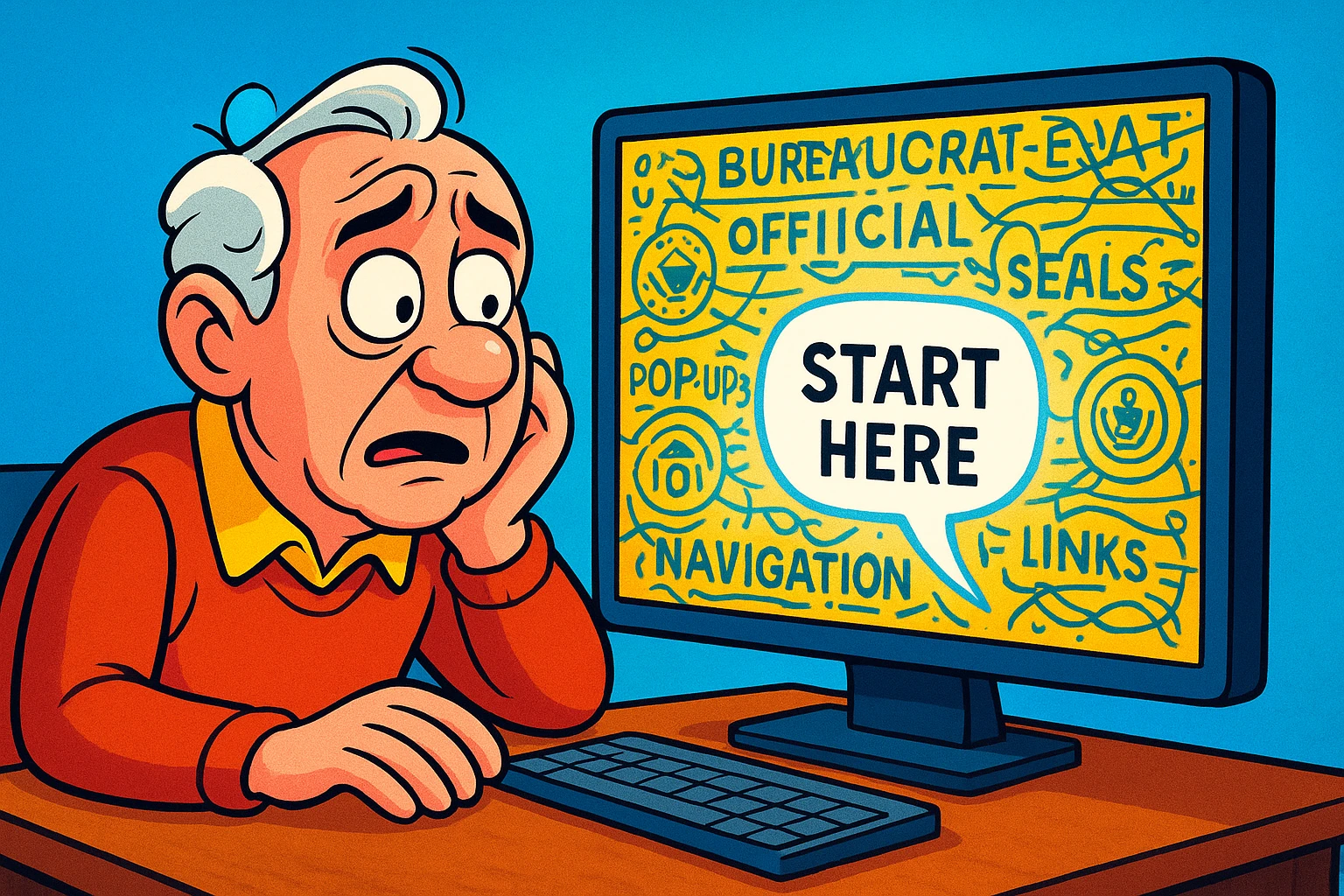
Have you ever visited a government website to do something simple, like renew a license or look up a benefit, and felt like you’d accidentally stumbled into a secret club for lawyers? The page is a jumble of tiny links, official-looking seals, and paragraphs written in a language that looks like English but feels like trying to read a VCR manual underwater.
You just want to find Form 27B/6, but you’re trapped in a maze of sub-clauses, legislative updates, and acronyms that were clearly invented during a Scrabble game gone wrong. It’s enough to make anyone throw their hands up and decide that living off the grid and communicating only by carrier pigeon doesn’t sound so bad after all.
If this digital wrestling match sounds familiar, you’re not alone. These websites are notoriously complex. But what if you had a friendly translator who could sit beside you, cut through the clutter, and just tell you what the page actually means in plain English? That’s the promise of a new kind of technology: the AI-powered screen reader.
Now, you might have heard of screen readers before. For years, they’ve been a vital tool for people with visual impairments. A traditional screen reader is like having someone read a book to you, word-for-word, from top to bottom. It reads the logo, the navigation menu, the main text, the sidebar ads, the copyright notice from 2008… everything, in order. It’s helpful, but on a cluttered government site, it can be like trying to find a single needle in a haystack made of other needles.
An AI screen reader is different. Think of it less as a robotic reader and more as a helpful librarian. It doesn’t just read the words; it understands the context. It can look at that chaotic webpage and say, “Okay, all this stuff on the side is just legal fluff. The main application form is here in the middle. Let’s start there.” It’s a guide, not just a voice.

This simple shift from reading to understanding is a game-changer, turning a frustrating ordeal into a manageable task.
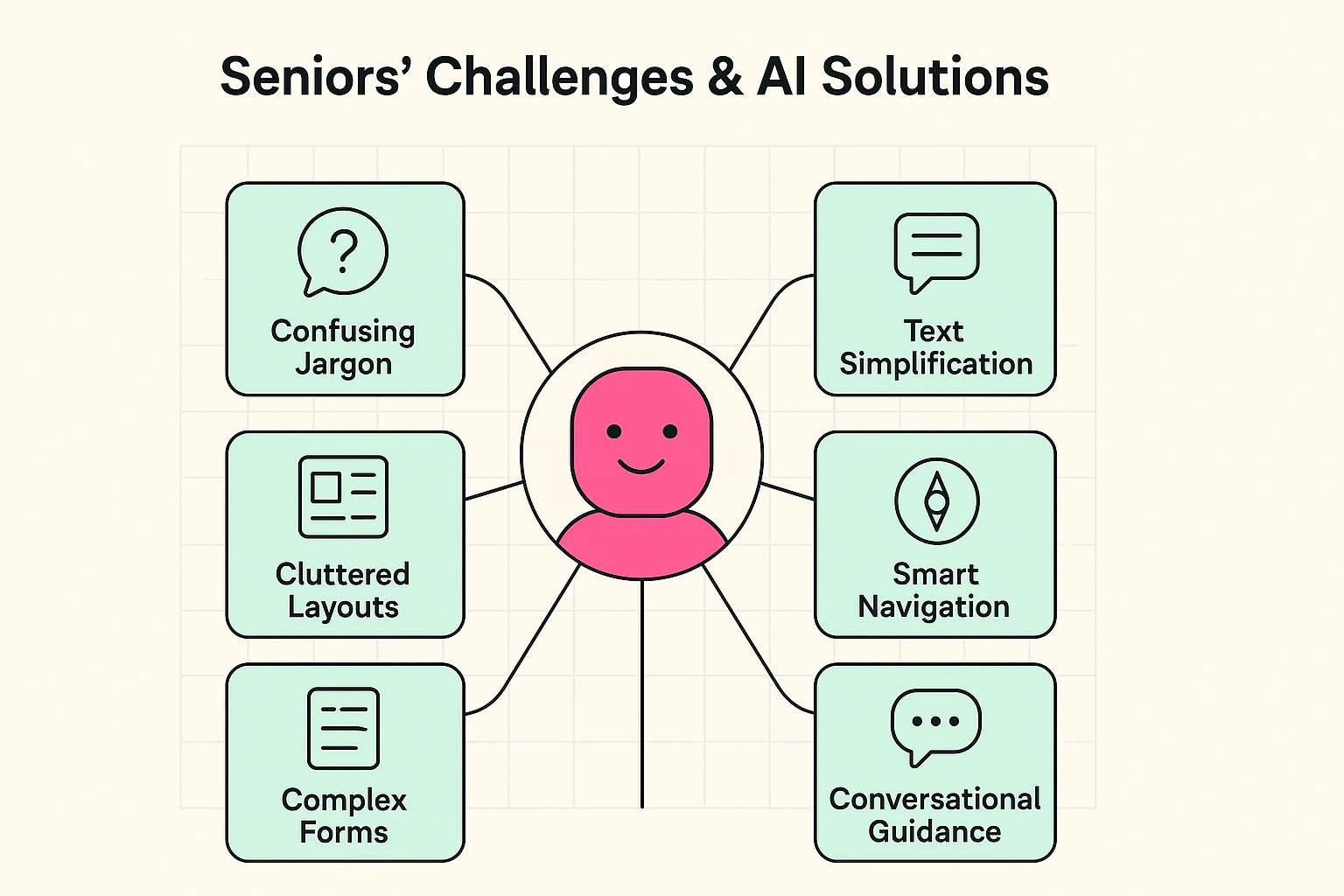
So, how does this “librarian” actually help you navigate the digital jungle of bureaucracy? It tackles the most common frustrations head-on with specific, intelligent features. It’s not just about making technology accessible; it’s about making civic engagement possible for everyone, independently.
Here are the problems you face and the smart solutions AI offers:
The Problem: Confusing “Bureaucrat-ese”
The Problem: Cluttered and Confusing Layouts
The Problem: Filling Out Complicated Forms
Let’s imagine you’re applying for a “City Senior Transportation Pass” online. The website looks like it was designed in 1998. Here’s how an AI screen reader turns a headache into a breeze:
Step 1: Landing on the Page
Step 2: Understanding the Instructions
Step 3: Filling Out the Form
Step 4: Submitting the Form

Feeling a little more hopeful? Getting started is easier than you think. You don’t need a fancy degree in computer science—just a willingness to try something new.
Technology should open doors, not build walls. And while we’re talking about smart tools, it’s amazing to see the other ways AI can enrich our lives, from helping us explore creative hobbies powered by AI for seniors to simply making the digital world a little less frustrating.
Not at all! AI screen readers are for anyone who struggles with small text, cluttered layouts, or confusing language due to age-related vision changes or simply finds these websites overwhelming.
Many excellent tools are completely free. Both Windows and Mac computers have built-in screen readers (Narrator and VoiceOver), and free software like NVDA is supported by a global community.
Like any new skill, there’s a small learning curve. But most tools are designed to be user-friendly. The key is to start with the basic commands and practice on simple websites before diving into the deep end.
Reputable screen readers do not record or share your personal data. They are designed to be a secure interface between you and the website. Of course, it’s always smart to make sure you’re on a legitimate site in the first place. If you’re ever unsure, it’s a good idea to check their website for signs of authenticity.
Navigating the online world shouldn’t feel like a chore or a battle. With the right tools, you can handle your business online with confidence and independence, leaving you more time for the important things—like perfecting that banana bread recipe.