Newsletter Subscribe
Enter your email address below and subscribe to our newsletter

Enter your email address below and subscribe to our newsletter
Have you ever had a standoff with your pillbox? You stare at it. It stares back. You’re pretty sure you took your Tuesday morning pill, but there’s a nagging little voice in your head that sounds suspiciously like your know-it-all cousin Brenda, whispering, “Are you suuuure?”
Before you know it, you’re trying to reconstruct your entire morning like a detective in a black-and-white movie. “The coffee was brewed at 8:05… the toast was consumed at 8:12… but where was the pill in this sequence of events?” It’s enough to make you want to lie down, which, ironically, might be what the pill was for in the first place.
If this little daily mystery sounds familiar, you’re not alone. Juggling medications, appointments, and health stats can feel like a part-time job you never applied for. But what if you had a friendly, reliable assistant who never forgets? An assistant who doesn’t mind being asked the same question ten times and works for free? Enter the AI voice assistant—like Amazon’s Alexa or Google Assistant.
Don’t let the “AI” part scare you. Think of them less as robot overlords and more as helpful butlers who live in a little speaker. They can’t do your laundry, but they can bring you a world of peace of mind.

In plain English, a voice assistant is a device that listens to your voice commands and performs tasks. You talk to it, and it talks back. It’s like having a conversation with your radio, only this time, it actually does what you ask.
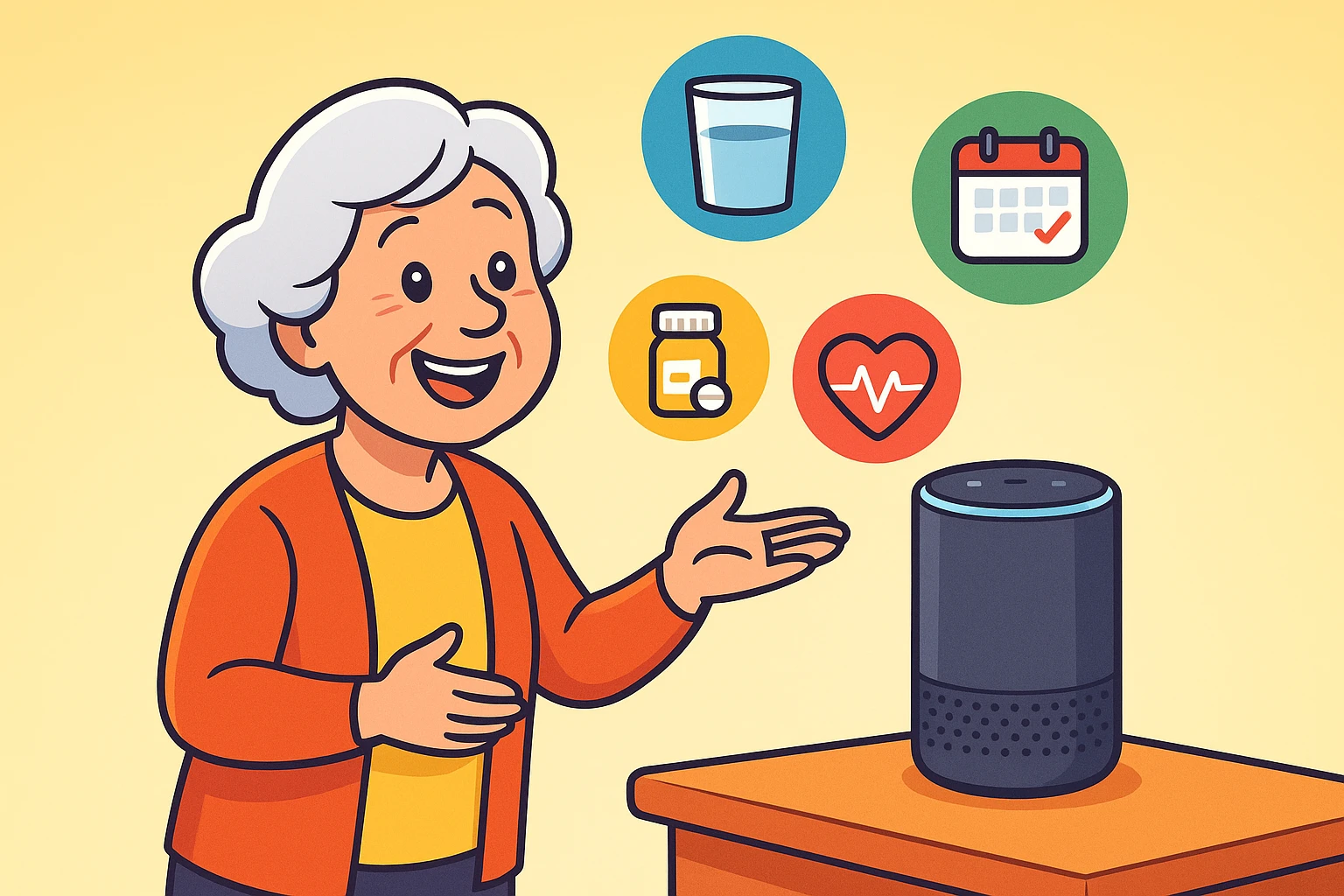
You’ve probably seen them: little cylinders or spheres called Amazon Echo (who you call “Alexa”) or Google Nest (who you call “Hey Google”). Their whole job is to make life easier. And while they’re great for playing music or telling you the weather, their real superpower for seniors lies in helping manage daily health.
They can help you:
This isn’t about replacing your doctor or your trusted weekly pill organizer. It’s about adding a layer of safety and removing some of the mental clutter that comes with managing your health.
Let’s dip our toes in the water with the most useful routine of all: a daily medication and hydration reminder. This is the “quick win” that will make you feel like a tech genius. All you need is your smart speaker and its app on your smartphone (like the Amazon Alexa app or the Google Home app).
The magic word here is “Routine.” A routine is just a series of actions that your assistant performs after hearing a single command. Think of it like telling your dog “let’s go for a walk,” and he automatically grabs his leash, sits by the door, and wags his tail.
Here’s how to set up a “Good Morning Health Check” routine:

Now, every morning, all you have to do is say, “Alexa, good morning health check,” and she’ll walk you through your first important tasks of the day. You did it!
Once you’re comfortable with reminders, you can graduate to logging health data. This is incredibly useful for tracking things like blood pressure, which your doctor always wants to see.
Instead of fumbling with a pen and a tiny notebook, you can just say:
To do this, you’ll need to enable a “Skill” (on Alexa) or an “Action” (on Google). These are like little apps for your voice assistant. Many are free and designed specifically for health tracking. Just search for them in your device’s app and enable the one that sounds right for you.
It’s completely normal to feel a little skeptical. You wouldn’t be a savvy consumer if you didn’t! Let’s tackle some of the biggest worries head-on.
This is the big one. Is some tech giant listening to every word you say? The short answer is: not really. The device is always listening for its “wake word” (like “Alexa”), but it only starts recording and processing what you say after it hears that word.
You have control. In the app settings, you can review and delete your voice history. Think of it like shredding a document. Plus, the devices have a physical mute button that electronically disconnects the microphone. When that light is on, nobody is listening.

Sometimes, the assistant might mishear you, especially at first. Don’t get discouraged! This is common, and it’s easy to fix.
Absolutely not! Think of it as a helpful tool, not a medical professional. It’s great for reminders and logging data, but it cannot give you medical advice. Always consult your doctor for health concerns.
Not at all. The initial setup might require a little help from a family member or a friend, but once it’s running, it’s all about talking. If you can order a coffee, you can use a voice assistant.
Honestly, both are excellent and do very similar things. It often comes down to personal preference. Alexa has a slight edge in the number of third-party “Skills” available, but Google Assistant is often considered a little better at answering general knowledge questions. You can’t go wrong with either.
So much! You can ask it to play music from your favorite era, read you an audiobook, call your grandkids (hands-free!), or even explore new interests. Once you’re comfortable, you might find yourself trying out all sorts of creative hobbies powered by AI for seniors.
The world of technology can feel overwhelming, but you don’t have to learn everything at once. The beauty of these devices is that you can start small.
This week, your only mission—should you choose to accept it—is to set up one single reminder. Maybe it’s for your medication. Maybe it’s a reminder to get up and stretch at 3 PM. While a dedicated medication timer can also be a fantastic tool, using your voice is a simple and powerful first step.
Give it a try. You might just find that your new tech butler is the perfect partner for taking charge of your health, giving you more independence, and finally winning that daily standoff with your pillbox.