Newsletter Subscribe
Enter your email address below and subscribe to our newsletter

Enter your email address below and subscribe to our newsletter
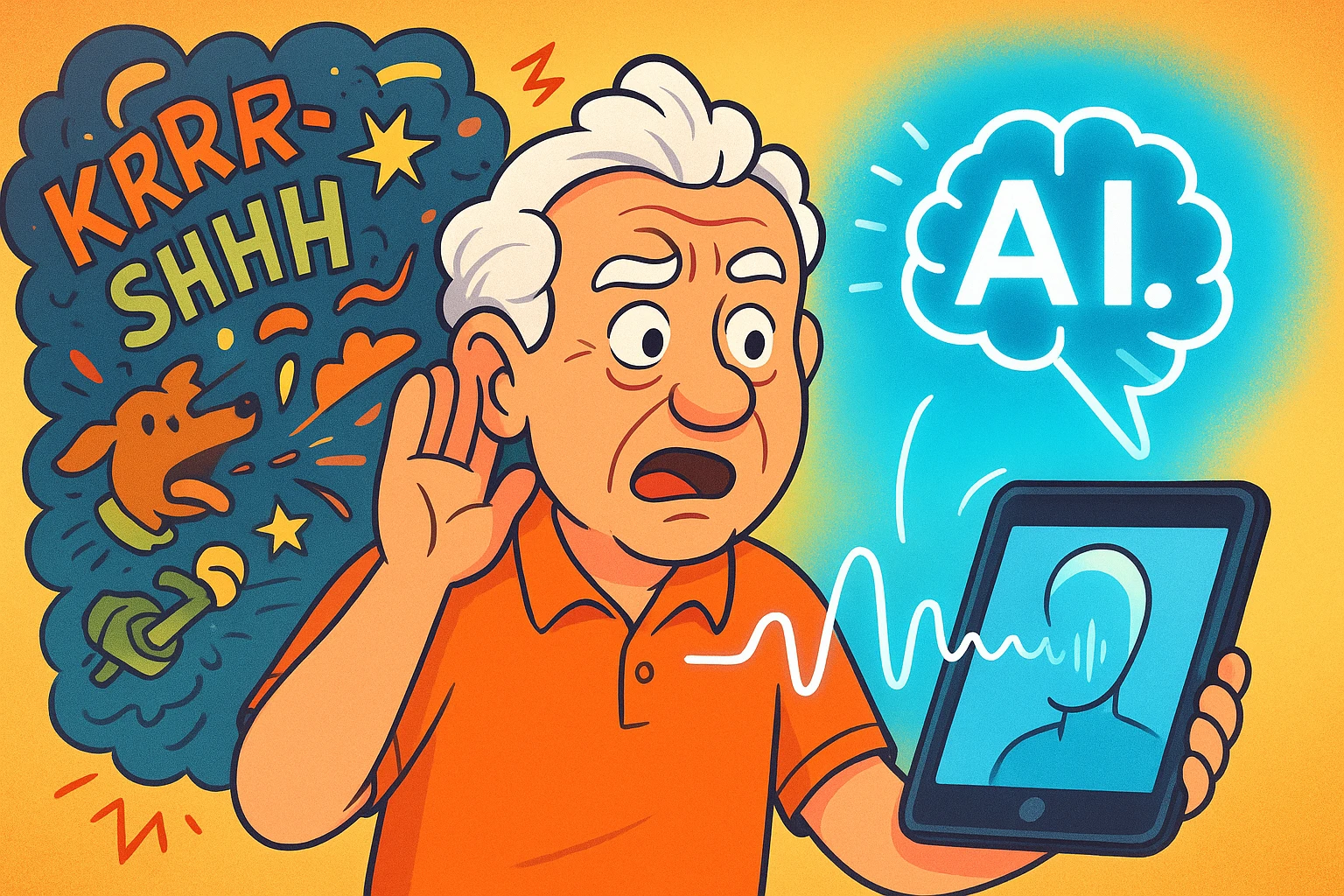
Have you ever tried to have a nice, civilized phone conversation with your grandchild, only to feel like you’re communicating with an astronaut during re-entry?
You ask, “How is college?” They reply, “KRRR-SHHH-coffee-shop-WHIRRR-exams-KRRR.”
Or perhaps you’ve been on a video call with your doctor, trying to explain a persistent knee ache, while your neighbor’s leaf blower revs up outside like a jet engine preparing for takeoff. You find yourself shouting at your iPad, “I SAID THE PAIN IS IN THE KNEE, NOT THE TREE!”
If this sounds familiar, you aren’t losing your hearing (well, maybe a little, but that’s beside the point). You are simply a victim of the modern world’s auditory clutter. Background noise is the uninvited guest at every digital dinner party.
In the “good old days,” phones had cords, weighed six pounds, and sat in a quiet hallway. Today, we carry our phones everywhere—grocery stores, windy parks, and rooms with echoing tile floors. The result? A cacophony of clatter that makes clear communication feel like a high-stakes game of charades.
But here is the good news: Artificial Intelligence (AI) has arrived to save your sanity. And no, it’s not a robot that will answer the phone for you (though wouldn’t that be nice during dinner time telemarketing calls?). It is a smart technology living right inside the apps you already use, designed to act like a digital bouncer that kicks the background noise out of the club so your voice can actually be heard.
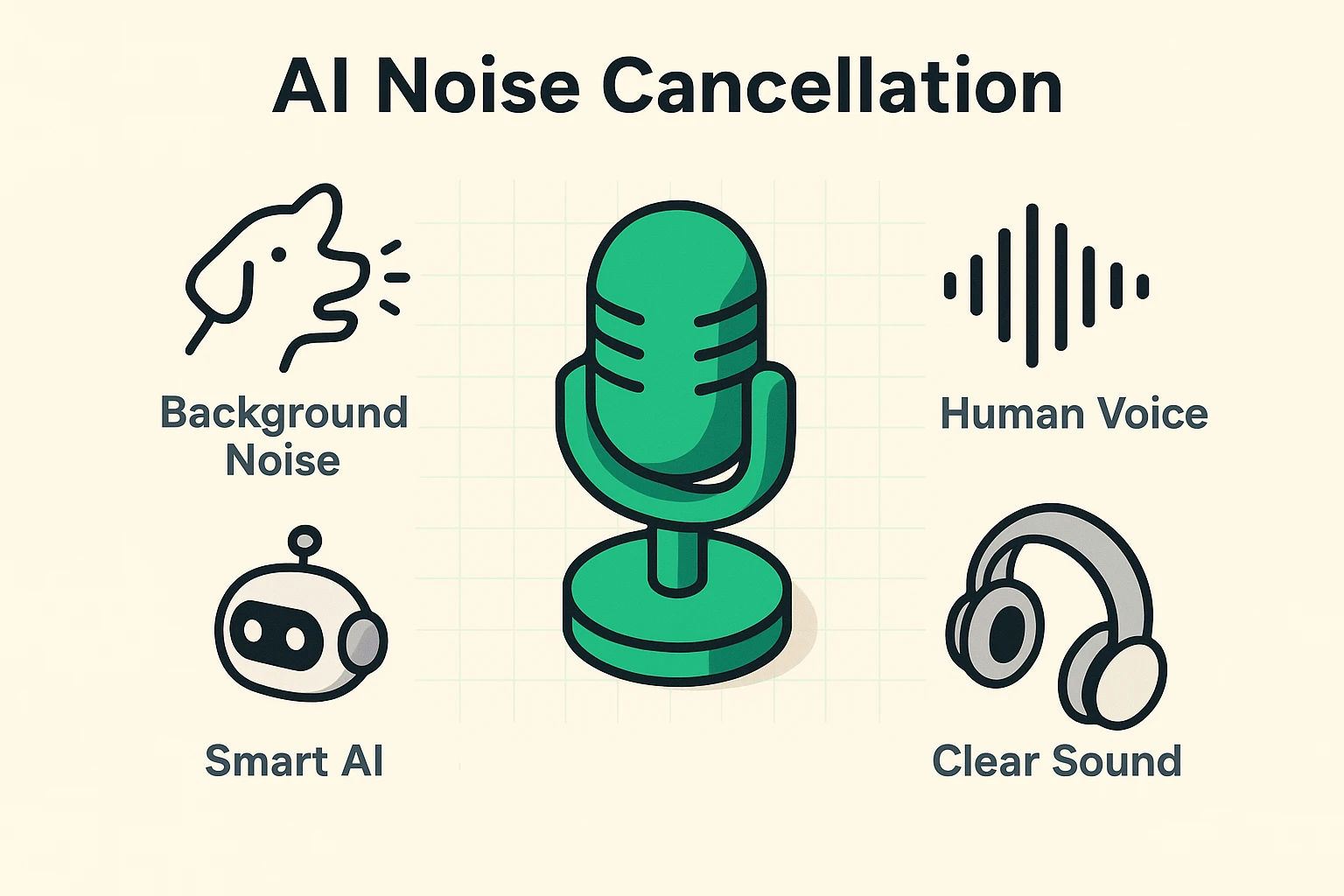
To understand how this works, we first have to look at how “dumb” phones used to work. Old-school noise reduction was like a blunt instrument. If a room was loud, it just turned the volume down on everything. It was like trying to clean a window by painting over the dirt. Sure, you couldn’t see the dirt anymore, but you couldn’t see anything else, either. Your voice ended up sounding muffled, underwater, or robotic.
AI noise cancellation is different. It’s smart.
Imagine a highly trained librarian sitting inside your phone. This librarian has listened to millions of hours of audio. She knows exactly what a human voice sounds like, and she knows exactly what a barking dog, a clattering dish, or a vacuum cleaner sounds like.
When you speak, the AI acts in real-time. It grabs your voice, polishes it up, and ruthlessly deletes the sound of the garbage truck outside. It doesn’t just muffle the noise; it subtracts it from the audio entirely. The result? The person on the other end hears you, clear as a bell, even if chaos is erupting around you.
This isn’t just about convenience; it’s about connection.
The best part about this technology is that you likely already own it. Apple, Google, and Zoom have all quietly added these features to their devices. They just hid them in the settings menus, probably right next to the instructions for the VCR clock.
Here is how to find them.
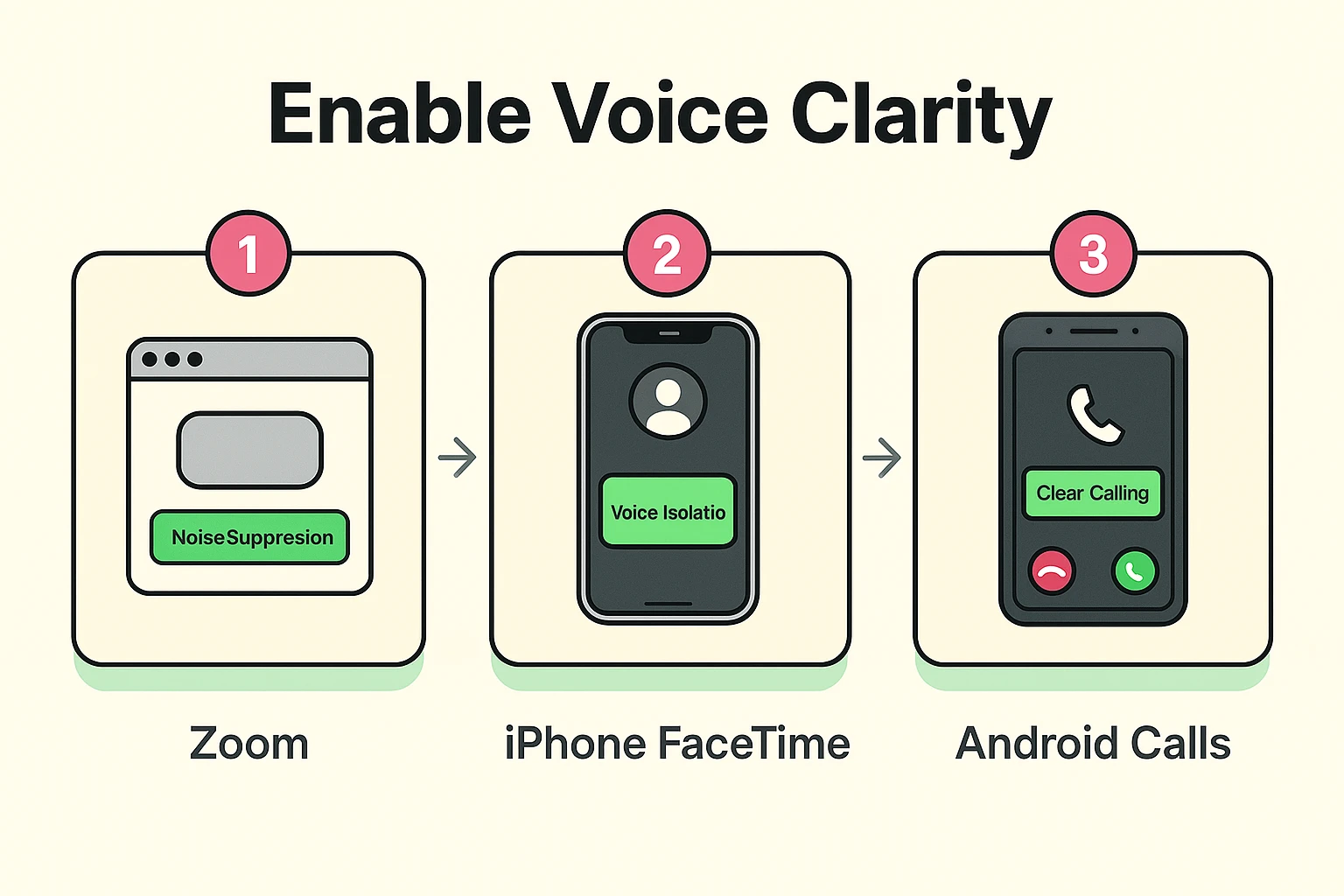
If you have an iPhone (XR or newer) and are on iOS 15 or later, you have a superpower called “Voice Isolation.”
Voila! The AI now blocks everything that isn’t you.
If you have a Google Pixel (model 7 or newer) or a newer Samsung, you have similar tech.
We all have a love-hate relationship with Zoom. But their noise suppression is excellent for those times you forget to mute yourself while unwrapping a hard candy.
Sometimes, the built-in settings aren’t enough. Maybe you are doing a telehealth appointment and it is absolutely critical that the doctor hears every word, or you host a weekly virtual book club and refuse to be the one echoing.
For this, there are dedicated apps like Krisp. Think of Krisp as a middleman between your microphone and the internet. You install it on your computer, and it scrubs the audio clean before sending it to Zoom, Skype, or Google Meet. It’s powerful, effective, and works with almost any conferencing software.
A note on privacy: At Senior Tech Cafe, we always look at the strings attached. Apps like Krisp process audio on your device, meaning your voice isn’t being sent to a cloud server to be analyzed. That’s a “thumbs up” for privacy.
Generally, no. Modern AI is trained to preserve the “human” quality of your voice. However, if your internet connection is very poor, any extra processing might cause a slight delay.
It can use a little more power than a standard call because your phone’s brain is working harder to filter the sound. If you are low on battery, you might want to stick to standard mode.
This is the Holy Grail of audio tech! “Voice Isolation” attempts to focus on the dominant speaker (you), but if your spouse is shouting from the kitchen asking where the ketchup is, the AI might let them through. It’s smart, but it’s not a marriage counselor.
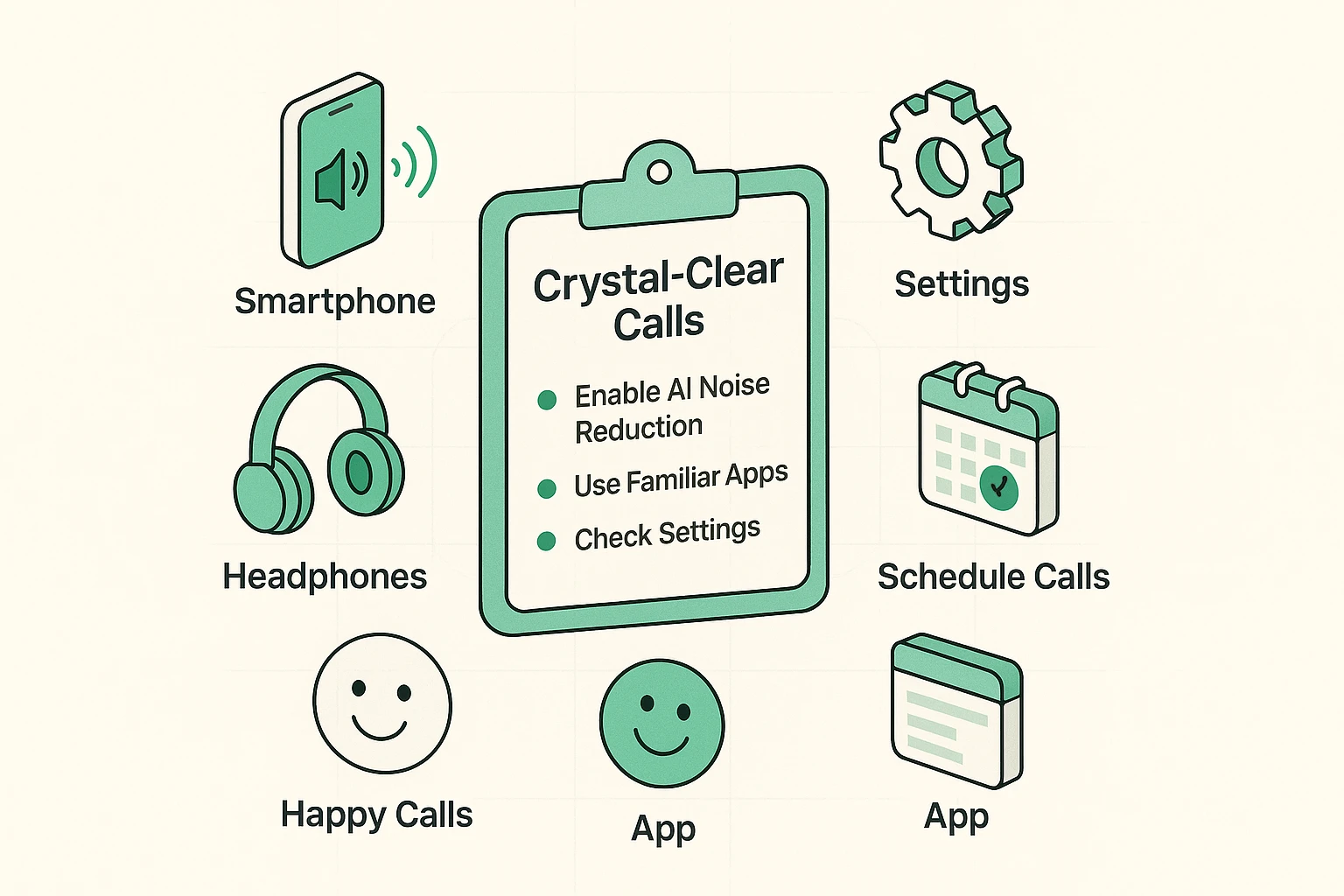
Technology often feels like it complicates our lives, adding passwords and updates where we used to just have dials and buttons. But in the case of AI voice clarity, the tech is finally working for us, removing the friction from our conversations.
So, go ahead. Turn on Voice Isolation. Call your kids. And enjoy the fact that for the first time in history, you can eat a bag of potato chips while on the phone, and they won’t hear a thing. (Though, out of politeness, maybe finish chewing before you speak).
Want to dive deeper into helpful tech? Check out our guides on keeping your data private and setting up your smart home for safety.