Newsletter Subscribe
Enter your email address below and subscribe to our newsletter

Enter your email address below and subscribe to our newsletter

Do you remember the “International Point-and-Pray” method of travel?
It usually went something like this: You are sitting in a charming café in Rome. You want a simple cup of coffee. You summon all the courage (and high school French, which is useless because you are in Italy) you can muster. You look at the waiter, smile widely, and point vigorously at a picture on the menu while saying “COFFEE” very slowly and loudly—because, as we all know, volume is the universal translator.
The waiter nods, smiles back, and five minutes later brings you a plate of marinated anchovies.
We have all been there. The fear of the language barrier is real. It’s that invisible wall that turns intelligent, capable adults into shy mimes the moment we step off a plane or welcome a new neighbor from a different country. But here is the good news: We are living in the future.
And in this future, you don’t need to carry a ten-pound phrasebook or spend years conjugating verbs. You just need a little help from Artificial Intelligence (AI). Today, we’re diving into the world of AI voice translators—magical little tools that are tearing down language walls faster than you can say “Arrivederci.”
First, let’s take a deep breath. I know the term “Artificial Intelligence” sounds like something out of a sci-fi movie where robots take over the world. But in this case, AI is less like a Terminator and more like a very polite, very fast librarian living in your pocket.
You don’t need a degree in computer science to use these tools, but understanding how they work helps take the intimidation factor down a notch. Think of a voice translator as a digital middleman.
Here is the three-step dance these devices do:
The whole process takes about a second. You say, “Where is the bathroom?” and the device instantly shouts out the Spanish equivalent, saving you from doing the “I need a bathroom” dance in public.

Now that we know how they work, the big question is what to use. You generally have two choices: use an app on the smartphone you already own, or buy a dedicated handheld translator device.
It’s a bit like the difference between a Swiss Army Knife and a screwdriver. The Swiss Army Knife (your phone) can do everything, but sometimes you just really need a good screwdriver (the dedicated device).
You probably already have this in your pocket. Apps like Google Translate are free, powerful, and constantly updating.
These look like small remote controls or old MP3 players. They have one job: translating.

Still on the fence? Let’s take a quick quiz.
If you decide to shop for a device, the tech specs can look like alphabet soup. Ignore the jargon. Here are the only five things that matter for seniors:
It is natural to be skeptical. We have all heard horror stories about auto-correct changing “Dear Aunt-Sue” to “Dead Ant Soup.”
Unlike those smart speakers in your home that might perk up when you say their name, handheld translators generally only listen when you are holding down the button. They are push-to-talk. When your thumb is off the button, the ears are closed.
AI has gotten incredibly smart. Is it perfect? No. It might struggle if you use heavy slang or poetry. But for “Where is the train station?” or “I have a peanut allergy,” it is remarkably accurate.
Pro Tip: Keep your sentences short and simple. Don’t recite Shakespeare; just ask for the bathroom.
Most dedicated devices work right out of the box. You turn it on, select your language (English) and the target language (say, Japanese), and you are ready to go.
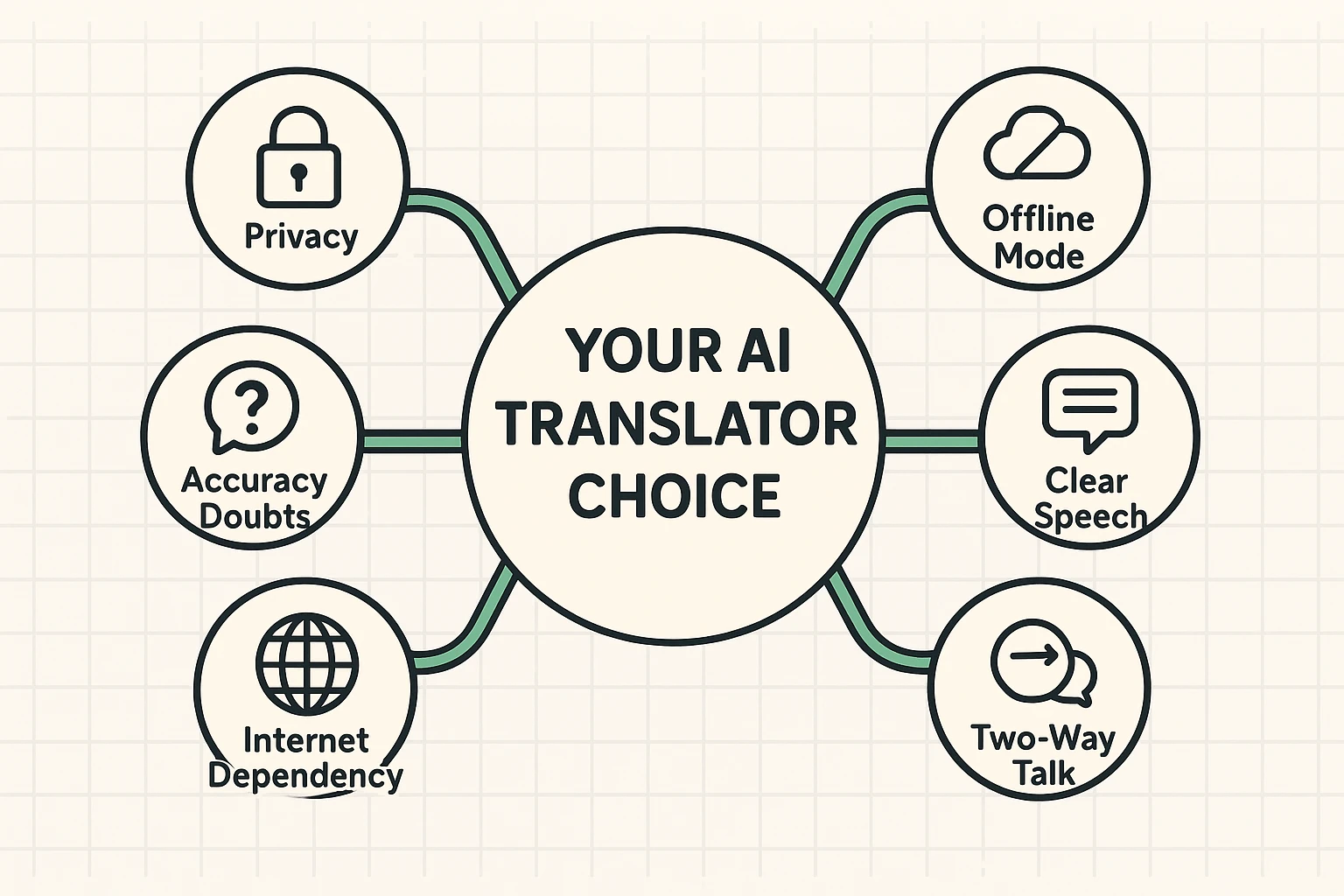
It depends. Smartphone apps (like Google Translate) usually need the internet unless you download the “Offline Language Pack” before you leave home. Dedicated devices often come with their own built-in cellular data (free for the lifetime of the device) or have robust offline modes.
For casual questions (“Where does it hurt?”), yes. For complex diagnoses or surgery discussions? No. rely on a human interpreter for serious medical situations. AI is smart, but you don’t want a computer glitch deciding your medication dosage.
Surprisingly, yes. These devices are trained on millions of voices. However, speaking clearly and at a moderate pace helps. If you mumble, the AI will mumble back.
At the end of the day, technology is just a tool. The goal isn’t to be a tech wizard; the goal is to chat with that nice lady at the bakery in Paris, or to welcome the new family next door who just arrived from Ukraine.
These devices take the fear out of the equation. They allow you to be curious, adventurous, and polite without needing to master the subjunctive tense in Spanish. So go ahead, pack your bags (or just walk across the street), and start talking. The world is listening.