Newsletter Subscribe
Enter your email address below and subscribe to our newsletter

Enter your email address below and subscribe to our newsletter
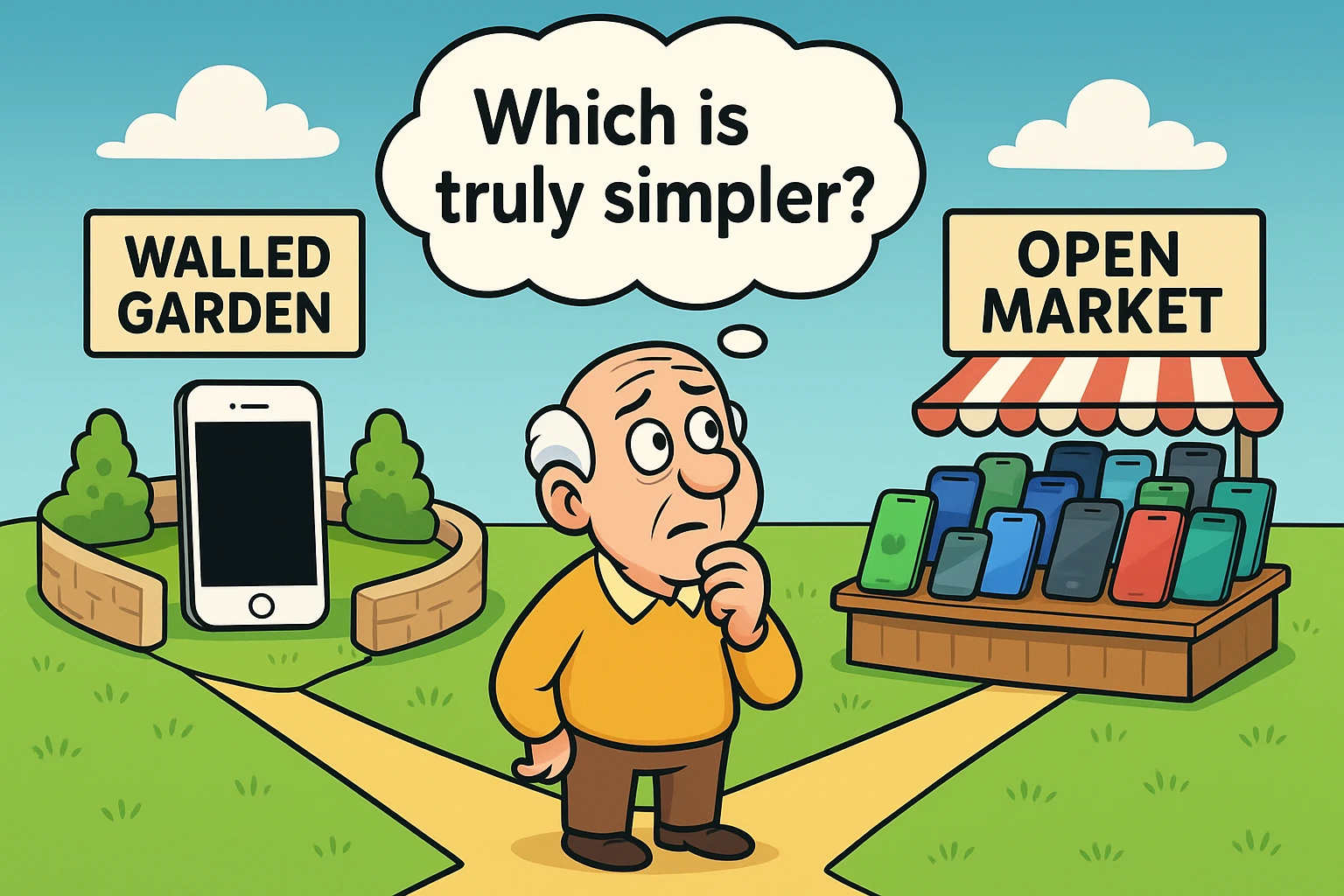
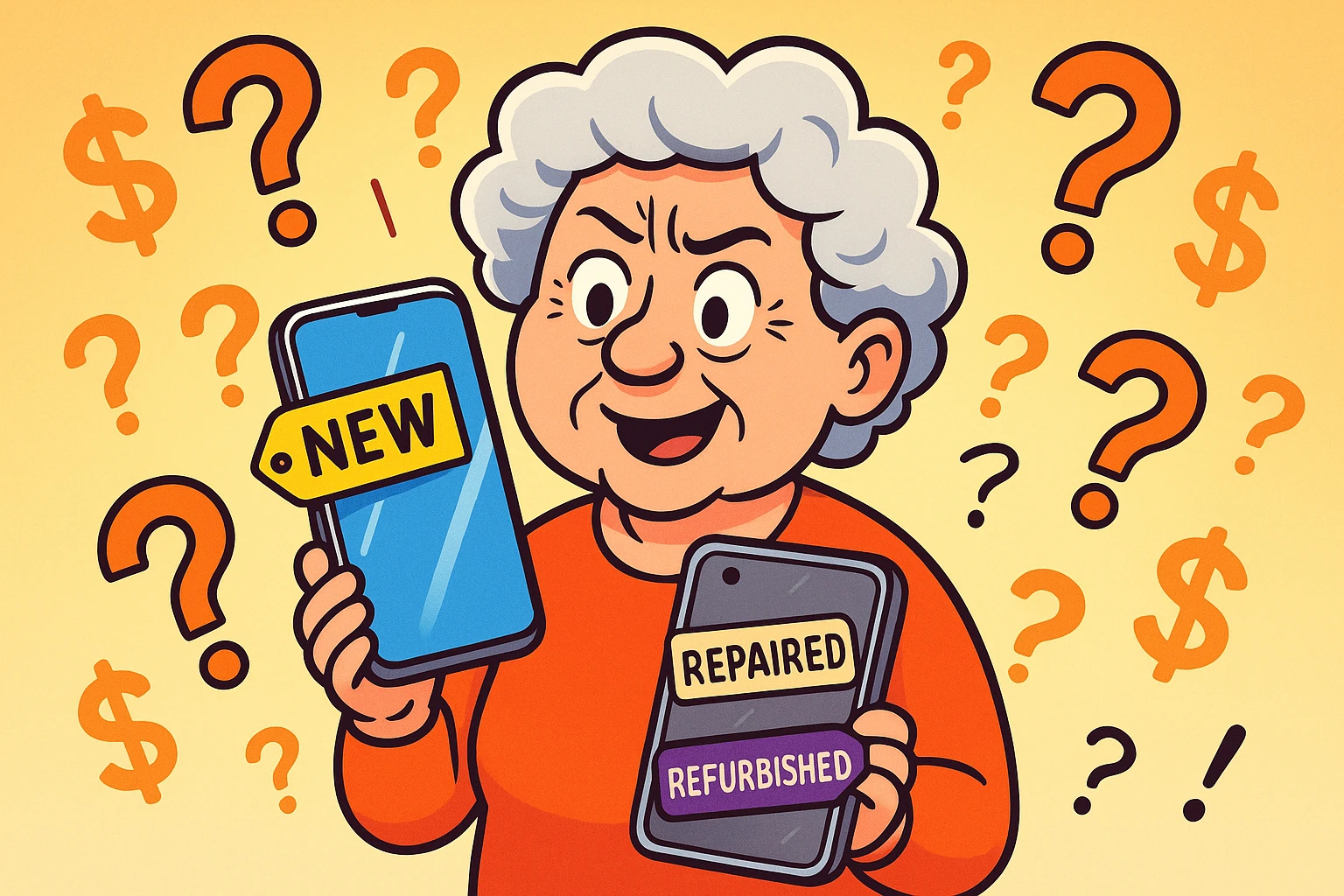
Walking into a mobile phone store these days feels a lot like entering the cockpit of an alien spaceship. You are surrounded by sleek slabs of glass, enthusiastic salespeople speaking a dialect that sounds vaguely like English but includes words like “refresh rate” and “haptic feedback,” and price tags that look suspiciously like mortgage payments.
You just want a phone. You want to text your granddaughter, see pictures of the new baby, look up the weather so you know if you need the “heavy coat,” and maybe—just maybe—check your bank balance without driving to the branch.
Instead, you are presented with a tribal decision that seems to divide families faster than a heated game of Monopoly: iPhone (iOS) or Android?
If you’ve asked your family for advice, you’ve likely witnessed this war firsthand. Your niece swears by her iPhone because “it just works.” Your nephew insists on Android because “it’s customizable.” Meanwhile, you’re left wondering if you can just go back to using two tin cans and a very long piece of string.
Here is the secret the tech giants don’t tell you: Both systems are powerful, and both can be simple. But they approach “simple” in very different ways. Let’s break down the difference between the two heavyweights of the mobile world, not with jargon, but with plain English and a little sanity.

To understand which phone is right for you, you have to understand the “brain” of the phone—the Operating System (OS).
Imagine going to a very fancy restaurant. The chef has decided exactly what you will eat. The menu is fixed. You can’t swap the asparagus for fries, and you certainly can’t rearrange the furniture. But, the meal is guaranteed to be excellent, the service is impeccable, and you don’t have to make any difficult decisions.
That is the iPhone. Apple controls everything—the hardware (the phone itself) and the software (what you see on the screen). Because they control it all, it is incredibly consistent. An iPhone you buy today works almost exactly like the one your neighbor bought three years ago. The icons are in the same place. The settings look the same. It is a “Walled Garden”—safe, pretty, and very orderly.
Now, imagine a massive international buffet. You have unlimited choices. You want a Samsung screen the size of a dinner plate? You got it. You want a Motorola that costs less than a pair of nice shoes? Done. You want to arrange your screen so your icons spell out your cat’s name? Go for it.
That is Android. Google makes the software, but they let many different companies (Samsung, Motorola, Pixel, LG) make the phones. This gives you freedom and variety, particularly regarding price and screen size. However, it also means your Samsung phone might look and behave slightly differently than your friend’s Pixel phone. It’s an “Open Market”—exciting and flexible, but occasionally a little chaotic.
We know that 61% of adults over 65 now own a smartphone. They aren’t buying them to run complex coding algorithms; they are buying them to stay connected. Let’s look at how the two systems handle the things you actually want to do.
Apple (iOS): Apple’s real ace here is FaceTime. If your family uses iPhones, FaceTime is seamless. You tap a button, and you are looking at them. It is built-in and foolproof.
Android: You have plenty of options (WhatsApp, Google Meet, Zoom), and they work great. However, you and your family member both need to download the same app. It adds one tiny step of coordination.
Apple (iOS): Historically, the iPhone has relied on swipes or a specific on-screen arrow to go back to the previous screen. It’s fluid, but for some beginners, swipe gestures can feel like trying to learn a secret handshake.
Android: Most Android phones have a dedicated “Back” button (or arrow) always visible at the bottom of the screen. If you get lost, you just keep tapping “Back” until you are on familiar ground. It is a digital breadcrumb trail that many seniors find very comforting.
Apple (iOS): You have Siri. She is polite and helpful for setting timers or calling contacts. However, she can sometimes be… let’s say, “intellectually challenged” when you ask complex questions.
Android: You have Google Assistant. Because it is connected to the massive brain of the Google search engine and Google’s Gemini AI, it is incredibly smart. It understands context and accents generally better than Siri.
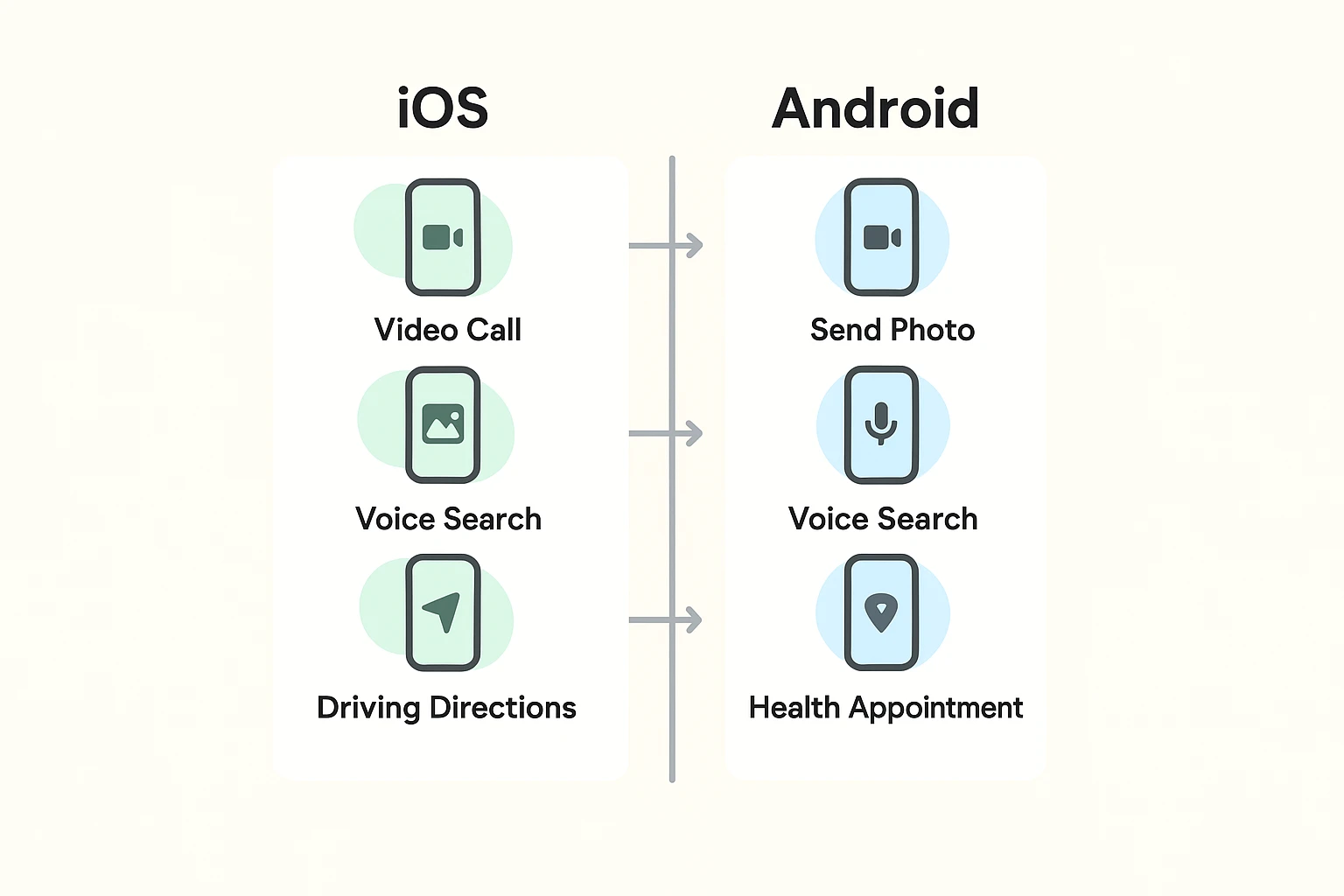
Still on the fence? Let’s try a quick personality test. No studying required.
You should probably choose an iPhone (iOS) if:
You should probably choose an Android if:
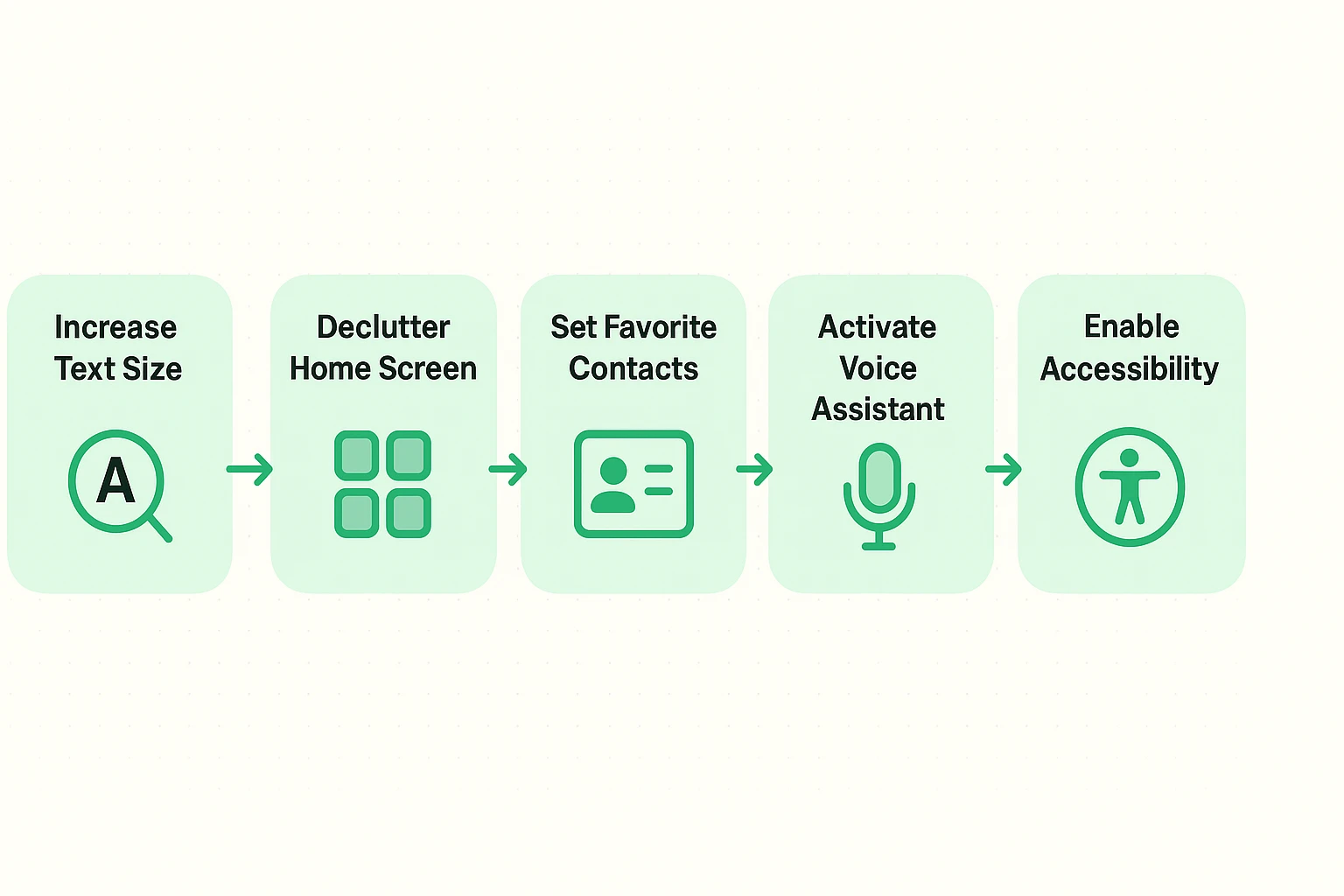
Here is the truth that the salespeople won’t tell you: A smartphone is not “senior-friendly” out of the box. You have to make it that way. Whether you buy an iPhone or an Android, the first hour you spend with it determines whether you love it or want to throw it into a lake.
Don’t settle for the default settings. The default settings were designed by 25-year-old engineers with perfect vision and tiny fingers.
This is a silly status symbol. If you use an iPhone to text another iPhone, the bubble is blue. If you text an Android, it turns green. Some grandkids make a fuss about this. Tell them you love them regardless of the color of their digital bubbles.
Generally, iPhones are slightly more locked down, making it harder to accidentally install malicious software. However, no phone can stop you from answering a spam call or clicking a bad link in an email. The best antivirus is your own skepticism.
Yes! By law, you can keep your number when you switch phones or carriers. Just make sure you don’t cancel your old service until the new phone is active.
Sometimes. They have very simple menus and big buttons. However, they often have poorer cameras and slower processors. A standard iPhone or Samsung, properly set up with “Easy Mode” or accessibility settings, often gives you a better experience with the same simplicity.
There is no “best” phone, just like there is no “best” shoe. There is only the one that fits you comfortably.
If you value consistency, simplicity, and easy video calls with family, the iPhone is likely your safe bet. If you value choice, budget options, and a universal “Back” button, Android is a fantastic companion.
Whichever you choose, remember: You are the boss of the device. It works for you. And if it starts acting up, there is no shame in the age-old repair tactic: Turn it off, count to ten, and turn it back on again. It works for spaceships, and it works for phones.