Newsletter Subscribe
Enter your email address below and subscribe to our newsletter

Enter your email address below and subscribe to our newsletter
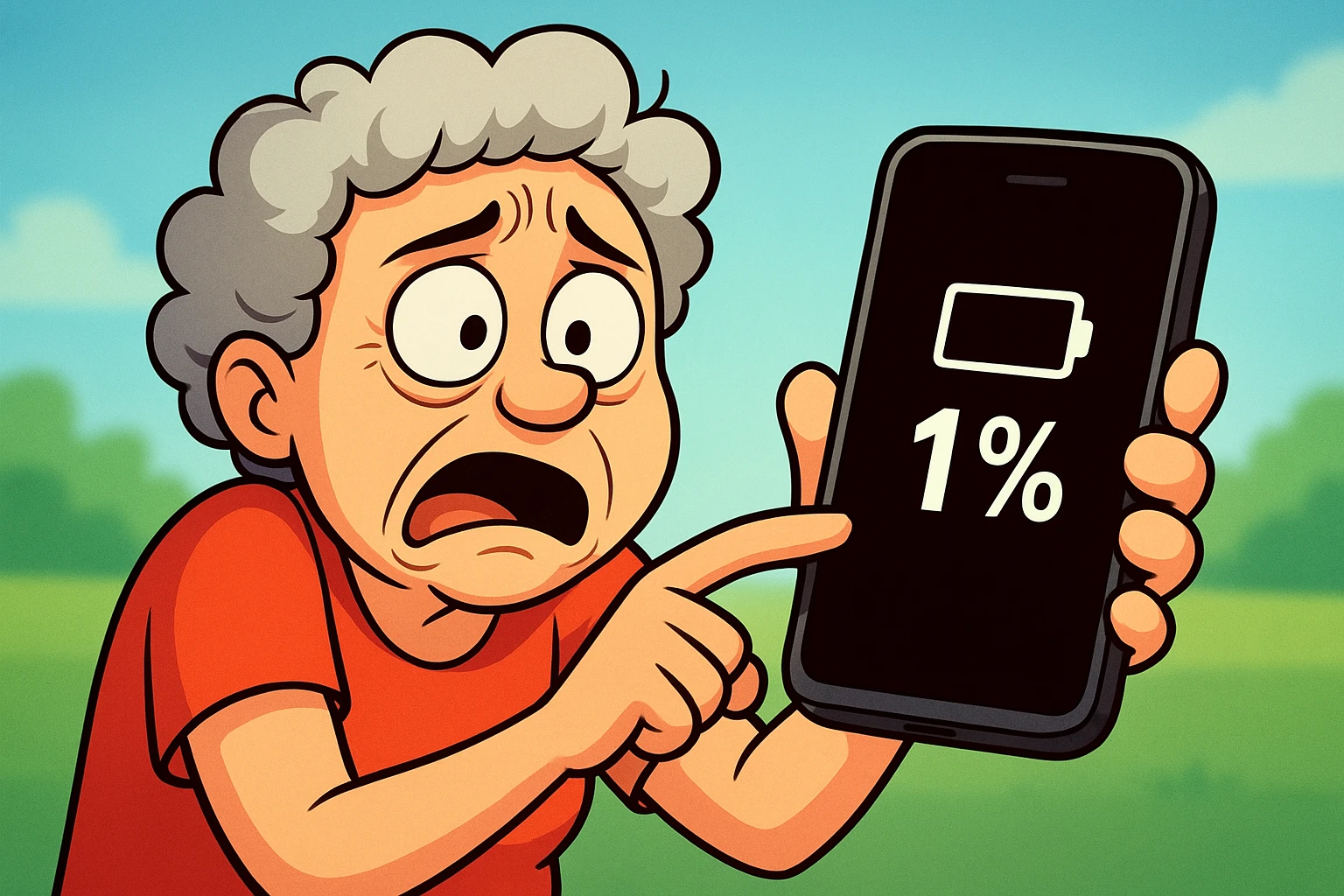
You know the feeling. You are right in the middle of something important—like showing your neighbor a picture of your grandson’s new puppy, or perhaps checking the weather to see if you need an umbrella or a boat. You tap the screen, ready for information.
But then… nothing.
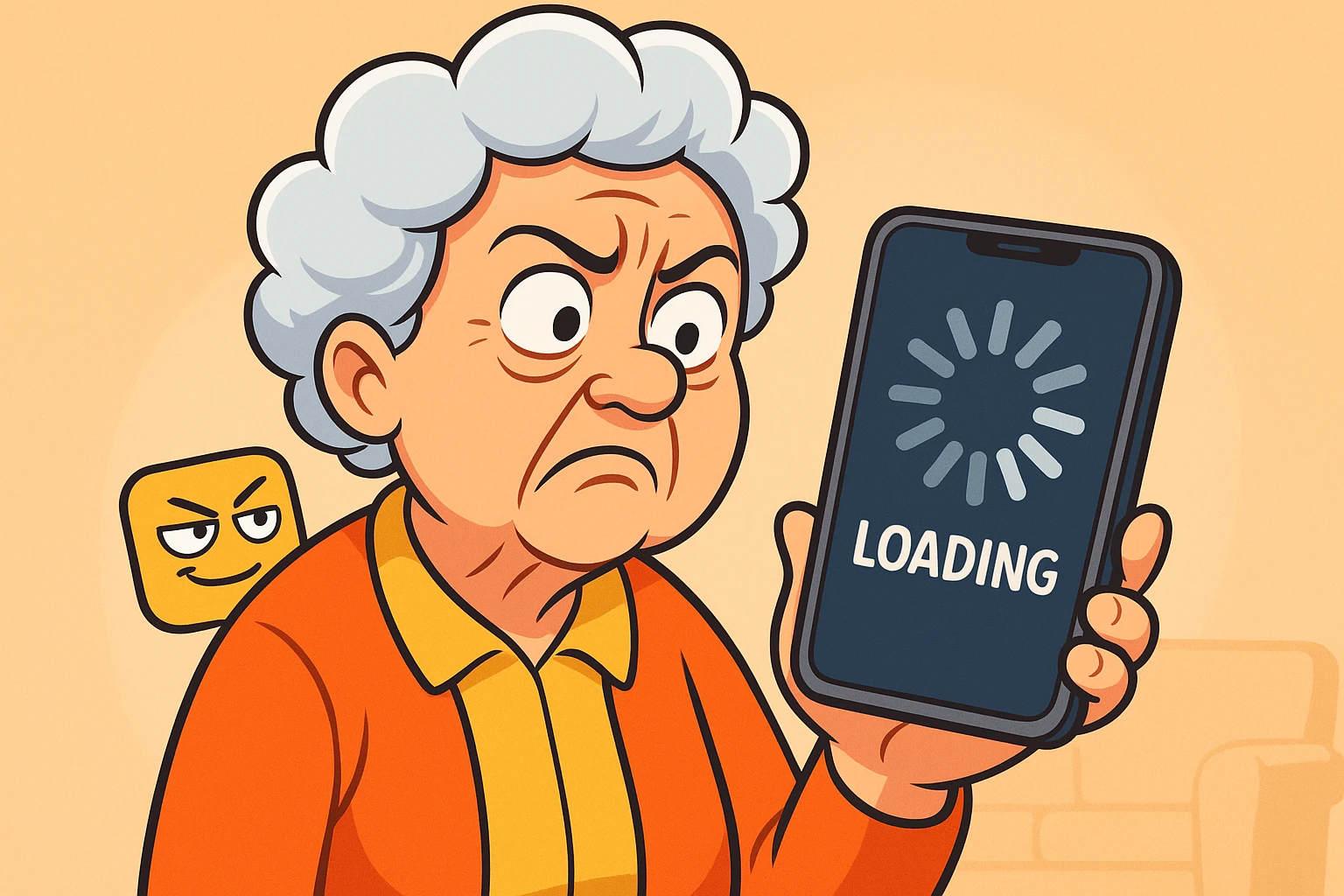
The screen freezes. Or maybe it goes black for a second and unceremoniously dumps you back to your home screen. It is the digital equivalent of having a door slammed in your face while you were mid-sentence. You stare at the phone. The phone stares back, blankly innocent.
If this happens often, you might start to think your device has developed a personal vendetta against you. Or perhaps you worry you pressed the “Self-Destruct” button by mistake.
Rest assured, you didn’t break anything. Apps are like toddlers; sometimes they just get tired, throw a tantrum, and need a nap. The good news is that you don’t need a degree in computer science to fix them. You just need a few minutes and a little know-how.
Before we start pushing buttons, it helps to understand why your app is acting like a rebellious teenager. Usually, it’s not because the app is “broken” forever. It’s because your phone is overwhelmed.
Think of your smartphone as a busy restaurant kitchen.
When an app crashes, it’s usually because the Chef ran out of counter space, the pantry is locked, or the delivery truck is late.
We are going to play detective. We will start with the easiest, least invasive fixes. If those don’t work, we will move on to the stronger medicine.
Think of this as a diagnostic flow. You don’t need to do all five steps—stop as soon as the app starts behaving itself!
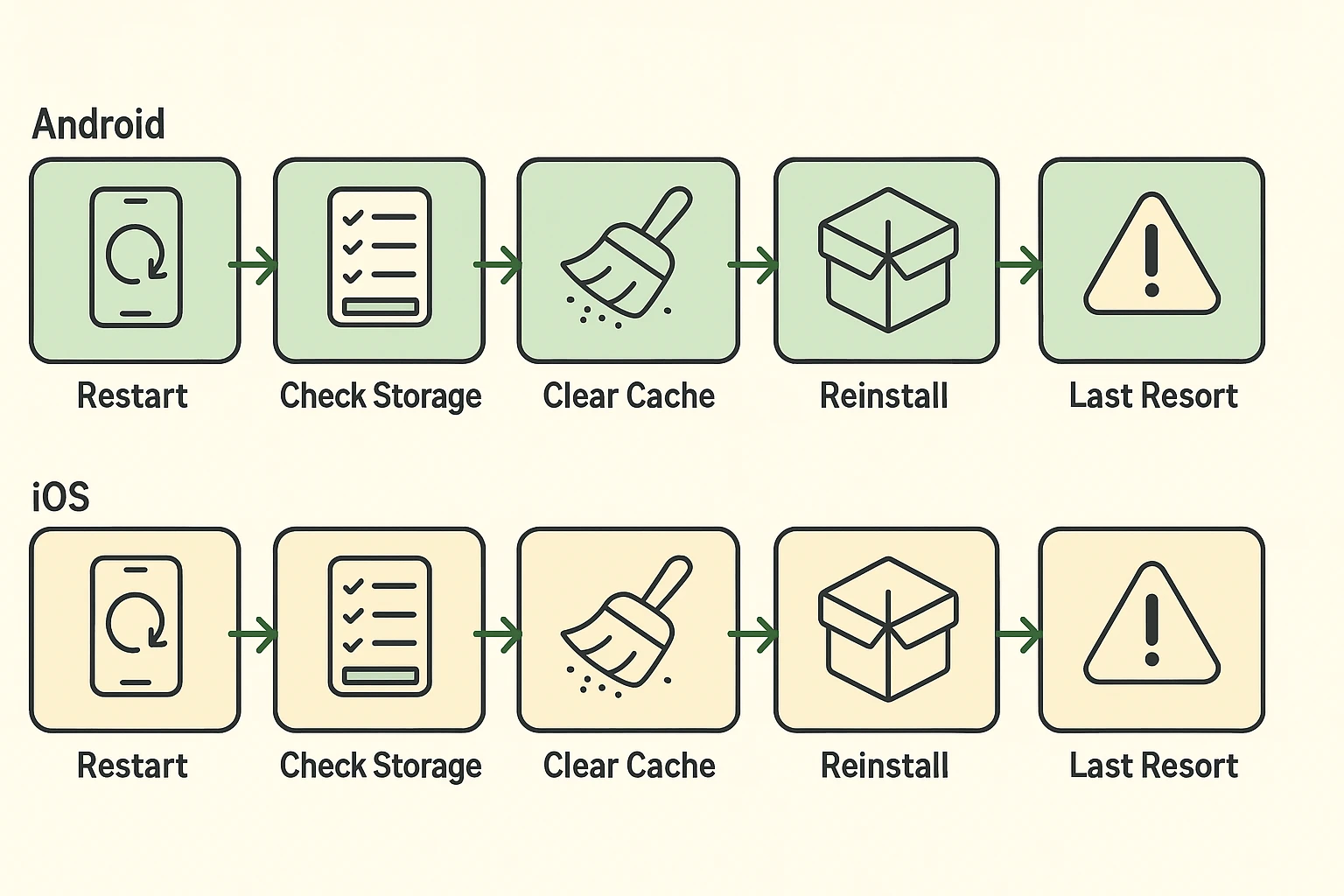
The absolute best fix for 90% of tech problems is the oldest one in the book: Turn it off and back on again.
When you use your phone for days without restarting, that “kitchen counter” (memory) gets cluttered with digital leftovers. A restart swipes the counter clean so the Chef can start fresh.
For iPhone:
For Android:
If a restart didn’t fix it, maybe your Chef is trying to cook a gourmet meal with expired ingredients.
Check for Updates: App developers are constantly fixing bugs. If you are running an old version of Facebook on a new phone, it’s going to struggle. Go to the App Store (iPhone) or Google Play Store (Android), search for the app, and see if there is a button that says “Update.”
Check Your Storage: If your phone is completely full of photos of your cat (we aren’t judging), the app has no room to breathe. Check your settings. If you have less than 1GB of space available, it’s time to delete some old videos or blurry photos.
This is where things get a little technical, but stay with me. Apps store temporary files to run faster—like a chef keeping chopped onions ready in a bowl. This is called Cache.
Sometimes, those onions go bad. Clearing the cache throws out the old temporary files so the app can make fresh ones.
Note: Be careful! Do not tap “Clear Data” yet. We’ll explain why in a moment.
If the app is still freezing, it might be corrupted. It happens. The best solution is to fire the employee and hire them back immediately.
This forces the app to install the newest, cleanest version of itself without any baggage from the past.
Sometimes, you can do everything right, and the app still won’t work because the problem isn’t on your phone—it’s at the company’s headquarters.
If Facebook, Instagram, or your banking app keeps crashing, ask yourself: “Is everyone else having a bad day too?”
You can visit a website called DownDetector.com. Type in the name of the app. If you see a giant red spike on the graph, congratulations! The problem is not your fault. Put the phone down, make a cup of tea, and wait for them to fix it.
Earlier, I mentioned “Clear Cache.” On Android phones, right next to that button, there is usually a scarier button called Clear Data or Clear Storage.
It is vital that you know the difference, or you might accidentally wipe out your digital memory.
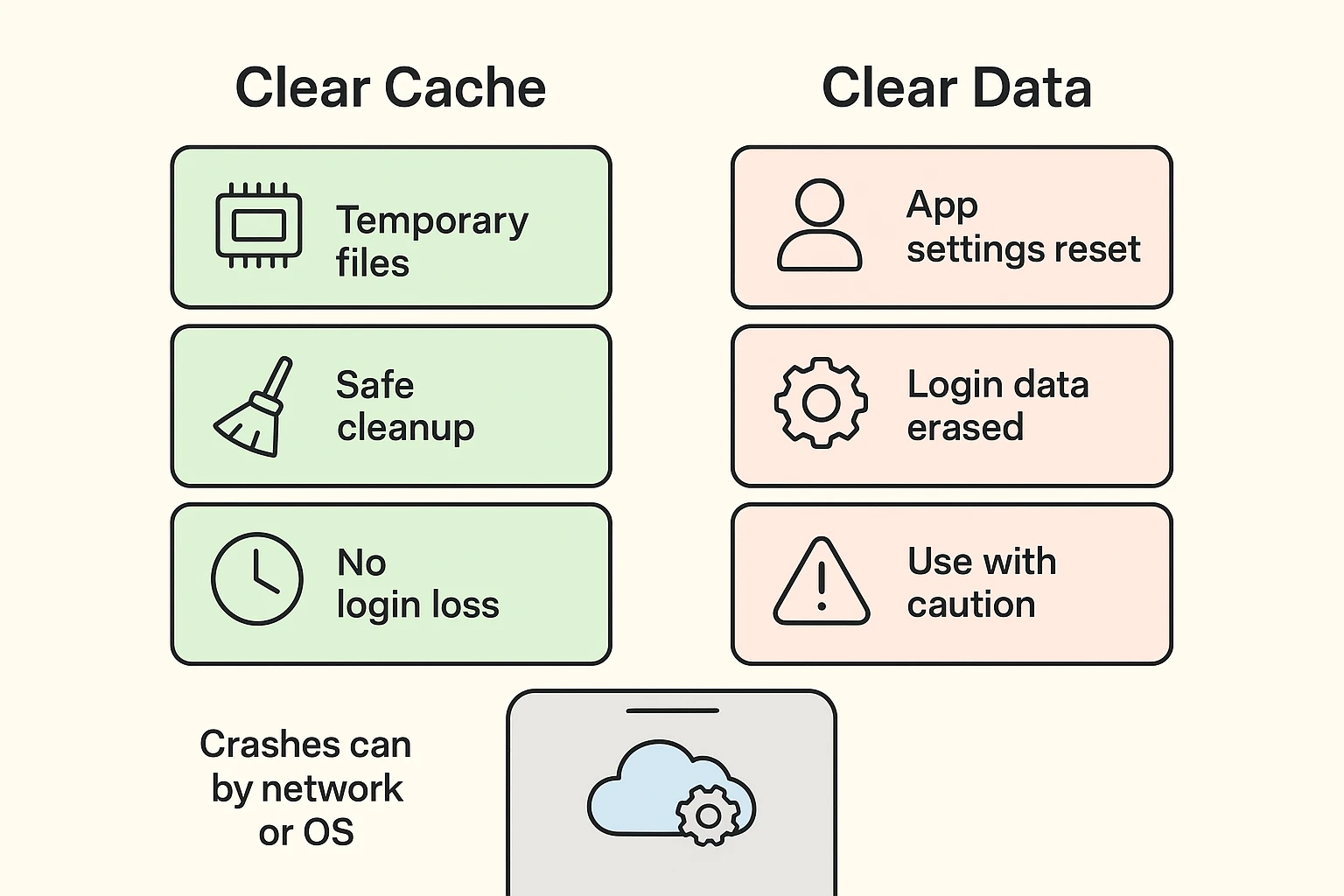
Only use “Clear Data” as a last resort if you know your passwords and are ready to log back in!
Technology is wonderful, except when it isn’t. Occasionally, when you are trying to restart your phone to fix a crashing app, the phone itself might get confused.
If you restart your device and it refuses to turn all the way on—perhaps showing the Apple logo or Android robot over and over again—you might be in a bootloop. This is when the phone keeps trying to start up, fails, and tries again. It sounds scary, but it’s essentially the phone getting the hiccups.
Similarly, if you just ran a major system update and your screen has been frozen on the setup page for an hour, you might have the issue of getting your phone ready stuck on the loading screen. Don’t panic; these issues usually require a specific button combination to fix, which we cover in our guide on frozen devices.
No! Restarting your phone is perfectly safe. It just clears out the temporary “thinking” memory. Your photos, contacts, and messages are safe in the “pantry” (storage).
Sometimes a new update has a bug (a mistake in the code). If this happens, the app developer usually rushes to release a new update to fix the mistake. Check the App Store again in a day or two.
Probably not. While viruses exist, most crashes on iPhones and Androids are caused by clutter, lack of storage, or software bugs—not hackers. Be wary of apps that pop up claiming your phone is “infected” just to sell you a subscription.
Apps crash. It is an annoying fact of modern life, like traffic jams or socks disappearing in the dryer. But now you know that it’s usually just a cluttered kitchen or a tired chef.
Take a breath, give the phone a quick restart, and try again. You are the boss of your technology, not the other way around!