Newsletter Subscribe
Enter your email address below and subscribe to our newsletter

Enter your email address below and subscribe to our newsletter
Learn the signs and causes of device battery overheating and swelling and how to stay safe.
Have you ever picked up your phone after it’s been charging, only to feel like you’re holding a freshly microwaved potato? It radiates a surprising amount of heat, making you wonder if it’s secretly trying to cook itself from the inside out. You might even give it a little shake, as if that will somehow cool it down, before setting it aside with a nervous chuckle.
We’ve all been there. A warm phone is one thing, but when your trusty device starts feeling more like a hand-warmer on overdrive, it’s not just a weird quirk. It’s your phone’s way of sending up a smoke signal—sometimes, almost literally.
That warmth can be a harmless side effect of a hard-working device, but it can also be the first warning sign of a bigger problem: battery trouble. We’re talking about overheating and its much puffier, more dangerous cousin, the swollen battery. Don’t worry, we’re here to translate these tech warnings into plain English so you know exactly what to do when your gadget gets a little too hot under the collar.
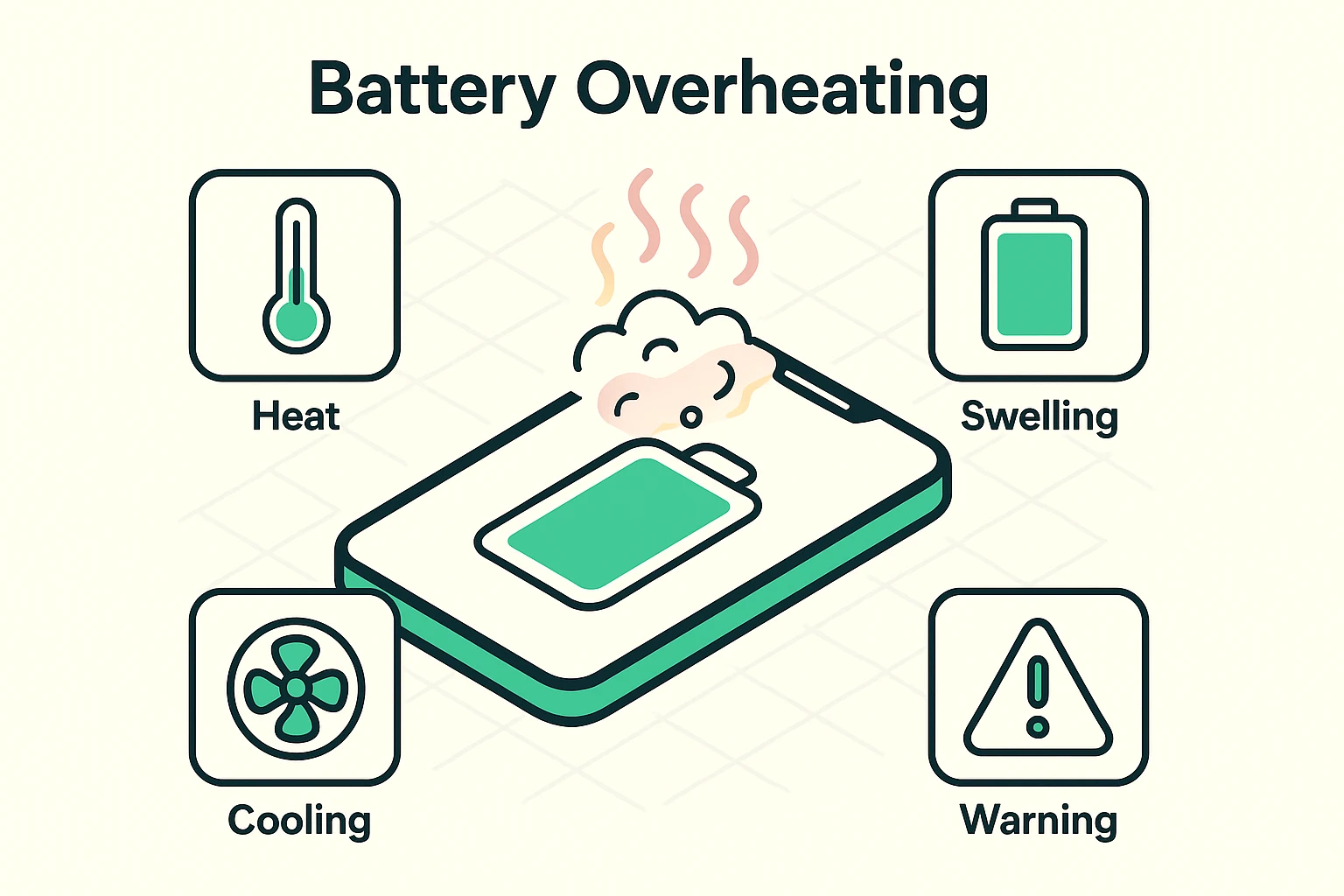
Inside your phone, tablet, or laptop is a lithium-ion battery. Think of it as a tiny, very sophisticated power plant. It works by having little charged particles zoom back and forth, creating the electricity that lets you watch cat videos and video call the grandkids.
Normally, this is a smooth, orderly process. But sometimes, things go haywire.
When a battery works hard—say, during a long video call or while charging—it generates heat. A little heat is normal. But if the battery can’t get rid of that heat fast enough, it starts to overheat. This can damage the battery’s internal chemistry, causing it to release gas. Since that gas has nowhere to go, it pushes against the battery’s casing, causing it to swell up like a balloon. Tech repair folks have a nickname for this phenomenon: the “spicy pillow.” And it’s a lot less comfortable than it sounds.
A battery doesn’t just decide to overheat for no reason. There are usually a few culprits behind the scenes. Understanding them is the first step toward preventing a meltdown.
Common Causes of Battery Overheating:
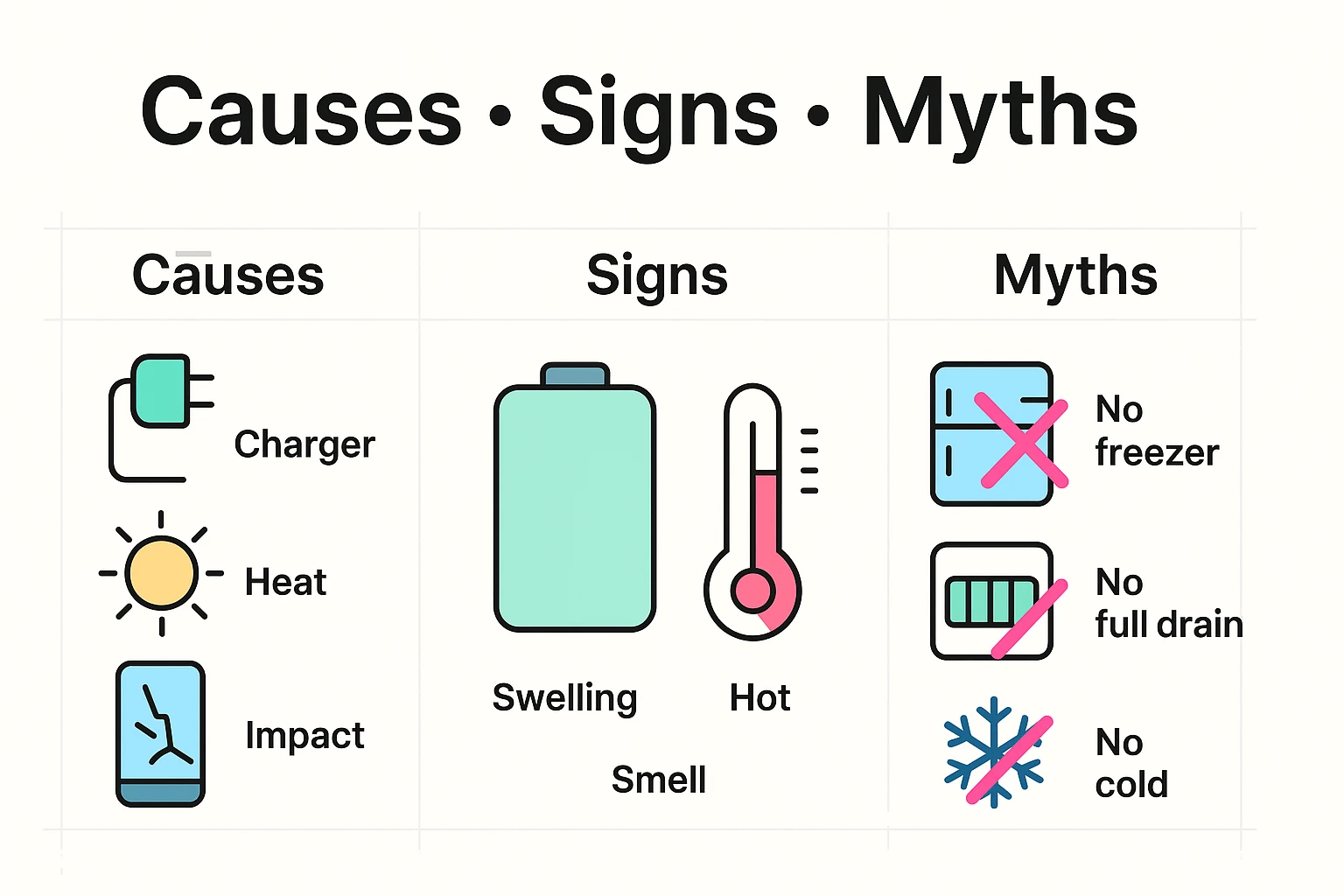
It’s crucial to know the difference between “my phone is working hard” warm and “Houston, we have a problem” hot. If your device feels dangerously hot to the touch, or if you notice any of these signs, it’s time to act immediately.
Red Alert! Watch for These Symptoms:
When a battery gets this unstable, it can lead to something called “thermal runaway.” This is a fancy term for a chain reaction where the internal temperature rises uncontrollably, which can cause the battery to catch fire or even explode. It’s very rare, but the risk is why you should never, ever ignore a swollen battery.
If you suspect your device has a swollen or dangerously overheating battery, do not panic. Follow these steps calmly and carefully.
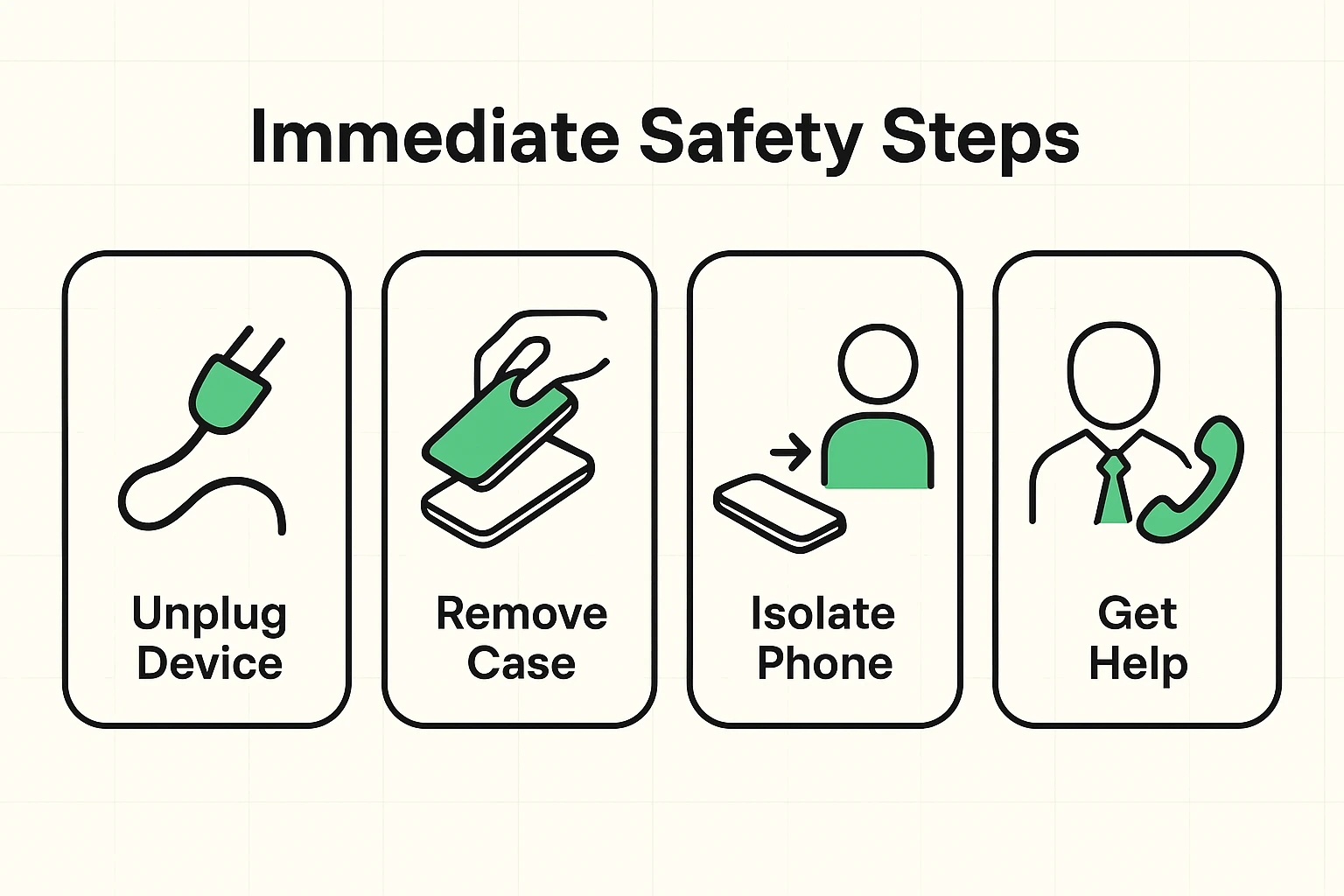
Your Immediate Safety Checklist:
Once the device is in a safe spot and has cooled down, it’s time to call in the professionals. A swollen battery is not a do-it-yourself project. Keeping your gadgets safe is just one part of staying secure in the digital world; for a broader look, you can always review our essential guide to online safety.
Yes, a little bit. It’s normal for a device to feel warm after you’ve been on a long phone call, played a game, or used GPS navigation. But it should never be uncomfortably or painfully hot to the touch.
Absolutely not. A swollen battery is a damaged battery, and it is a fire hazard. Stop using the device immediately and follow the safety steps above.
Prevention is key! Always use the official charger that came with your device or a reputable, certified third-party brand. Avoid leaving your device in extreme temperatures (hot or cold), and don’t cover it with a blanket or pillow while it’s charging.
Do not throw it in the regular trash! Lithium-ion batteries can cause fires in garbage trucks and recycling facilities. Contact your device manufacturer or a local, certified electronics repair shop for advice on how to handle and dispose of it safely.
Your phone and tablet are amazing tools for staying connected, but like any powerful tool, they need to be treated with respect. By knowing the signs of battery trouble, you can keep yourself and your home safe. For more plain-English tech tips, feel free to explore the rest of Senior Tech Cafe.