Newsletter Subscribe
Enter your email address below and subscribe to our newsletter

Enter your email address below and subscribe to our newsletter
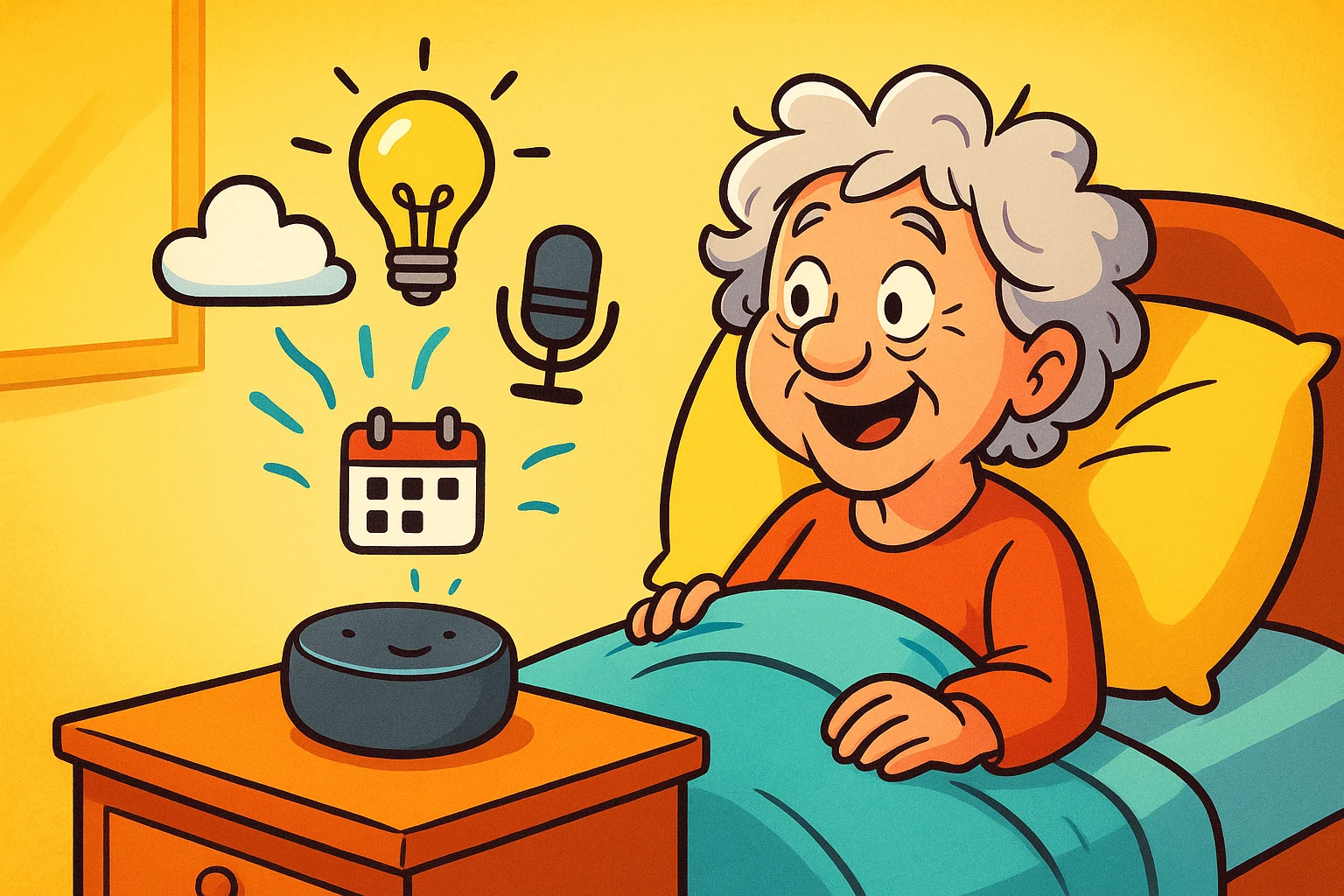
Remember the old days when starting your morning routine involved a lot of actual, physical… routine? You had to get out of bed, stagger to the light switch, fumble with the radio dial to find the news, and peer out the window to see if you needed an umbrella. By the time you actually had coffee in hand, you’d already completed an accidental workout.
Now, we have “smart” assistants—those little plastic pucks or screens sitting on our counters (Alexa, Google, Siri). But for many of us, our relationship with them is limited to asking, “What time is it?” or shouting, “Stop playing smooth jazz!” when they misunderstand a request.
Here is the secret the tech companies don’t always explain clearly: These devices can do more than one thing at a time. They can be trained to perform a whole sequence of helpful tasks with a single phrase. It’s called a Routine.
Think of a Routine like a digital butler. Instead of asking the butler to open the curtains, then asking him to turn on the radio, then asking for the weather, you simply say, “Good Morning, Jeeves,” and he does it all while you stay cozy under the covers.
We are going to set up your digital Jeeves. And the best part? It doesn’t require a degree in computer science—just a few minutes and a willingness to talk to a machine.
At its core, a Voice Routine is just a fancy term for a chain reaction. In the tech world, this is often called “If This, Then That.”
IF I say “Good Morning” (The Trigger)…THEN the assistant turns on the bedside lamp, reads the weather, and plays 60s Oldies (The Actions).
This isn’t just about being lazy (though we support that, too). It’s about safety and clarity. It minimizes the need to navigate dark rooms to find switches. It helps those of us who might forget to check the calendar or take a pill. It turns a chaotic morning into a scripted symphony.
Before we start cooking up recipes, let’s look at the chefs. Most seniors are using either Amazon Alexa (Echo) or Google Home (Nest).
The Amazon Alexa: Generally considered the leader for seniors. It has better integration with smart home devices (like plugs and lights) and offers “Alexa Together,” a service specifically for remote caregiving support. If you want ease of use, this is usually the winner.
The Google Home: The brainiac of the bunch. Because it is connected to Google Search, it is much better at answering complex questions (“Who was the Vice President in 1954?”). However, the app interface can sometimes feel a bit more cluttered.
Note: For this guide, we will focus on general steps that apply to both, but the language is very similar across platforms.
Let’s build your first routine. We aren’t going to get crazy yet. We are going to build a classic “Good Morning” routine.
The goal: You wake up, say the magic words, and the assistant gives you the information you need to start the day without you having to hunt for your reading glasses to check your phone.
The Ingredients:
Don’t let the screenshots scare you. We are just making a list.
Now that you have the basics, let’s look at routines that actually solve senior-specific problems. These aren’t just cool; they are practical tools for independence.
Falls often happen at night when we are groggy and the house is dark.
We all forget things. Let the robot remember for you.
Did I leave the stove on? Is the back door locked?
There is nothing more frustrating than having a shouting match with a hockey puck. “Alexa! Lights! ALEXA! LIGHTS!”
If you find your assistant is giving you the silent treatment, it usually isn’t broken. It just needs a little counseling.
1. The “Placement” Problem: Is your device next to the TV or a noisy air conditioner? It can’t hear you over the background noise. Move it to a central location, away from walls and other noise sources.
2. The “Training” Session: Both Google and Alexa have “Voice Match” features. You can actually train the device to recognize your specific voice and speech patterns. This is incredibly helpful if you have a soft voice or an accent. Dive into the settings and look for “Voice ID” or “Voice Match.”
3. The “Cheat Sheet” Strategy: The biggest hurdle isn’t technology; it’s memory. We forget exactly what we told the computer to listen for. Was it “Good Morning” or “Start my day”?
We at Senior Tech Cafe always want to keep it real with you. These devices are listening for their “wake word” (like “Alexa”). While they aren’t recording everything you say 24/7, they are collecting data.
Safety First:
Yes. Generally, you need a smartphone or tablet (iPad) to download the Alexa or Google Home app for the initial setup. Once the routine is saved, you don’t need the phone—you just speak to the device.
Unfortunately, these devices are brainless without Wi-Fi. If your internet goes down, your “Good Morning” routine won’t work. It’s always good to have a backup alarm clock, just in case.
Yes! If you have the login credentials for your parent’s Amazon or Google account, you can set up routines from your own phone, no matter where you live. This is a game-changer for long-distance caregiving.
No. The feature is built into the device. However, if you want to listen to specific music (like Spotify or Apple Music) or use advanced caregiving features (like Alexa Together), there may be subscription costs for those specific services.
You don’t need to automate your entire life in one day. Start with the “Good Morning” routine. Once you experience the joy of having the weather read to you while you’re still waking up, you’ll wonder how you ever managed without your digital butler.
Technology should serve you, not stress you out. If a routine isn’t working or feels too complicated, delete it. The goal is effortless living, not “shouting at plastic” living.