Newsletter Subscribe
Enter your email address below and subscribe to our newsletter

Enter your email address below and subscribe to our newsletter
Learn what data caps are and how to avoid surprise charges on your smartphone and home internet usage.
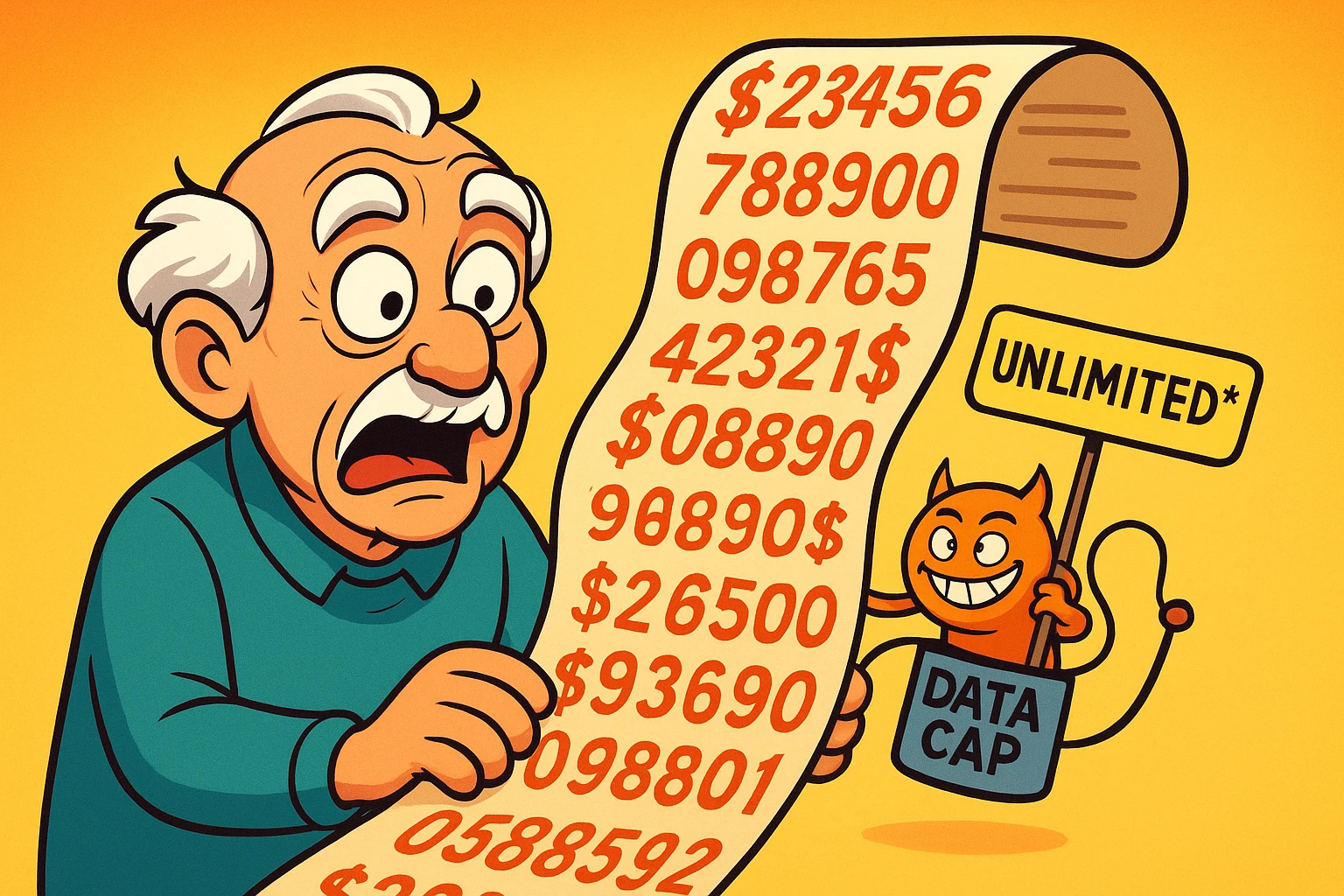
Have you ever opened your internet or phone bill and had a small, heart-stopping moment? You know the one. You stare at the total, which seems to have more digits than a phone number, and wonder if you accidentally purchased a small island nation while browsing for new gardening gloves.
This sudden “bill shock” is often the work of a sneaky little villain called a “data cap.” It’s a term internet and phone companies love to throw around, assuming everyone knows what it means. It’s like a mechanic saying your “flux capacitor is misaligned” and then just staring at you expectantly.
If you’ve ever felt like your data plan is a confusing mystery designed to trip you up, you’re not alone. Think of this as your decoder ring. We’re going to unravel what data caps are, how they work, and most importantly, how to keep them from taking a surprise bite out of your wallet.

Let’s get this out of the way first. “Data” is just a fancy word for all the information that travels to and from your devices over the internet. Watching a movie on Netflix, video-calling your grandkids, scrolling through photos on Facebook, or even just loading this webpage—it all uses data.
A data cap is simply a limit on how much data you can use in a month, set by your internet or mobile phone provider.
Think of it like a monthly water allowance for your house. You can use as much water as you want, but if you go over your allotted amount, one of two things will happen:
Internet providers do the exact same thing, but with your data.
When you exceed your data cap, you’ll run into one of two penalties, depending on your plan:
“But wait!” you say. “My plan is unlimited!” Ah, if only it were that simple. The word “unlimited” is one of the most creatively defined terms in the marketing world, right up there with “all-natural” and “serving suggestion.”
Many “unlimited” plans have hidden thresholds. For example, your mobile provider might give you truly fast, unlimited data for the first 22 GB you use in a month. But once you cross that line, they may start throttling your speed during times of network congestion.
It’s less “unlimited” and more “unlimited-ish, with an asterisk.” This is why it’s crucial to become a data detective and learn how to monitor your own usage.

You don’t need a magnifying glass and a trench coat to figure this out. Finding out how much data you’re using is surprisingly easy once you know where to look.
Settings > Cellular. Scroll down, and you’ll see a running total of your cellular data usage for the “Current Period.”Settings > Network & Internet > Data Usage (the exact path might vary slightly by phone model). You’ll see a chart of your mobile data usage.Most phones also let you set a data warning or limit directly in these settings, which is like having a helpful little alarm bell for your data plan.
This one usually requires a visit to your internet service provider’s (ISP) website. Log into your account, and there should be a section called “My Usage,” “Data Usage Meter,” or something similar. Many providers like Xfinity, Spectrum, and AT&T also have mobile apps that make checking your usage a one-tap affair.
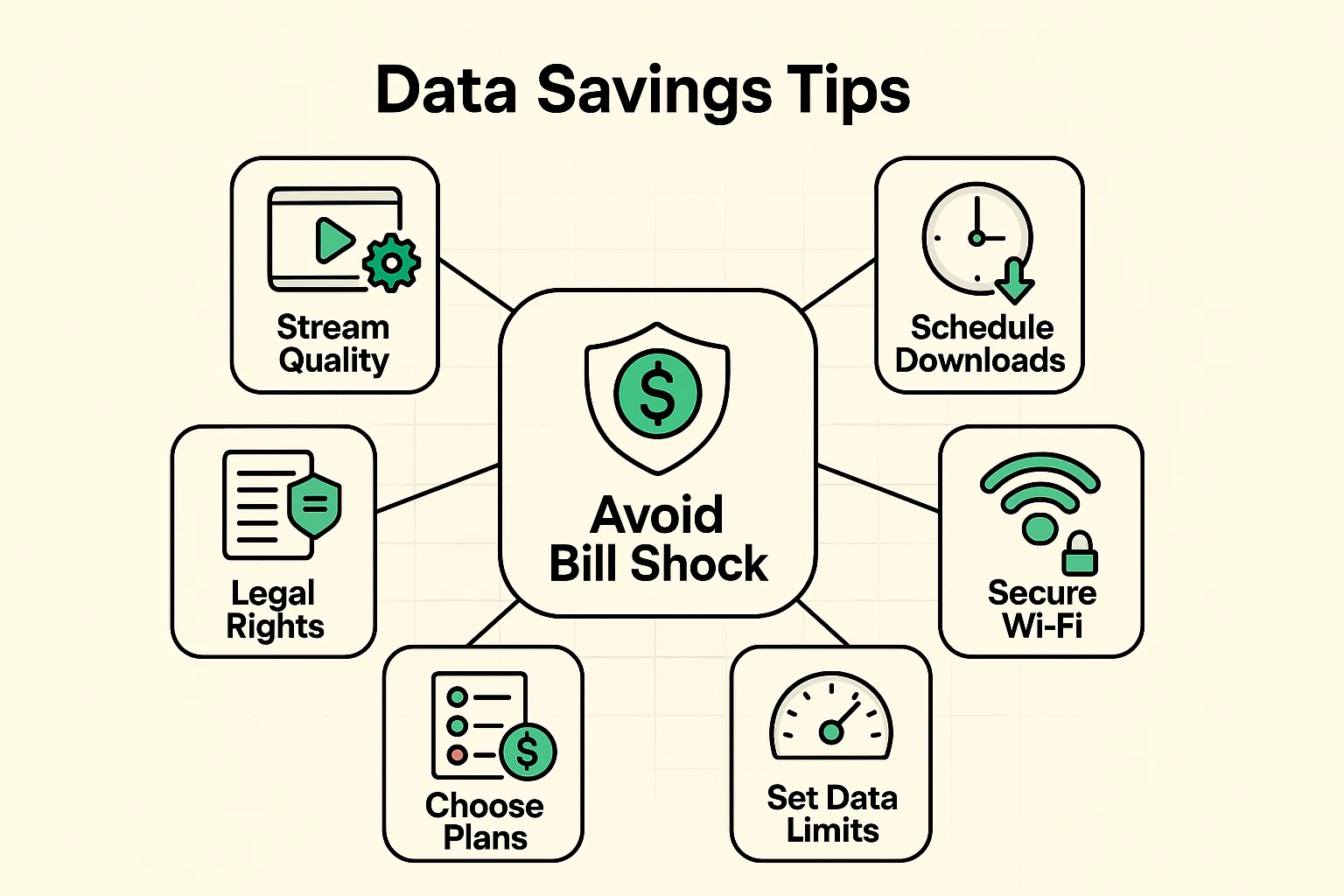
The average American household now uses over 640 GB of home internet data per month! So, how do you stay under your limit without giving up your favorite shows? Here are a few simple tricks.
This is the golden rule. When you’re at home, make sure your smartphone and tablet are connected to your home Wi-Fi network. Data used over your Wi-Fi does not count against your phone’s cellular data plan. It’s like getting free refills! Using a secure network is key, so make sure you know how to protect your home connection.
Did you know that streaming a movie in Ultra HD (4K) can use more than three times the data as streaming it in standard High Definition (HD)? Most of the time, HD looks perfectly fine. On services like Netflix, Hulu, and YouTube, you can go into the settings and choose a lower video quality to save a massive amount of data.
Facebook, Instagram, and other sites love to automatically play videos as you scroll. This eats up data without you even realizing it. Dive into the app’s settings and turn off video auto-play, or set it to “On Wi-Fi Only.”
Those fancy new video doorbells, security cameras, and smart thermostats are great, but they are constantly connecting to the internet. While one device won’t break the bank, a whole house full of them can contribute significantly to your monthly data usage. Keep this in mind if you’re a fan of connected gadgets.
It’s just a unit of measurement for digital information. Think of it like a gallon of milk. You buy a plan with a certain number of “gallons” (gigabytes) you can use each month.
Your provider will either charge you extra fees (a “hard cap”) or slow your internet speed down dramatically until the next billing cycle (a “soft cap” or “throttling”).
Generally, yes. Internet providers are allowed to set limits on their services, as long as they disclose them in the terms of service (the giant wall of text nobody ever reads).
It might be time to call your provider and ask about upgrading to a plan with a higher data cap or a truly unlimited option. Sometimes, the extra cost of a better plan is less than what you’d pay in overage fees.
Data caps don’t have to be a source of anxiety or budget-busting surprises. By understanding what they are and keeping a casual eye on your usage, you take back control. You get to decide how your data is used, not your internet provider.
After all, technology is supposed to make our lives easier, not give us a monthly financial mystery to solve. Now go stream that movie or video-call the family—you’ve got this.