Newsletter Subscribe
Enter your email address below and subscribe to our newsletter

Enter your email address below and subscribe to our newsletter
Imagine this scenario: You have spent a lifetime accumulating physical treasures—family photo albums, a collection of vinyl records, perhaps a secret stash of the world’s best cookie recipes written on index cards. When you pass away, your spouse or kids can simply walk into the house, pick them up, and cherish them. Easy, right?
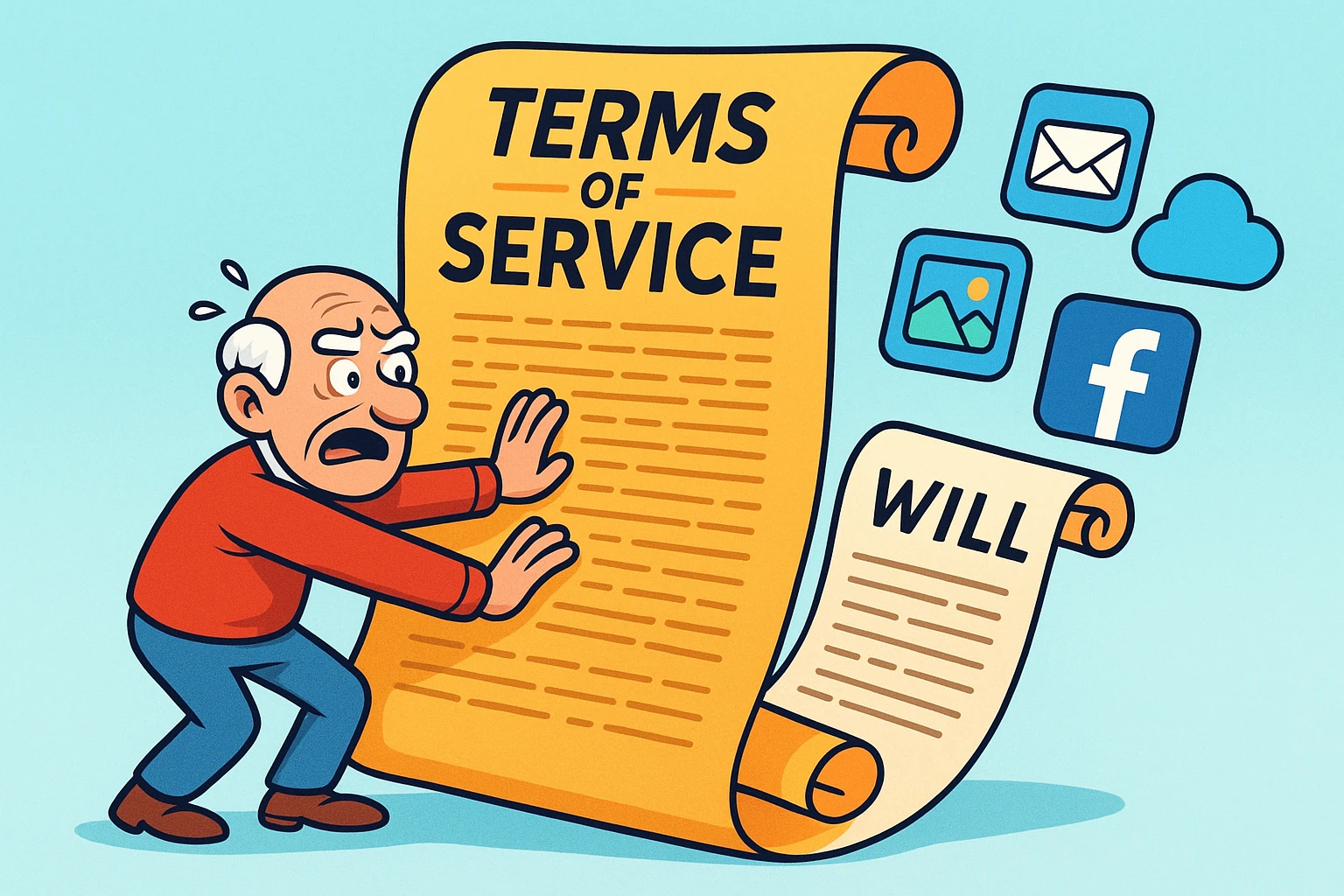
Now, imagine if those photo albums were locked in a vault owned by a giant corporation in California, and the vault had a sign on it that said: “Sorry, only the original owner can open this. Also, we don’t care that you have a court order, a death certificate, or a heartfelt plea. Our Terms of Service say ‘No Peeking.'”
Welcome to the digital afterlife. It is a strange, bureaucratic Wild West where a click you made on an “I Agree” button in 2012 might hold more power than your Last Will and Testament.
We tend to assume that our “digital stuff”—emails, photos, Facebook accounts, and that novel you’ve been writing in GoogleGoogle is a multinational technology company known for its internet-related products and services, i... More Docs—belongs to us. But in the eyes of the law and the tech giants, it’s a lot more complicated. It turns out, you might just be “renting” your digital life, and the lease expires when you do.
Let’s unravel the legal spaghetti of digital legacy, explore who actually holds the keys to your digital kingdom, and look at the “Agency Death Trap” that threatens small business owners everywhere.
If you are trying to figure out who wins in a fight between a tech company’s rules and your own estate plan, you need to understand the pecking order. Think of it like a game of Rock, Paper, Scissors, but with lawyers.
Believe it or not, the most powerful legal tool isn’t usually your will—it’s the setting inside the appAn app (short for application) is a program that helps you do specific tasks on your smartphone, tab... More itself.Laws like RUFADAA (we’ll explain that alphabet soup in a minute) generally state that if you use a platform’s specific “legacy tool”—like Google’s Inactive Account Manager or Facebook’s Legacy Contact—that choice overrides everything else. It overrides your will. It overrides your trust. It overrides your angry relatives. If you tell Google to delete your account after 3 months of inactivity, Google will delete it, even if your executor begs them not to.
If you haven’t used the platform’s specific tool (and let’s be honest, most people haven’t because they didn’t know it existed), the law looks to your Will, Trust, or Power of Attorney. However, this only works if your documents contain specific “digital asset” language. A standard will from 1995 that says “I leave everything to my wife” might not cut it for digital files because of federal privacy laws.
If you didn’t set up the online tool, and your will is silent on digital assets, the Tech Giant wins by defaultDefault refers to the pre-set option or setting that is automatically chosen if no alternative is sp... More. Their Terms of Service (ToS) usually treat your account as non-transferable. This is the “Default” setting that causes so much heartache, effectively locking your family out of your photos and emails forever.
Before 2016, digital inheritance was a legal grey area. Then came the Revised Uniform Fiduciary Access to Digital Assets Act, or RUFADAA. Try saying that three times fast after a glass of wine.
Adopted by over 45 states, RUFADAA was designed to solve the standoff between executors and tech companies. It provides a legal pathway for your fiduciary (the person managing your estate) to manage your computer files just like they would manage your bank account.
However, there is a catch. A big one.
Under RUFADAA, an executor has the right to access the catalogue of your communications, but not the content unless you explicitly consented.
This distinction exists because of the Stored Communications Act (SCA), a federal privacy law from the 1980s designed to protect us from wiretapping. Tech companies often use the SCA as a shield (or a “Terms of Service” weapon) to deny access to grieving families, claiming they are protecting your privacy.
Here is a scary story that doesn’t involve ghosts, but rather the death of a small business.
Let’s say you run a small consulting firm, or perhaps you are the treasurer for the local HOA. You use tools like HubSpot, Mailchimp, or a Google Business Profile. You are the “Admin.”
If you pass away without leaving a way for a successor to log in, that business might effectively die with you.
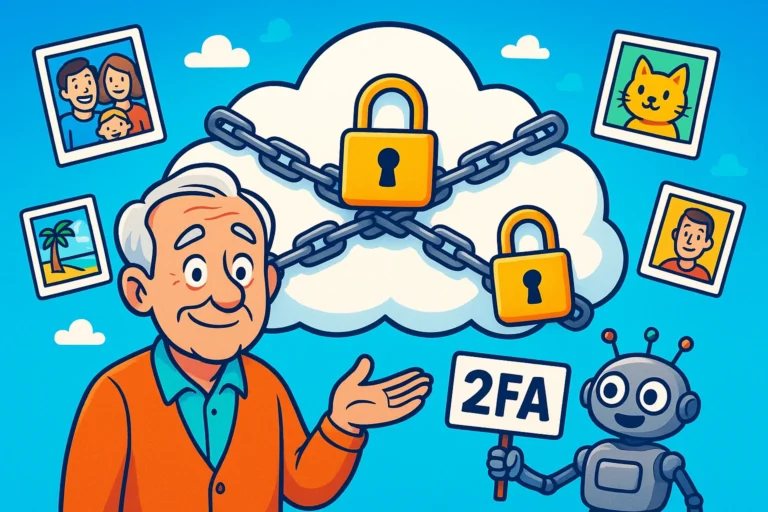
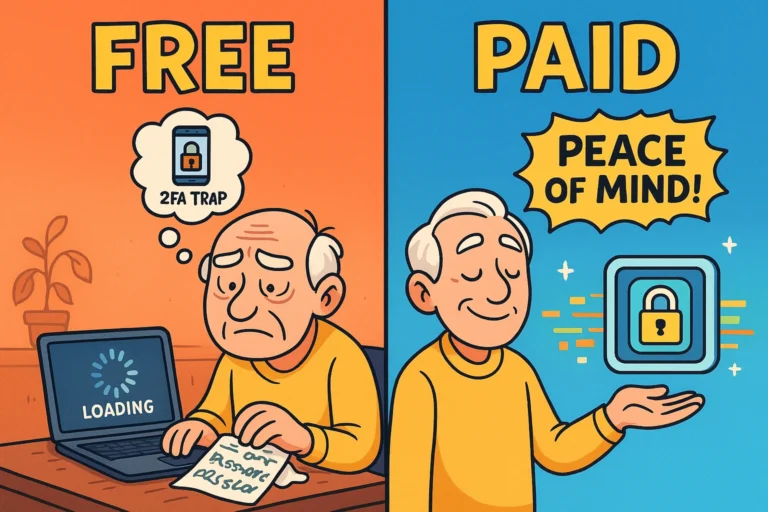
Most “SaaS” (Software as a Service) platforms have Terms of Service stating that the account belongs to the registrant. If the registrant is deceased and nobody has the passwordA password is a string of characters used to verify the identity of a user during the authentication... More (or the 2-Factor Authentication2FA, or Two-Factor Authentication, is a security measure that uses two different types of proof to v... More code sent to the deceased person’s phone), the company may refuse to hand over the data.
We call this the “Agency Death Trap.” Imagine a marketing agency where the founder passes away. The employees are still there. The clients are still there. But nobody can log into the Facebook Ad Account to turn off the ads. The credit card keeps getting charged, the clients get angry, and the business collapses—all because of one missing password and a strict User Agreement.
You don’t need to be a lawyer to protect your digital legacy, but you do need to be proactive. Waiting until an emergency happens is like trying to put on a seatbelt after the car has already crashed.
This is the easiest win. Go into your Google, Apple, and Facebook settings today. Right now. (Well, finish reading this first). Designate a Legacy Contact. This satisfies the “Tier 1” requirement and tells the tech giants, “Yes, I want this person to have my stuff.”
Ask your attorney if your estate plan includes a specific provision for “Digital Assets” that references RUFADAA. It should explicitly grant permission for your executor to access the content of your electronic communications. Without that specific word—”content”—your executor might just get a list of subject lines.
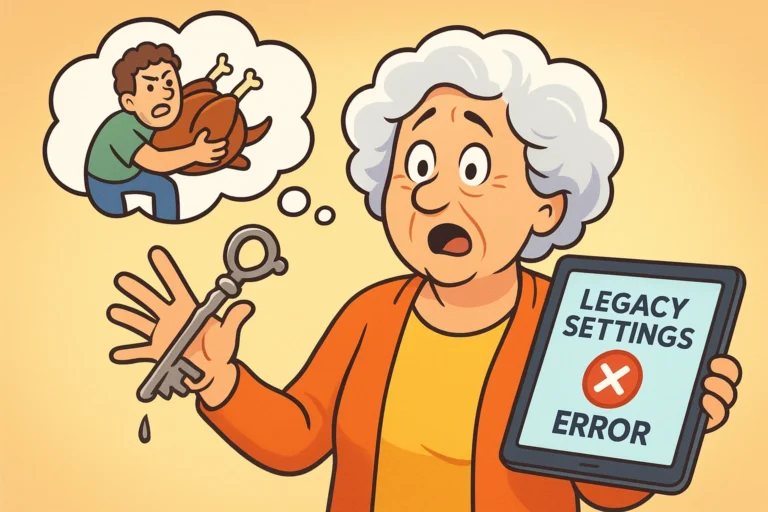
While we love high-tech solutions, sometimes the best solution is a physical one. A Password Manager is fantastic, but you need to make sure your trusted person knows how to get into it. This is often referred to as the “Master Key.” If your executor has your Master Password, they can simply log in as you. Legally, this is a bit of a grey area (technically violating Terms of Service regarding unauthorized access), but practically speaking, it is often the only way to ensure continuity, especially for those business accounts we mentioned earlier.
Practically? Yes, if they have it. Legally? It’s complicated. Using someone else’s login is technically a violation of the Computer Fraud and Abuse Act and most Terms of Service. However, nobody is likely to arrest your grandma for logging into your Netflix to cancel the subscription. The problem arises when 2-Factor Authentication (2FA) sends a code to a phone that is locked or disconnected.
Only if the Power of Attorney document specifically mentions digital assets. If it’s an older document, tech companies like Amazon or Microsoft will likely reject it.
Bad news here. You don’t actually own those tracks; you own a “license” to listen to them. That license is usually non-transferable and dies with you. Your family can’t legally “inherit” your iTunes library in the same way they inherit your vinyl records. (Yet another point for physical media!)
The digital world is designed for the living. The Terms of Service you blindly agreed to were written by corporate lawyers to protect the company, not your family. By understanding the hierarchy—Platform Tools first, Wills second, Terms of Service last—you can ensure that your digital memories, and your business, survive even when you log off for the last time.