Newsletter Subscribe
Enter your email address below and subscribe to our newsletter

Enter your email address below and subscribe to our newsletter
Imagine, if you will, that you walk into a bakery and buy a loaf of sourdough bread. You pay the baker, take your bread, and go home. Simple, right? Now, imagine that a week later, a different baker shows up at your front door, hands you an identical loaf of sourdough, and demands payment. Then, the original baker shows up at your back door with another loaf and charges your credit card automatically.
In the real world, you would notice this immediately. You would be drowning in sourdough. You would shout, “Stop bringing me bread! I have enough carbohydrates to last through the next ice age!”
But in the digital world, this happens all the time. It is entirely possible—and shockingly common—to be paying for the exact same service twice (or even three times) without realizing it. You might be paying for HBO Max through your cable provider and through an app on your iPad. You might be a premium subscriber to Spotify via iTunes and via Spotify’s own website.
If you suspect you are unwittingly funding the retirement yachts of multiple tech CEOs for the exact same service, do not panic. You are not losing your memory, and you are certainly not alone. You have simply fallen into the “Duplicate Trap,” and today, we are going to climb out of it.
Here is a statistic that might make you spit out your coffee: Research shows that while most people think they spend about $86 a month on subscriptions, the actual average is closer to $219.
Where is that extra money going? Often, it’s vanishing into the digital abyss of duplicate accounts.
The problem isn’t that you clicked “Buy” too many times because your finger slipped. The problem is that the internet has built a very confusing maze where three different cashiers are trying to sell you the same ticket.
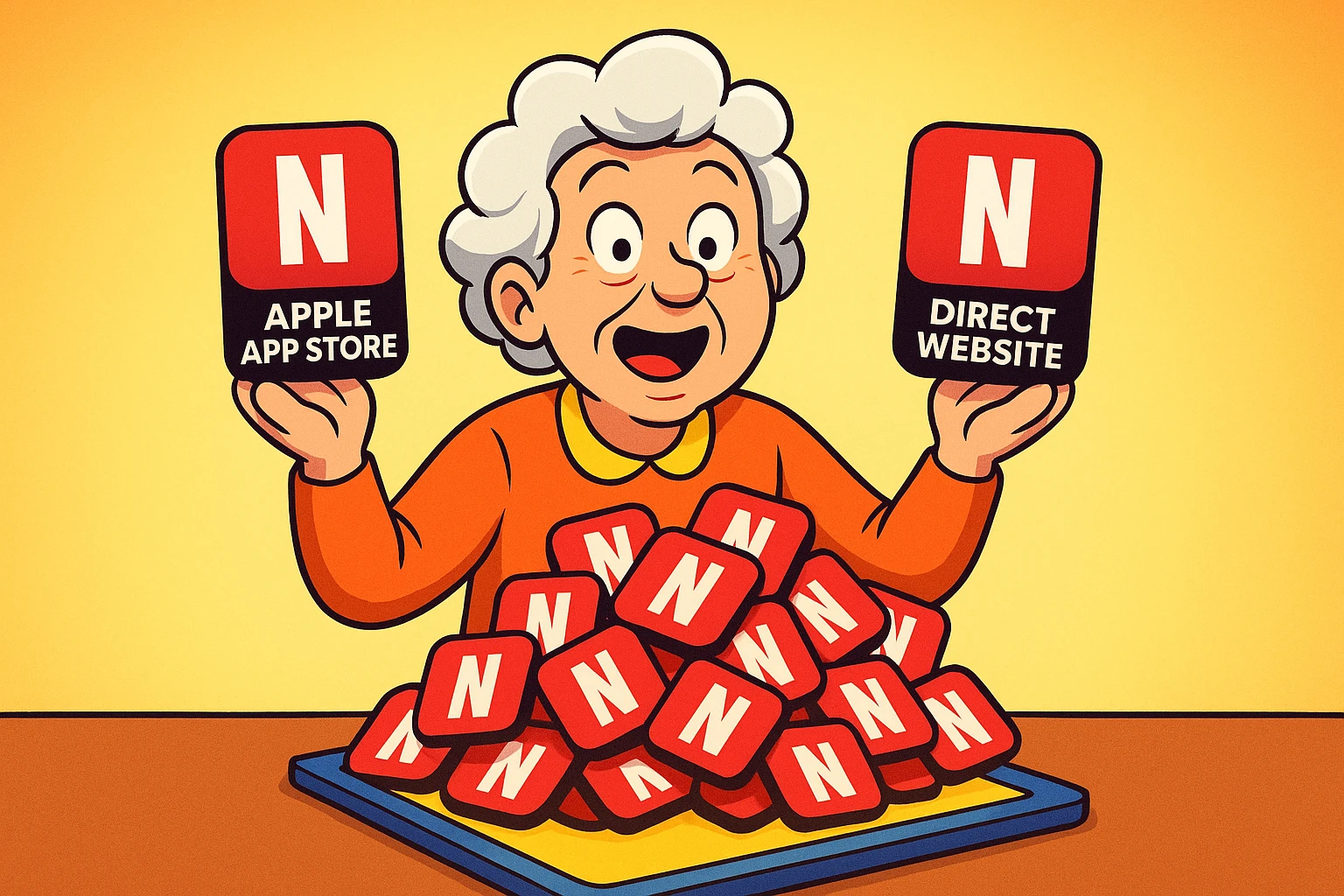
To understand how you ended up with two subscriptions to “Paramount+” (or whatever service holds the rights to NCIS this week), you have to understand that there isn’t just one way to buy things anymore.
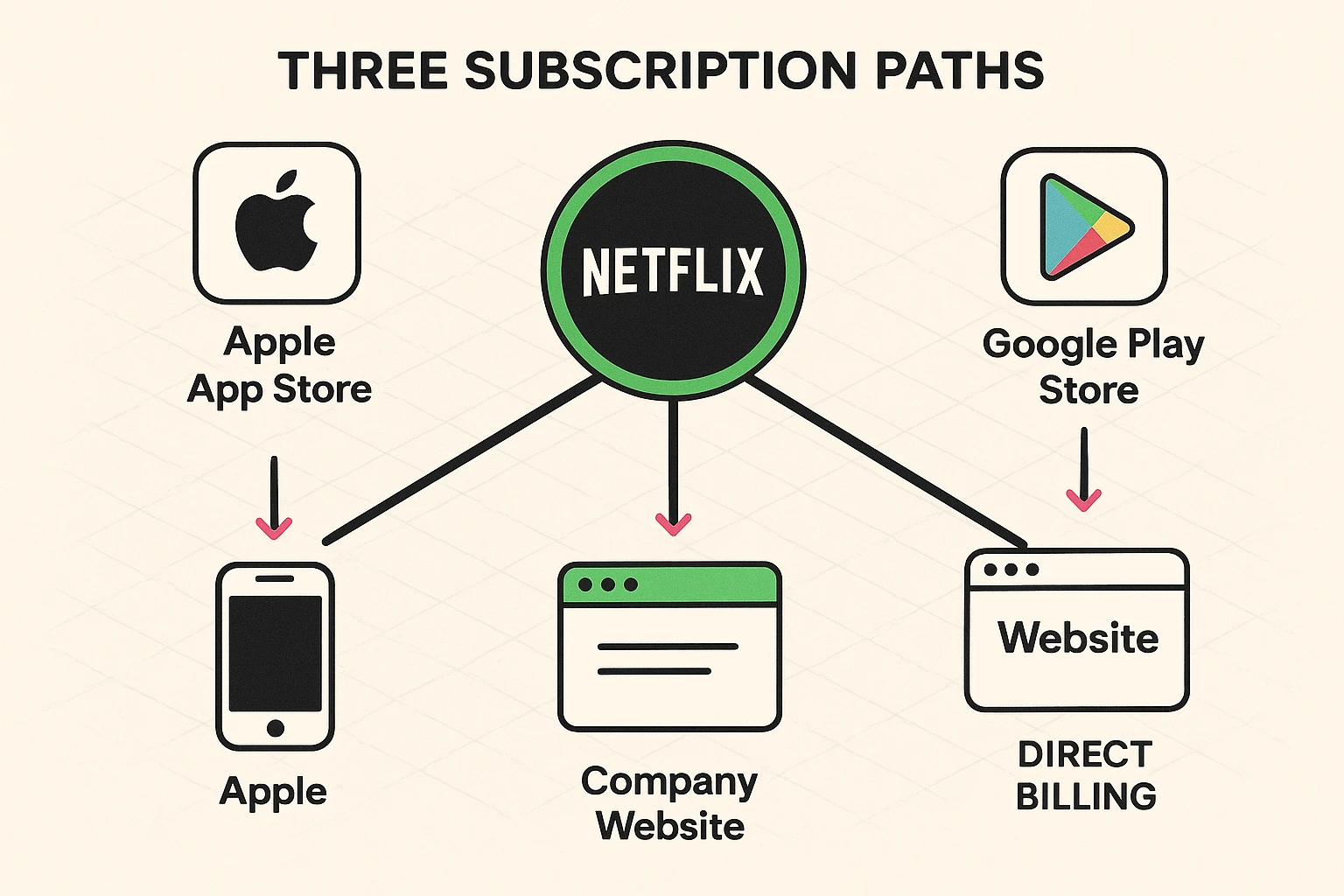
There are generally three distinct paths to subscribing, and they do not talk to each other:
Netflix.com on your computer, type in your credit card number, and buy a subscription.Here is the kicker: If you subscribe via Path #2 (Apple), and then later log in on your computer and subscribe via Path #1 (Direct), the systems often do not realize you are the same person. They just see two checks coming in and assume everyone is happy.
Now that we know how the crime was committed, it is time to look for evidence. You don’t need a magnifying glass, but you do need your reading glasses and perhaps a soothing cup of tea.
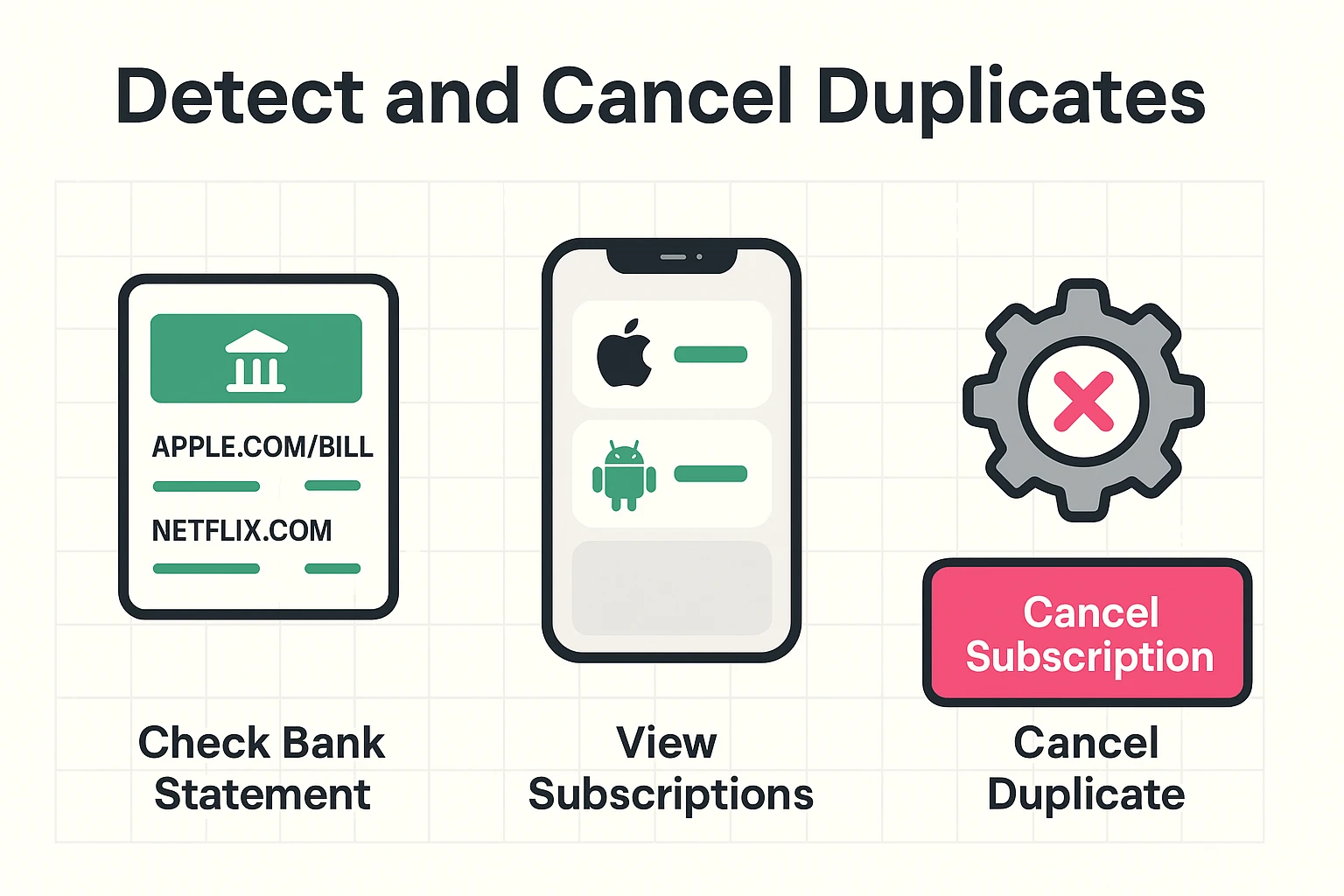
The most honest document in your life is your monthly bank or credit card statement. It does not care about your feelings; it only cares about facts.
Scan your statement for recurring charges. You are looking for identical amounts (e.g., $14.99) appearing twice in the same month. However, the names might look different.
NETFLIX.COM, NYT.COM, or AMAZON PRIME.APPLE.COM/BILL, ITUNES, GOOGLE*Svcs, or ROKU*WarnerMedia.If you see Disney+ charged on the 5th of the month, and APPLE.COM/BILL charged on the 15th for the same amount, you likely have a duplicate.
Did you know your phone has a secret list of everything you are paying for? It’s true. It is buried deep in the settings menu, likely guarded by a digital dragon, but we can get to it.
If you have an iPhone or iPad:
If you have an Android phone:
If you take only one thing away from this article, let it be this section.
Many people believe that if they press and hold the wiggling app icon on their screen and delete it, the subscription vanishes with it. This is false.
Think of it like a magazine subscription. If you throw the magazine in the trash the moment it arrives, the publisher does not know you are mad at them. They assume you love the magazine and will keep billing you.
Deleting the app removes the icon from your phone. It does absolutely nothing to the financial agreement you made with Apple or Google. You must go into the settings (as described above) and hit “Cancel Subscription.”
So, you found a duplicate. You’ve been paying for “Premium Peacock” twice since 2022. First, take a deep breath. Second, follow these steps.
Usually, it is easier to keep the direct subscription (the one billed directly by the website) and cancel the one going through the App Store.
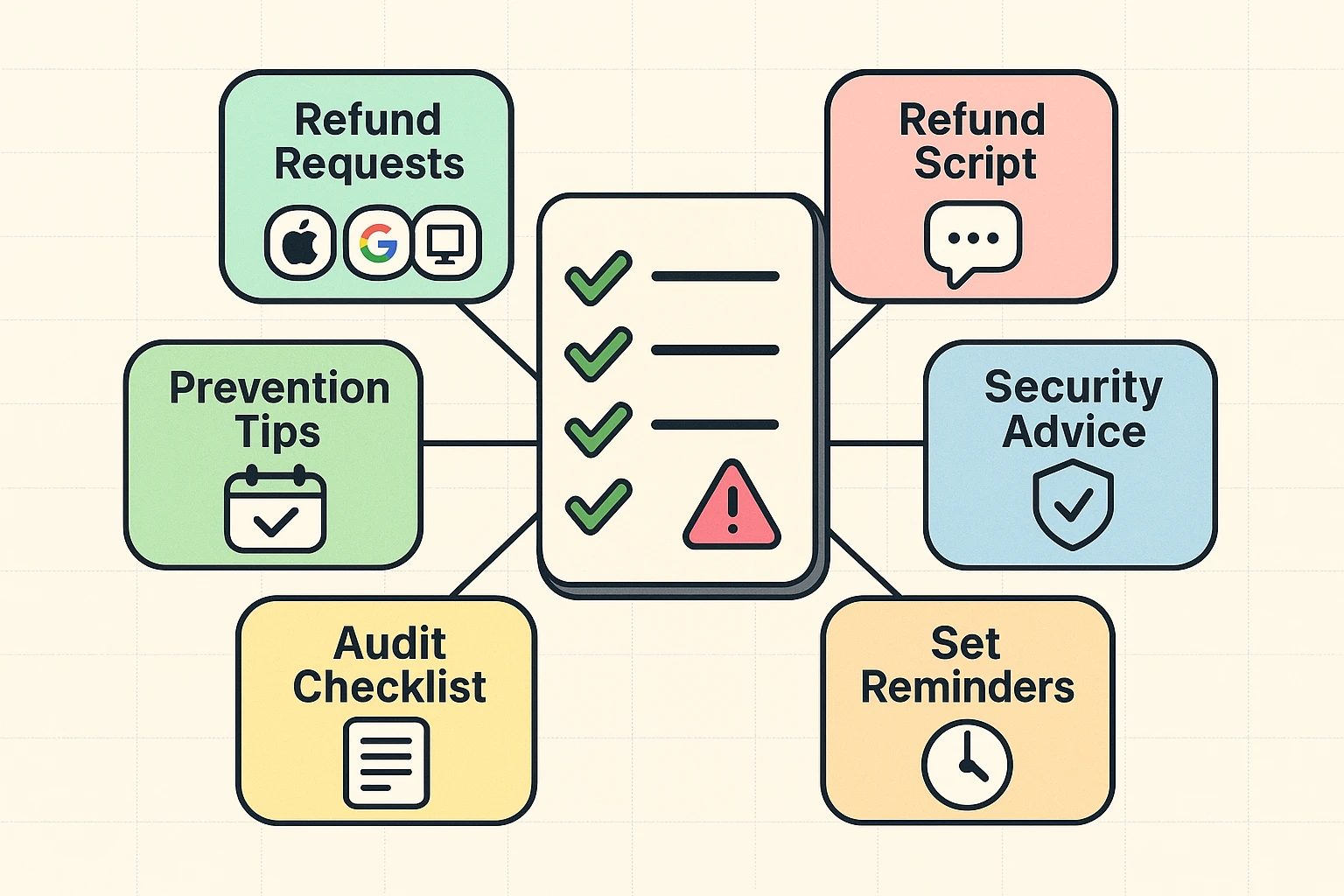
Technically, yes. Both Apple and Google have refund request pages.
Will it work? Sometimes. They are usually forgiving if you catch it quickly (within a month or two). If it’s been running for three years, you might only get the last few months back. But hey, that’s better than a sharp stick in the eye.
To ensure you never again fund a duplicate yacht for a streaming executive, try to stick to the “One Email” rule.
Always use the exact same email address for every single signup. Often, duplicates happen because you used JohnDoe@gmail.com on your phone and John.Doe@yahoo.com on your laptop. If the emails match, the system is smart enough to say, “Hey, you already have this!”
Because Apple and the service provider (like Netflix or The New York Times) don’t always share data perfectly. Apple cares about what you buy through Apple. They don’t have access to your credit card statement to see what you bought elsewhere.
Yes! The app is just a viewer. Now that you’ve cancelled the duplicate payment, you can usually sign out of the app and sign back in using the login details for the correct account you kept.
This is a classic way duplicates start. You sign up for a free trial on your phone to watch one movie, then forget about it. Meanwhile, you have a paid account on your TV. Always set a calendar reminder to cancel a trial the day before it ends.
This is a generic label. You must check your Google Play account (as shown in Step 2 above) or check your email for a receipt from Google to see exactly which app is charging you.
You have learned how the subscription sausage is made. You know about the three paths, the “middleman,” and the myth of deleting apps.
Take 10 minutes this weekend to sit down with your bank statement and your smartphone. Audit your digital life. You might find nothing—in which case, congratulations on your impeccable financial hygiene. But you might find an extra $15 a month leaking out of your account. And that’s enough to buy a very nice, real loaf of sourdough bread.