Newsletter Subscribe
Enter your email address below and subscribe to our newsletter

Enter your email address below and subscribe to our newsletter
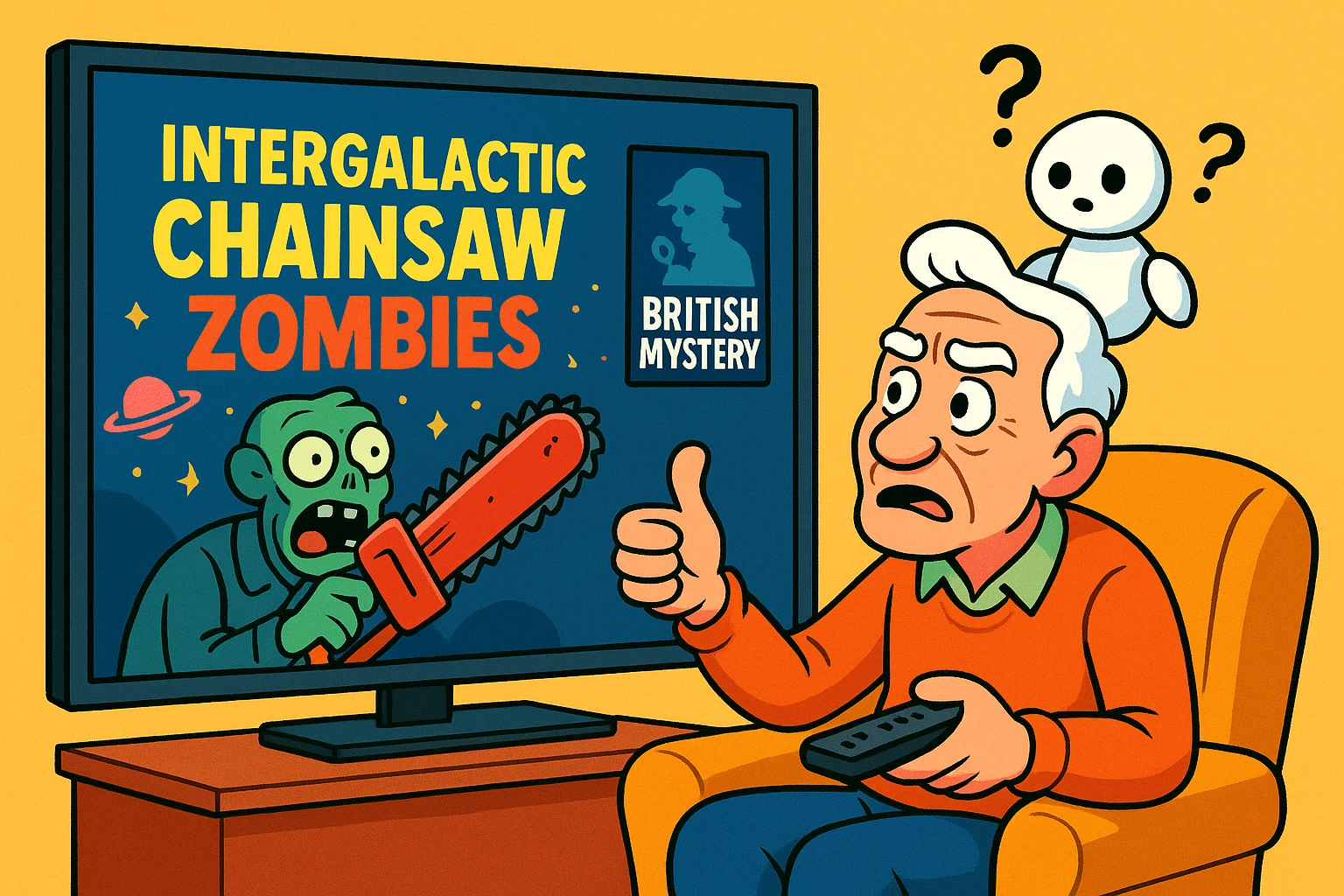
Learn simple steps to teach Netflix's AI your true tastes for better show suggestions and a personalized viewing experience.
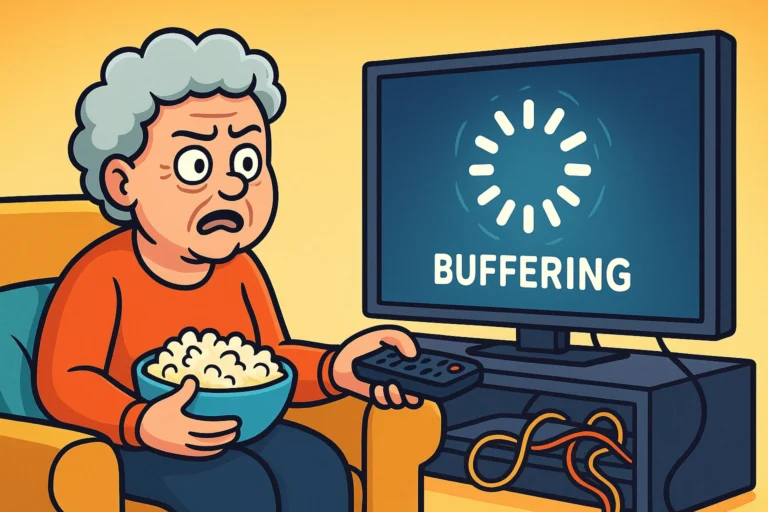
You settle into your favorite chair, ready for a cozy evening with a good movie. You’ve just finished a delightful series of British mysteries where the most scandalous event involves a stolen scone recipe. You open Netflix, eager for another clever whodunit. Instead, it suggests a show called “Intergalactic Chainsaw Zombies from Planet X.”
You stare at the screen. Where did it get that idea? It’s as if you asked a librarian for a Jane Austen novel and she handed you a motorcycle repair manual. If your Netflix recommendations have gone from helpful suggestions to bizarrely random guesses, you are not alone. It’s a common frustration, right up there with trying to open a new jar of pickles.
The good news is you’re not at the mercy of a rogue computer brain. Netflix’s recommendation system, a form of Artificial Intelligence (AI), is less like a super-genius and more like a very eager-to-please puppy. It desperately wants to bring you things you’ll love, but sometimes it gets confused. You just need to teach it a few tricks.

Before we can train the puppy, we have to understand how it thinks. Netflix doesn’t have a crystal ball. Instead, it has a powerful AI that acts like a team of detectives, constantly gathering clues about what you enjoy.
It’s watching everything you do on the platform (in a non-creepy, data-gathering sort of way). It notes what you watch, what you stop watching after five minutes, what you search for, and even the time of day you tend to watch certain types of shows.
This AI uses two main detective methods to figure you out:
The problem starts when the clues get mixed up. Maybe your grandson visited and watched 12 hours of superhero cartoons on your account. Suddenly, the AI thinks you have a deep, hidden passion for animated squirrels with laser eyes. This is where you, the human, need to step in and set the record straight.
Think of this as a spring cleaning for your Netflix account. We’re going to tidy up the bad information and replace it with good, clear instructions for your personal AI assistant.
This is the most direct way to communicate with the algorithm. For years, Netflix used a five-star rating system, but now it’s all about the thumbs.
To see and adjust your past ratings, go to your Account page, select your Profile, and find the Rating option. You can remove old ratings that no longer reflect your taste.
Did your spouse use your profile to watch a marathon of zombie movies while you were out? It’s time to wipe the slate clean. You can selectively delete items from your viewing history so they no longer influence your recommendations.
Here’s how to play detective:
This is the perfect way to get rid of those cartoon shows your grandkids binged or that one weird documentary you clicked on by mistake.
Sometimes, an account is just too cluttered with the tastes of different people. If your recommendations are a chaotic mix of your love for classic movies, your spouse’s obsession with reality TV, and your kids’ sci-fi shows, it might be time to move out. Digitally, that is.
Creating a separate profile for each person in your household is the single best way to get personalized recommendations. Each profile is like its own little apartment where the AI only pays attention to one person’s taste.
Think of it as giving the AI a much easier job. Instead of trying to find a movie that satisfies a fan of both romantic comedies and alien invasion films, it can focus on just one.
Usually, it’s because of “polluted” data. Someone else used your profile, you watched something out of character, or you haven’t given enough feedback (thumbs up/down) for the AI to learn from.
Not at all! It just tells the AI to forget you ever watched that specific show or movie. Your lists, settings, and everything else will remain untouched.
It’s a gradual process. The more you watch and rate, the faster the AI learns. After actively rating a dozen or so shows and clearing out any mistakes from your history, you should start seeing an improvement within a week.
They’re real! Netflix categorizes everything into super-specific genres, many of which you can’t find by browsing. Each has a unique code. You can find lists of these codes by searching online for “Netflix secret codes.” Simply type netflix.com/browse/genre/CODE into your web browser (replacing CODE with the number) to see a whole new world of movies!
Your television is your castle, and you are the ruler of the remote. You don’t have to accept a programming schedule chosen by a confused algorithm. By giving clear feedback, tidying up your history, and making sure everyone has their own profile, you can train your Netflix AI to be the world’s best movie-picker.
Start small. The next time you log in, give a “Two Thumbs Up” to a movie you truly loved or a “Thumbs Down” to a suggestion that makes you scratch your head. With a few clicks, you’ll be on your way from “Intergalactic Chainsaw Zombies” to the cozy British mysteries you actually wanted to watch. Happy viewing