Newsletter Subscribe
Enter your email address below and subscribe to our newsletter

Enter your email address below and subscribe to our newsletter

Picture this: It’s a rainy Tuesday, and you decide you want to watch that new documentary everyone is talking about—the one about the secret lives of squirrels or the history of competitive cheese rolling. You find it on a streaming service you don’t have, but good news! They offer a “7-Day Free Trial.”
“Excellent,” you think. “I am a savvy consumer. I will watch the squirrels, cancel the subscription, and pay absolutely zero dollars.”
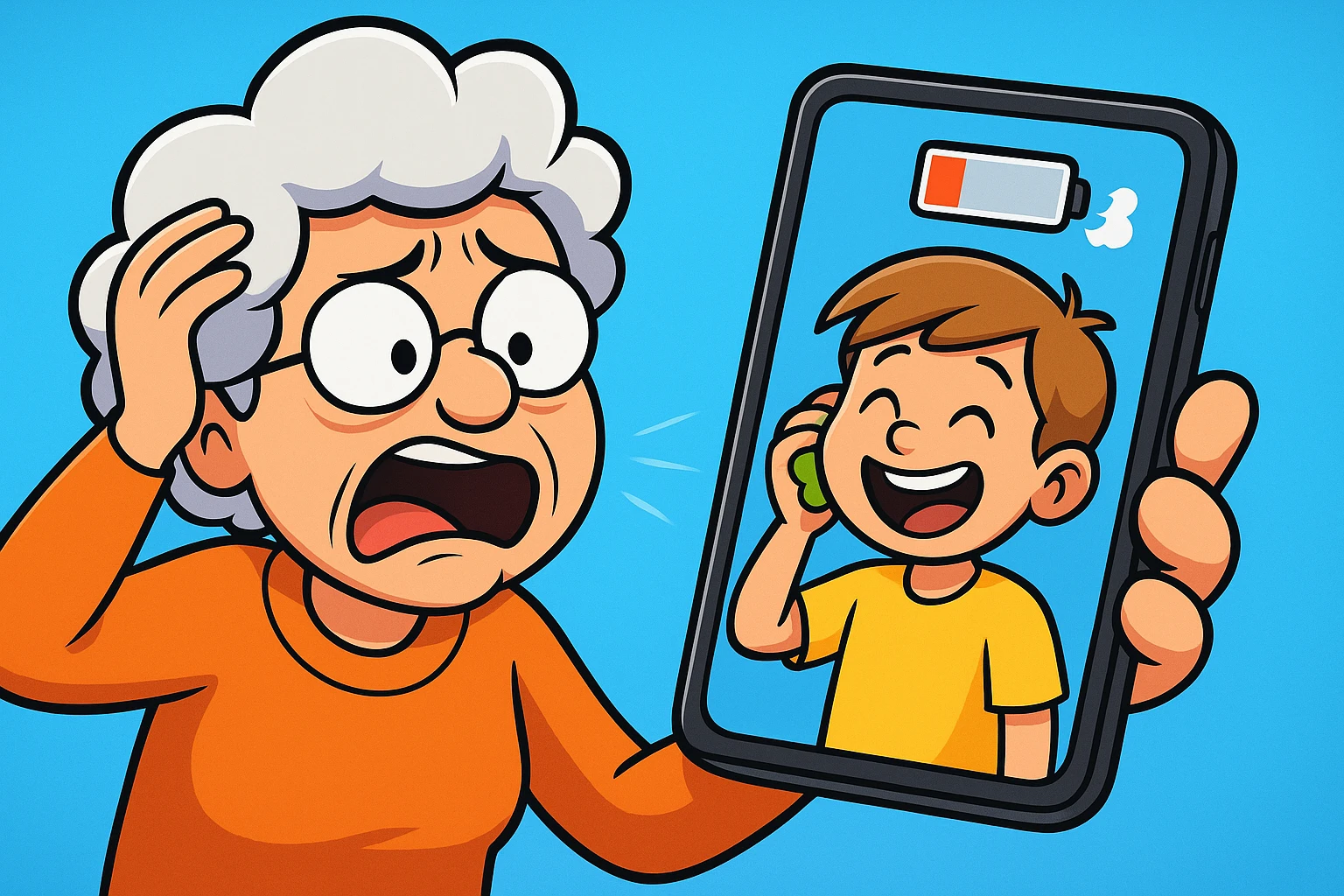
Fast forward eight days. You have forgotten about the squirrels. You have forgotten about the streaming service. But your credit card statement has the memory of an elephant. There it is: a charge for $14.99. You have officially entered the “Free Trial Trap.”
If this sounds familiar, don’t feel bad. About half of all Americans have forgotten to cancel a free trial at some point. It’s one of the modern world’s great irritants, right up there with opening a bag of chips and finding it’s mostly air.
The truth is, these “free” offers are designed to rely on our human nature. We are optimistic (“I’ll definitely remember to cancel!”) and we are busy. Companies bank on the fact that life will get in the way. But fear not! With a few simple strategies, you can enjoy the freebies without the financial hangover.
Think of a free trial trap like a door that is incredibly easy to walk through but surprisingly difficult to find your way back out of. It’s the “Roach Motel” of the digital world—you check in, but you don’t check out.
A free trial trap occurs when a company offers you a service for free for a limited time (usually 7 to 30 days), but requires your payment information upfront. If you don’t affirmatively say “I quit” before the clock runs out, they automatically start charging you. Sometimes, they make the cancellation process as confusing as assembling furniture without instructions.

Tech companies use something experts call “Dark Patterns”—design choices intended to trick you into doing something you didn’t mean to do. Here are the classics:
Before you ever hand over your credit card digits for a freebie, run through this mental checklist. Think of it as putting on your seatbelt before driving.
I know, reading Terms and Conditions is about as exciting as watching paint dry. But you don’t have to read the whole thing. Just scan for the words “Auto-renew,” “Recurring billing,” and “Cancel anytime.” If you can’t find clear instructions on how to cancel before you sign up, that is a massive red flag. You should always check their website for legitimacy and reviews to see if other users have had trouble cancelling.
This is the single most important step. The moment you sign up, pick up your phone or open your paper calendar. Set an alert for 24 hours before the trial ends.
If it’s a 7-day trial, set an alarm for Day 6. Label it something aggressive like “CANCEL MOVIE CHANNEL OR LOSE $15.” Do not trust your memory. Your memory has more important things to store, like the names of your grandchildren or where you put your glasses.
This sounds like James Bond technology, but it’s actually quite simple. Services like Privacy.com or some major credit cards (like Capital One) allow you to create a “Virtual Card.”
This gives you a temporary credit card number that links to your real account. You can set a limit on it (e.g., $1) or set it to “close” after one use. If the free trial tries to charge you $50 later, the transaction will bounce off like a rubber ball because the card no longer exists. It is deeply satisfying.
Here is a secret the tech companies don’t want you to know: For most services (like Apple’s App Store or many streaming sites), you can cancel the subscription five minutes after you sign up, and the trial will still last for the full week.
You don’t have to wait until the last day! Sign up, get the free access, and immediately go into settings and cancel. The service will usually say, “Your access will continue until [Date].” You get the free stuff, but the trap door is already closed.
Do you know what you are currently paying for? It’s healthy to do a “subscription audit” once a month.
So, the worst happened. You forgot. You see the charge. Do not panic, and definitely do not just accept defeat. You have options.

Look for “Customer Support” or “Help.” Send a polite but firm email.
If the company ignores you or refuses to refund you—especially if they made it impossible to cancel—call your credit card company. Tell them you want to dispute the charge. Explain that the merchant used deceptive billing practices. Credit card companies are often very good at fighting these battles for you.
If you encountered a true scam—one where there was literally no way to cancel—you can report them to the Federal Trade Commission (FTC) or the Better Business Bureau (BBB). It might not get your money back instantly, but it helps shut down the bad actors.
NO! This is the most common mistake. Deleting the app just removes the icon from your screen; it does not tell the billing department to stop charging you. You must go into your account settings to cancel the subscription itself.
Unfortunately, usually yes. When you checked that tiny box that said “I agree to Terms & Conditions,” you technically gave them permission to charge you when the trial ended. However, the FTC is cracking down on companies that make the cancellation process too difficult.
Sometimes! Some systems will accept a Visa gift card with a $0 balance for a free trial. However, sophisticated systems often check to see if the card has funds or is “reloadable” and might reject it. A virtual credit card is usually a more reliable method.
Technology is supposed to serve you, not siphon money from your bank account while you sleep. By treating every “Free Trial” button with a healthy dose of suspicion and using the “Pre-Flight Checklist,” you can explore new apps and shows without the fear of surprise bills.
Remember: The internet is vast and wonderful, but it also wants your wallet. Keep it zipped until you decide it’s time to pay.