Newsletter Subscribe
Enter your email address below and subscribe to our newsletter

Enter your email address below and subscribe to our newsletter
Remember the good old days when phones were attached to the wall, weighed about as much as a cinder block, and had a receiver you could comfortably rest against your shoulder while you stirred the pasta sauce? Those days are gone.
Now, we have sleek, glass rectangles that can launch satellites and order groceries, but when you try to actually talk to someone on them while wearing hearing aids, it often sounds like you’re listening to a heavy metal concert inside a wind tunnel.
You hold the phone up to your ear, and suddenly—SCREECH!—feedback that makes your teeth hurt. Or perhaps you just hear a static buzz, like someone is frying bacon in the background of your conversation. So, you resort to the classic “Nod and Smile” technique, hoping you didn’t just agree to purchase a timeshare in Florida.
If this sounds familiar, don’t worry. You aren’t losing your mind (or more of your hearing). You are simply a victim of the invisible war between cellular signals and hearing aid microphones.
The good news? It doesn’t have to be this way. There is a secret code on every smartphone box that tells you exactly how well it plays with your hearing aids. We’re going to crack that code together, translate the gibberish into plain English, and get you back to having conversations that don’t sound like a transmission from Mars.
Before we start throwing around letters and numbers, we need to have a little “Aha!” moment. Most people—including many folks who sell phones—think there is only one way to connect a hearing aid to a phone.
Actually, there are two completely different paths to getting sound from that device into your ear.
Understanding which path you are using is the key to solving your audio problems.
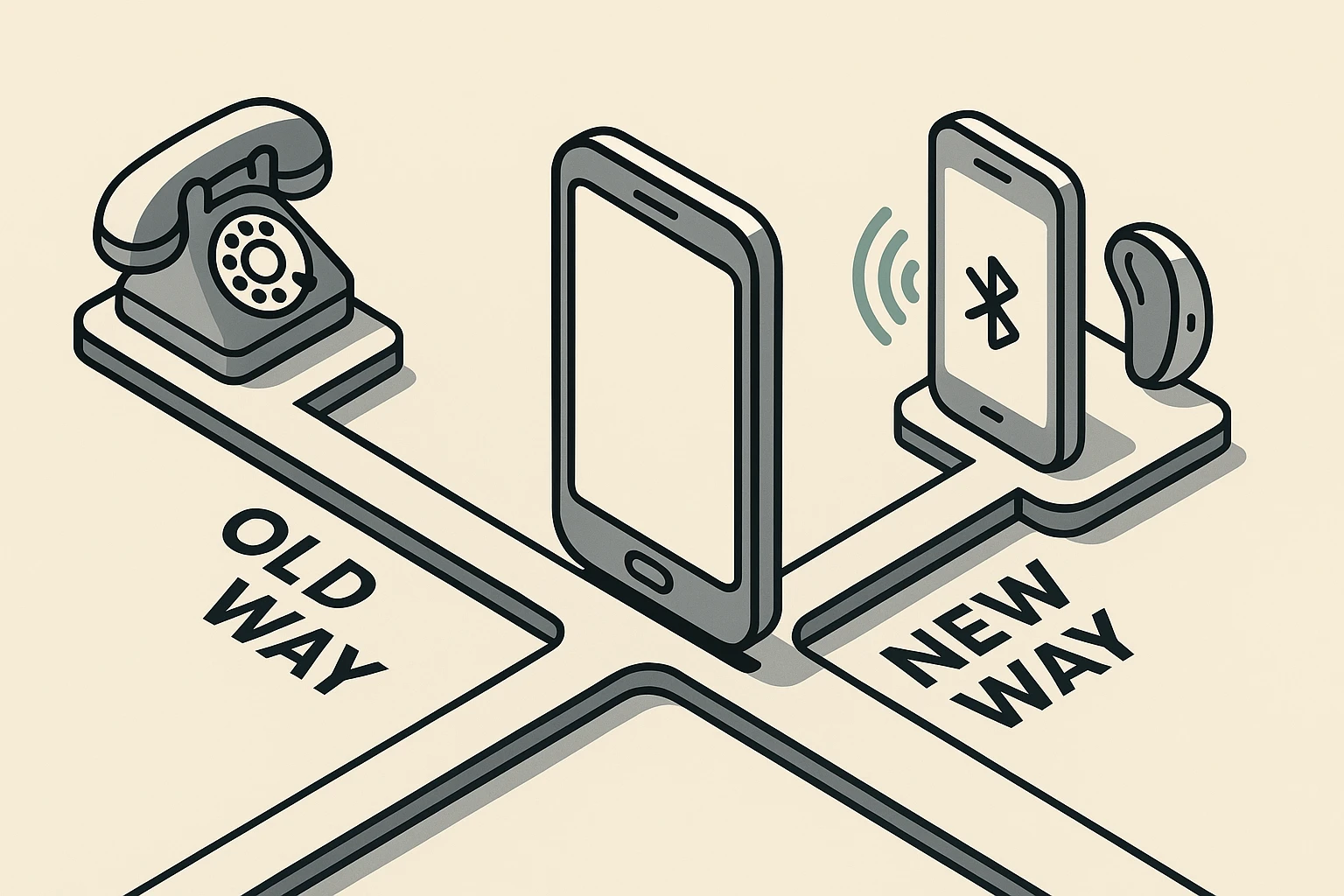
Let’s say you don’t want to fiddle with Bluetooth settings. You just want to pick up the phone, put it to your ear, and say “Hello.” To do this without hearing that bacon-frying static, you need to look at the FCC Hearing Aid Compatibility (HAC) ratings.
These are usually hidden in the fine print on the phone’s box or buried deep in the technical specs on a website. You’ll see codes like M3, M4, T3, or T4.
Here is what they mean, without the engineering degree.
M is for Microphone. When you hold a cell phone next to a hearing aid, the radio waves from the phone can annoy the hearing aid’s microphone. It creates interference (that buzzing sound).
The M-rating tells you how well the phone shields that interference.
T is for Telecoil. Many modern hearing aids have a tiny copper wire inside called a telecoil (or T-coil). It’s magical. It allows your hearing aid to pick up magnetic signals instead of sound waves. This cuts out ALL background noise.
The T-rating tells you how strong the magnetic signal is on the phone.
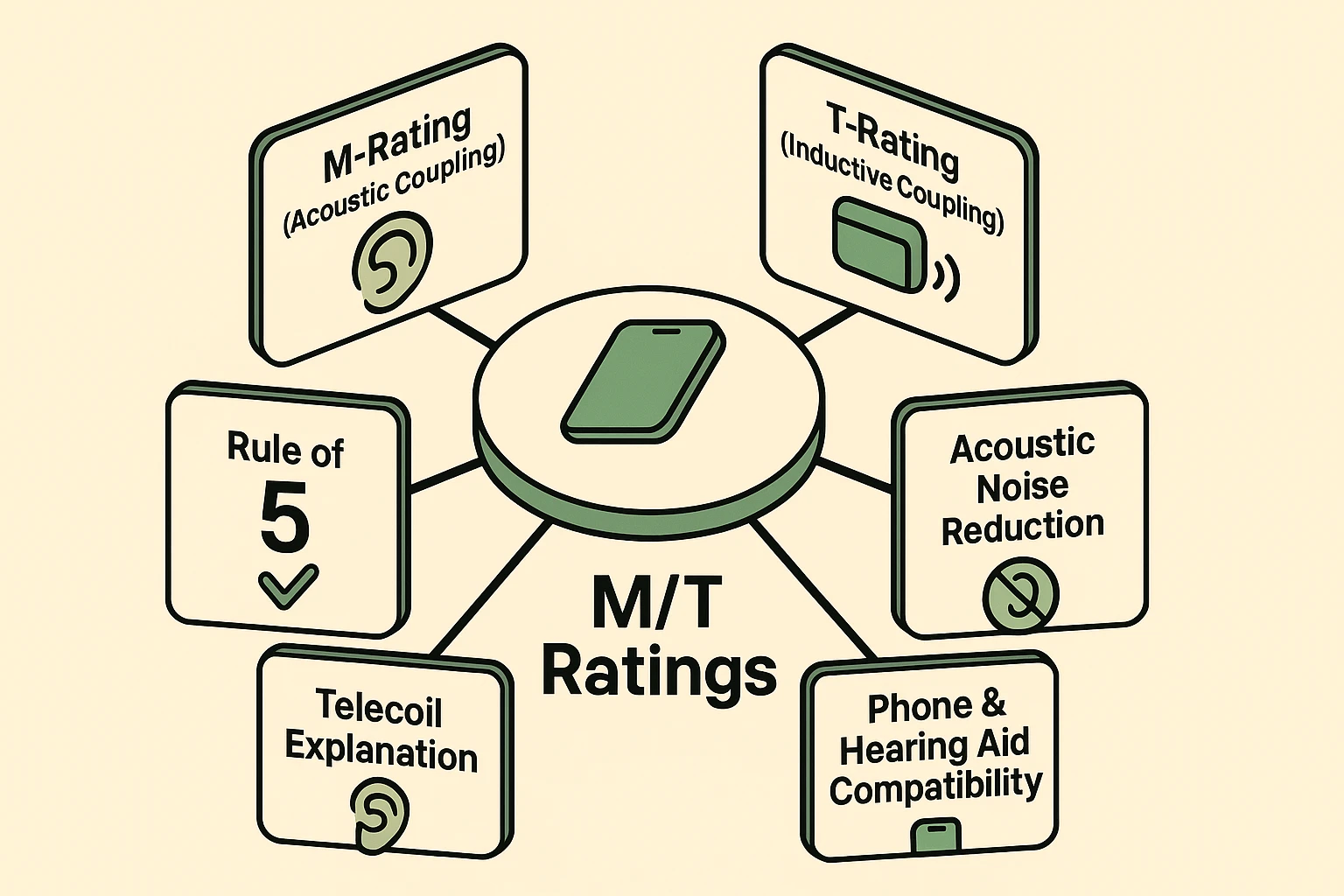
Here is a handy trick to make sure you get a good match. It’s called the Rule of 5.
Your hearing aid has a rating (usually M2, M3, etc.), and the phone has a rating.Add the two numbers together.
Tip: If you don’t know your hearing aid’s rating, most modern ones are at least an M2. Aiming for an M3 or M4 phone is always the safest bet.
Now, let’s talk about the technology that makes you feel like a secret agent.
If you have purchased hearing aids in the last few years, you might be able to bypass the M and T ratings entirely for phone calls. You can stream the audio from your phone straight into your head.
But wait! Before you try to connect your hearing aids to any old Bluetooth phone, there is a catch.
You might be wondering, “My 2010 flip phone had Bluetooth. Why didn’t that work?”
Classic Bluetooth was a battery vampire. If you tried to stream audio to a tiny hearing aid battery using old Bluetooth, your hearing aid would die in about an hour. Not very practical unless you enjoy changing batteries every time you hang up the phone.
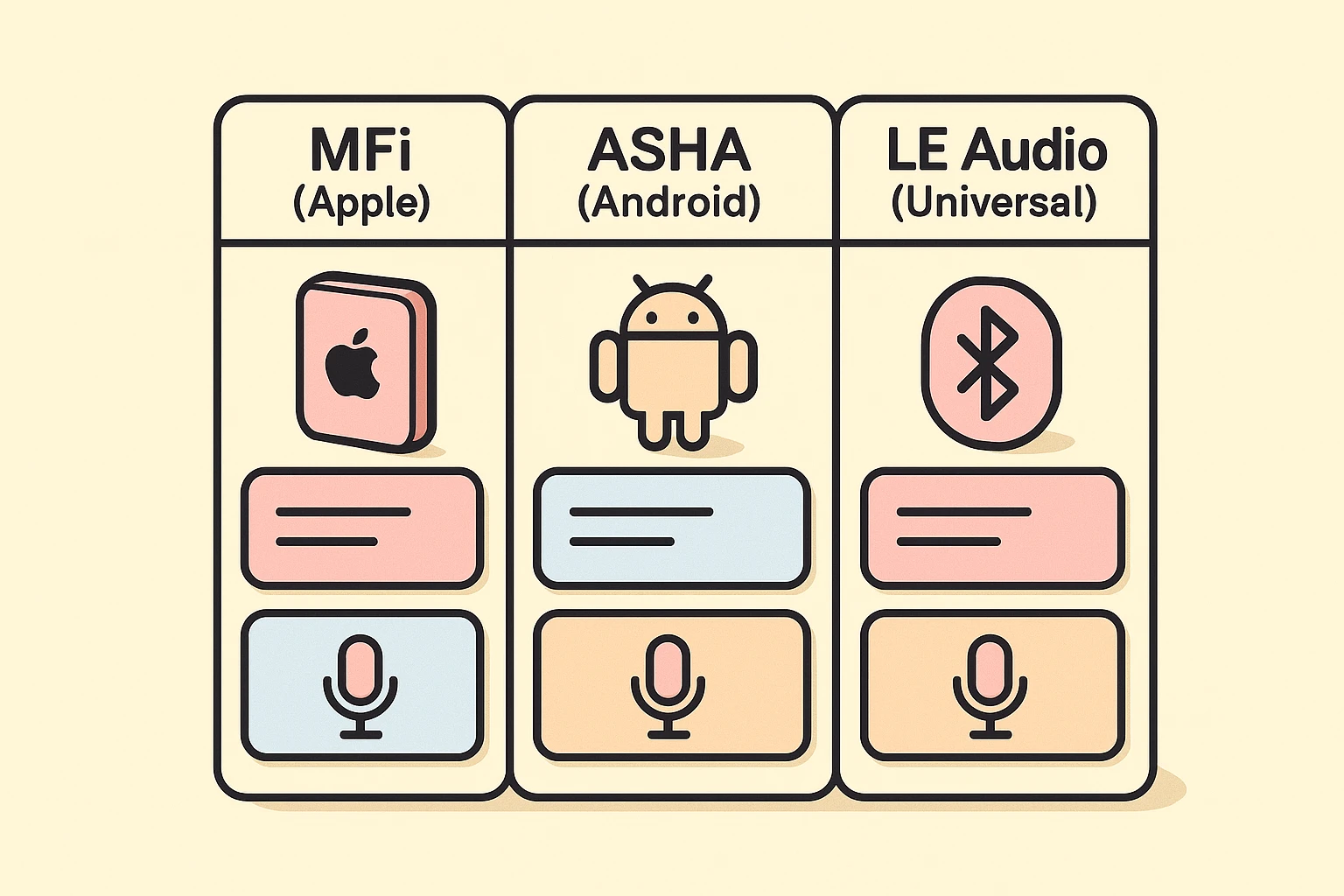
To fix the battery problem, tech companies invented special low-energy ways to stream sound. This is where it gets a little tricky, because Apple and Android speak different languages.
While we are poking around in settings, there are two “superpowers” your smartphone might have that can help you hear better in the real world (not just on calls).
Walking into a cell phone store can be overwhelming. The salesperson usually wants to talk about megapixels and 5G speeds. Here is what you need to look for to ensure you can actually hear your grandchildren when they call.
Strictly speaking, no. If the sound goes directly from the phone chip to your hearing aid antenna, the microphone interference (M-rating) matters much less. However, technology has a habit of failing. Having a phone with a good M/T rating is a great backup plan for when Bluetooth decides to take a nap.
Bluetooth signals have a hard time traveling through water, and guess what? Human bodies are mostly water. If your body is blocking the line of sight between the phone and your hearing aids, the audio might cut out. Try keeping your phone in a shirt pocket or holding it in your hand.
You can usually pair them for the app (to change volume), but you often cannot stream audio directly for calls unless you buy an extra accessory called a “streamer” that hangs around your neck. It’s annoying, but it works.
Technology should make your life easier, not make you feel isolated. Whether you stick to the “Old School” method of holding the phone to your ear (look for that M4 rating!) or embrace the “New School” Bluetooth streaming, clarity is possible.
Don’t settle for static. Don’t settle for the “nod and smile.” With a little bit of detective work on those ratings, you can get back to hearing every word of the latest family gossip—crystal clear.