Newsletter Subscribe
Enter your email address below and subscribe to our newsletter

Enter your email address below and subscribe to our newsletter
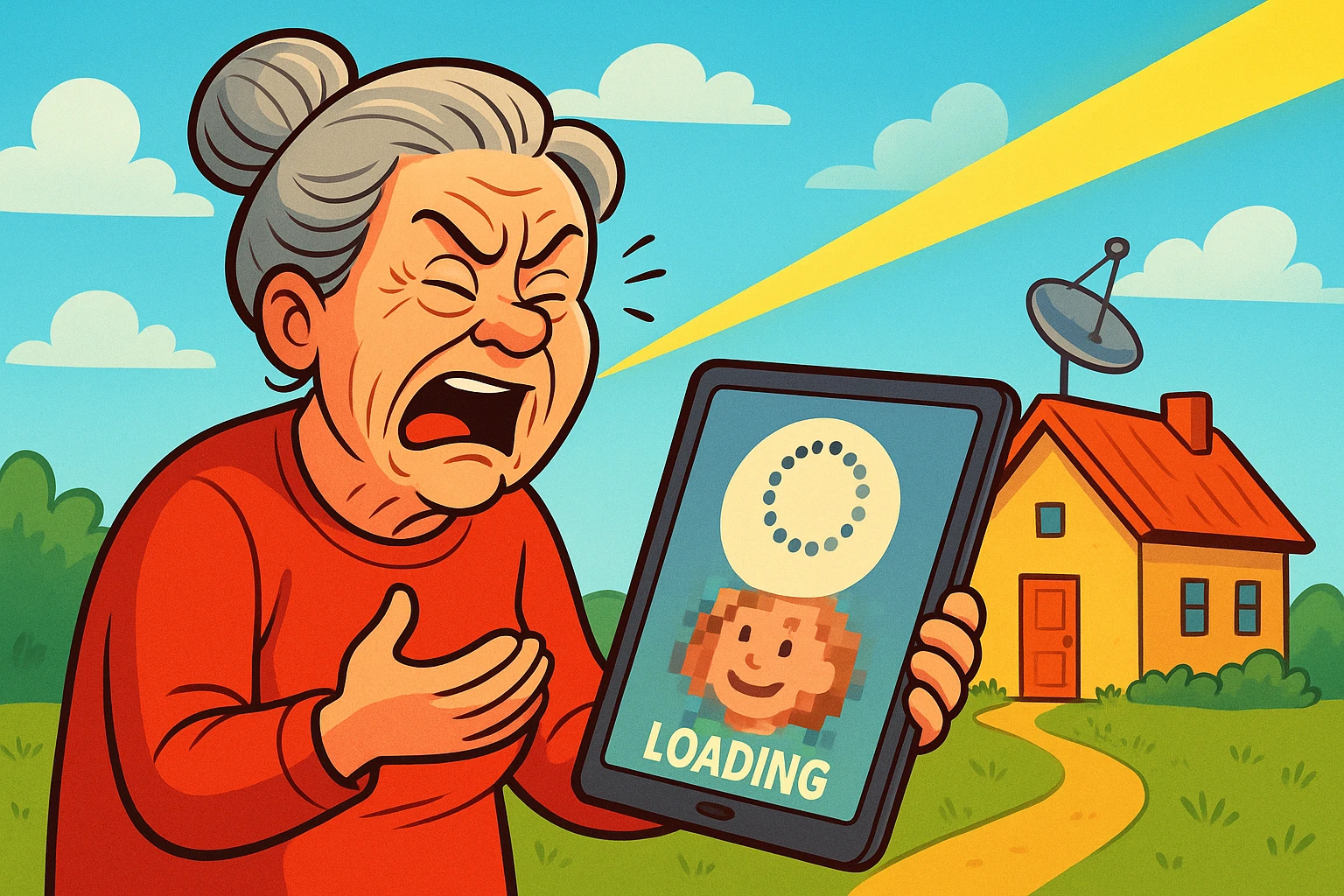
Have you ever tried to FaceTimeFaceTime is Apple’s video and audio calling service that lets you connect with people in real-time... More your granddaughter on her birthday, only to have the screen freeze with her face contorted into a pixelated grimace, while the audio sounds like a robot gargling underwater? You wait. The little circle spins—a tiny digital hypnotist mocking your desire to see your family. You probably could have driven to her house, baked a cake, and driven back in the time it takes for the connection to stabilize.
If you live outside the city limits—where the air is fresh, the neighbors are distant, and the internetThe Internet is a vast network of computers and other electronic devices connected globally, allowin... More is… well, temperamental—this is likely your daily reality.
For years, rural internet has been the “wild west” of technology. While city folks argue about which fiber optic super-speed plan to buy, many of us in the country are just hoping our email sends before the next full moon. But here is the good news: the landscape is changing. You no longer have to choose between living in paradise and being connected to the outside world.
From satellites that actually work to internet that travels through the air like magic (okay, it’s radio waves, but it feels like magic), you have options. Let’s break them down without the tech-speak, so you can stop buffering and start living.
First, a little validation. It is not your imagination—getting internet in rural areas is objectively harder than in the suburbs. Big cable companies love density. They want to run one wire down a street and hook up 50 houses.
In rural areas, running that same wire to reach three houses and a barn just doesn’t make financial sense to them. That leaves us with the alternatives. Historically, these alternatives were slow, expensive, or both. But technology has finally caught up to geography.
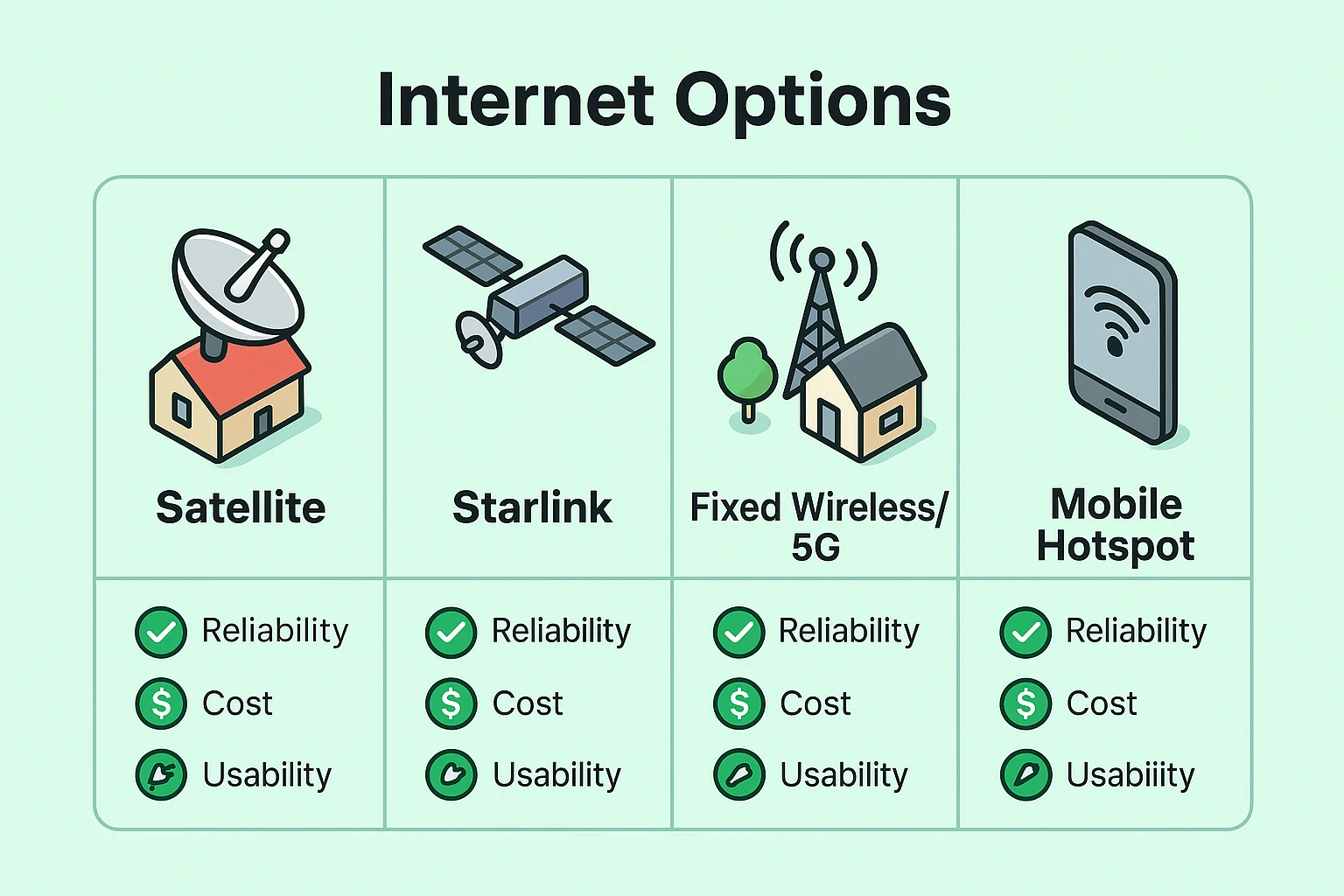
Here is the “Comparison Ladder” of what is available today, ranked from “Modern & Easy” to “Last Resort.”
This is the game-changer for many seniors. Instead of a wire coming into your house from a pole, you get a small box (a gatewayA gateway is a networking device that connects two or more networks, allowing data to flow between t... More) that sits inside your home. It catches a signal from a nearby cell tower—just like your smartphone does—and turns it into Wi-FiWi-Fi, short for Wireless Fidelity, revolutionizes connectivity by enabling devices to access the in... More for your house.
You’ve likely heard about Elon Musk’s satellites. Unlike the old satellite dishes that pointed at one spot in the sky, Starlink uses thousands of low-flying satellites.
This is companies like HughesNet or Viasat.
This is a small device, the size of a deck of cards, that uses cellular data.
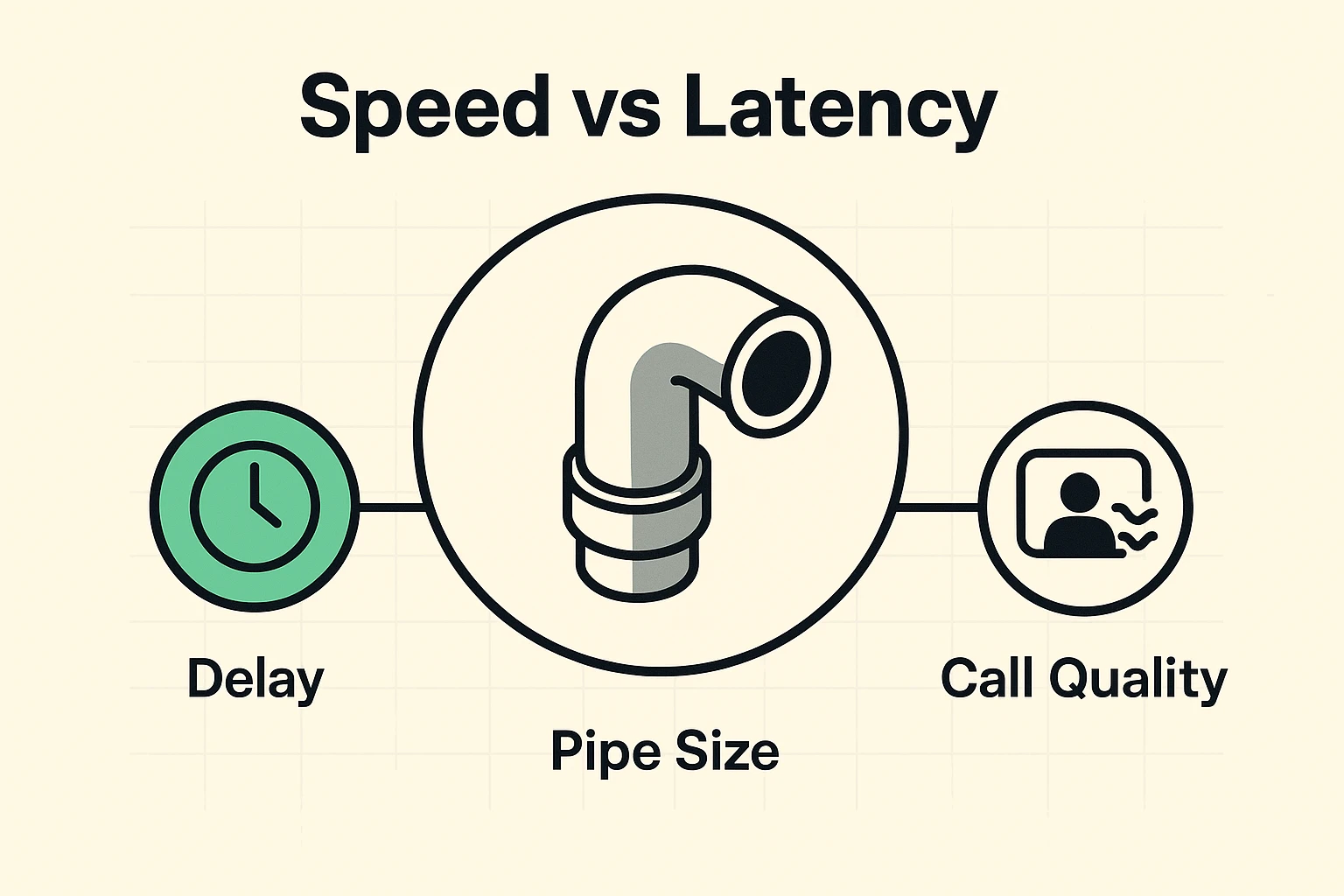
Here is where internet companies try to trick you. They scream about SPEED (Mbps). They promise “100 Mbps!” or “Blazing Fast Downloads!”
But for seniors, Speed isn’t usually the problem. Latency is.
Think of your internet connection like a water pipe.
If you are on a video call with your doctor, you don’t need a huge pipe (you only need about 1-4 Mbps for a clear picture). But you do need low latency.
If you have high latency (common with traditional satellite), you say “Hello,” and the doctor hears it two seconds later. Then they answer, and you hear it two seconds after that. It makes conversation impossible. It’s the “Can you hear me now?” nightmare.
If you are considering Fixed Wireless or Satellite, you need to look out your window. Wireless signals are a bit like picky cats—they don’t like obstacles.
Try the “Tree Test”: Go to where you’d want to put the equipment. If you look up and out, is your view dominated by a 100-year-old oak tree? If so, you might have signal issues. Leaves are surprisingly good at blocking internet signals. Winter might be great, but when spring blooms, your internet might bloom right out of existence.
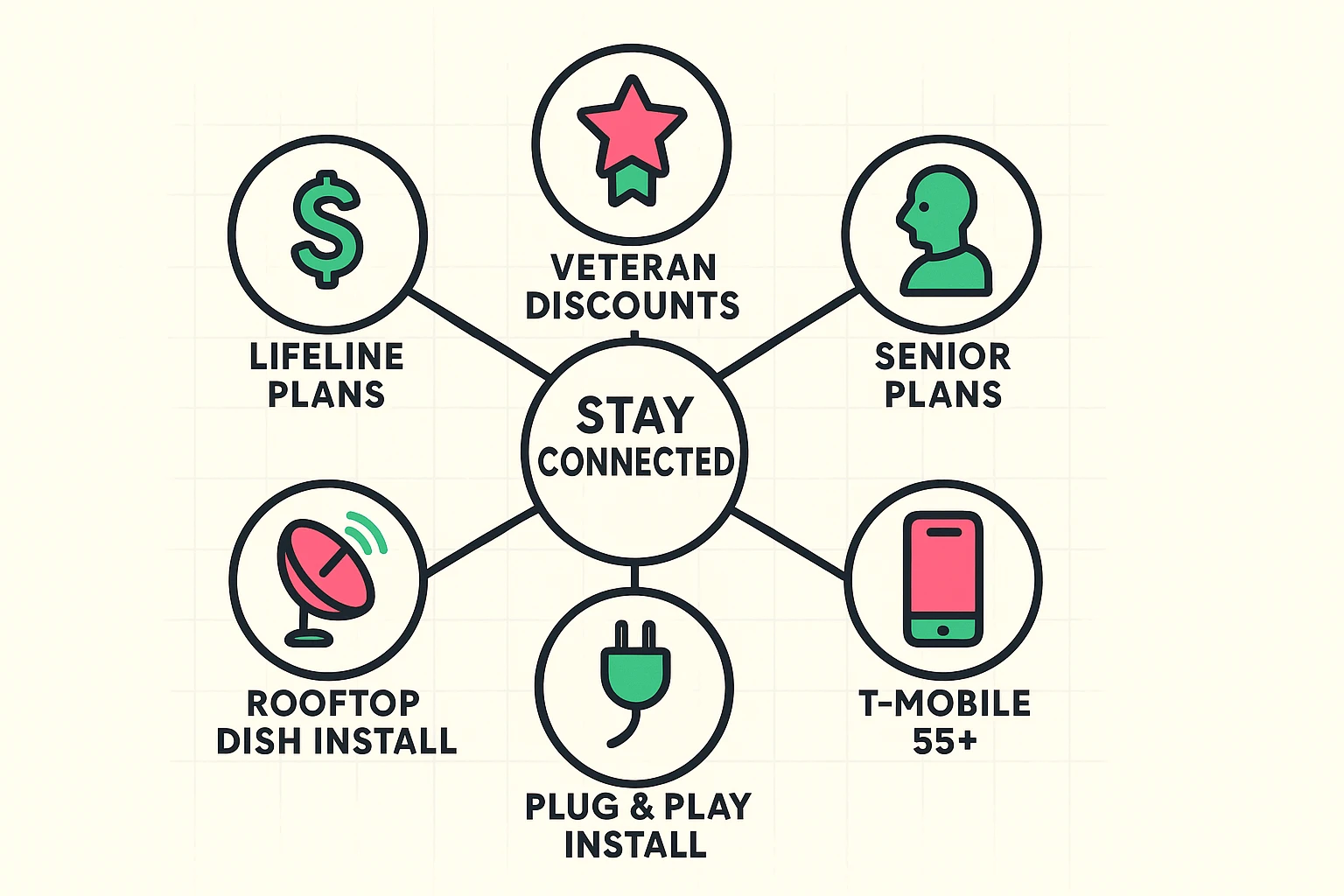
You may have heard of the Affordable Connectivity Program (ACP), a government benefit that helped pay for internet. Unfortunately, that program has ended. But don’t panic—there are still ways to save.
This is a major safety consideration.
With traditional satellite, heavy rain or snow (sometimes called “rain fade”) can cut your connection. Starlink has a “snow melt” mode (the dish literally heats up!), but heavy storms can still cause blips. Fixed Wireless/5G is generally more resilient to weather than satellite, but less resilient than a cable wire.
In the rural internet world? Often, no. Read the fine print. Many satellite plans have a “soft cap.” They won’t cut you off, but after you use a certain amount of data, they slow your speed down to dial-up levels until the next month. If you stream a lot of movies, look for “Priority Data.”
Most modern internet options utilize “VoIP” (Voice over IP) or Wi-Fi calling. You can usually keep your home phone number, but the phone plugs into your internet box rather than the wall jack. However, remember: If the power goes out, the internet (and that phone) goes out too. If you live in an area with frequent outages, keep a charged cell phone or a battery backup unit (UPS) for your internet routerA router is a device that helps connect all your gadgets, like computers, smartphones, and smart hom... More.
Don’t settle for the “digital dead zone.” Start by checking the coverage maps for T-Mobile and Verizon 5G Home Internet—if you are in their “sweet spot,” it’s often the best balance of cost and reliability. If you are truly off the grid, look into Starlink as a robust alternative to old-school satellite.
The internet is a tool to help you age in place, stay safe, and see those grandkid smiles clearly. You deserve a connection that works as hard as you do.