Newsletter Subscribe
Enter your email address below and subscribe to our newsletter

Enter your email address below and subscribe to our newsletter
We spend our entire lives accumulating things. If you look around your house right now, you probably see bookshelves, photo albums, and perhaps a drawer in the kitchen filled with mysterious keys, rubber bands, and batteries that may or may not work. We know what happens to this stuff when we pass away: our relatives come over, argue about who gets the good china, and quietly donate the questionable sweaters to charity.
But what about your invisible stuff?
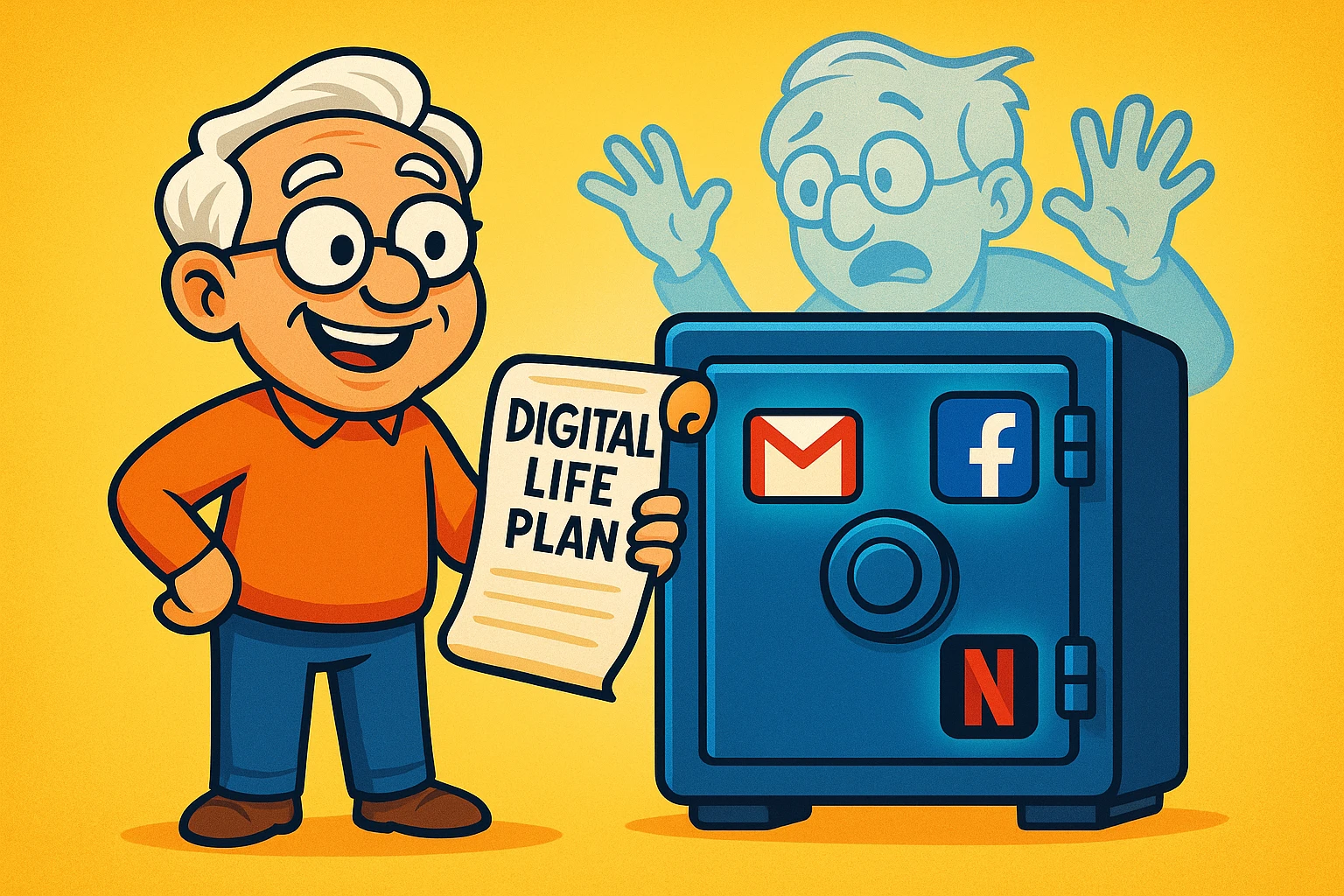
I’m talking about the thousands of family photos stored in the “Cloud” (which, by the way, is just a giant warehouse full of computers, likely in Virginia), your Facebook account where you’ve chronicled the last decade of birthdays, and your Netflix profile that knows exactly which British crime dramas you love.
When we shuffle off this mortal coil, we don’t just leave behind physical belongings; we leave behind a “Digital Afterlife.” And unlike your physical attic, your digital attic is locked behind passwords, two-factor authentication codes, and user agreements that nobody has ever actually read.
If you don’t have a plan, your digital legacy can turn into a massive headache for your grieving family. They might be locked out of your email (where the bills go), unable to shut down a social media page, or suddenly cut off from the family streaming account.
The good news? You don’t need a lawyer or a degree in computer science to fix this. You just need to flip a few switches. Let’s look at how to organize your digital exit strategy so your loved ones aren’t left guessing your password (which we really hope isn’t “password123”).
Before we dive into the specific steps for Gmail and Facebook, we need to bust a major myth. Many seniors think, “I’ll just write my passwords in a notebook and put it in the safe.”
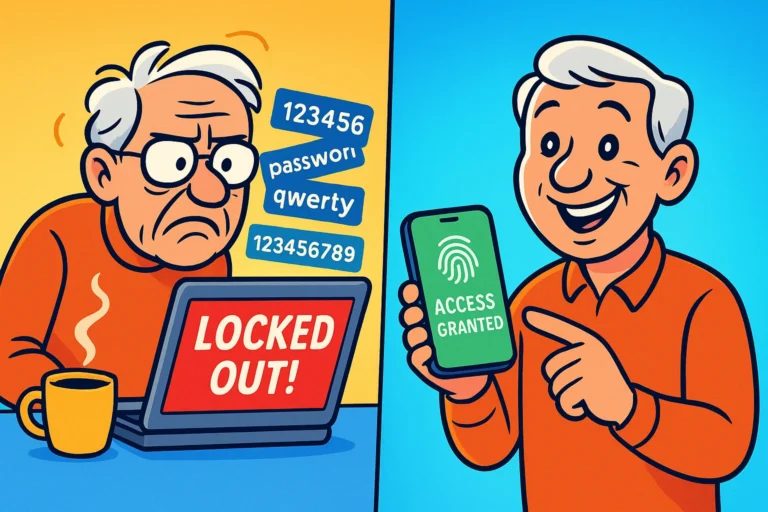
While that is better than nothing, it’s not a foolproof plan anymore. Why? Two words: Two-Factor Authentication (2FA).
You know how your bank sends a code to your phone when you log in? That is 2FA. If you pass away and your spouse has your password but not your unlocked smartphone, that password in the notebook is useless. They will hit a digital brick wall.
Furthermore, there is a tiny legal hiccup. Technically, logging into someone else’s account—even a deceased spouse’s—can violate “Terms of Service” agreements and even federal laws like the Computer Fraud and Abuse Act (CFAA). While the FBI probably isn’t going to raid your house because you logged into your late husband’s Netflix, it can cause accounts to be permanently locked if the company detects “suspicious activity.”
The better path is to use the official tools these companies provide. Let’s look at the “Big Three.”
Your email address is the digital version of your house keys. It is used to reset passwords for your bank, your utilities, and everything else. If your family can access your email, they can handle almost everything else. If they can’t, they are stuck.
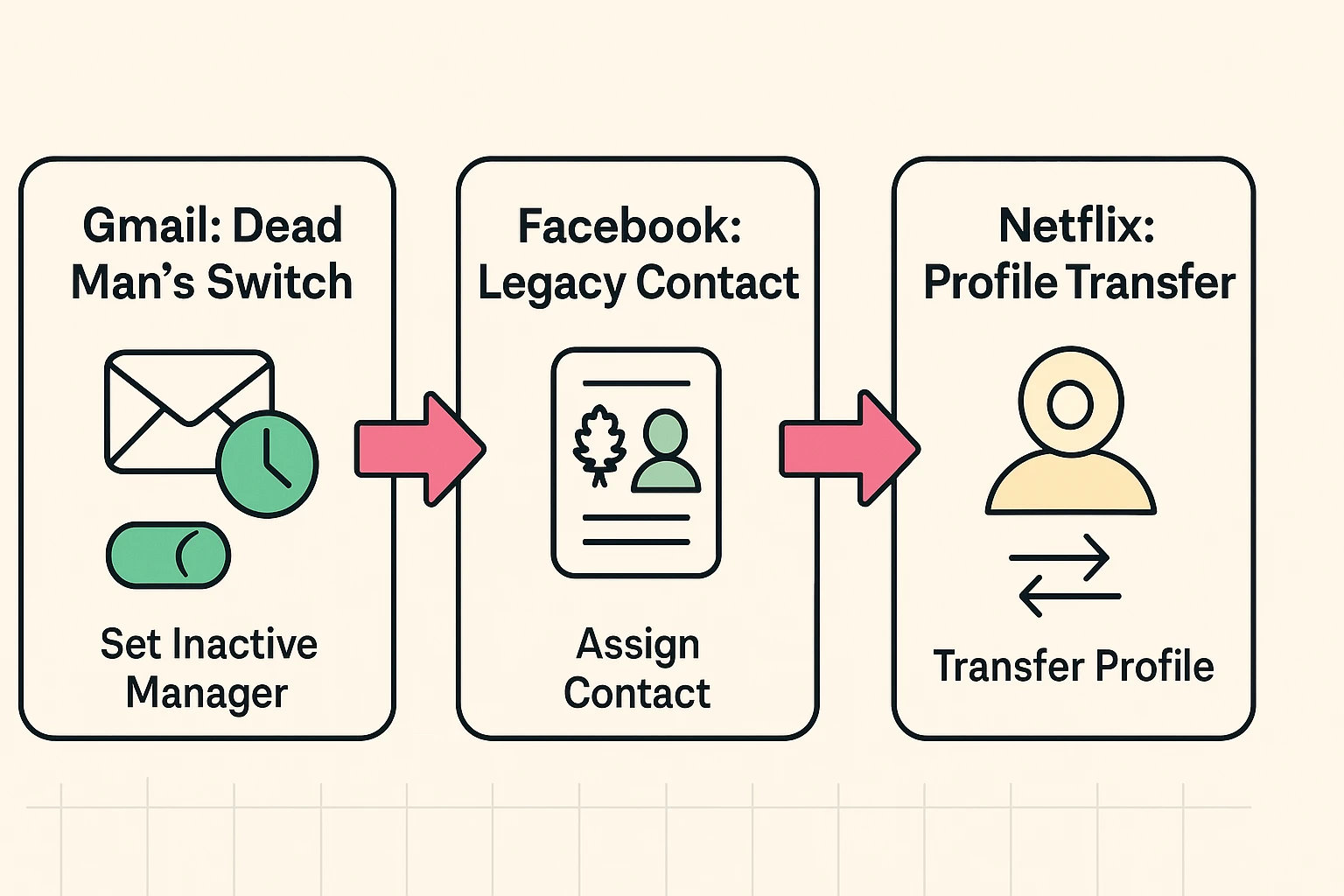
Google has a feature that sounds like something out of a spy movie: the Inactive Account Manager. Think of it as a “Dead Man’s Switch.”
Here is how it works: You tell Google, “If I haven’t logged in for 3 months (or 6, or 12), assume I am no longer here.” Once that time passes, Google will automatically email your trusted contact (like your spouse or adult child) and say, “Hey, [Your Name] stopped using their account. Here is the data they wanted you to have.”
This is the single most important step you can take. It grants access legally and automatically, without anyone needing to guess a password or hack a phone.
Facebook is where our memories live. When someone passes away, their profile can become a comforting place for friends to share stories and photos. However, if you don’t plan ahead, your page just stays there, frozen in time, potentially popping up in people’s “Suggested Friends” lists, which can be upsetting.
Facebook offers two main paths: Memorialization or Deletion.
Memorialization turns your profile into a tribute page. The word “Remembering” appears next to your name. Friends can post on your timeline, but no one can log in as you. Deletion simply wipes it all away.
To manage this, you need to assign a Legacy Contact. This is a person who can manage your tribute page after you’re gone—they can change your profile picture or pin a final post to the top (like funeral details), but they cannot read your private messages.
Here is one that catches almost everyone off guard. Netflix, unlike Google or Facebook, does not have a “Legacy Contact” feature. They assume that if the credit card stops working, you don’t want to watch movies anymore.
The problem? If you are the primary account holder and the credit card on file is canceled after you pass, the account closes. Your spouse doesn’t just lose the account; they lose their profile, their “My List,” and the algorithm that knows they prefer The Great British Baking Show over action movies.
For a surviving spouse, losing those small comforts and routines can be surprisingly painful.
The best move here is proactive. If you handle the bills, ensure your spouse’s email is also associated with the account, or consider using the Profile Transfer tool.
By now, you might be thinking, “This sounds like a lot of work.” It is. And that is why you need a human helper.
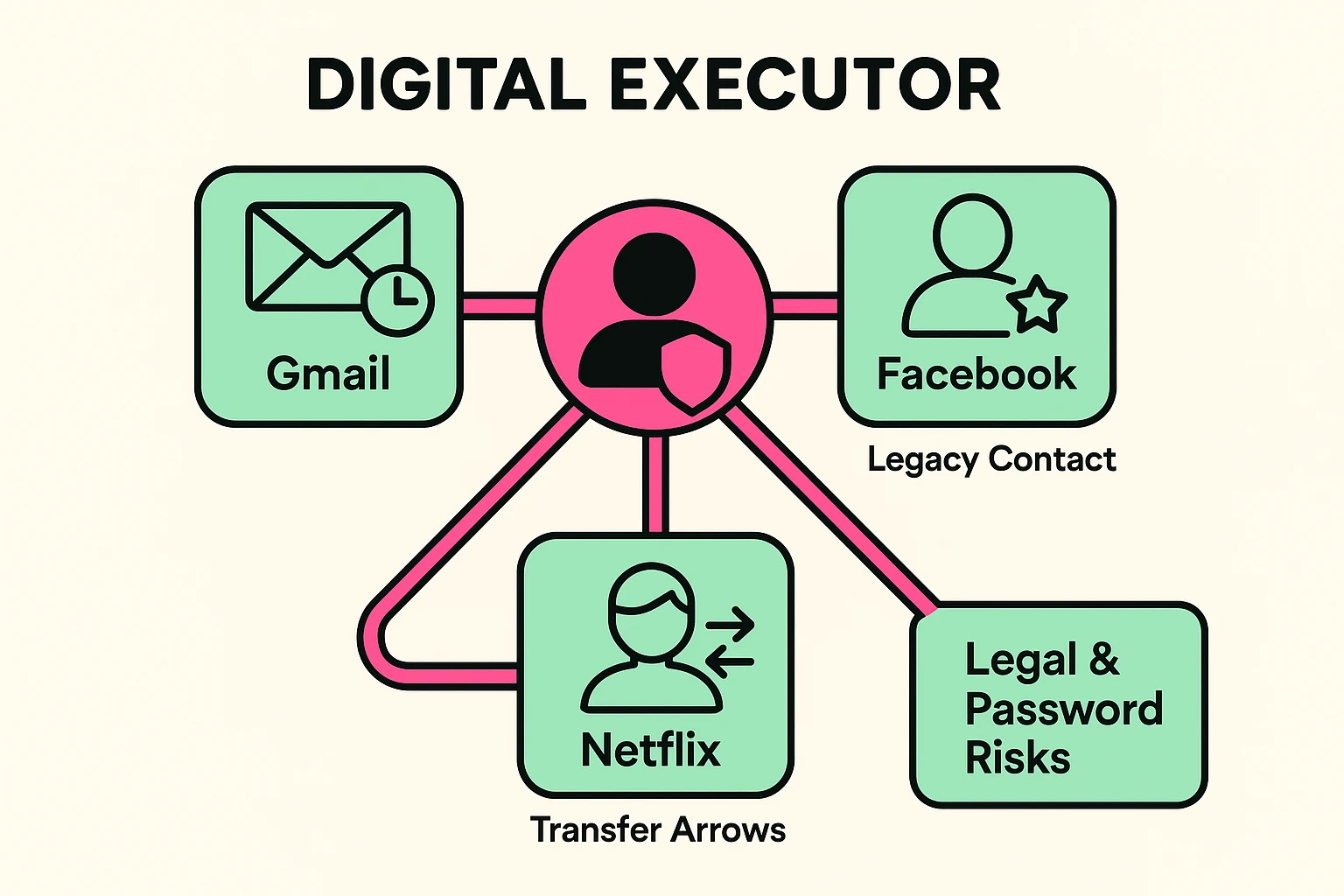
Legal experts and groups like SunLife recommend designating a Digital Executor. This isn’t necessarily a legal title in every state, but rather a role you assign to someone you trust.
This person doesn’t need to be a computer genius, but they should be comfortable with basic tech. Their job is to carry out your “Digital Wishes.”
What to tell your Digital Executor:
What if you are reading this because you are currently trying to manage a loved one’s accounts and they didn’t make a plan?
First, take a deep breath. It is harder, but not impossible.
Most major tech companies have a process for this, but be warned: it involves paperwork. Generally, you cannot just call customer support and ask for access. You will usually need:
For Apple (iCloud) and Google, you can submit a request through their legal departments to gain access to data (photos, contacts) or to delete the account. They rarely give you the actual password to log in, but they will provide a download of the files if you have a court order.
No! Please don’t do this. Wills become public records after you pass away. If you put your passwords in your will, you are essentially publishing your login details for any scammer to see. Instead, mention in your will that you have a “Digital Estate Plan” and point to where that private document is kept.
Not automatically. Many older Power of Attorney documents don’t mention digital assets. You may need to update yours to specifically reference “Digital Assets” to comply with new laws like RUFADAA (Revised Uniform Fiduciary Access to Digital Assets Act). It’s a mouthful to say, but it’s vital for legal access.
If you don’t leave your smartphone passcode (the 4 or 6-digit number to unlock the screen) to your executor, the phone might be a brick. Apple and Google generally cannot and will not unlock a device for families, even with a death certificate, due to privacy encryption. Write that code down and put it in your physical safe!
You don’t have to do this all at once. Start small. Today, just log into Google and set up your Inactive Account Manager. It takes five minutes.
Think of it as the digital equivalent of labeling the fuse box or organizing the family photos. It’s a small act of kindness that will save your loved ones a world of frustration when the time comes. Plus, it ensures your Facebook page doesn’t start recommending shady sunglasses to your friends from beyond the grave.