Newsletter Subscribe
Enter your email address below and subscribe to our newsletter

Enter your email address below and subscribe to our newsletter

Back in the old days, giving a gift was a straightforward transaction. You walked into a store, bought a cheese log or a sweater that was slightly too itchy, wrapped it in paper that featured snowmen, and handed it over. The transaction was complete. You didn’t have to worry that the cheese log would suddenly demand $14.99 a month from your credit card forever, or that the sweater would require a software update before it could be worn.
Welcome to the modern era of gifting, where everything is a subscription. Want to give your grandson that video game he won’t stop talking about? It’s a subscription. Want to give your spouse access to audiobooks? Subscription. Want to send a fruit basket? Believe it or not, they want you to subscribe to the fruit now.
While these gifts are wonderful—who doesn’t want a library of movies or games at their fingertips?—managing them can feel like trying to herd cats through a digital maze. You might be the Giver (the one paying), the Recipient (the one enjoying), or the unenviable Family Manager (the person trying to figure out why the family iTunes account is billed for “Unicorn Coins”).
If you’ve ever stared at a credit card statement wondering who “Twitch” is and why they have your money, this guide is for you. We’re going to untangle the web of digital gifting without the tech jargon.
Before we start clicking buttons, let’s clarify what we are actually dealing with. Unlike that itchy sweater, a subscription is a living, breathing financial agreement.
There are usually three roles in this play:
The biggest confusion comes from the difference between a Fixed-Term Gift and a Recurring Subscription.
So, you want to be the hero who gives the gift of entertainment. Excellent choice. But let’s make sure this act of generosity doesn’t turn into a monthly bill you resent.
The most common mistake Givers make is setting up a standard account instead of buying a dedicated “Gift Card” or “Gift Subscription.” When you set up a standard account for someone else using your credit card, you are essentially handing them your wallet and hoping they don’t buy too much popcorn.

Congratulations! Someone likes you enough to buy you a subscription. Now, how do you actually use it without accidentally signing up for a mortgage?
Usually, you will receive a code—a long string of letters and numbers that looks like a cat walked across a keyboard. You have to type this into the service’s website to “Redeem” your gift.
Crucial Tip: During redemption, the company might ask for your credit card “just for future convenience.” You can usually skip this step. If there is a “Skip” or “Later” button, click it. If you add your card, the moment the gift runs out, they will start charging you.
This is the advanced class. You aren’t just giving one gift; you are the “SysAdmin” (System Administrator) for your household. You manage the Netflix password, you know which kid has access to Disney+, and you are the one who has to fix it when it breaks.
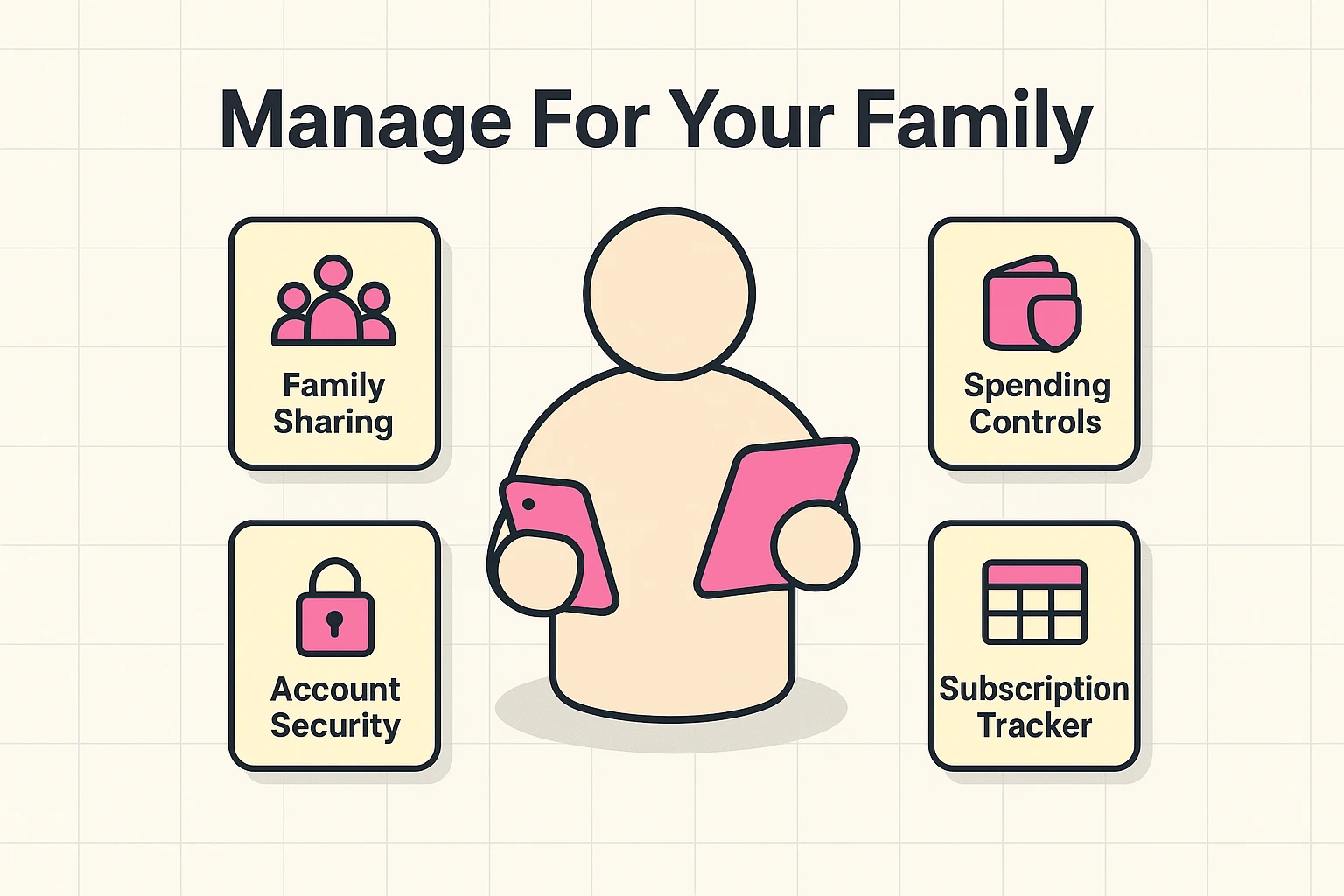
Managing subscriptions for others—especially elderly parents or young grandchildren—requires a specific set of tools. You don’t want to log into ten different accounts. You want to centralize.
Big tech companies like Apple, Google, and Amazon allow you to create a “Family Group.” This is a lifesaver.
If you are managing subscriptions for a parent who isn’t tech-savvy, do not rely on them to track renewal dates. Set the accounts up under your email address (or a shared family email) so the renewal notices come to you, not to their inbox where they will be ignored alongside the “Hot Singles in Your Area” spam.
Let’s bust a few myths that the subscription companies would prefer you believed.
False. Netflix does not have a sensor in your living room that knows you haven’t watched a movie in three months. They will charge you until the heat death of the universe or until you click “Cancel.”
False. You can almost always cancel immediately after buying. The service will typically run until the prepaid time is up, but it won’t renew. This is the safest way to operate. Buy it, cancel it, enjoy it.
False. It is much ruder to let your Aunt Martha pay $120 a year for a magazine app you deleted in 2019. If you are the Recipient and you aren’t using the gift, tell the Giver so they can stop the bleeding.
To keep your sanity intact, you need a system. You don’t need a complex spreadsheet (unless you like that sort of thing), but you do need a list.
We recommend a simple “Subscription Audit” twice a year. Sit down with your credit card statement and highlight every recurring charge. Ask yourself: “Did I buy this? Do I still use this? Is this for a grandchild who is now 25 years old?”
Also, when you are looking for new subscriptions or gifts, be wary of scams. It helps to be informed about secure online shopping practices to ensure that “gift” doesn’t turn into identity theft. Using tools like virtual credit cards or reputable payment platforms can add a layer of safety between your bank account and the subscription service.
Generally, no. If you bought a year of Spotify for your grandson and he decides he hates music, you usually can’t just email that subscription to your niece. You have to cancel one and start a new one.
The service stops working. The Recipient will usually get a frantic email saying “Payment Failed.” This is often the moment people realize they were still on a subscription!
Keep it simple. A notebook by the computer or a note in your smartphone is fine. Write down: Service Name, Who has it, Cost, and Renewal Date.
Subscriptions can be fantastic gifts. They don’t collect dust, they don’t take up closet space, and they can provide endless entertainment. But like a puppy, they require a little bit of management to keep them from making a mess on the carpet.
By clarifying who is paying, setting end dates, and using family sharing tools, you can be the hero of the holidays without becoming the victim of the billing department. Now, go forth and stream responsibly!