Newsletter Subscribe
Enter your email address below and subscribe to our newsletter

Enter your email address below and subscribe to our newsletter
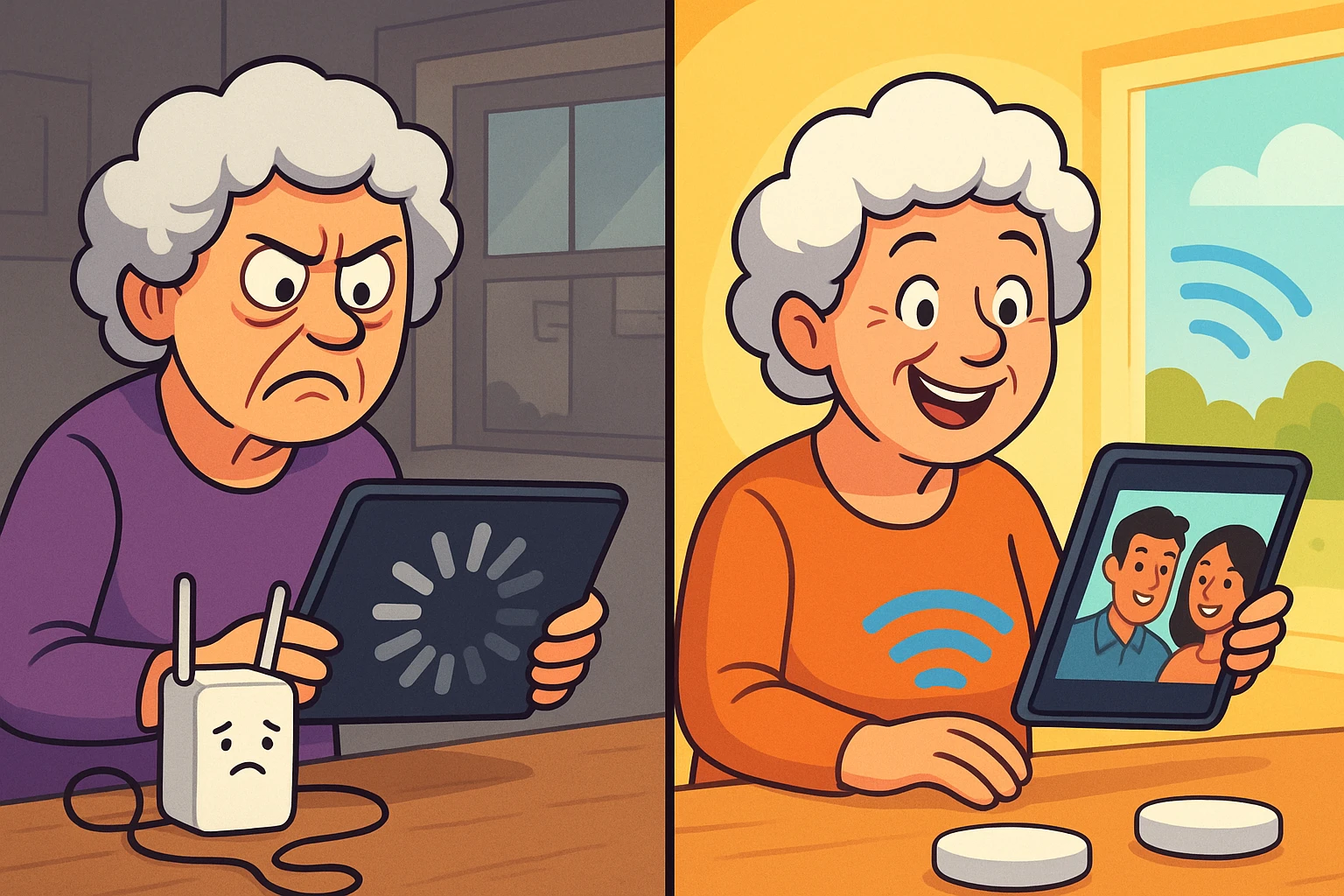
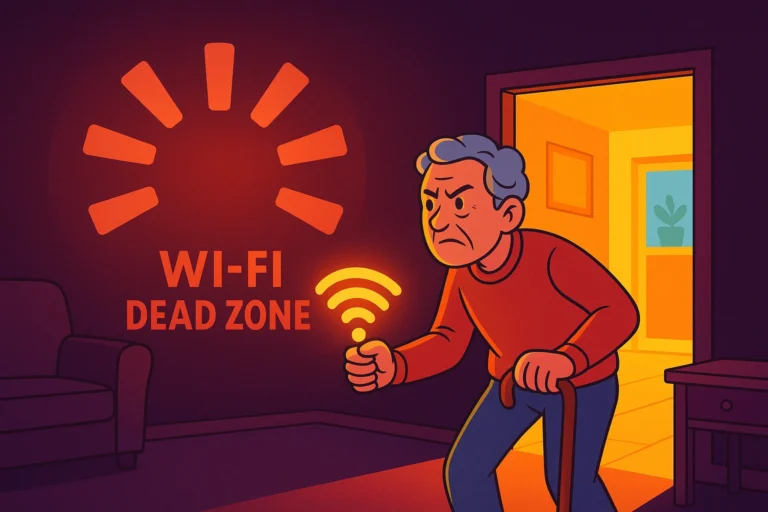
Have you ever walked from your living room to your bedroom, tabletA tablet is a lightweight, portable device with a touchscreen that you can use to browse the interne... More in hand, eagerly anticipating the next episode of your favorite show, only to be greeted by the Spinning Circle of Doom? You know the one. It spins and spins, mocking you, while your connection drops from “Lightning Fast” to “Is This Thing Even On?”
If you have tried to FaceTimeFaceTime is Apple’s video and audio calling service that lets you connect with people in real-time... More the grandkids from the patio only to freeze mid-wave with a look on your face that suggests you’ve just bitten into a lemon, you are suffering from a common modern ailment: Weak Wi-FiWi-Fi, short for Wireless Fidelity, revolutionizes connectivity by enabling devices to access the in... More.
For a long time, we treated Wi-Fi like a luxury—a way to send emails or look up casserole recipes. But today, in our “Aging-in-Place” world, a solid internetThe Internet is a vast network of computers and other electronic devices connected globally, allowin... More connection is as vital as electricity. It powers our telehealth appointments, our security cameras, and those clever little devices that remind us to take our pills.
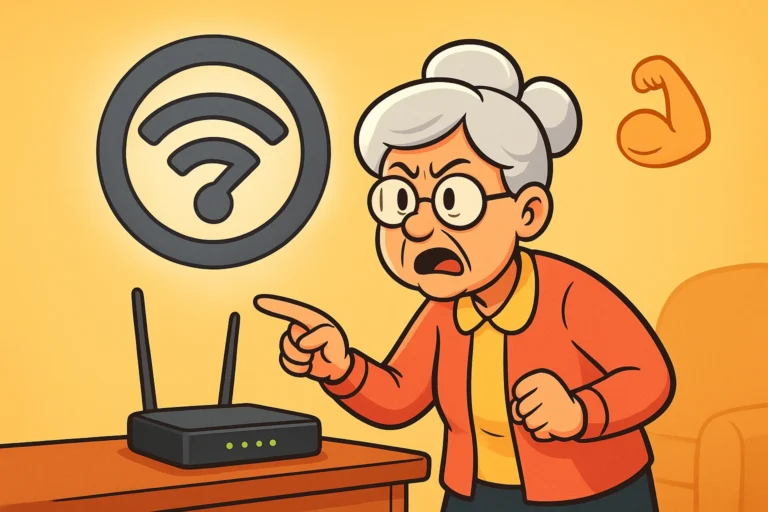
So, how do we fix the dead zones without needing a degree in computer engineering? The two main contenders are Range Extenders and Mesh Wi-Fi Systems. One is a cheap band-aid; the other is a whole-home cure. Let’s break down the difference in plain English, with zero judgment and maybe just a little bit of sympathy for your poor, overworked routerA router is a device that helps connect all your gadgets, like computers, smartphones, and smart hom... More.
To understand the difference, we have to look at how these gadgets actually move the internet around your house.
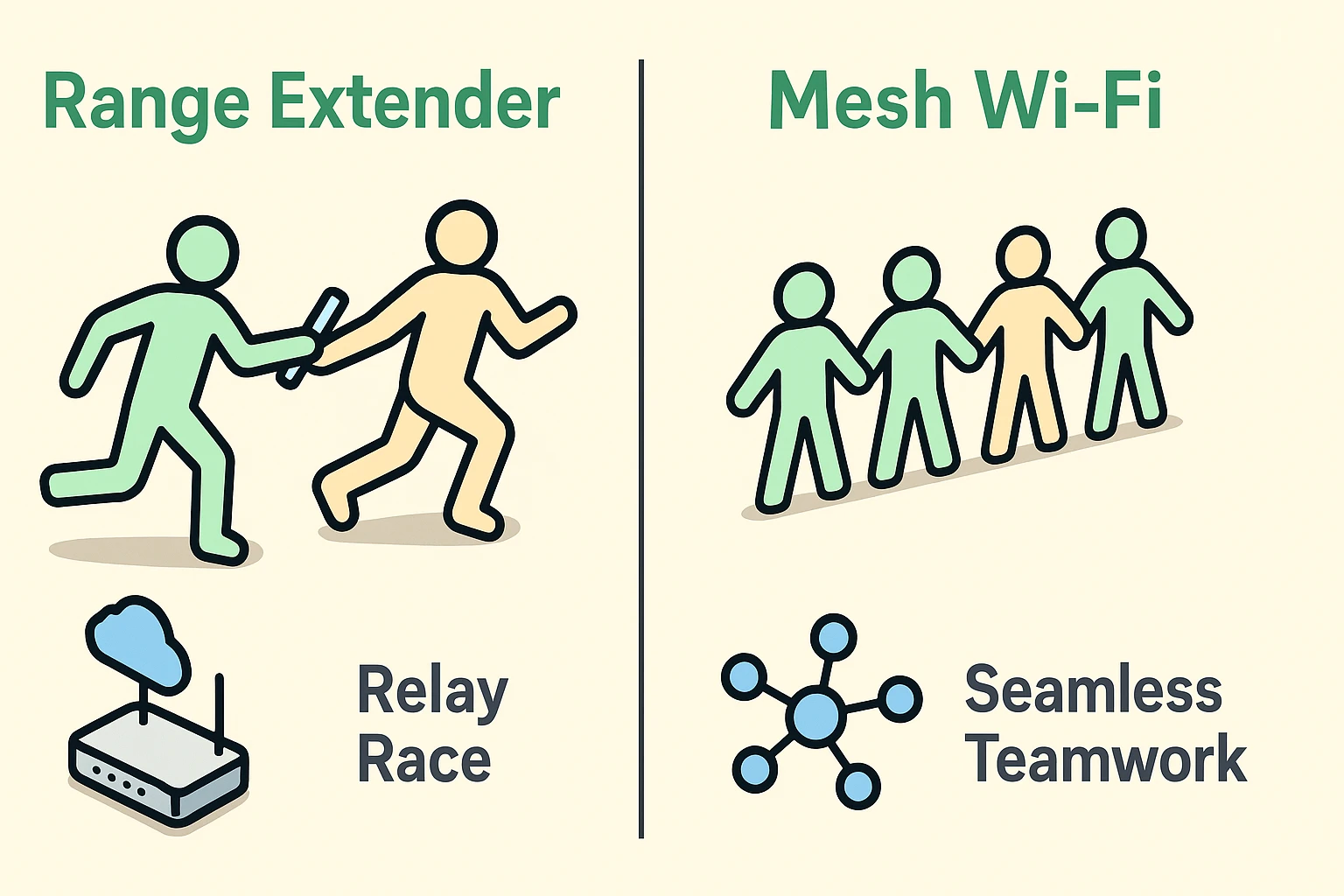
Think of a standard Wi-Fi Range Extender (also called a “Booster”) like a relay race runner who is not very good at multitasking.
Here is the scenario: Your main router is in the living room shouting the internet signal out. You put an extender in the hallway. The extender listens to the router, catches the signal, spins around, and shouts it into the bedroom.
The problem? It can’t listen and shout at the same time. It has to stop, listen, turn, and shout. In tech terms, this cuts your speed in half immediately. It creates a new network name (usually ending in _EXT), which means you have to manually go into your settings and switch Wi-Fi networks just because you walked down the hall to get a glass of water. It works, but it’s clunky—like having to retune your radio every time you drive into a new neighborhood.
Now, imagine a Mesh Wi-Fi system. Instead of one overworked box shouting at another, you have a team of 2 or 3 sleek little nodes placed around your house.
They talk to each other constantly. They are like a synchronized choir or a team of Secret Service agents. As you walk from the kitchen to the den, they pass your signal from one node to the next seamlessly. You don’t lose speed, you don’t have to change your settings, and you don’t even notice it happening. It creates a “blanket” of Wi-Fi coverage over your entire home.
Here is the biggest frustration with the cheaper Range Extenders, and it’s something the tech manuals rarely explain clearly.
Smartphones and tablets are surprisingly loyal. If your phone connects to the main router in the living room, it will hold onto that signal for dear life, even if the signal becomes incredibly weak. You could be standing right next to your new Range Extender in the bedroom, but your phone is still trying to whisper to the router in the living room because it hasn’t completely lost the connection yet.
We call this a “Sticky Client.” It results in you having “full bars” on the extender but no internet because your phone refuses to switch over.
Mesh systems solve this. They use smart technology to force your phone to switch to the closest node automatically. It’s the difference between dragging a heavy suitcase (Extender) and having a porter carry it for you (Mesh).
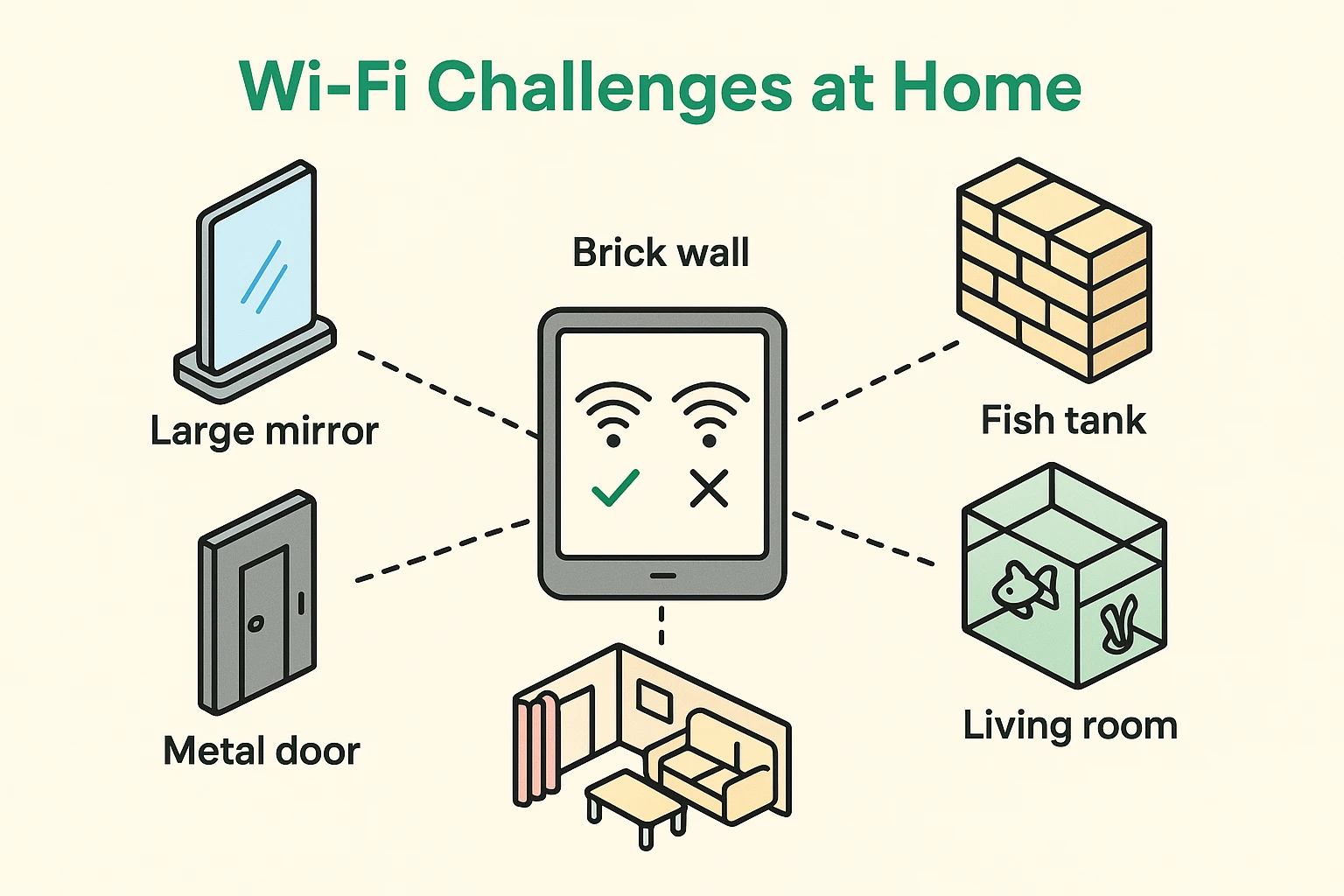
Before you go out and buy anything, take a look at where your router lives. Wi-Fi signals are radio waves, and they hate obstacles. Here are the top three signal killers in senior homes:
If you are trying to use a smart medication timer that requires an internet connection to alert a caregiver, you cannot afford to have a fish tank blocking the signal. Reliability isn’t just about watching movies; it’s about ensuring your safety devices work when they need to.
Do you actually need new gear, or do you just need to move your router out from behind the sofa? Try the “Walk-and-Talk” test.
Yes! In almost all cases, a Mesh system plugs directly into the modemA modem, short for modulator-demodulator, is a device that enables computers and other digital devic... More your internet provider gave you. You simply follow the instructions in the appAn app (short for application) is a program that helps you do specific tasks on your smartphone, tab... More to set it up. It replaces the Wi-Fi part of your old router.
Just like your toaster or your lamp, if the power goes out, your Wi-Fi goes out—whether you have an Extender or a Mesh system. If you rely on Wi-Fi for critical medical devices, consider buying a small “Uninterruptible Power Supply” (UPS), which is basically a big battery backup for your router.
Surprisingly, no. Most modern Mesh systems (like Eero or GoogleGoogle is a multinational technology company known for its internet-related products and services, i... More Nest) are designed for non-techies. You download"Download" means saving something from the internet onto your device—like your phone, tablet, or c... More an app on your phone, plug the device in, and the app literally tells you, “Looking for device… Found it! Now name your room.” It is generally much easier than the old-school method of logging into a websiteA website is a collection of interconnected web pages or digital content that are accessible via the... More to configure a Range Extender.
Remember, Wi-Fi is like a hose. The Mesh system is the nozzle that sprays the water around the yard. If the water coming into the house (your plan from the Internet Service Provider) is a trickle, the best nozzle in the world won’t make it a firehose. If you have Mesh and it’s still slow, call your provider to check your actual plan speed.
Technology should make your life easier, not induce a headache. If you find yourself planning your day around which chair has the best internet signal, it is time for an upgrade. For most seniors, a Mesh system offers the golden ticket: a home where the internet just works, invisibly and reliably, keeping you connected to the people and services that matter most.