Newsletter Subscribe
Enter your email address below and subscribe to our newsletter

Enter your email address below and subscribe to our newsletter
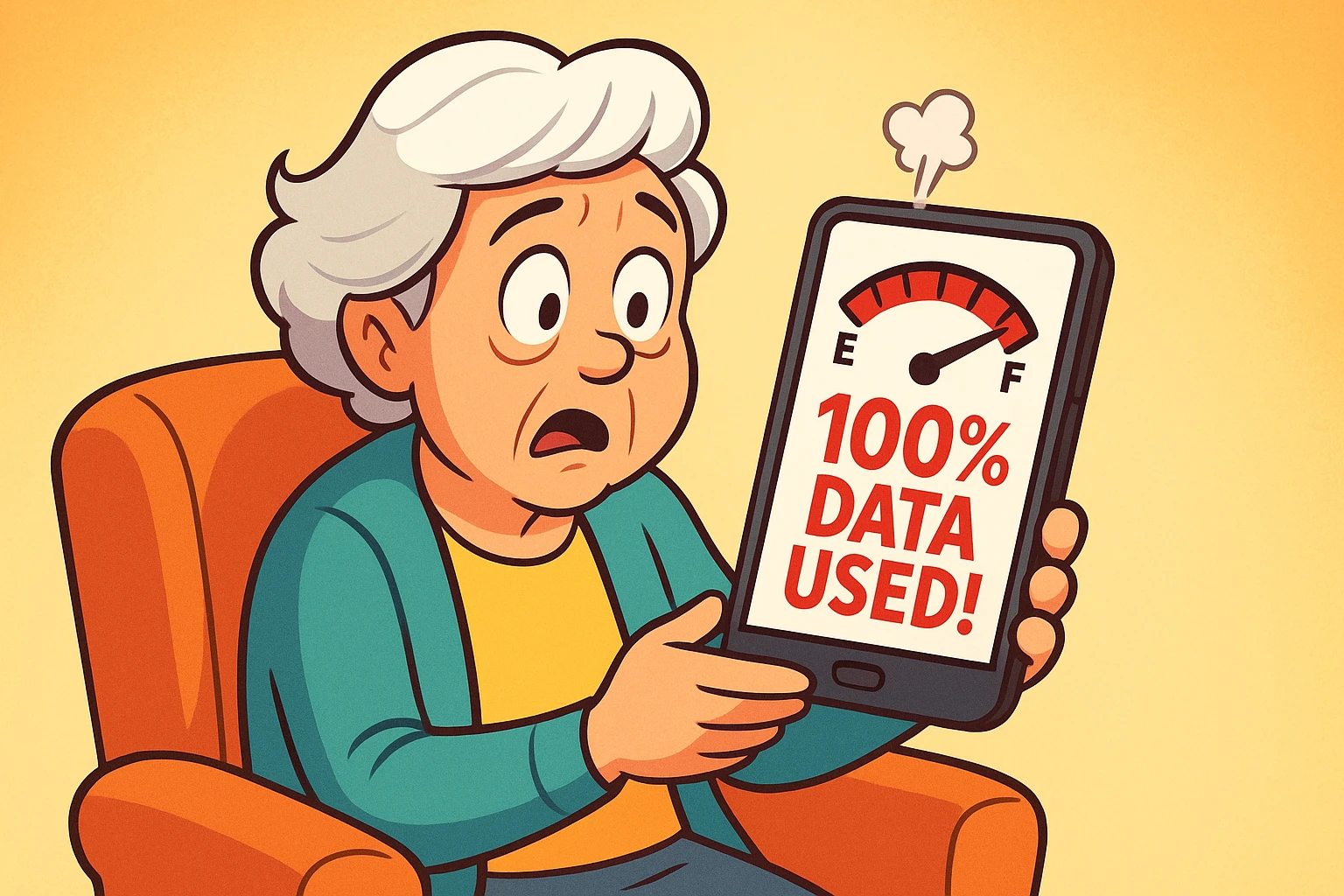
You are sitting comfortably in your favorite chair, peacefully looking at photos of your grandkids on Facebook, when suddenly your phone buzzes with the digital equivalent of a jumpscare. It’s a text message from your cellular provider: “You have used 100% of your monthly data plan.”
Your heart drops. Does this mean your phone is about to self-destruct? Will the phone police show up at your front door? Or worse, are you about to receive a bill so astronomically high you’ll have to sell your prized collection of vintage Tupperware to pay for it?
If this panic sounds familiar, take a deep breath. You are not alone. For many of us, understanding mobile data is like trying to decipher the nutritional information on a box of snack cakes—we know we’re consuming something, but we have no real idea what “riboflavin” actually costs us.
Back in the good old days, we worried about using up our long-distance minutes and getting yelled at for talking to Aunt Mildred in Omaha for too long. Today, that anxiety has shifted to “data limits.” But what exactly happens when you hit that invisible wall? Let’s demystify the data limit, find the hidden data thieves in your pocket, and give you a rock-solid plan to avoid overages.
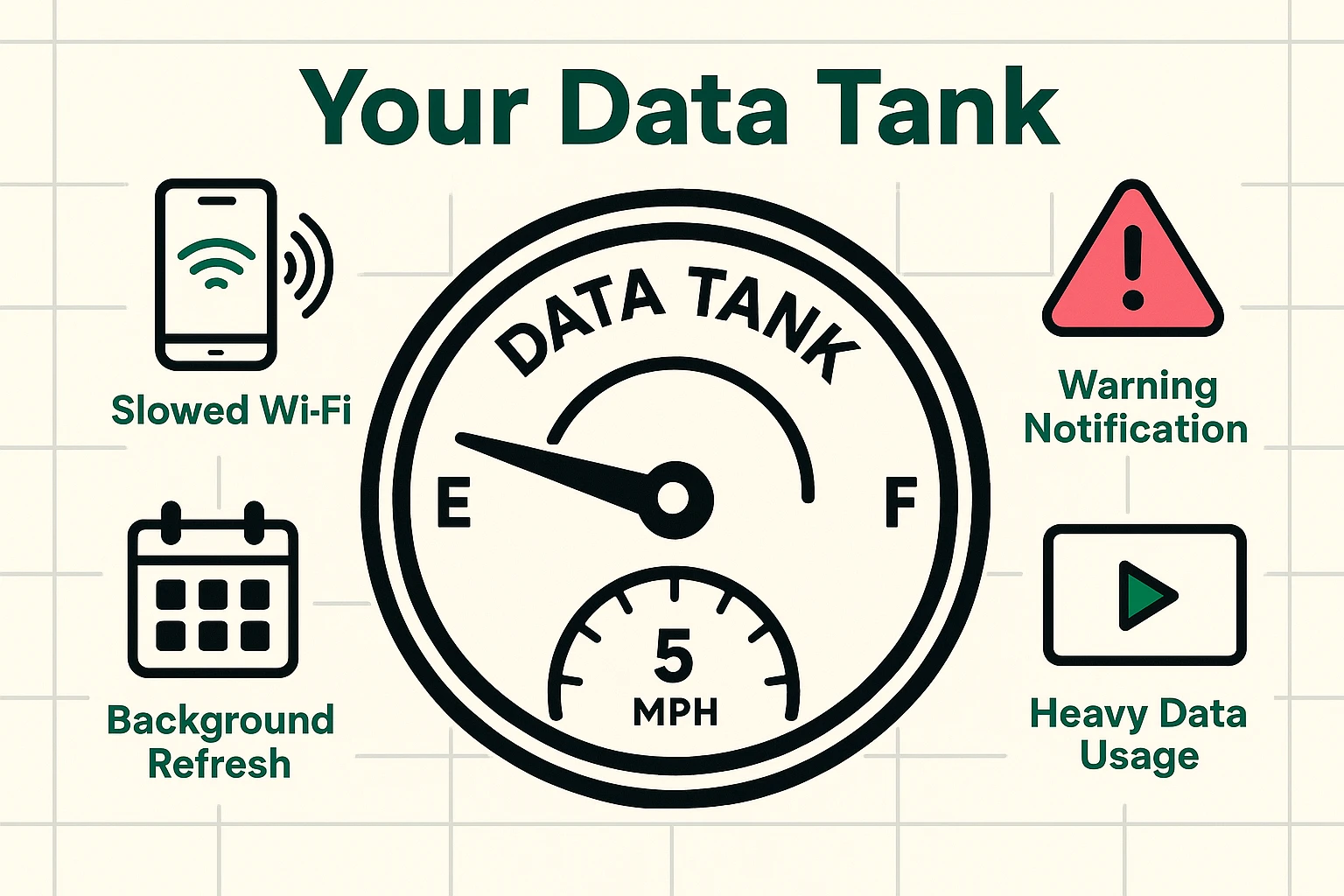
Think of your monthly mobile data allowance as a digital gas tank. When you run out of actual gas, your car stops moving completely. But when you run out of mobile data, your cellular provider will usually do one of two things: “Throttling” or “Overage Fees.”
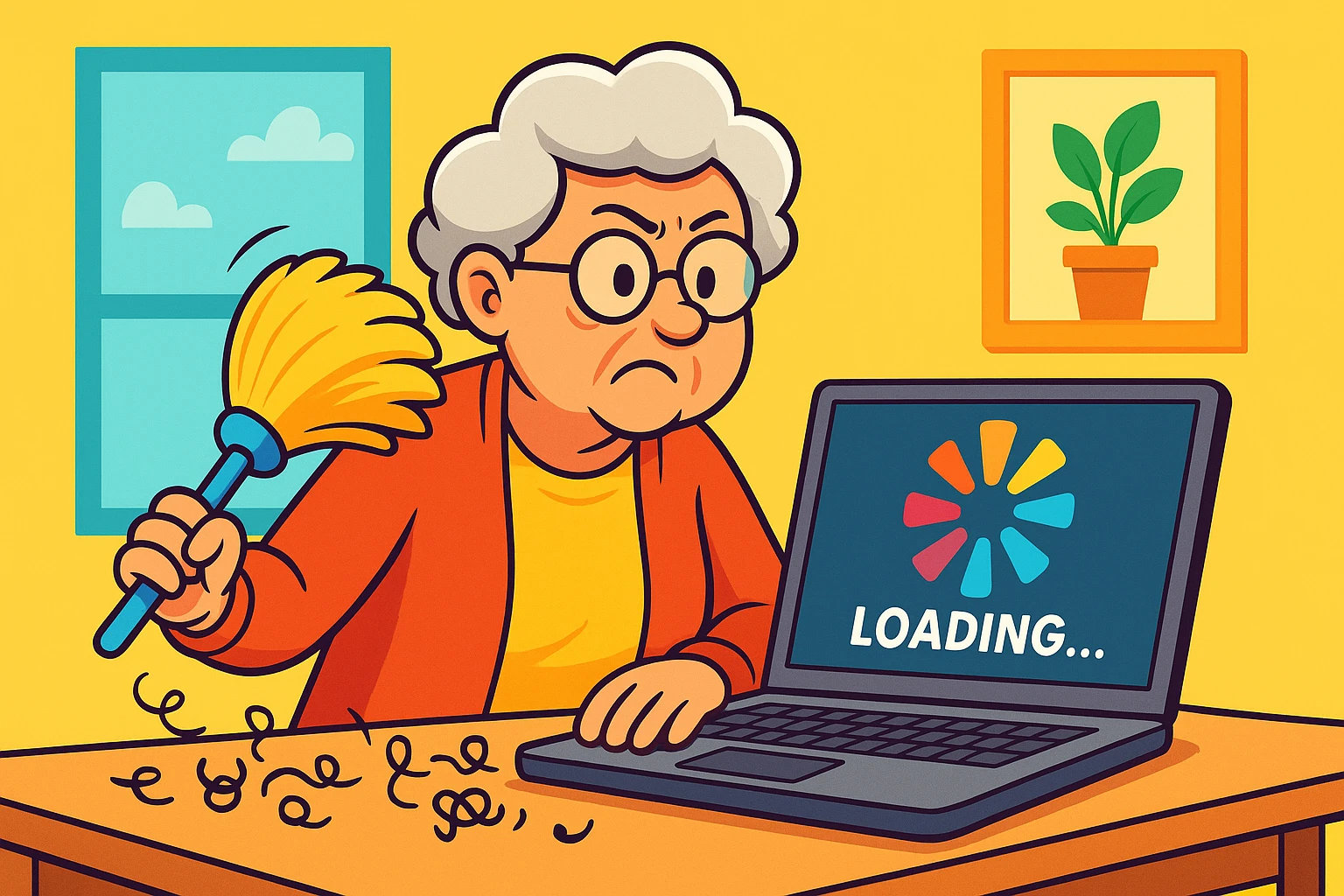
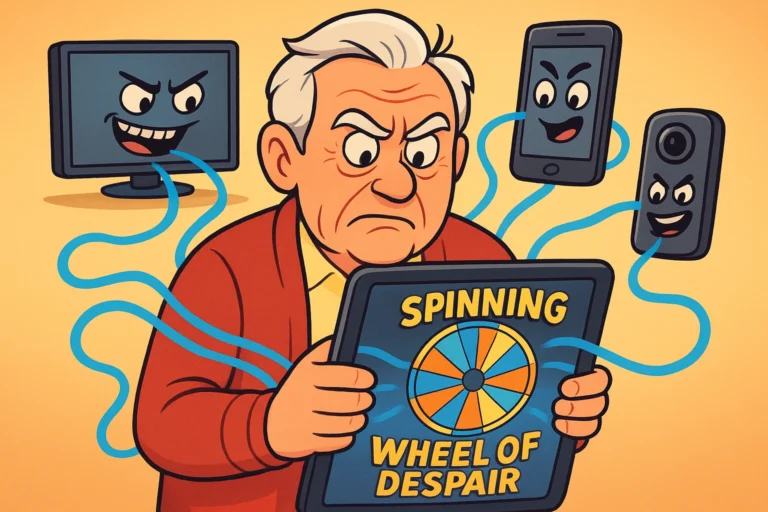
Throttling is like hitting ‘E’ on your gas tank, but instead of the car stopping, you are magically forced to drive at exactly 5 miles per hour. You can still technically get to the grocery store, but it will take you three days to get there. You aren’t being charged extra money, but everything on your phone—web pages, emails, photos—loads at a painfully slow crawl.
Overages, on the other hand, are the cellular equivalent of taking out a second mortgage. This is when your provider kindly lets you keep driving at top speed, but charges you an exorbitant fee for every extra mile. It is critical to know which type of plan you have before you hand your smartphone to a bored grandchild!
What is actually eating your data? The biggest culprit, by a country mile, is video streaming. Watching a 1-hour television show in High Definition (HD) burns through about 3 Gigabytes (GB) of data. Watching that exact same show in Standard Definition (SD) uses only about 0.7 GB. It’s the difference between drinking from a firehose and sipping delicately from a teacup.
To put it in perspective: you could play about 1,000 games of online Bridge or send thousands of text-only emails with 1 Gigabyte of data. But that same 1 Gigabyte will vanish in just 20 minutes if someone is watching high-definition YouTube videos in the backseat of your car.
Next up are social media apps and auto-updates. Facebook and Instagram are notorious data hogs because they constantly load videos in the background as you scroll past them. And if your phone decides to secretly update 14 different apps while you’re walking around the park, your data allowance will vanish faster than the last slice of pie at Thanksgiving.
You might be thinking, “But I hardly even used my phone today! Where did my data go?” Enter the invisible thief known in the tech world as “Background App Refresh.”
Think of the apps on your phone as overly enthusiastic mailmen. Even when your phone is sound asleep in your pocket or purse, these apps are constantly running back and forth to the digital post office. They are checking for new emails, weather updates, and sports scores you didn’t even ask for.
Every single time they check, they use a tiny bit of your data. Over a month, this adds up significantly. Turning off “Background App Refresh” in your phone’s settings is like telling the mailman to only deliver the mail when you actually walk out to the mailbox to ask for it.
Many seniors are terrified of using their phone’s GPS for fear of racking up massive data bills while driving. We have wonderful news: the actual GPS satellite signal connecting to your phone does not use cellular data at all!
What does using data involve? Downloading the visual map on your screen as you drive. If you connect to Wi-Fi at home, type in your destination, start your directions, and then drive off, your phone will use very little data along the journey. You no longer have to choose between finding your doctor’s office and affording your electric bill this month.
So, what should you do right now if you just got the dreaded “You’re out of data” text? First, don’t panic. Second, hunt down the nearest Wi-Fi connection. When you are connected to Wi-Fi at home, a coffee shop, or the public library, you are completely bypassing your cellular data limits. Wi-Fi is your free pass.
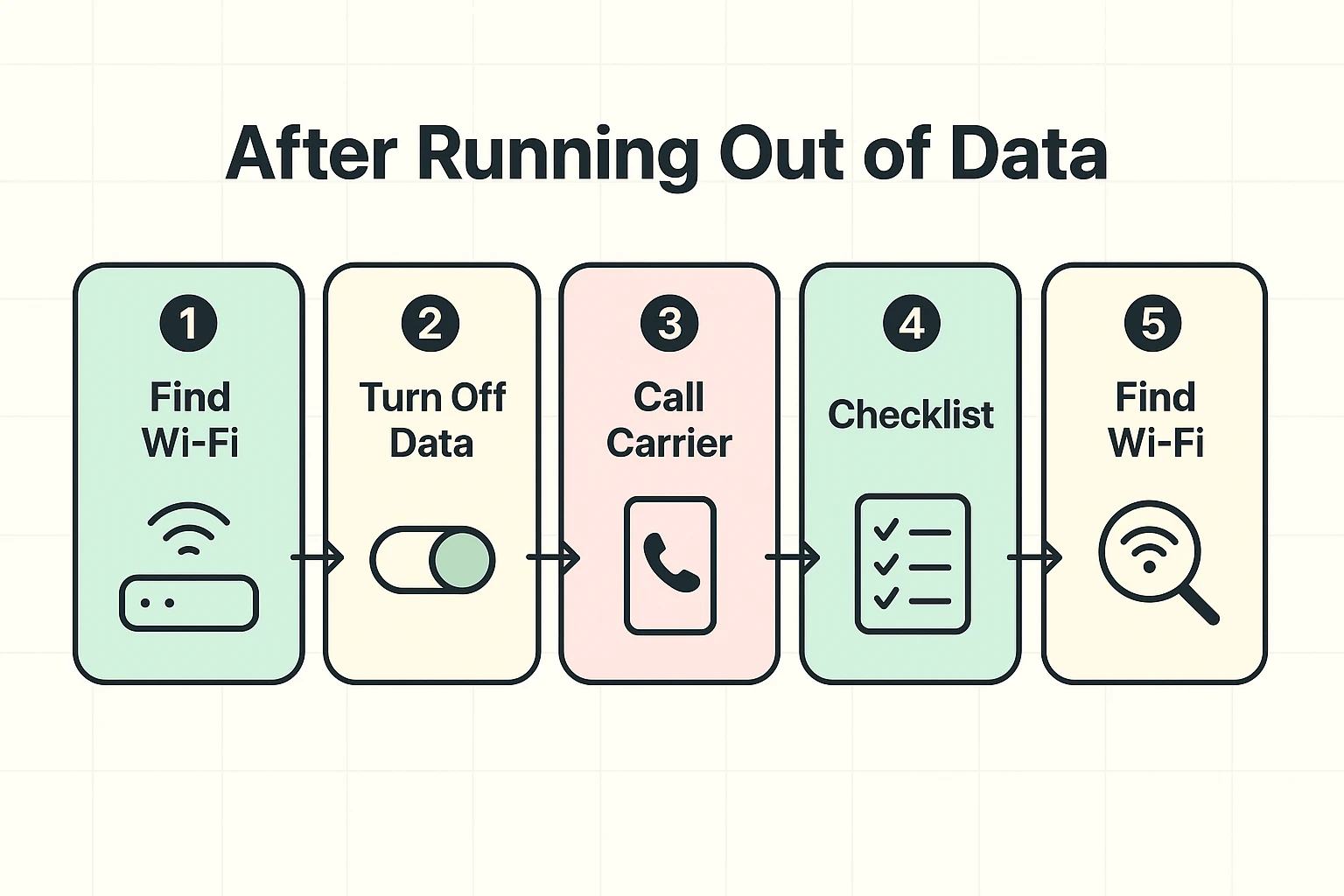
If you aren’t near Wi-Fi, go into your phone settings and turn off “Cellular Data” altogether. This completely shuts the valve on your data usage. You will still be able to receive regular phone calls and standard text messages, but you won’t accidentally rack up expensive overage fees while your phone sits idle.
Finally, when you are safely back on home Wi-Fi, call your cellular provider or check their website to review your current mobile plan. They might have a newer, cheaper unlimited plan that makes this whole headache permanently disappear.
Probably not! If your data ran out and you have a plan that “throttles” your speed, your phone will act like it’s wading through molasses. Connect to a Wi-Fi network, and if your speed instantly returns to normal, your phone is perfectly fine.
Standard SMS text messages (the plain text ones, usually green on an iPhone) use your cellular signal, not your data plan. However, sending high-resolution photos or using features like Apple’s iMessage (the blue texts) usually requires data or a Wi-Fi connection to go through.
Absolutely. Voice calls and emergency services operate on a completely different cellular signal than your mobile internet data. Even if you are throttled or have data disabled entirely, you can still dial 911 or use your iphone emergency sos features without any issues whatsoever.
Navigating mobile data limits shouldn’t require an advanced degree in computer science. By understanding the difference between Wi-Fi and cellular data, taming those data-hungry background apps, and recognizing what happens when you hit your limit, you can take back control of your phone bill. The next time you get that warning text, you’ll know exactly what to do—and your vintage Tupperware collection will remain safely in the cupboards.