Newsletter Subscribe
Enter your email address below and subscribe to our newsletter

Enter your email address below and subscribe to our newsletter
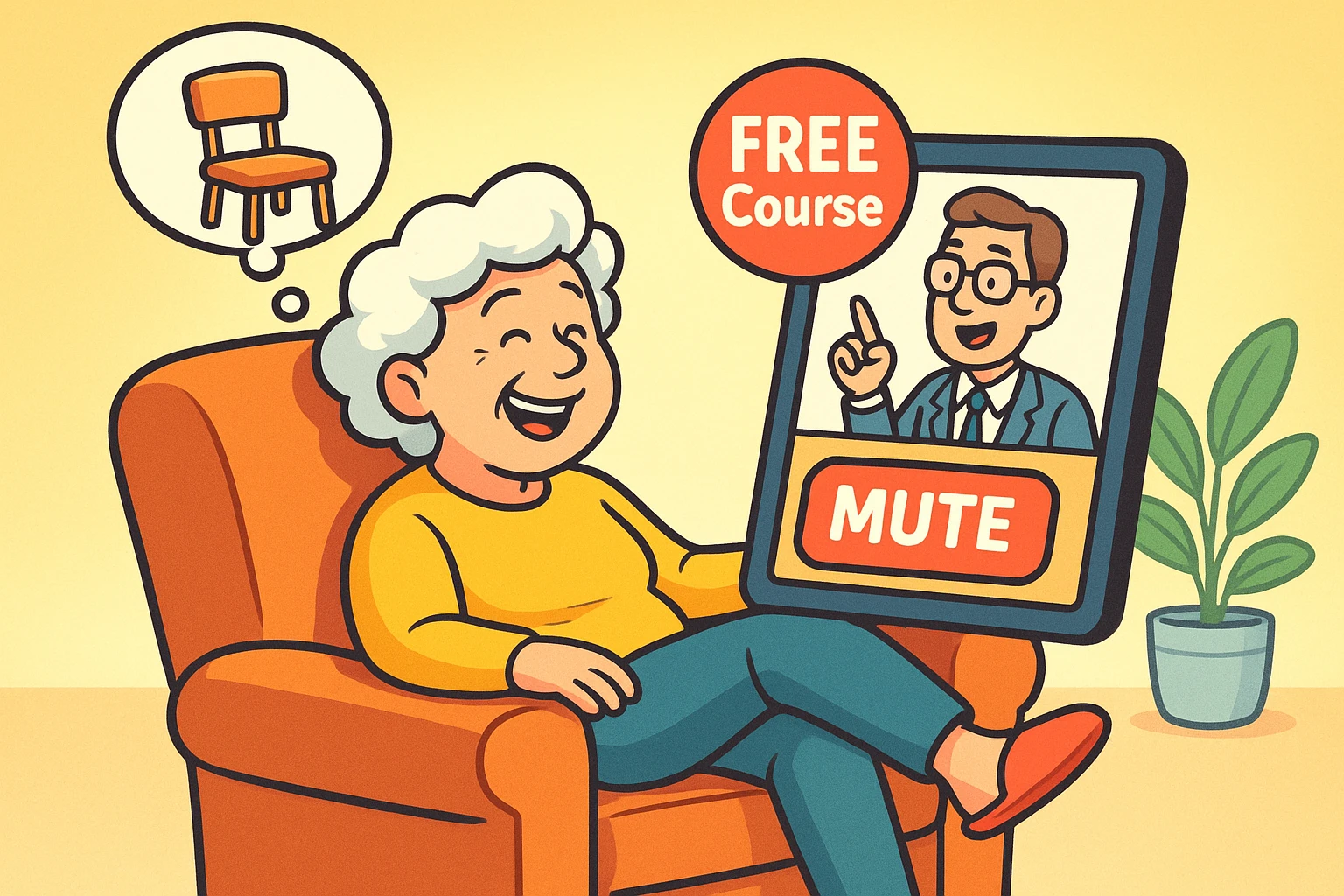
Remember the “good old days” of university? The uncomfortable wooden chairs that seemed designed by a chiropractor looking for future business? The dusty chalkboards? The panic of realizing you fell asleep during a lecture on 17th-century economic theory and missed the one thing that would be on the final exam?
Well, good news. You can now access the world’s greatest professors from Harvard, Yale, and Stanford without ever leaving your recliner. Even better? You don’t have to raise your hand to go to the bathroom, and if the professor is boring, you can literally mute them.
Online learning has exploded, and it isn’t just for twenty-somethings trying to pad their resumes. According to recent educational trend reports, 8 in 10 adult learners are looking to online courses for personal growth. It turns out, learning is actually fun when you remove the threat of a failing grade and the smell of cafeteria mystery meat.
But navigating these websites can feel like trying to order coffee at a trendy café where the sizes are in Italian and nothing makes sense. This guide cuts through the noise to help you find the best courses, avoid the hidden costs, and learn purely for the joy of it.
The internet is a big place, but when it comes to high-quality, trustworthy education, there are three main heavyweights you need to know. Think of these as the Ivy League of the internet, but with better parking (because you’re already home).
Coursera is the 800-pound gorilla of online learning, boasting over 148 million learners. They partner with actual universities (like Duke, Stanford, and Imperial College London) to put their real courses online.
Founded by Harvard and MIT, edX is the brainy cousin of Coursera. It focuses heavily on rigorous academic subjects. If you’ve always regretted not taking that course on Astrophysics or Classical Architecture, this is your spot.
This is the odd one out because it’s not about university credits; it’s about storytelling. These are polished, documentary-style lectures designed specifically for entertainment and learning.
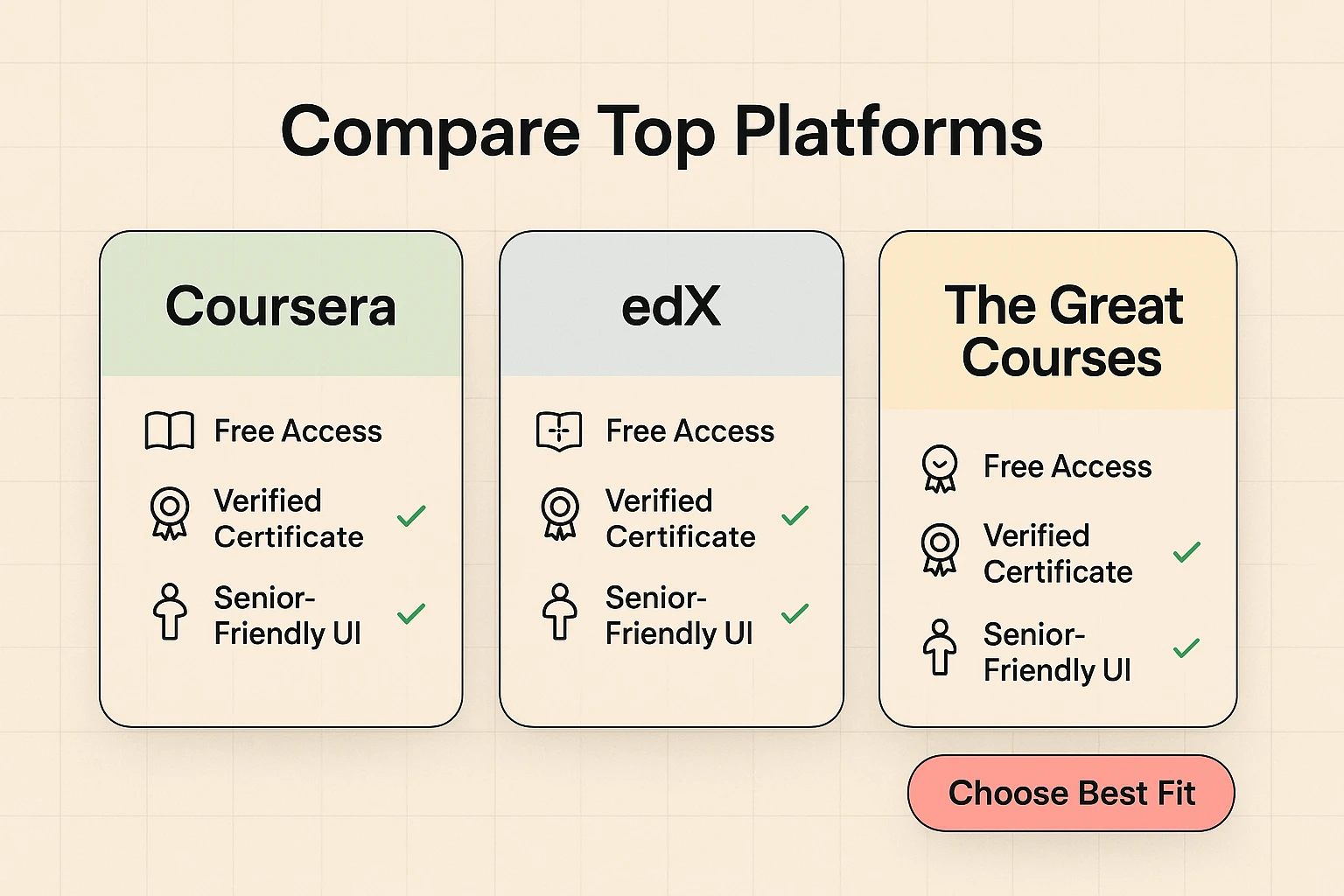
Here is the thing the websites don’t scream from the rooftops: You can take almost all these university courses for free.
They want you to pay for a “Certificate.” A certificate is a digital piece of paper that says, “I finished this.” It is useful if you are 25 and trying to get a promotion at Google. But if you are learning about Art History because you love Art History, you do not need a certificate.
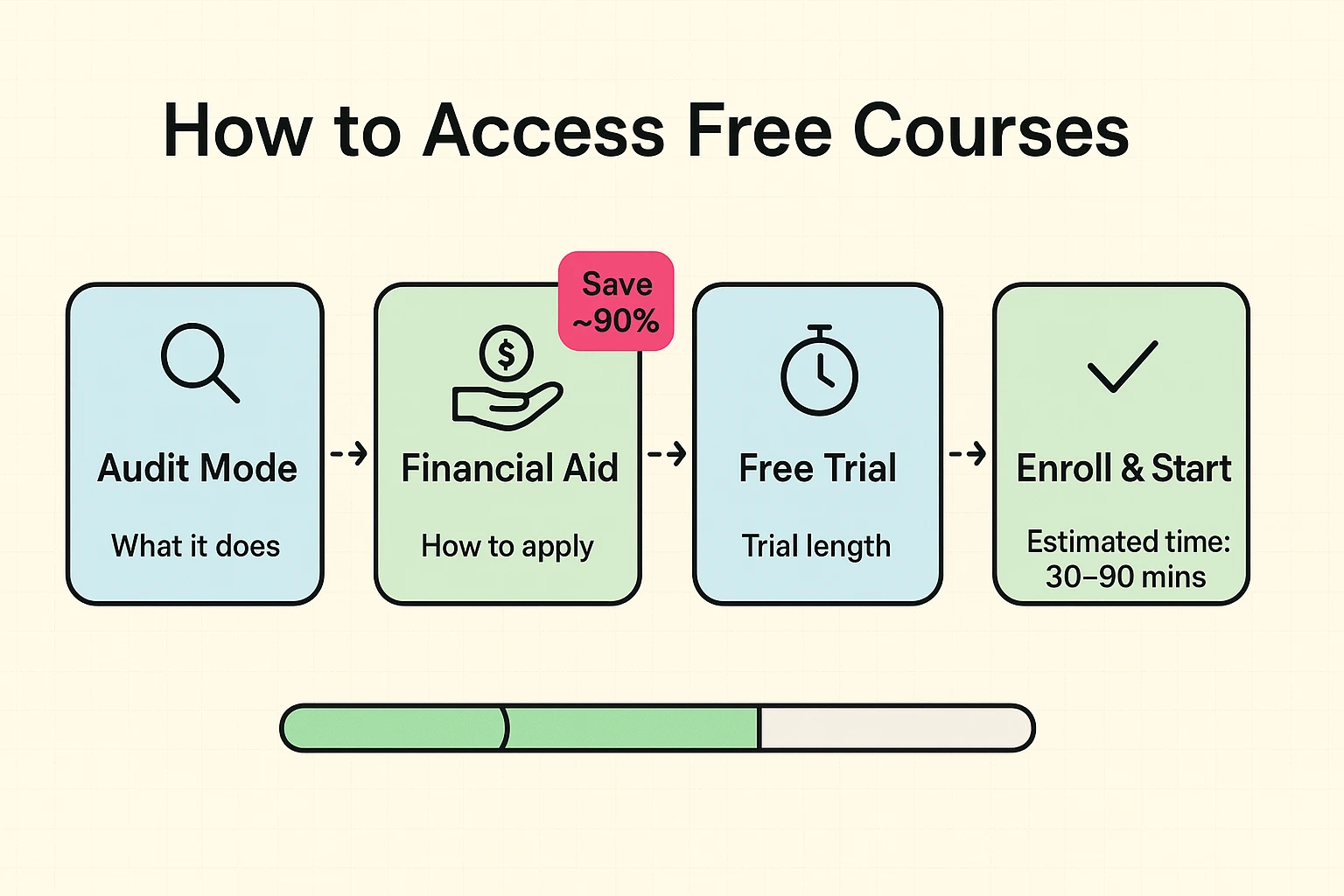
You want the “Audit” option.
Auditing is the digital equivalent of sitting in the back of the class and listening, but not turning in homework or taking exams. You get all the videos and readings, but you pay zero dollars. The button to do this is often small, grey, and hiding near the big, flashy “Enroll for Free” (which usually starts a paid trial) button.
If you do want a certificate—perhaps to frame it for the grandkids or just for your own sense of accomplishment—but the price tag is scary, financial aid is often available. These platforms often reduce fees by up to 90% if you simply fill out a form explaining your financial situation.
The paradox of choice is real. When you can learn anything, it’s hard to choose something. Here are a few “greatest hits” categories that are popular with the 55+ crowd because they are fascinating and generally require zero math.
This is one of the most popular courses in the history of the internet. It explores what actually makes us happy (spoiler: it’s not money or a new car). It’s practical, scientifically backed, and genuinely life-changing.
A legendary course exploring moral dilemmas. It’s like a book club debate, but led by a world-famous philosopher. It keeps the brain sharp and gives you excellent talking points to outsmart your brother-in-law at Thanksgiving.
If your smartphone has a better camera than the one passing for a camera on the Hubble Telescope, but your photos still look blurry, these courses explain composition, lighting, and how to stop cutting off people’s heads in family portraits.
Learning online is different. You don’t have a bell ringing to tell you when class starts. You are the captain of this ship, which is liberating but can also lead to procrastination.
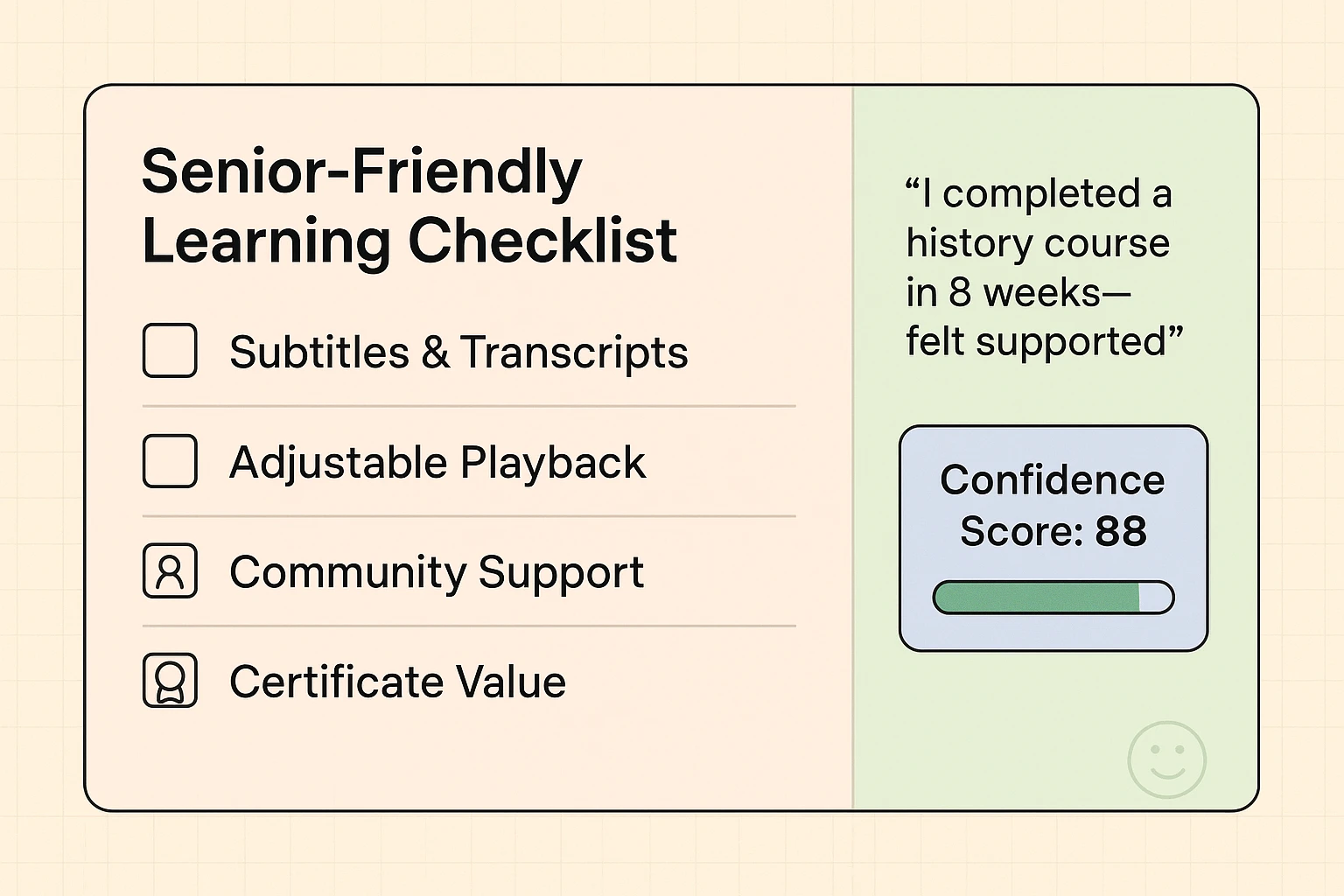
Research on older adult learners shows that we prefer “asynchronous” learning—a fancy word meaning “learning on your own time.” You don’t have to log in at 8:00 AM. You can learn at midnight or noon.
Here are a few tricks to keep it enjoyable:
No! Most massive online courses (MOOCs) are one-way. You see them; they cannot see you. Your bunny slippers are safe from public scrutiny.
If you stick to the reputable big names like Coursera, edX, and FutureLearn, you are very safe. Be wary of random ads promising “Free Degrees in 2 Weeks,” but the major universities are secure.
Then you stop. That’s the beauty of it. There is no detention. You can take three years to finish a four-week course, or you can quit halfway through because you decided Geology rocks less than you thought.
The world is changing fast, and technology can feel like a runaway train. But these courses are the rare instance where technology actually slows things down and lets us savor them.
Whether you want to understand the history of the Roman Empire, learn how to write a novel, or finally figure out what “Bitcoin” is so you can tell your nephew why you’re not buying it, the resources are there. And the best part? The cafeteria is your own kitchen, and the food is exactly what you want it to be.
Go ahead. Click a button. Learn something new. The only thing you have to lose is boredom.