Newsletter Subscribe
Enter your email address below and subscribe to our newsletter

Enter your email address below and subscribe to our newsletter
You’ve finally gathered the whole family for an online trivia night. The grandkids are on their smartphones, your daughter is on her fancy work laptop, and you are armed with your trusty iPad. You’re ready to prove, once and for all, that you know more about 1970s television than anyone else alive.
But instead of answering questions about The Mary Tyler Moore Show, you spend the first twenty minutes shouting, “Bob, you’re on mute!” while a mysterious screeching echo makes the family dog howl. By the time someone finally figures out how to join the game, three people have given up and gone to watch Jeopardy! in peace.
If this sounds familiar, take a deep breath. Coordinating a multi-device family game night can feel less like a fun evening and more like trying to herd cats through a tech support call. The good news is that you don’t need a degree in computer science to fix it.
You just need a game plan. Today, we’re going to transform you from a frustrated screen-tapper into the confident “Quiz Master” of your family. We’ll show you exactly how to mix phones, tablets, and computers across miles and timezones without losing your mind—or your hearing.
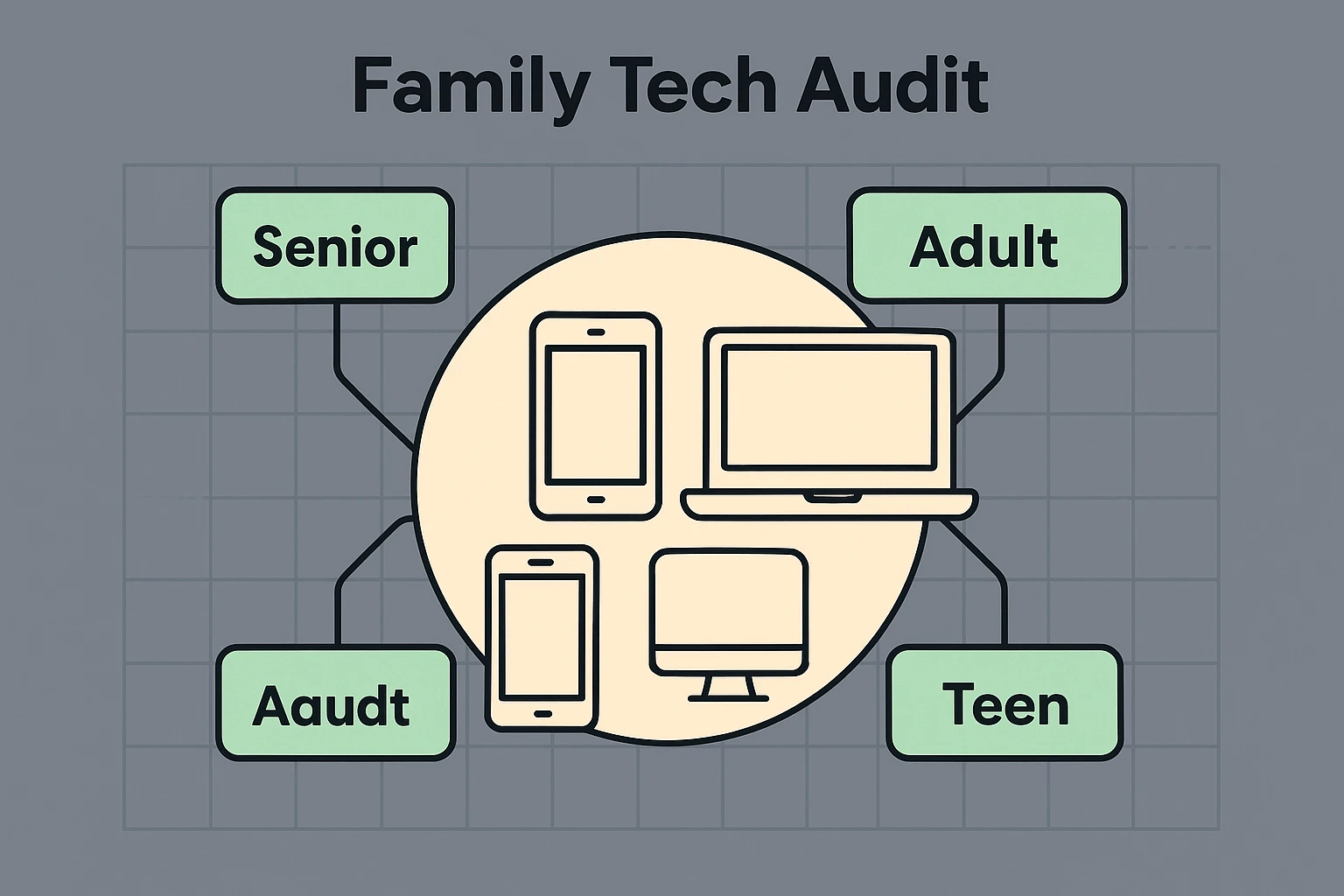
Before anyone starts guessing the capital of North Dakota, you need to know what equipment your family is working with. Trying to get everyone on the same page when they are using totally different gadgets is the number one reason family games fail.
First, appoint a “Quiz Master.” This is the brave soul (maybe you!) who will host the game. The Quiz Master doesn’t need to be a tech genius, just someone willing to send out the link and keep the game moving. Next, do a quick tally of what devices your family members plan to use.
Here is how the devices generally stack up for online trivia:
Once you know what everyone is using, you can avoid the dreaded “Where is the button?” conversation. A “Join Game” button might be at the bottom of a phone screen, but tucked away in the top right corner on a laptop.
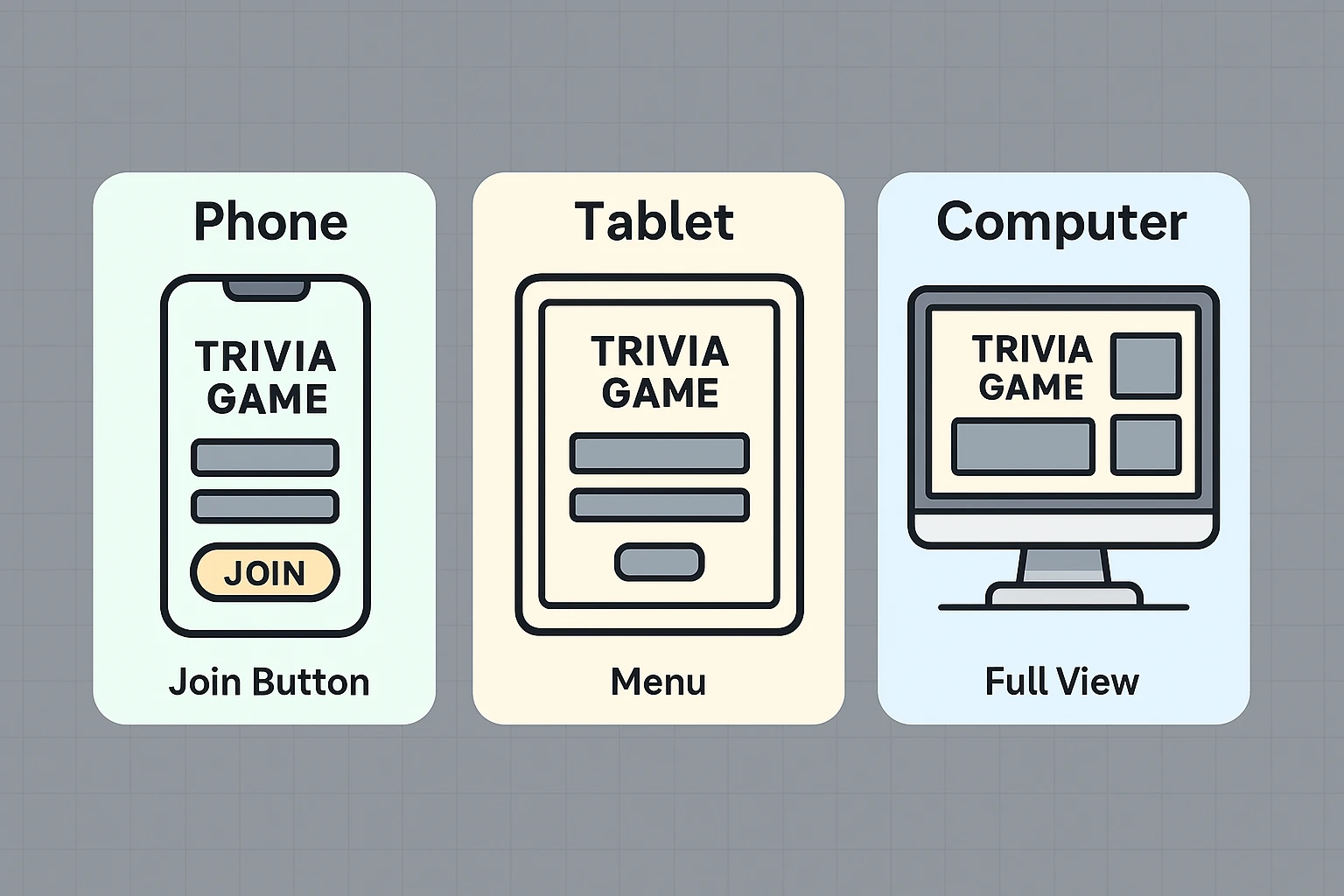
Now that you know your family’s hardware, it’s time to introduce you to the magic of the “2-Device Rule.” This is the gold standard for online family trivia, and understanding it will instantly cure 90% of your tech headaches.
The concept is simple: you use a big screen for seeing and a small screen for playing. Think of your computer or tablet (running Zoom or FaceTime) as the TV game show host. Then, think of your smartphone as your personal buzzer to submit your answers.
Here is a quick matchmaking guide to the best platforms based on your family’s vibe:
If you want large buttons, zero clutter, and an interface that easily passes the “Grandma Test,” Kahoot is your best bet. The host shares their screen on a computer, and everyone else just types a short PIN number into their phone to join. No passwords, no stress.
If you have teenagers playing alongside grandparents, Jackbox is brilliant. It heavily relies on the 2-Device Rule. The host runs the game on their computer, and everyone else uses their phone’s web browser as a controller. It handles the tech in the background so you can focus on the fun.
If your family treats trivia like an Olympic sport and everyone is comfortable with technology, these platforms offer deep customization. Just be warned: the setup is a bit more involved, so skip this if Uncle Larry still struggles to unlock his iPad.
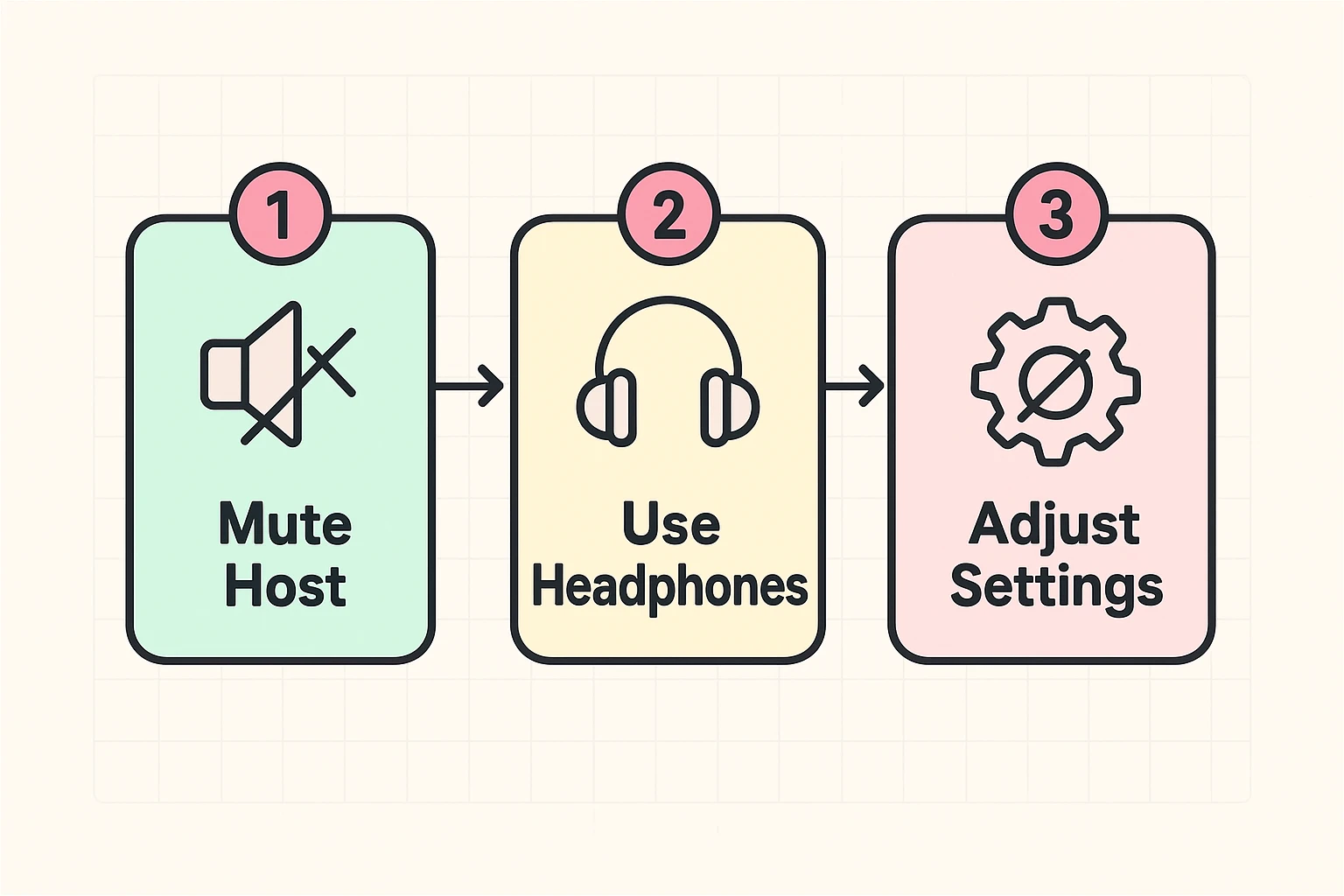
Even with the perfect setup, gremlins can sneak into your game night. The most notorious of these is the dreaded Audio Feedback Loop. This sounds like a robot stepping on a Lego, and it happens when two microphones in the same room are active, or when your game audio loops back into your Zoom call.
To fix the echo, follow the “One Mic Rule.” If two people are in the same room playing on different devices, only one device can have its microphone and speakers turned on. The other person must completely mute their device’s volume.
Another common hurdle is reading tiny text. If the host is sharing their screen and the words are too small, don’t squint until your eyes water. Most video call software allows you to “Pin” the host’s screen to make it larger. If you are playing on a web browser, you can hold down the “CTRL” button (or “Command” on a Mac) and tap the “+” key to instantly make everything bigger.
Finally, if the game seems to be lagging and your answers are registering late, the culprit is usually your Wi-Fi stretching too thin. Disconnect any smart TVs or devices you aren’t currently using, or simply move closer to your Wi-Fi router.
Think of the game code (or PIN) like a secret knock to get into a treehouse. Because thousands of people are playing trivia games online at the exact same time, the game needs a way to make sure Uncle Larry ends up in your family’s game, and not a game with a group of strangers in Ohio.
Technically, yes, but we don’t recommend it. Trying to look at a Zoom window while also tapping a web browser to submit an answer on a single iPad requires constant swiping back and forth. It’s a recipe for accidentally hanging up on your family. Stick to the 2-Device Rule!
For most modern trivia games like Kahoot or Jackbox, the answer is a glorious no. The Quiz Master might need to create an account, but the players usually just go to a standard website on their phone’s browser (like Safari or Chrome) and type in the game code.
You now possess the forbidden knowledge of online family gaming. You know about the 2-Device Rule, you know how to defeat the audio echo, and you know why trying to host a game from a smartphone is a terrible idea.
Your next step is simple: pick a date and send out an invite. Tell your family exactly what they need to bring to the digital table (e.g., “Join the Zoom call on your laptop, and have your smartphone fully charged and ready to be your buzzer!”).
Technology shouldn’t be a barrier to spending time with the people you love; it should be the bridge. With a little patience, a clear setup, and maybe a forgiving sense of humor when someone inevitably forgets to unmute themselves, you’ll be making memories in no time. Now, go brush up on your 70s TV trivia. You’ve got a championship to win.