Newsletter Subscribe
Enter your email address below and subscribe to our newsletter

Enter your email address below and subscribe to our newsletter
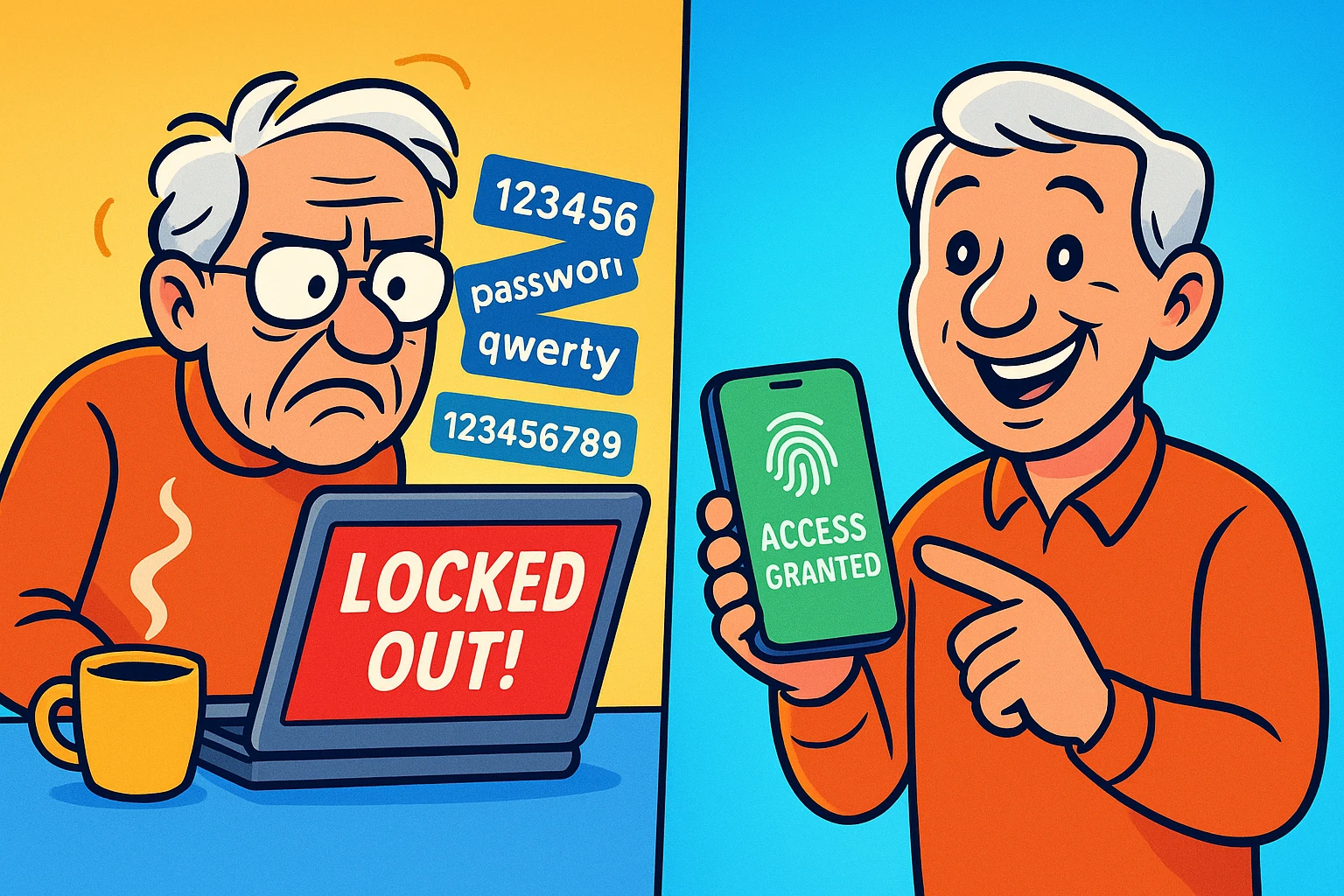
Picture this: You just want to pay your quarterly trash collection bill online. You sit down, type in your username, and then comes the dreaded password box. Was it “DumpsterFire2022!” or your dog’s name followed by the year of your first hip replacement?
You try three variations. The website immediately locks you out, acting as if you just tried to launch nuclear missiles, and demands you prove you are a human by clicking on blurry pictures of traffic lights. You could have walked a paper check down to the utility company, uphill in the snow, in the time it takes to reset this login.
If this sounds familiar, you are not alone. Passwords are the digital equivalent of mosquito bites—infuriating, constant, and seemingly unavoidable. But what if I told you the password is dying, and something much better is taking its place? Enter the “passkey.”
To understand passkeys, you don’t need a degree in computer science. Instead of typing a password, you use your phone, tablet, or computer to unlock the website exactly the same way you unlock the device itself. You just use your face, your fingerprint, or your simple screen PIN.
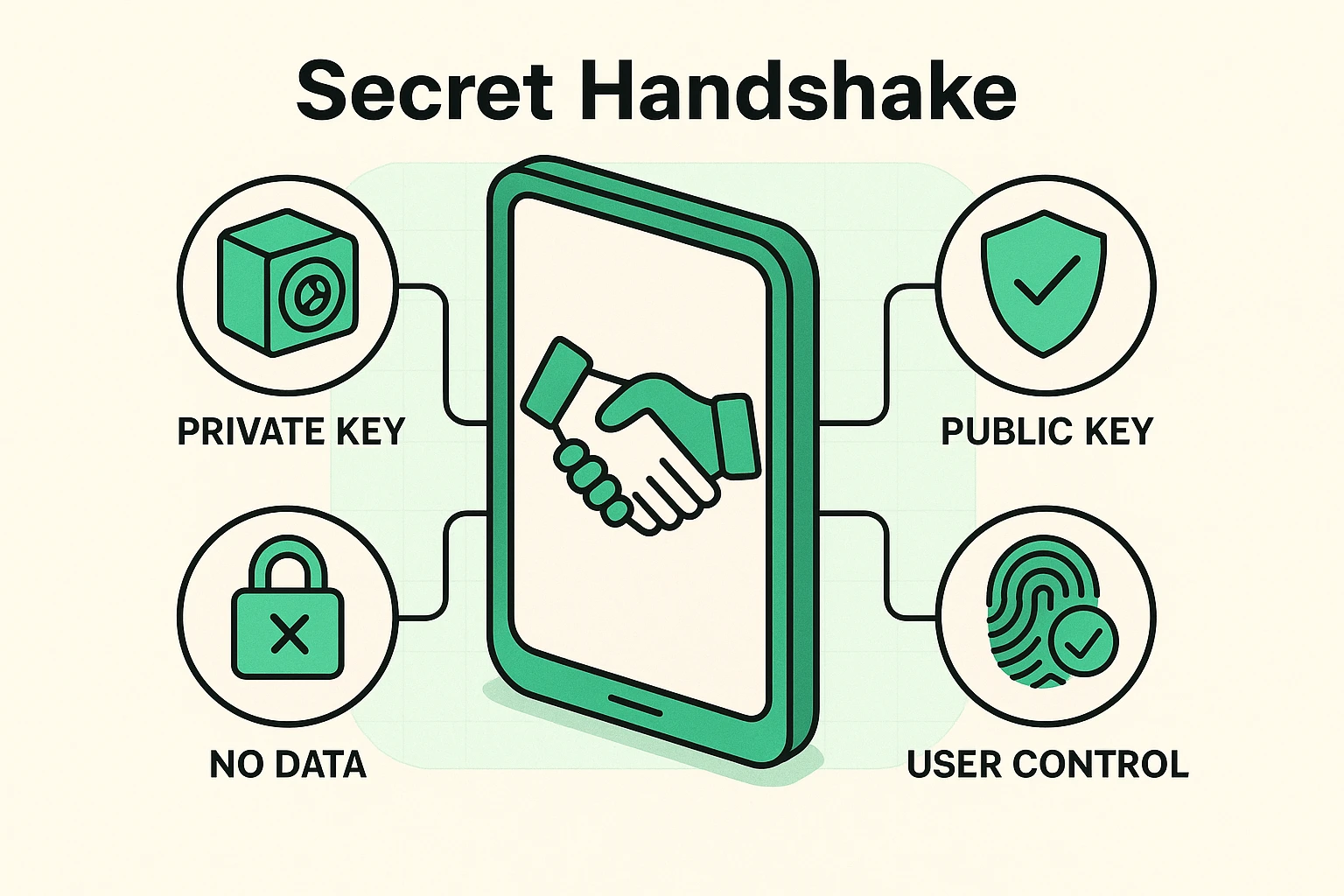
Think of it like a highly secure bank vault that requires two keys to open. The website holds a “public” lock, and your phone holds a unique “private” key. When you try to log in, the website shouts over to your phone, “Hey, do you have the key?”
Your phone then looks at your face or fingerprint to make sure it’s really you. Once it confirms your identity, it quietly performs a digital secret handshake with the website. The absolute best part? The website never actually sees your private key. If a hacker breaks into the website’s database, all they get is a pile of useless public locks.
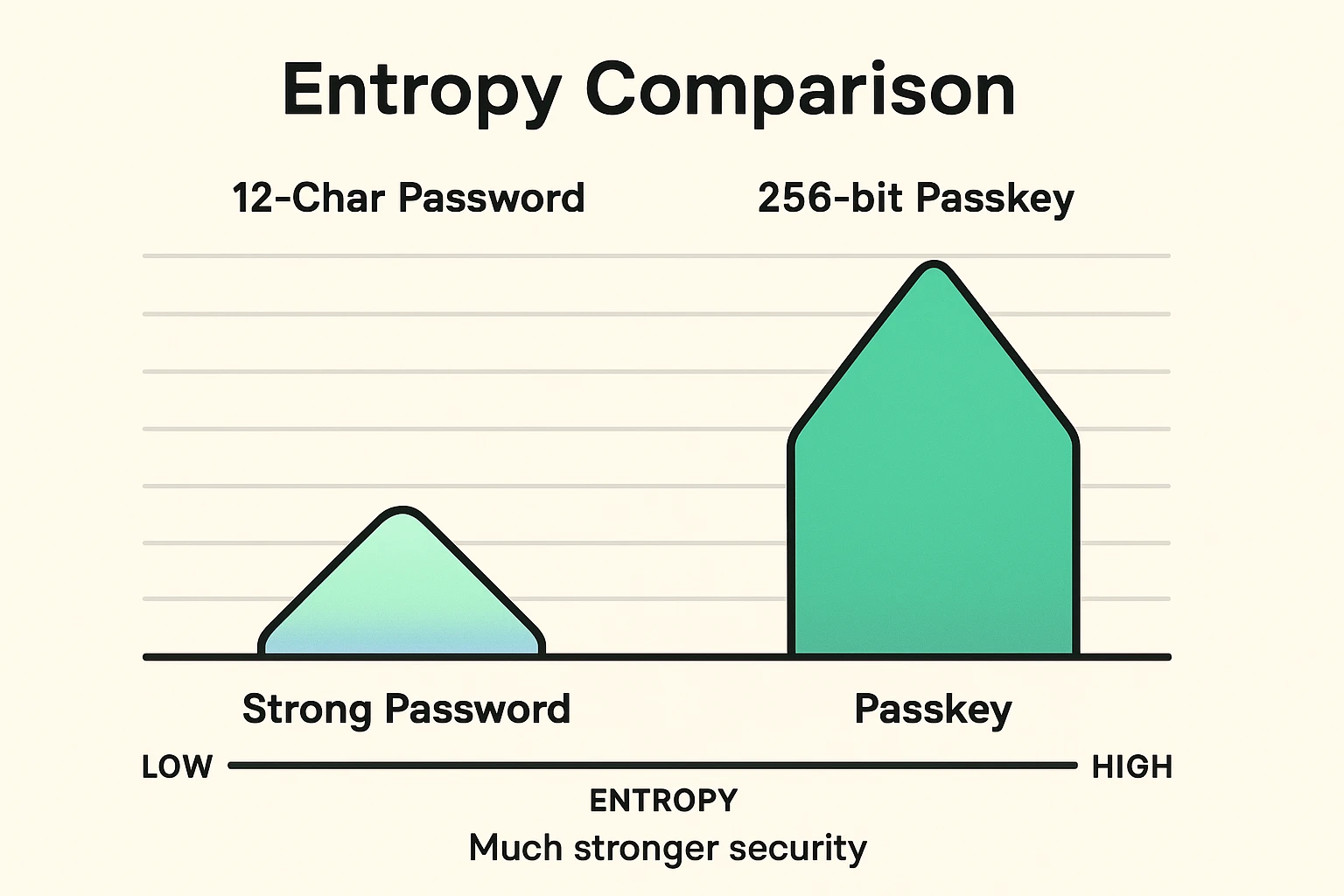
Tech nerds love a fancy mathematical word called “entropy.” In the security world, entropy basically means “how insanely difficult this is to guess.” It’s the difference between hiding a spare key under your doormat versus burying it somewhere in the Sahara Desert.
Even a “strong” password—like “FluffyB@kesC00kies!”—is just a tiny grain of sand to a modern hacker’s computer program. With the right tools, they can guess it in minutes. A passkey, however, is a massive 256-bit cryptographic mountain. It is mathematically impossible to guess.
This is exactly why we constantly preach about setting up strong auth (strong authentication) methods for your accounts. Passkeys take that concept and put it on steroids, multiplying your security by billions without making you memorize a single extra character.
I know what you’re thinking. “I am absolutely not giving my fingerprint or my face to the internet!” I don’t blame you. If a website asked me for my actual fingerprint, I’d shut my laptop and go read a book. Let’s clear up some perfectly valid concerns.
Fear #1: “Is my face on the internet?” No. Never. Your biometric data lives securely in a “Local Vault” on your phone, often called the Secure Enclave. It never leaves your device and goes into the cloud. Your phone just tells the website, “Yep, I checked, and it’s really Bob.”
Fear #2: “What if I lose my phone?” If your phone takes an unexpected swim in the toilet, your passkeys are safely backed up to your Apple iCloud or Google account. When you buy a replacement phone, you just sign into your cloud account, and boom—your passkeys are back. And if you’re ever worried about being locked out of other accounts during a phone crisis, knowing how to handle two factor authentication but i lost my phone can give you great peace of mind.
Fear #3: “Do I still need a password manager?” Yes, for now. Not every website supports passkeys yet, so a password manager is still your best friend for older logins. Plus, if you ever need to perform a master password reset for your manager, having those traditional backup methods securely stored is still a necessity.
Ready to dip your toes in the water? You can test passkeys out right now on major accounts like Google, Amazon, or Apple. It only takes a minute.
Step 1: Log into your account the old-fashioned way, using your username and password.
Step 2: Navigate to your Account Settings and look for a section called “Security,” “Sign-in Options,” or “Passwords.”
Step 3: Click the button that says “Create a Passkey” or “Add a Passkey.”
Step 4: Your device will pop up a little message asking you to use your face, fingerprint, or PIN to confirm. Do that, and you’re officially done!
The next time you log into that website, you won’t type a password. You’ll just smile at your camera or tap your finger, and you’re instantly in.
Passkeys are the very first step toward a tech concept called “UID2” (Unified ID 2.0). You don’t need to remember that acronym. Just know it means a future where your digital identity is completely secure, highly private, and entirely under your control.
Behind the scenes, organizations like the FIDO Alliance are making sure this technology is universally safe across the web. We won’t bore you with their “WebAuthn” technical manuals, because reading them is a great cure for insomnia. Just know that incredibly smart folks are working around the clock to ensure you never have to click on another blurry picture of a crosswalk again.
Yes! If you use the same Apple ID on both devices, your passkeys sync automatically. The exact same magic happens across Android devices and Google accounts.
Absolutely. Text messages can sometimes be intercepted or tricked by clever scammers. Passkeys cannot be stolen this way because there is no code or password to physically steal.
You can usually set up multiple passkeys for a single account! You can set up one passkey on your device using your face, and your spouse can set up a second passkey on their device using their fingerprint.
The transition to a completely passwordless world won’t happen overnight. You’ll probably still have to wrestle with the local disposal company’s website for a little while longer. But as more and more websites adopt this brilliant technology, your digital life is going to get significantly easier and infinitely safer. So, the next time your phone asks if you want to create a passkey, go ahead and say yes!