Newsletter Subscribe
Enter your email address below and subscribe to our newsletter

Enter your email address below and subscribe to our newsletter
Picture this. You’re at your local coffee shop, enjoying a lukewarm latte and reading up on the latest gardening trends on your laptop. Suddenly, nature calls. You are now faced with one of modern life’s greatest dilemmas. Do you unplug your charger, wrestle your laptop into its bag, grab your phone, and haul your entire electronic life into the restroom with you? Or do you perform the universal gesture of desperation: turning to the stranger at the next table and whispering, “Can you watch my stuff?”
Relying on a stranger whose primary qualification is “also drinking coffee” is not exactly high-level security. We spend so much time worrying about hackers in dark rooms stealing our data that we forget about the guy in the sensible khakis who can just walk off with our actual computer.
Sure, you have a strong password. But a password won’t stop someone from tucking your iPad under their arm and strolling out the door. Today, we’re going to talk about physical security—the simple, real-world ways to lock down your gadgets so they don’t grow legs.
We tend to suffer from something experts politely call “convenience bias.” We think zipping our laptop bag or flipping the cover over our tablet makes it invisible to bad guys. It doesn’t. In the world of tech theft, a zipped bag is really just a convenient carrying case featuring a helpful handle for the thief.
Most device thefts aren’t pulled off by criminal masterminds lowering from the ceiling on wires. They are crimes of opportunity. A thief is looking for a quick grab, and in fact, most physical device thefts take less than five seconds to pull off.
Your goal isn’t to make your device mathematically impossible to steal. Your goal is to make it slightly more annoying to steal than the device belonging to the person sitting next to you. You want to be a “hard target.” Let’s look at the simple hardware that makes that happen.
Back in the day, laptops were the size and weight of cinder blocks. Walking off with one required a forklift and a chiropractor. Today, they are whisper-thin and weigh less than your average Sunday newspaper, making them incredibly easy to slip into a coat pocket.
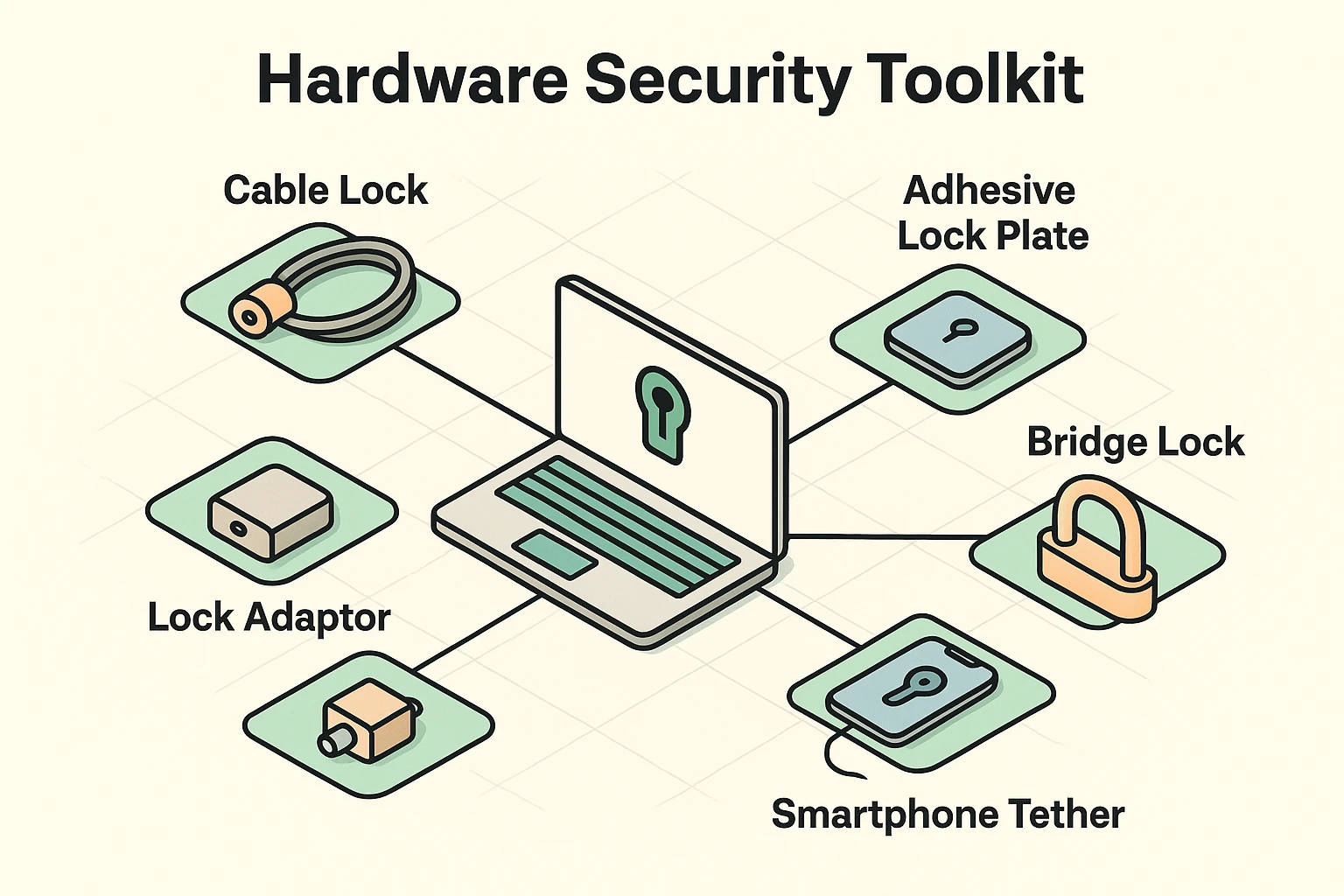
To combat this, many laptops have a tiny, oval-shaped hole on the side called a Kensington slot. You can buy a special cable lock, plug it into this slot, and loop the other end around something heavy. But here is the catch—and it’s a big one.
You must loop the cable around something that cannot move. This is known in the security world as the “Anchor Concept.” If you loop your heavy-duty steel cable around a lightweight cafe chair, the thief will simply steal your laptop and the chair. Always anchor your device to a heavy, bolted-down table leg or immovable fixture.
But what if you have a sleek new MacBook, a Microsoft Surface, or an iPad? These modern marvels suffer from the “No-Slot Problem” because they are simply too thin for a traditional lock hole. Fortunately, you can buy lock adapters. These are super-strong adhesive plates that stick to your device (or its hard case) and provide a secure loop for a cable, acting like a leash for your tablet.
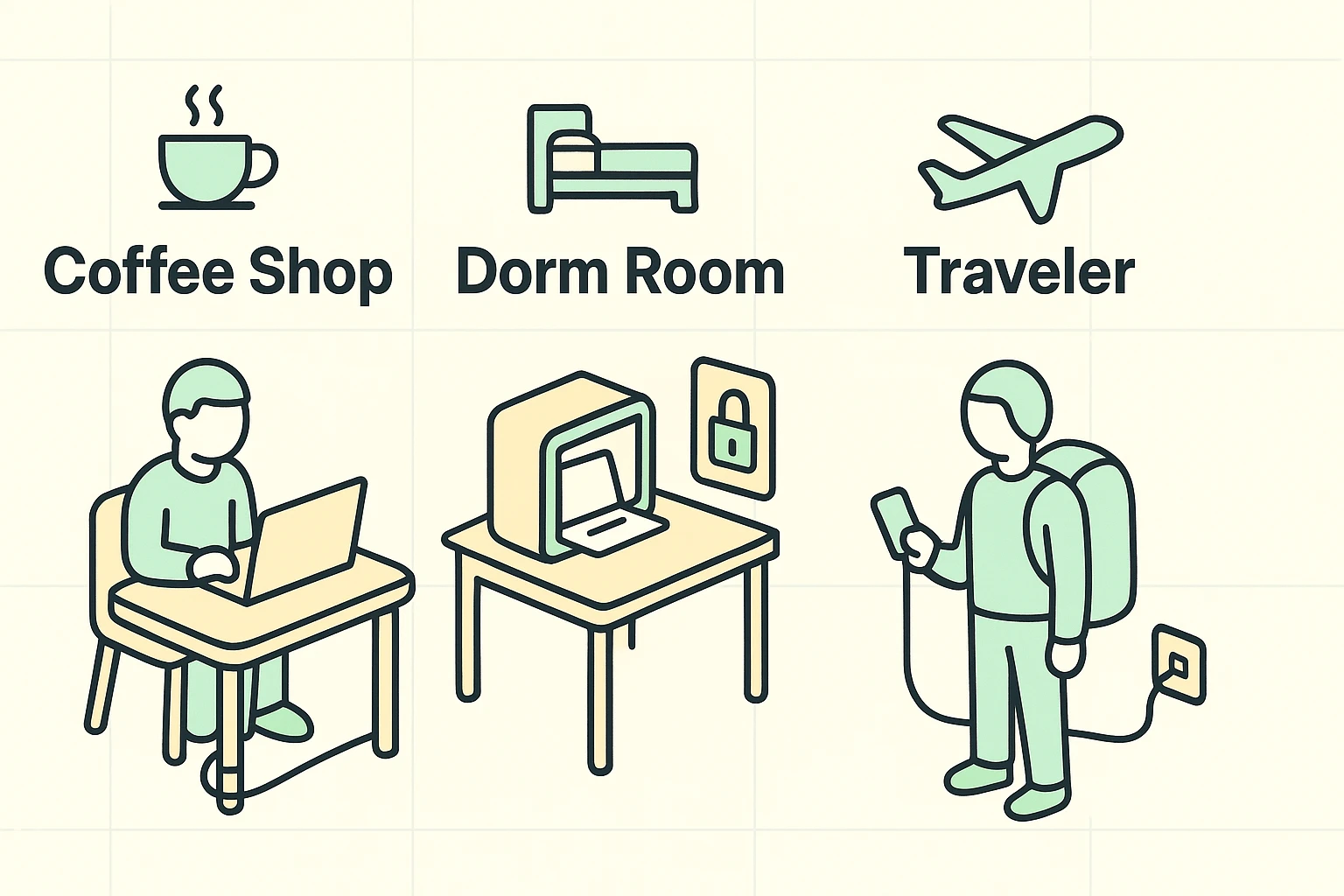
Where you are dictates how you should protect your stuff. Let’s break down a few common scenarios so you can outsmart the bad guys wherever you go.
If you must use the restroom at a cafe, you have two safe choices: pack up your gear and take it with you, or use a physical cable lock. Leaving a half-eaten muffin on your keyboard to “claim your space” will not deter a thief. Take the laptop, leave the muffin.
When traveling, try to use bags that do not look like laptop bags. A sleek, padded black nylon briefcase practically screams, “Expensive electronics inside!” A ratty canvas tote bag or a generic backpack just says, “Probably contains a sweater and some breath mints.” Also, always use the hotel room safe for your tablet when you head down to the breakfast buffet.
Phones are the easiest targets because we wave them around in public like little digital flags. When walking on busy streets, keep a firm grip on your device. Consider using a phone ring on the back of your case or a tether—a small strap that attaches your phone to your wrist. It stops accidental drops, and it stops thieves from doing a quick “snatch and run.”
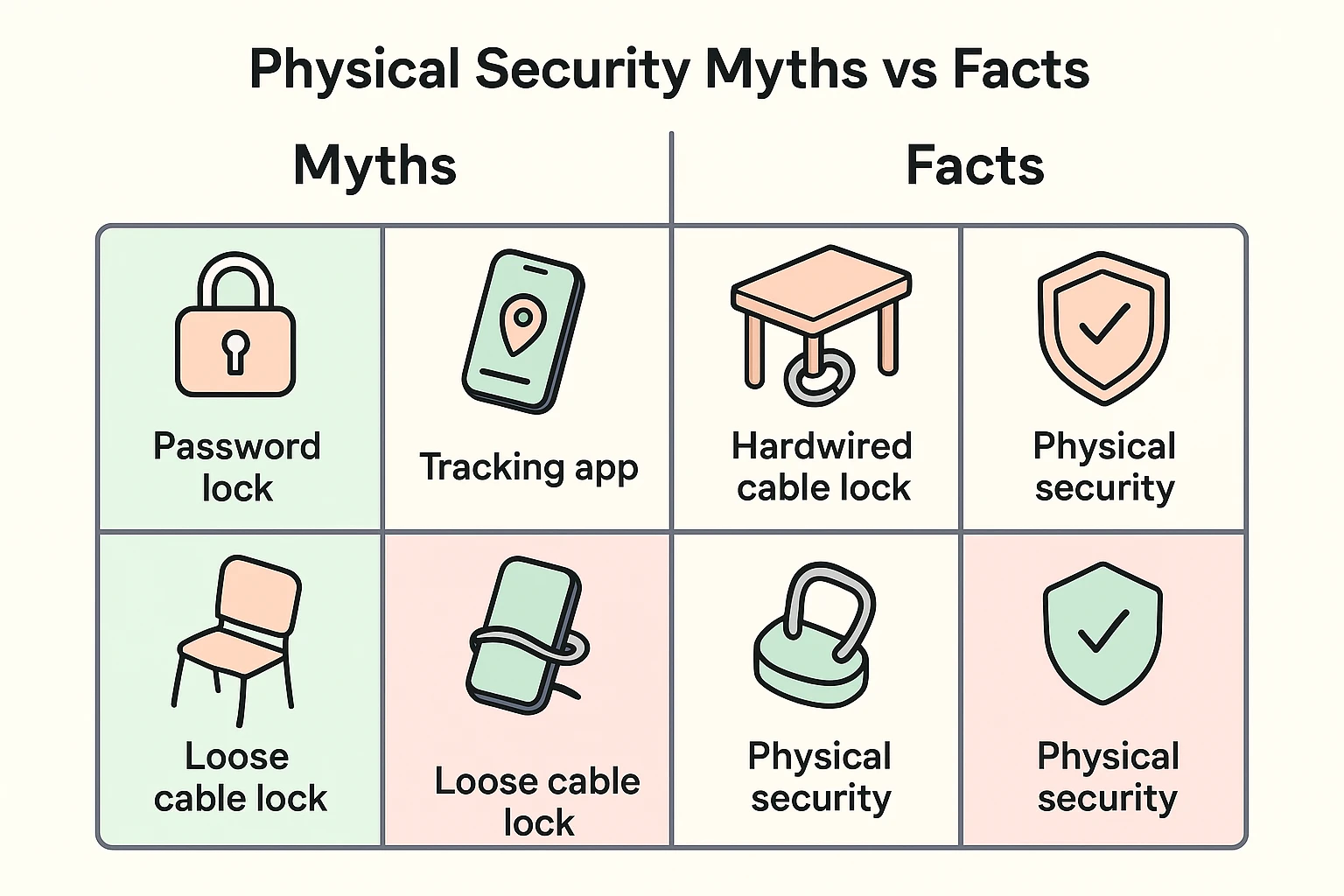
We need to talk about a massive misconception in the tech world. It’s the widespread belief that having a tracking app like “Find My iPhone” or “Find My Device” will actually prevent your gadget from being stolen in the first place.
Tracking apps are wonderful, but they are what security folks call “post-mortem” security. They tell you exactly where your device went after it was stolen. They do not project a magical force field that repels pickpockets while you’re distracted.
Furthermore, if your phone is stolen, getting into your other accounts can quickly become a nightmare. If you rely on your phone to receive text message security codes, you might find yourself dealing with a two factor authentication lost phone scenario, which is about as fun as a root canal.
This is also why managing your digital keys properly is crucial alongside physical security. If someone grabs your laptop while it’s unlocked, you need to be able to lock them out from another device quickly. Knowing how to execute a master password reset for your password manager is a vital emergency skill to have in your back pocket.
Let’s say the absolute worst happens. Despite your best efforts and your lack of flashy laptop bags, your gadget goes missing. What do you do now?
First, don’t play amateur detective. Even if your tracking app shows your phone is currently sitting in an apartment building across town, do not go knocking on doors. That’s how a stolen phone turns into an episode of a true-crime podcast. Call the police and let them handle it.
Second, use another device (like your spouse’s tablet or a home computer) to remotely wipe your stolen gadget. Both Apple and Google have built-in features that let you erase all your personal data from afar. This brilliant feature turns your expensive, data-filled smartphone into a very shiny, very useless paperweight for the thief.
If you frequently use your laptop in public places like libraries, airports, or cafes and occasionally need to step away to grab a napkin or use the restroom, yes. It’s a very small, inexpensive price to pay for total peace of mind.
Don’t worry, you aren’t out of luck. You can easily buy adhesive lock adapters online. They stick securely to your device using industrial-strength glue and provide a built-in loop so you can attach a standard cable lock.
With heavy-duty bolt cutters, yes, they absolutely could. But remember the 5-second rule. Most thieves aren’t walking around your local coffee shop with massive bolt cutters stuffed down their pants. They want a quick, quiet grab, and a cable lock ruins that plan entirely.
Taking physical care of your devices isn’t about being paranoid; it’s just about being practical. By treating your laptop, phone, or tablet with the exact same caution you’d give a stack of twenty-dollar bills sitting on a cafe table, you’ll save yourself a tremendous amount of heartache.
Start small today. Memorize the 5-second rule, consider investing in a basic $20 cable lock if you like to work in public, and maybe hold off on using a fancy bag that screams “I contain expensive things!” Your devices—and your sanity—will thank you.