Newsletter Subscribe
Enter your email address below and subscribe to our newsletter

Enter your email address below and subscribe to our newsletter
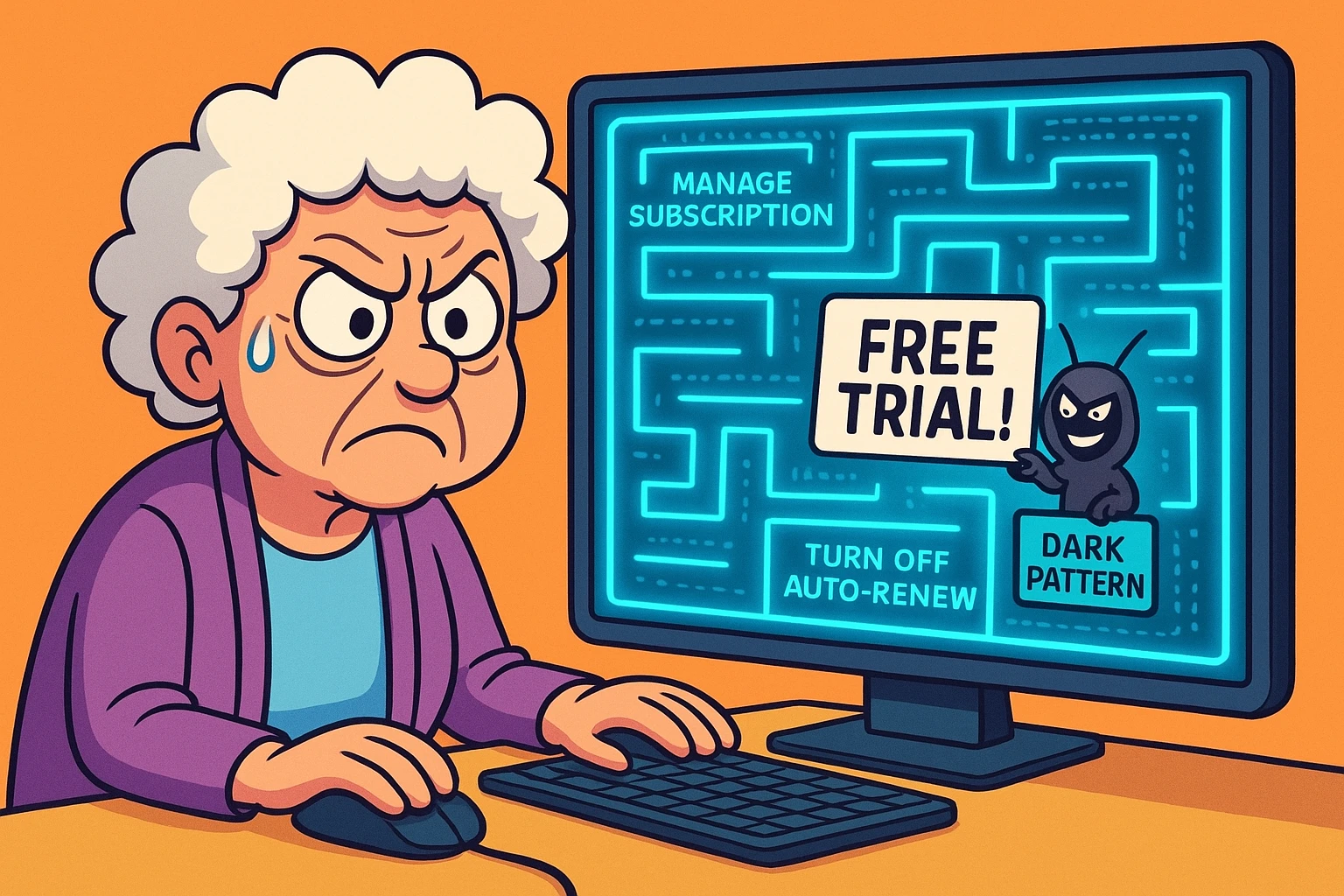
Have you ever signed up for a seemingly innocent “free 7-day trial” to read a single article about gardening, only to discover that canceling the trial requires a blood sacrifice, a treasure map, and a notarized letter delivered by a carrier pigeon? You click “Account.” You click “Settings.” You wander blindly through digital hallways until you eventually just accept that you are now legally married to The Daily Turnip magazine for the rest of your natural life.
If this sounds painfully familiar, please put down the heavy object you’re currently holding over your computer screen. You are not losing your mind, and you are certainly not “bad at technology.” You are simply the victim of a “Dark Pattern.”
Dark patterns are deliberate, sneaky design choices made by websites to trick you into doing things you didn’t mean to do, like buying accidental insurance or keeping a subscription you never use. It’s not a glitch; it’s a trap. And today, we are going to learn how to spot these traps from a mile away.
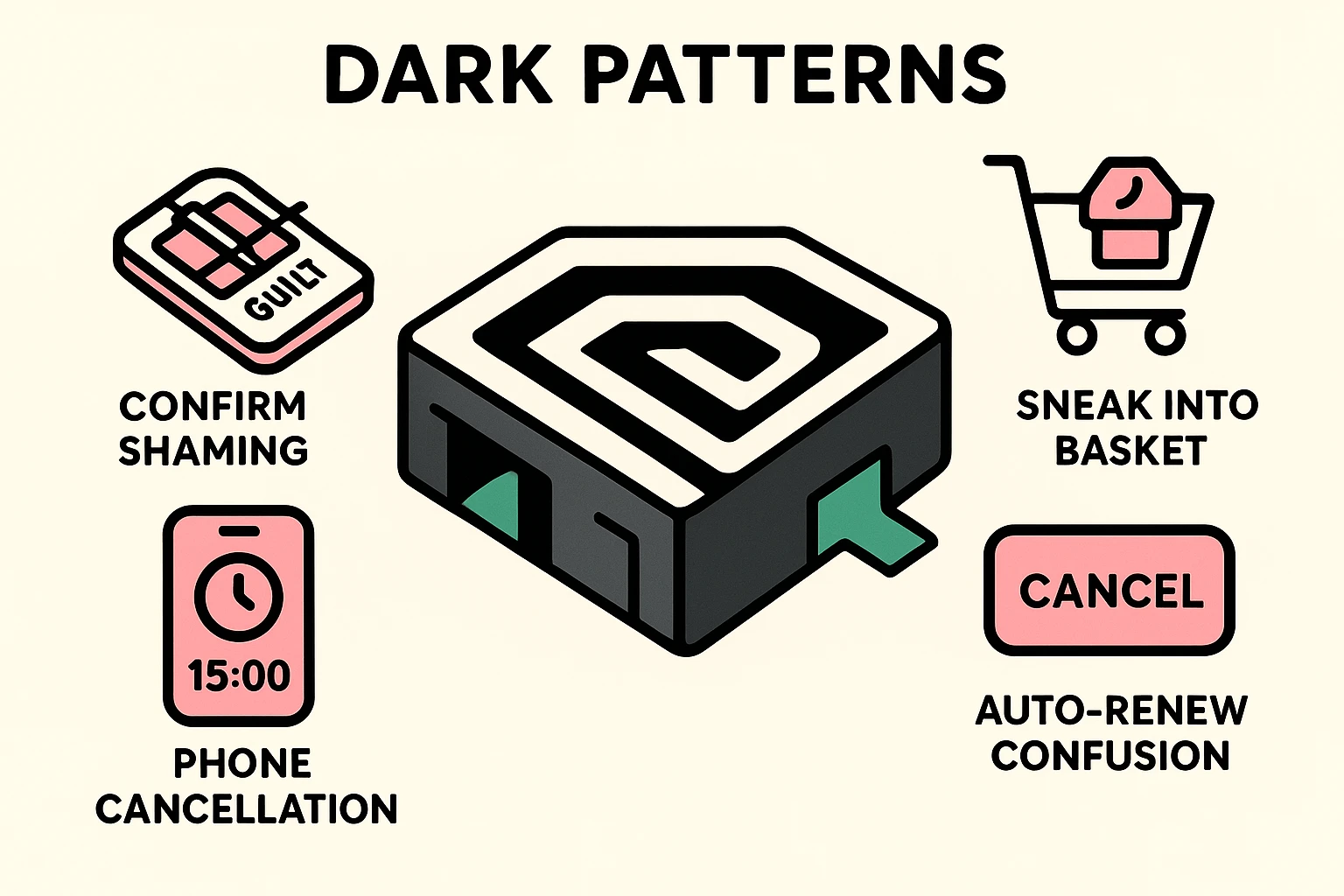
The people who study these sneaky tactics (like the experts at Deceptive.design) have actually given names to these tricks. Once you know what to call them, they lose their power to intimidate you. Let’s look at the most common culprits.
This is exactly what it sounds like: it’s incredibly easy to check in, but impossible to check out. A company will gladly let you sign up for their streaming service with one single, joyous click. But when you want to leave? Suddenly, you have to call a 1-800 number during very specific business hours and sit on hold for 40 minutes listening to elevator music.
Imagine you are at the grocery store, and every time you turn your back, a mischievous toddler tosses an expensive candy bar into your cart. That’s “Sneak into Basket.” You go online to buy a simple printer cable, and when you check out, the website has quietly added a $14.99 “Premium Protection Plan” to your total. You have to manually uncheck the box to avoid buying it.
This is when a website tries to guilt-trip you into spending money. A giant pop-up appears offering you a monthly subscription to a vitamin club. The “Yes” button is bright, beautiful, and inviting. The “No” link is written in tiny, light gray text and says something ridiculous like, “No thanks, I prefer to have terrible health and zero energy.” They want you to feel bad so you’ll click “Yes.” Don’t fall for it!
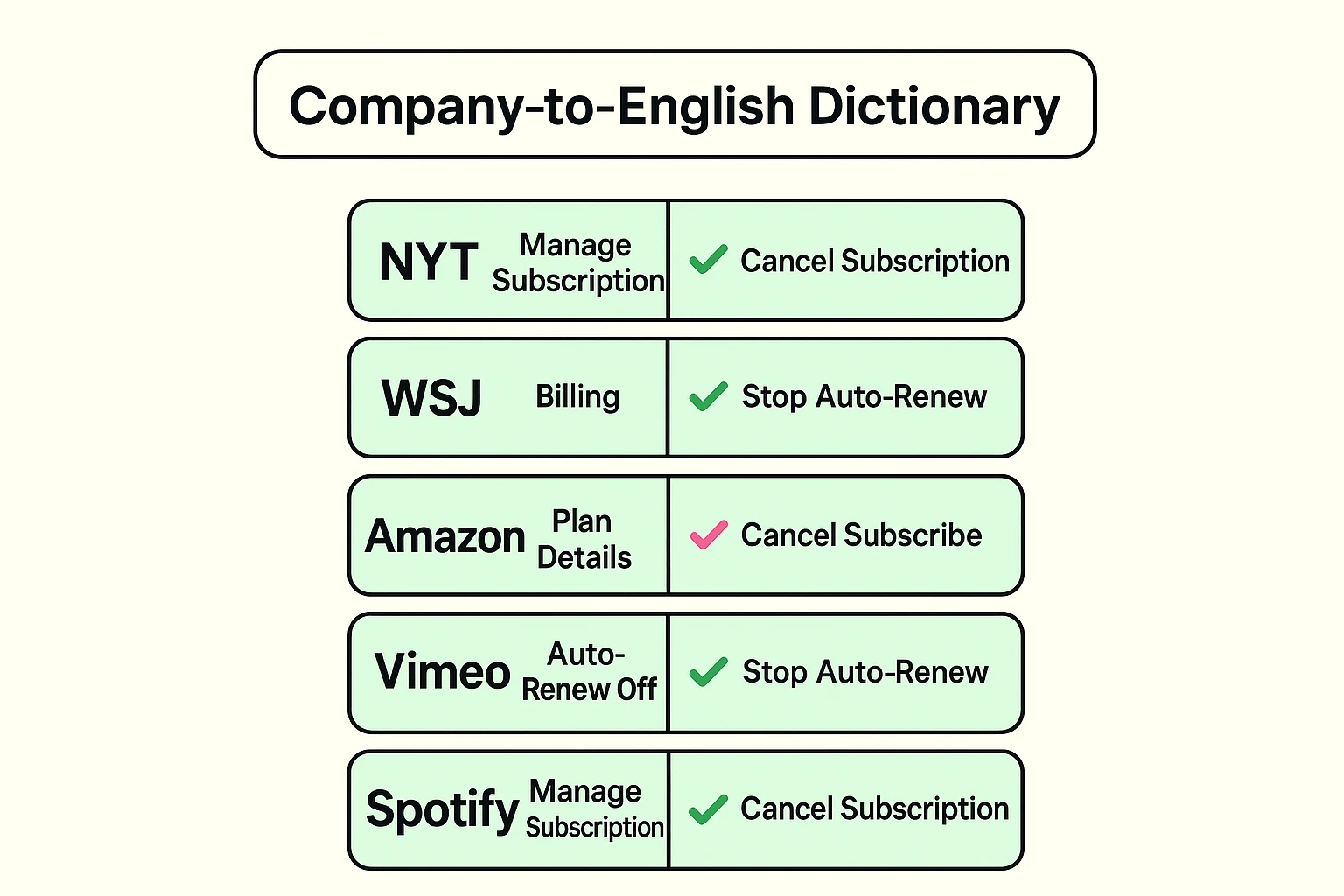
One of the biggest hurdles to canceling a service is that companies refuse to use the word “Cancel.” That would be too easy. Instead, they hide the exit door behind a maze of corporate gibberish.
Here is a handy translation guide to help you decode what companies actually mean:
The best time to defeat a dark pattern is before you even enter your credit card information. According to researchers at Stanford University, companies rely heavily on “default bias”—human inertia that keeps us paying for things simply because it’s too much of a hassle to stop.
First, treat every “free trial” as a future bill. The moment you sign up for a free trial, immediately go into the account settings and turn off “Auto-Renew.” You will still get your 7 days of free access, but the website won’t be able to magically charge you when the week is up.
Second, if a website makes you jump through hoops to get rid of unwanted subscriptions, document your escape. Take a picture of the screen with your smartphone when you finally click “Cancel” or “Turn off Auto-Renew.” If a company tries to claim you never canceled, you’ll have the digital equivalent of a receipt to show your credit card company.
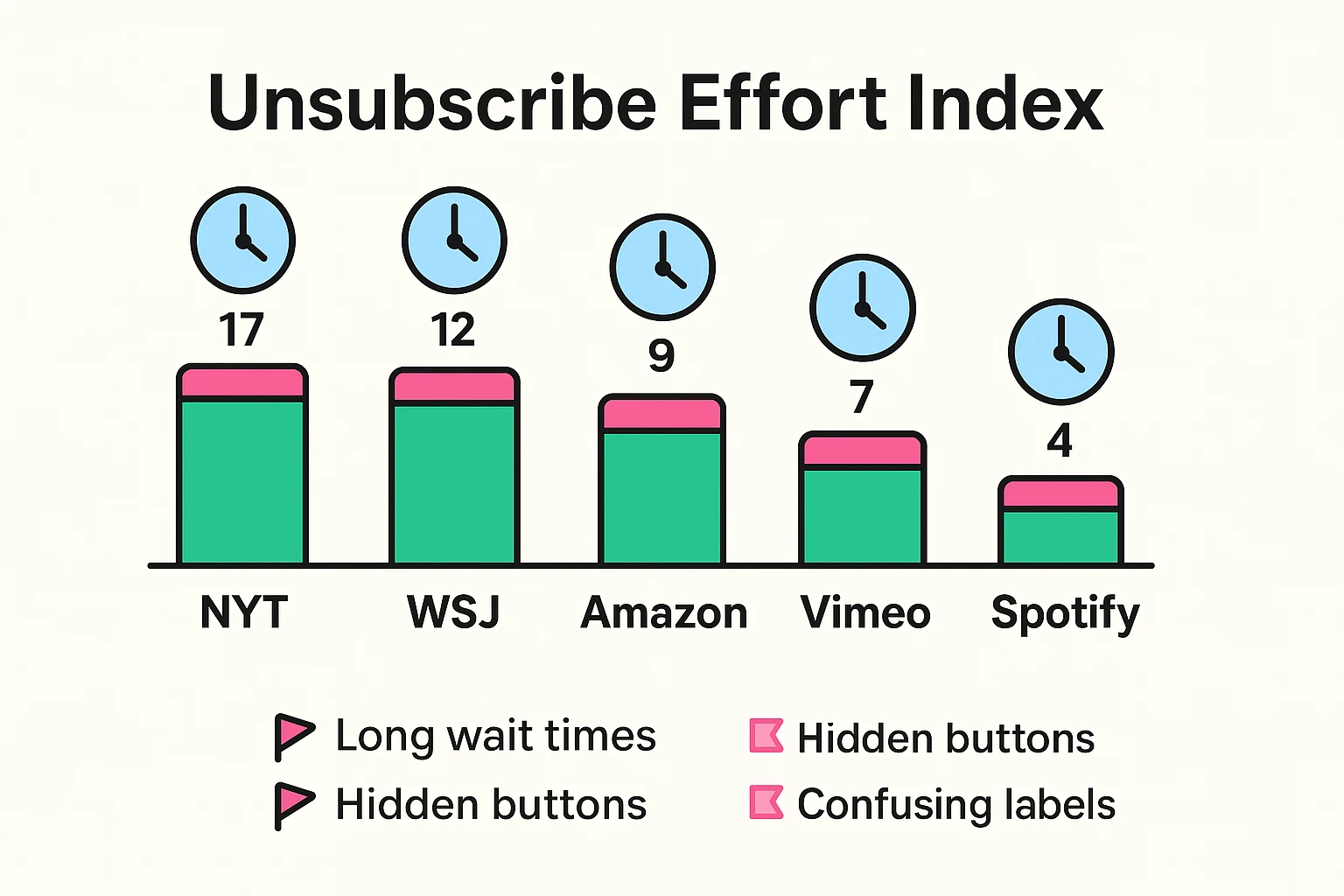
If you feel like these subscription mazes are getting worse, the data backs you up. The data journalists at The Pudding recently ran an experiment where they signed up for 16 different subscriptions. It took them nearly an hour to cancel them all, required endless phone calls, and they still ended up losing $330 in surprise fees. Some major newspapers even forced them to sit on hold for 17 minutes just to leave!
Fortunately, the Federal Trade Commission (FTC) has finally had enough of this nonsense. They recently introduced the “Click-to-Cancel” rule. The concept is based on a simple rule of proportionality: If it took you one click to sign up for a service, it should only take you one click to cancel it.
Companies are no longer legally allowed to force you to call a phone number to cancel if you originally signed up online. If a company tells you that you must call to cancel your web-based subscription, they are breaking the rules, and you have every right to dispute the charge directly with your credit card company.
This is a fancy legal term for a subscription that automatically renews unless you explicitly tell it to stop. It basically means the company takes your silence as a loud, enthusiastic “Yes, please keep taking my money!”
No! This is one of the biggest misconceptions in the digital world. Deleting an app from your phone is like throwing away the remote control to your television; the TV is still on, and you are still paying for it. You must log into your account to officially cancel the service.
If a company hides the button or their phone lines “mysteriously” disconnect you, don’t waste your afternoon fighting them. Call the customer service number on the back of your credit card, explain that the merchant is using deceptive cancellation practices, and ask them to block all future charges from that company.
Navigating the internet shouldn’t feel like walking through a minefield of hidden fees and guilt trips. By learning to recognize the Roach Motels and Confirmshaming traps, you take away the only advantage these websites have: the element of surprise.
Take a few minutes today to check your bank or credit card statements for any $5 or $10 charges you don’t recognize. Often, these are the forgotten remnants of a free trial from months ago.
Your technology should serve you, not the other way around. Be sure to bookmark senior tech cafe for more plain-English guides, a healthy dose of humor, and practical advice to help you outsmart the tech industry and stay safe online.