Newsletter Subscribe
Enter your email address below and subscribe to our newsletter

Enter your email address below and subscribe to our newsletter
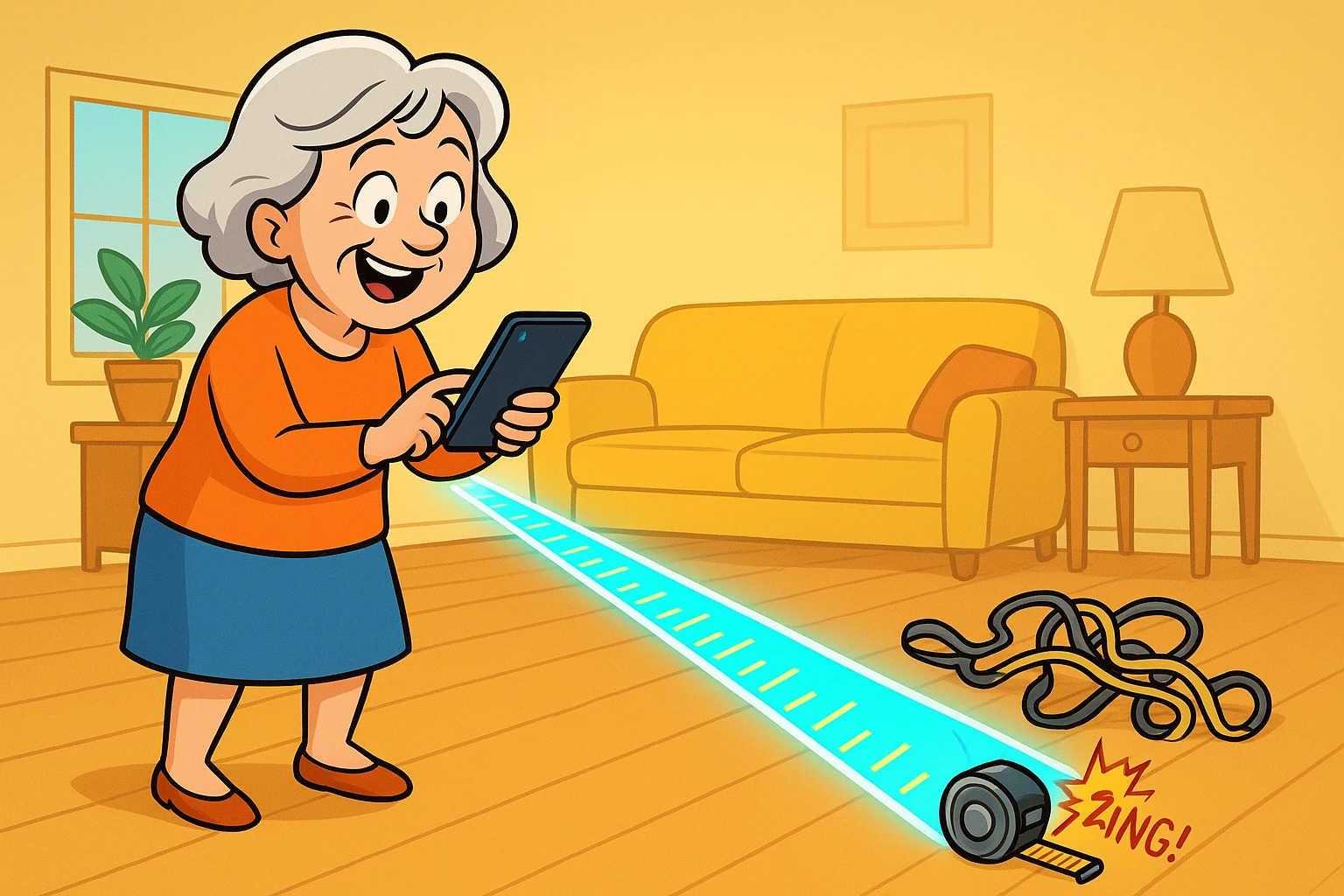
Have you ever decided to measure the living room for a new rug, only to realize your metal tape measure is exactly 12 feet long and your room is 14? You end up doing a strange, crouching crab-walk across the carpet, pinning the tape down with your knee while trying not to lose your spot. Then, inevitably, the tape measure slips and snaps back at your fingers with the ferocity of a starved mousetrap. By the time you’re done, your back is throbbing and your knees sound like a bowl of freshly poured Rice Krispies.
If this sounds painfully familiar, you are in excellent company. For decades, household DIY and maintenance have required us to contort our bodies into spaces meant only for dust bunnies and very small rodents. But what if I told you that your smartphone could do the heavy lifting—and the measuring—for you?
Enter Augmented Reality (AR). Now, before you start picturing teenagers walking into lampposts while playing video games on their phones, hear me out. AR is quickly becoming one of the most practical, back-saving tools for seniors who want to age in place safely. Think of it as a “Magic Ruler” or a digital x-ray that helps you see your home in a completely new, helpful way. Let’s ditch the metal tape measure and explore how this incredible tech can make your daily life a whole lot easier.
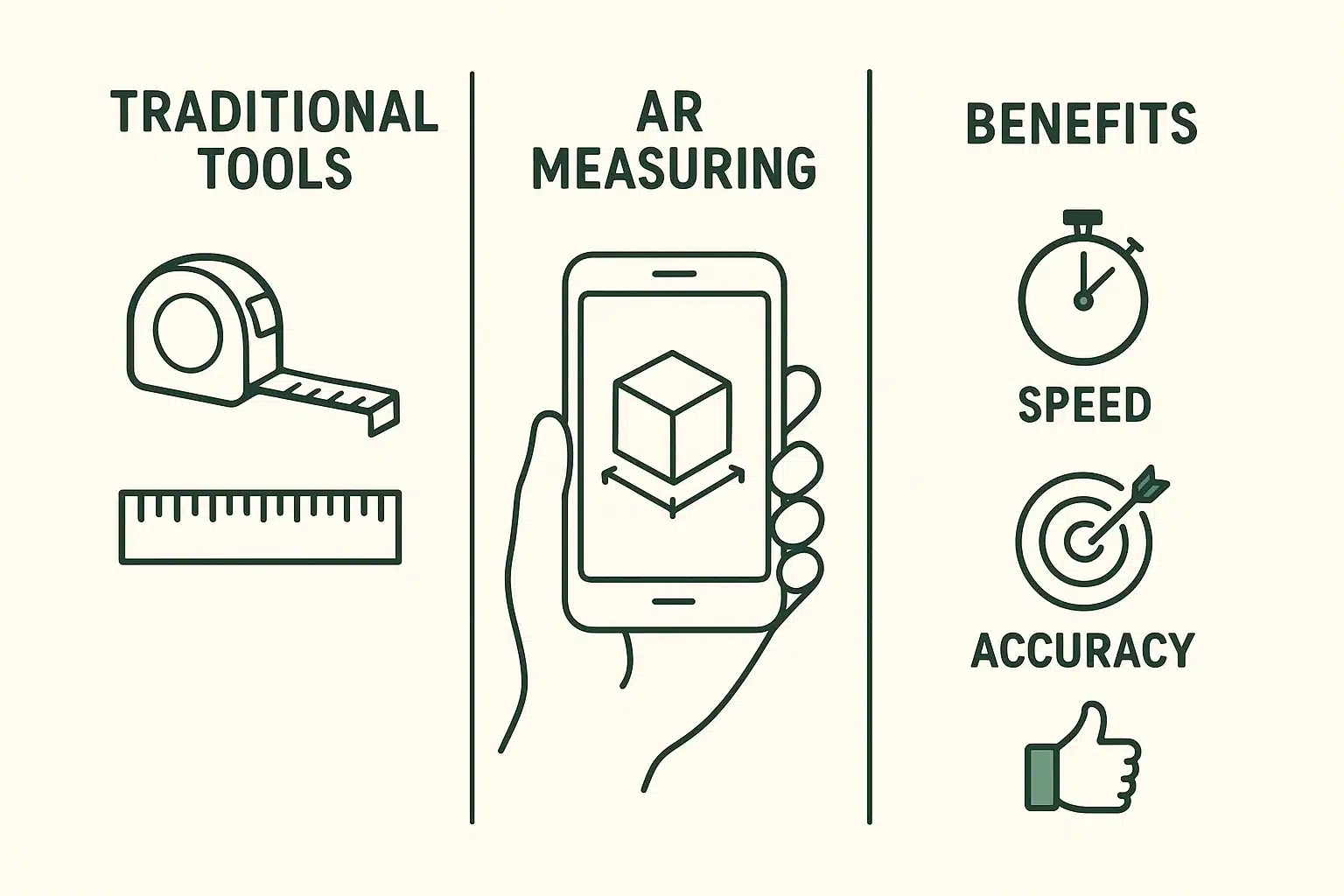
“Augmented Reality” sounds like something out of a science fiction movie where everyone wears silver jumpsuits. In plain English, AR simply means using your smartphone’s camera to look at the real world, while the phone’s screen adds helpful digital pictures or information on top of it.
Imagine you are looking at your empty living room through your phone’s camera. Suddenly, an image of a brand-new, comfortable armchair appears on the screen, sitting exactly where you pointed the phone. You can walk around it, see how much space it takes up, and decide if it blocks the hallway—all before actually buying it or hurting your back moving it.
This works because modern smartphones have fancy sensors (sometimes called LiDAR) that bounce invisible light around your room to figure out how big it is. It’s essentially a high-tech GPS for your living room. The best part? You don’t need a degree in computer science to use it. You just need to know how to hold your phone and tap the screen.
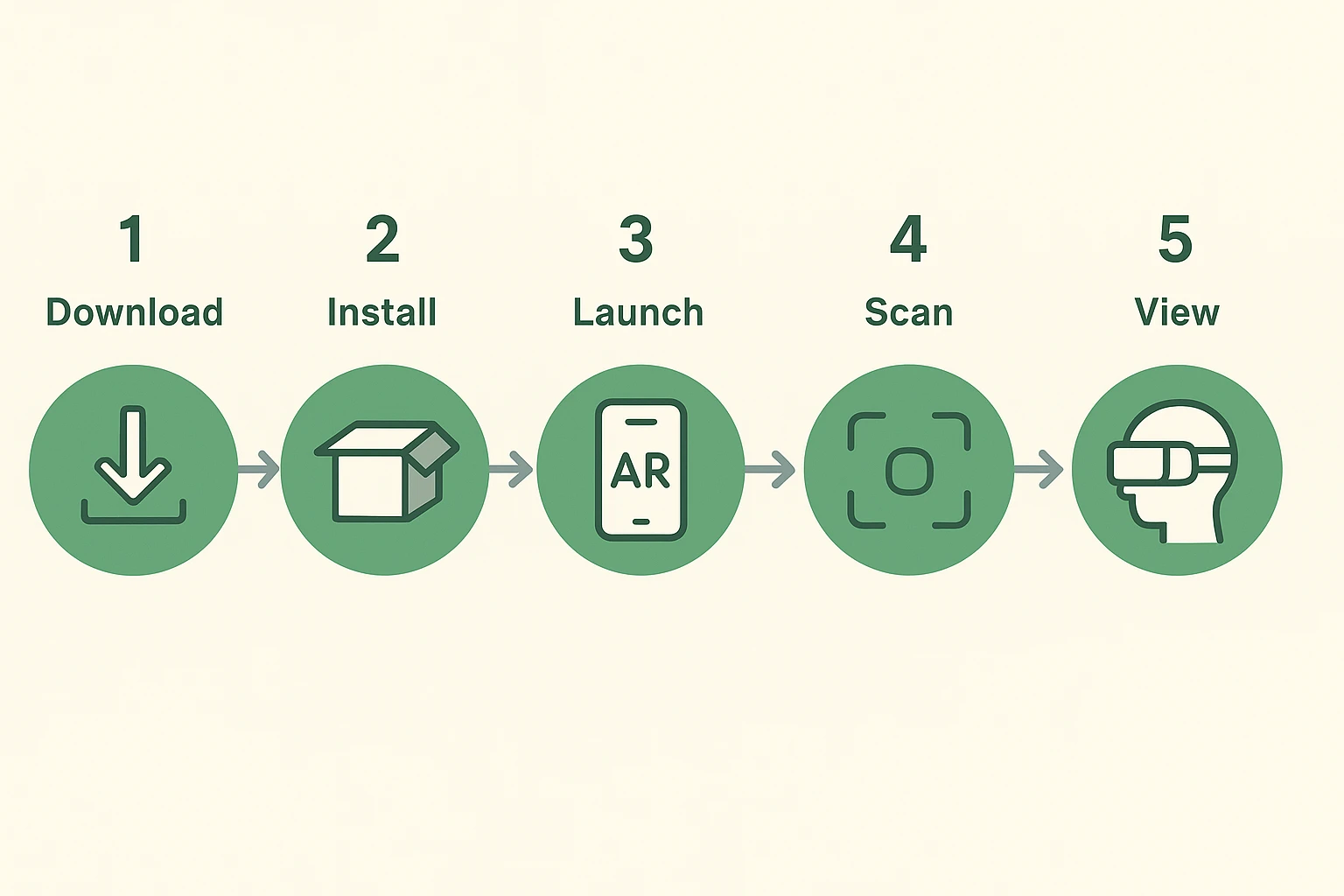
Before we can use this digital magic, we have to download an app. For many of us, the App Store (on iPhones) or Google Play Store (on Androids) feels like an exclusive nightclub with a very grumpy bouncer. You try to get in, and it starts demanding passwords, Apple IDs, and fingerprint scans.
If downloading apps makes you break out in a cold sweat, take a deep breath. Start by looking for the built-in apps on your phone. If you have a newer iPhone, you already have an app literally called “Measure” sitting on your screen. If you have an Android, you can download a free app from Google called “ARCore Elements” or similar highly-rated, free measuring tools.
When you open an AR app for the first time, your phone will pop up a message saying: “This app would like to access your camera.” Normally, our privacy alarms start ringing when apps want to snoop. But in this case, say yes! The app needs your camera because it quite literally needs to “see” the floor to measure it. Without the camera, an AR app is about as useful as a flashlight with no batteries.
When you first open a measuring app, it usually asks you to move your phone around slowly. It might say something like “Find a flat surface.” I like to call this the “calibration ritual.”
Your phone is essentially trying to figure out where the floor is so it doesn’t accidentally measure the cat. To help it out, point your phone at the ground and slowly sweep it back and forth, as if you are painting the floor with a beam of light.
Once the app understands the space, a little circle with a dot in the middle will appear. From there, you just aim the dot at where you want to start measuring, tap the screen, walk to the other end of the space, and tap again. Voila! The distance appears on your screen. No bending, no crawling, and absolutely no metal tape measures snapping at your fingers.
Have you ever bought a piece of furniture that looked perfectly reasonable in the store, only to get it home and realize it’s roughly the size of a minivan? That’s where AR really shines for seniors evaluating their space.
Apps like IKEA Place or tools built into websites like Amazon or Wayfair let you use AR to drop virtual furniture right into your living room. You just point your phone at an empty spot, and the app places a 3D model of the couch or table right there on your screen.
This isn’t just a fun party trick; it’s a vital safety tool. The AARP’s HomeFit guide constantly reminds us to ensure our walkways are wide enough to navigate safely, free of tripping hazards. AR lets you double-check that a new coffee table won’t block your path to the bathroom in the middle of the night—all before you spend a dime.
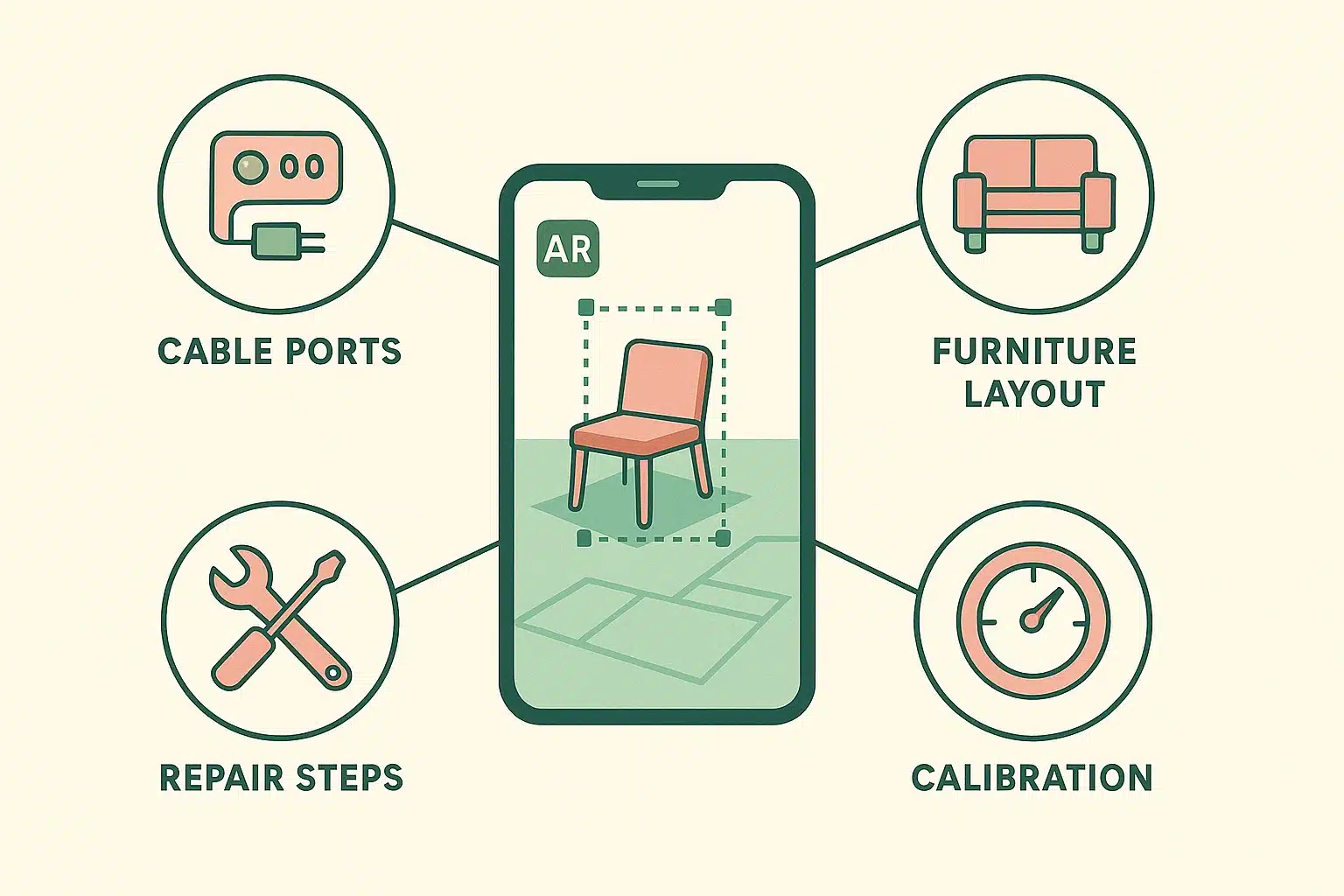
Let’s talk about the dreaded “Dark Cabinet of Despair”—that spot under your TV where your internet router, cable box, and a terrifying tangle of black cords live. When the internet goes down, the cable company always tells you to “unplug the blue wire from the port labeled WAN.”
For most of us, reading tiny black text on a black plastic box in a dark cabinet requires a flashlight, reading glasses, and a lot of swearing. AR is starting to solve this. Some new tech support apps let you point your phone’s camera at the back of the box.
The app uses the phone’s built-in light to see the box, and then it literally draws a bright digital arrow on your screen pointing directly to the exact port you need to unplug. It’s like having a tech support grandson trapped inside your phone, pointing things out for you.
As amazing as AR is, it isn’t perfect. It can get confused by shiny floors, very dark rooms, or carpets without a lot of patterns. Furthermore, holding a phone perfectly still in the air for a long time can be tough on the wrists or if you have a slight tremor.
If you find the AR images bouncing around on your screen, try the “Steady-Hand Hack.” Rest your elbows on a table or counter while you measure. If you’re scanning the floor, use a kitchen chair as an armrest, or even rest your phone on a stack of heavy books to keep it steady while you tap the screen.
Most importantly, we need to talk about safety and knowing when to trust the technology. Developers boast that AR measuring apps are about 99.7% accurate. That is perfectly fine for measuring a wall to see if a picture frame will fit, or checking if a rug is too big. However, if you are doing precision woodworking, or worse, drilling near water pipes or gas lines—put the phone down and call a professional. AR is a fantastic measuring tool, not a substitute for safety.
Nope! The best part about getting started with AR is that the most useful tools are entirely free. The “Measure” app comes free on iPhones, and Google’s AR tools are free on Android. Store apps like IKEA or Amazon offer AR features at no cost because they ultimately want you to buy their furniture.
This is a very smart privacy question! When you use reputable AR apps like Apple Measure, the camera is just processing the images live to calculate distance. It is not recording a video and sending it off to the internet. However, always stick to big, well-known apps from Apple, Google, or major retailers to ensure your privacy is respected.
AR technology acts a lot like the human eye—if it’s pitch black, it can’t see where the floor meets the wall. If your app is struggling to measure a room, turn on all the overhead lights or open the curtains. A brightly lit room gives the sensors the best chance of measuring accurately.
Not exactly. While it feels like “digital x-ray vision,” your phone’s camera cannot literally see through drywall. Some advanced professional apps can overlay digital blueprints onto a wall so a plumber knows where a pipe should be, but for the average homeowner, AR is best used for measuring surfaces and visualizing furniture, not playing Superman.
Now that you know your smartphone has superpowers, it’s time to take them for a test drive. Your homework today is simple: find the Measure app on your phone (or download a free one from your app store). Stand in your kitchen, open the app, and try to measure the length of your kitchen table.
Don’t worry if it takes a few tries to get the hang of the “calibration ritual.” The more you use it, the easier it gets. Soon, you’ll be measuring everything in your house without ever bending your knees. And the next time you need to measure a room, that old, finger-snapping metal tape measure can stay exactly where it belongs—buried in the bottom of your toolbox.