Newsletter Subscribe
Enter your email address below and subscribe to our newsletter

Enter your email address below and subscribe to our newsletter
We all have it. The Drawer.
You know the one. It’s usually in the kitchen or a back bedroom. It is the Museum of Ancient Technology. Inside, you will find a tangle of charging cords for devices that haven’t been manufactured since the Bush administration. There is a digital camera the size of a brick. And, of course, there is the graveyard of your old phones.
You know you should get rid of them. You know that keeping a cracked iPhone 6 next to a dried-out glue stick isn’t doing anyone any favors. But you don’t throw them away. Why?
Because you are terrified.
You have a sneaking suspicion that if you simply toss that phone in the trash, a master hacker in a dark hoodie will fish it out, plug it in, and instantly have access to your bank account, your email, and that embarrassing photo of you wearing a sombrero at Epcot in 2009.
So, the phone stays in The Drawer.
Here is the good news: You can liberate that drawer. You can turn that old tech into cash, a charitable donation, or environmentally friendly raw materials. And you can do it without handing over your digital soul.
We are going to walk through exactly how to perform a “digital exorcism” on your devices so you can hand them off safely, securely, and smartly.
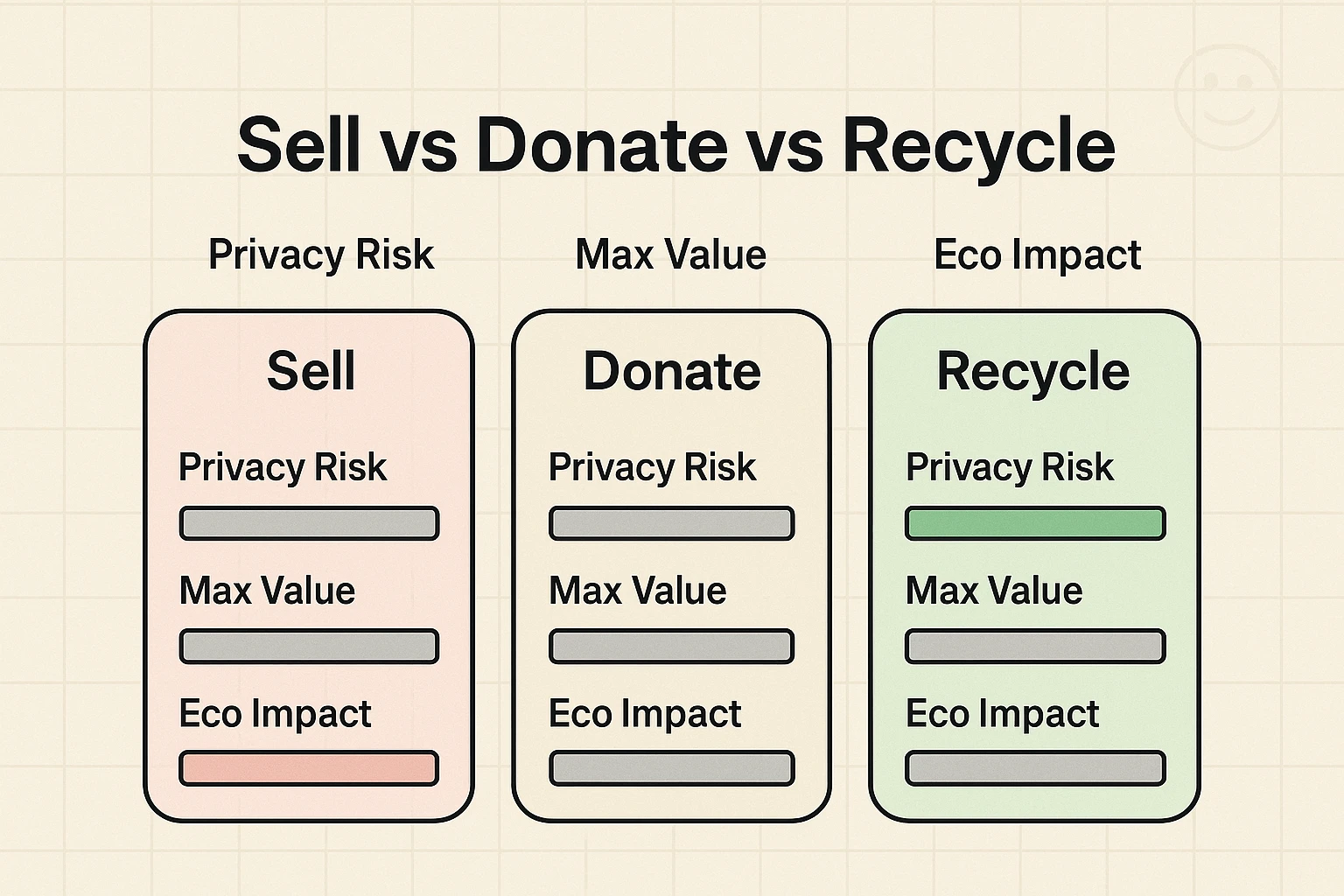
Before we start pressing buttons, we need to decide the fate of your device. This usually comes down to three factors: age, condition, and hassle tolerance.
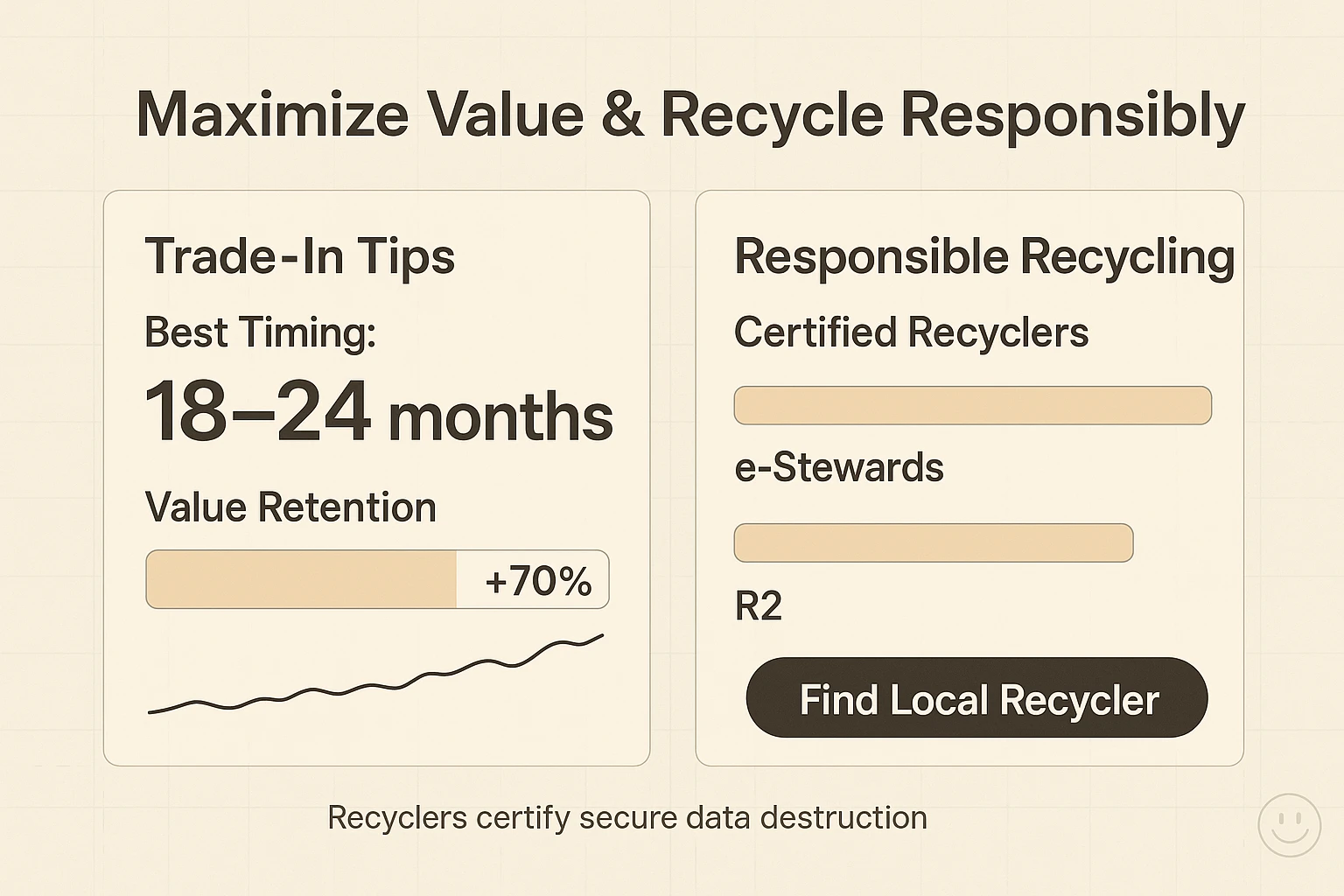
If your phone is from the last few years (like an iPhone 15 or a recent Samsung Galaxy), it still has value. Research suggests that high-end phones retain about 70% of their value after one year. However, if you wait more than two years, that value drops faster than a lead balloon.
Pros: You get cash to buy new gadgets.Cons: It requires a little effort to list it or mail it.
Many charities accept working phones to help soldiers overseas or victims of domestic violence. This is a fantastic option if the device works but isn’t worth a fortune.
Pros: You get a tax deduction and a warm fuzzy feeling.Cons: The device usually needs to be in working order (screen not smashed to smithereens).
If your tablet has been run over by a lawnmower, or if your phone is so old it has a physical antenna that you pull out with your teeth, it’s time to recycle. According to the EPA, for every million cell phones we recycle, we can recover 35,000 pounds of copper. That’s a lot of pennies.
Pros: You save the planet and declutter your house.Cons: No cash in your pocket, just moral superiority.
This is the part that keeps you awake at night. How do you make sure your data is gone gone?
Many people think deleting photos manually is enough. It is not. That is like removing the furniture from a house but leaving the address on the front door. We need to burn the house down. (Metaphorically. Please do not set your phone on fire.)
We need to perform a Factory Reset. This returns the device to the state it was in when it left the factory—clean, empty, and devoid of your personality.
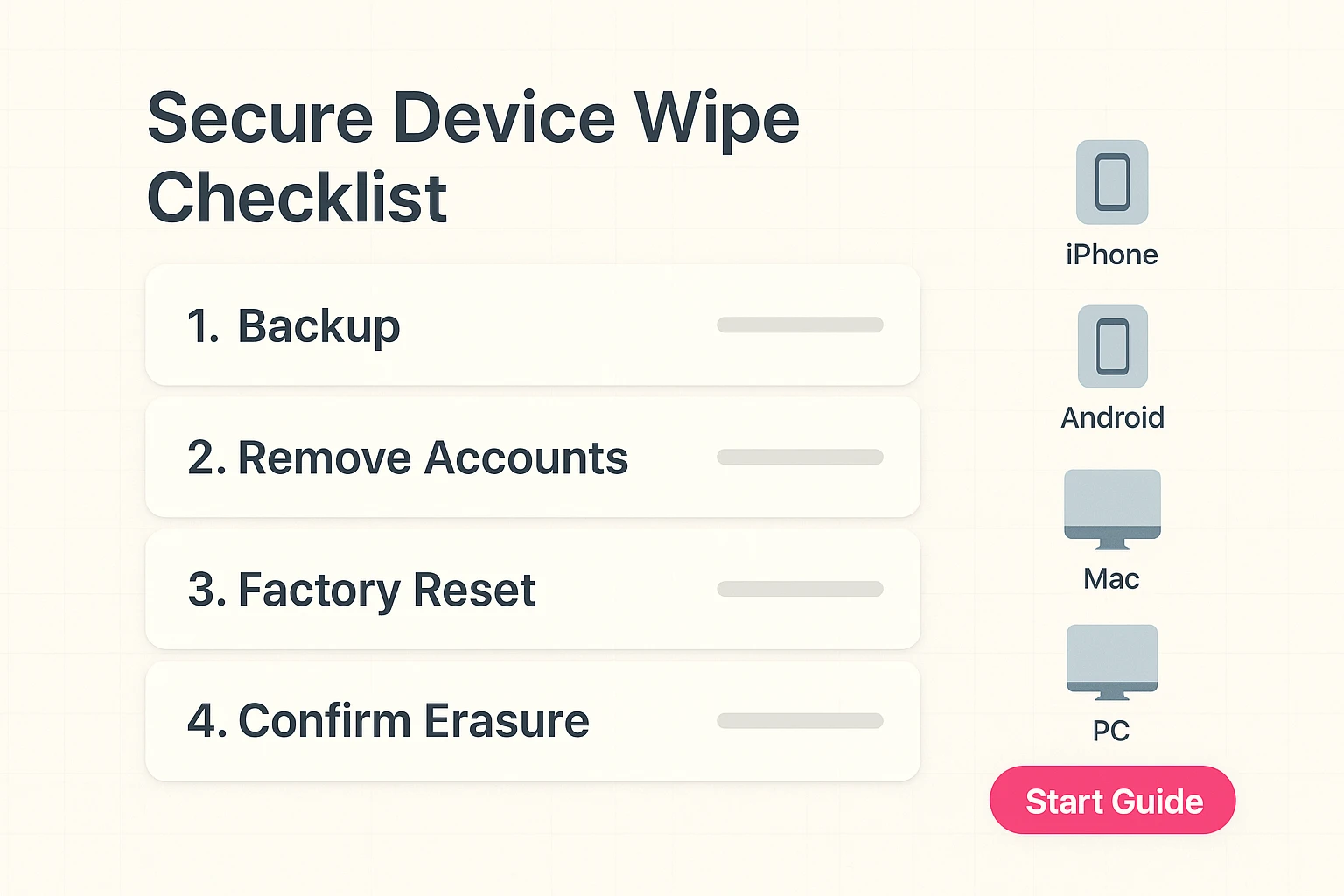
Before you wipe anything, make sure you have saved what you want to keep.
This is where people get stuck. If you don’t sign out of your accounts, the new owner might be locked out by security features like “Activation Lock.” It turns your expensive phone into a very sleek paperweight.
For iPhone/iPad:
For Android:
Now, we push the button.
For iPhone/iPad:
For Android:
Once this is done, your phone will reboot and say “Hello” in different languages. Congratulations. Your data has been scrambled, encrypted, and deleted. It is safe.
Now that your device has been scrubbed clean, where does it go?
If you are looking to sell, you want the best price with the least amount of headache. Trust is key here. You don’t want to meet a stranger from the internet in a dark parking lot to exchange an iPad for cash.
Check trusted trade-in sites like SellCell or Decluttr. They compare prices across different buyers.
Do not—I repeat, do not—throw electronics in your regular trash bin. It is bad for the groundwater, and the garbage truck might actually catch on fire (lithium batteries are spicy).
On modern devices (made in the last 7-8 years), a factory reset destroys the encryption key. This means even if someone retrieved the data chips, the information inside would look like scrambled nonsense. Your credit card info, Face ID, and fingerprints are gone.
Ah, the little plastic chip on the side. Yes, take that out! It connects your phone to your carrier. You can usually reuse it in your new phone. If not, cut it up with scissors like an expired credit card.
If you can’t touch the screen, you can often plug it into a computer to reset it remotely via iTunes (for Apple) or “Find My Device” (for Google). If the phone is totally dead and won’t turn on, you can recycle it with a certified recycler who physically shreds the device. A shredded phone tells no tales.
There. That wasn’t so bad, was it?
You have successfully navigated the treacherous waters of the digital hand-off. You have cleared out your Drawer of Shame. You have potentially made a few bucks, or at least done something nice for the planet.
Now, go enjoy that extra drawer space. I give it about two weeks before you fill it up with takeout menus and twist ties.