Newsletter Subscribe
Enter your email address below and subscribe to our newsletter

Enter your email address below and subscribe to our newsletter
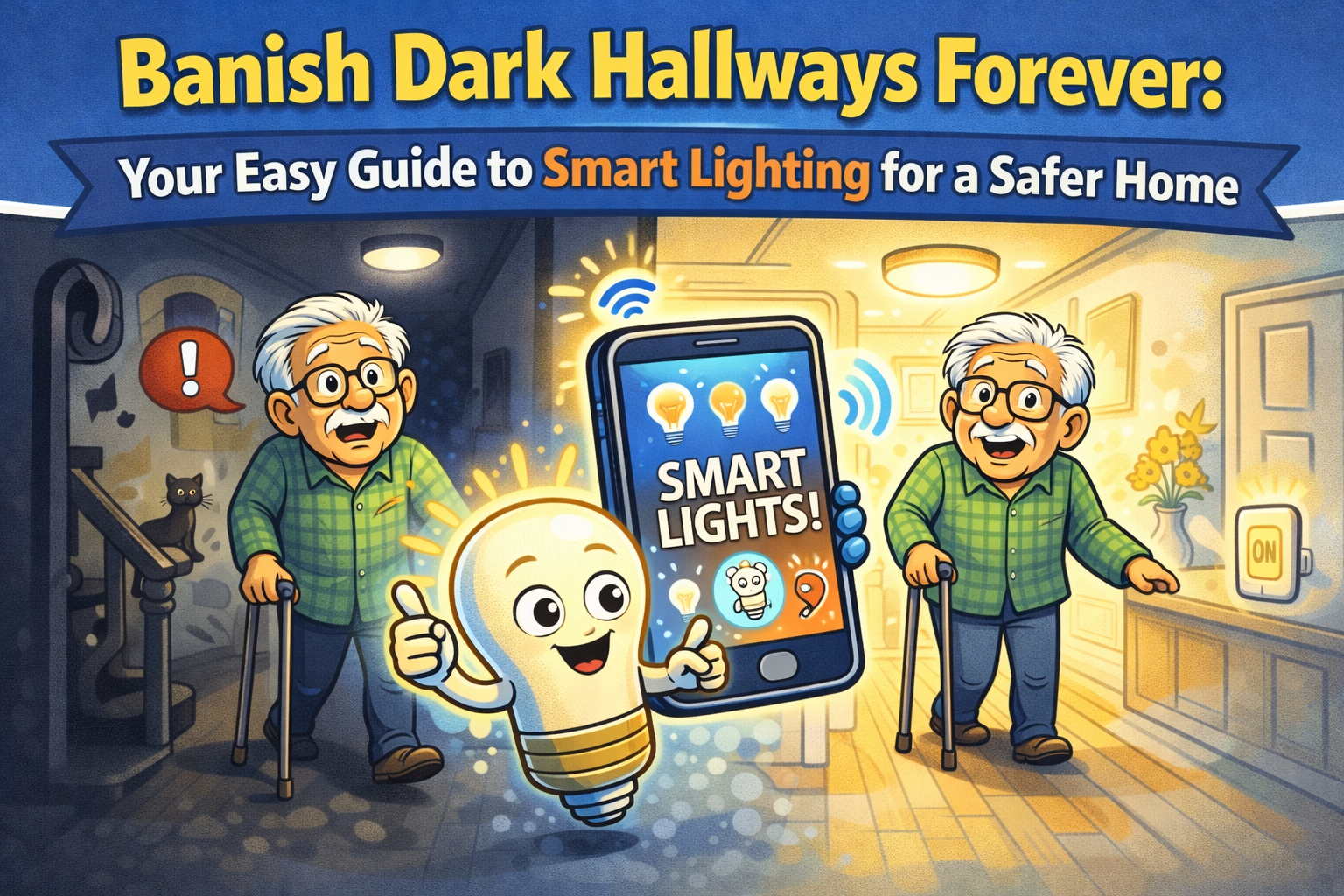
Have you ever played that thrilling nighttime game called “Navigate the House in the Dark”? The objective is to get from your bed to the kitchen for a glass of water without stubbing your toe on the leg of a chair that has, apparently, moved itself since you went to sleep. The obstacles are many: a stray shoe, a sleeping pet, the general laws of physics. It’s a high-stakes adventure we could all do without.
For years, the only solution was to leave a lamp on, burning electricity and money while you slept. Or you could fumble for the light switch, a tiny plastic target that seems to shrink in the dark. But what if the lights could just… know you were coming? What if they could turn on, all by themselves, just enough for you to see, and then turn themselves off again?
This isn’t science fiction from an old episode of The Jetsons. This is smart lighting, and despite the fancy name, it’s one of the simplest, most powerful ways to make your home safer and more convenient. And the best part? If you can screw in a lightbulb, you already have all the technical skills you need.
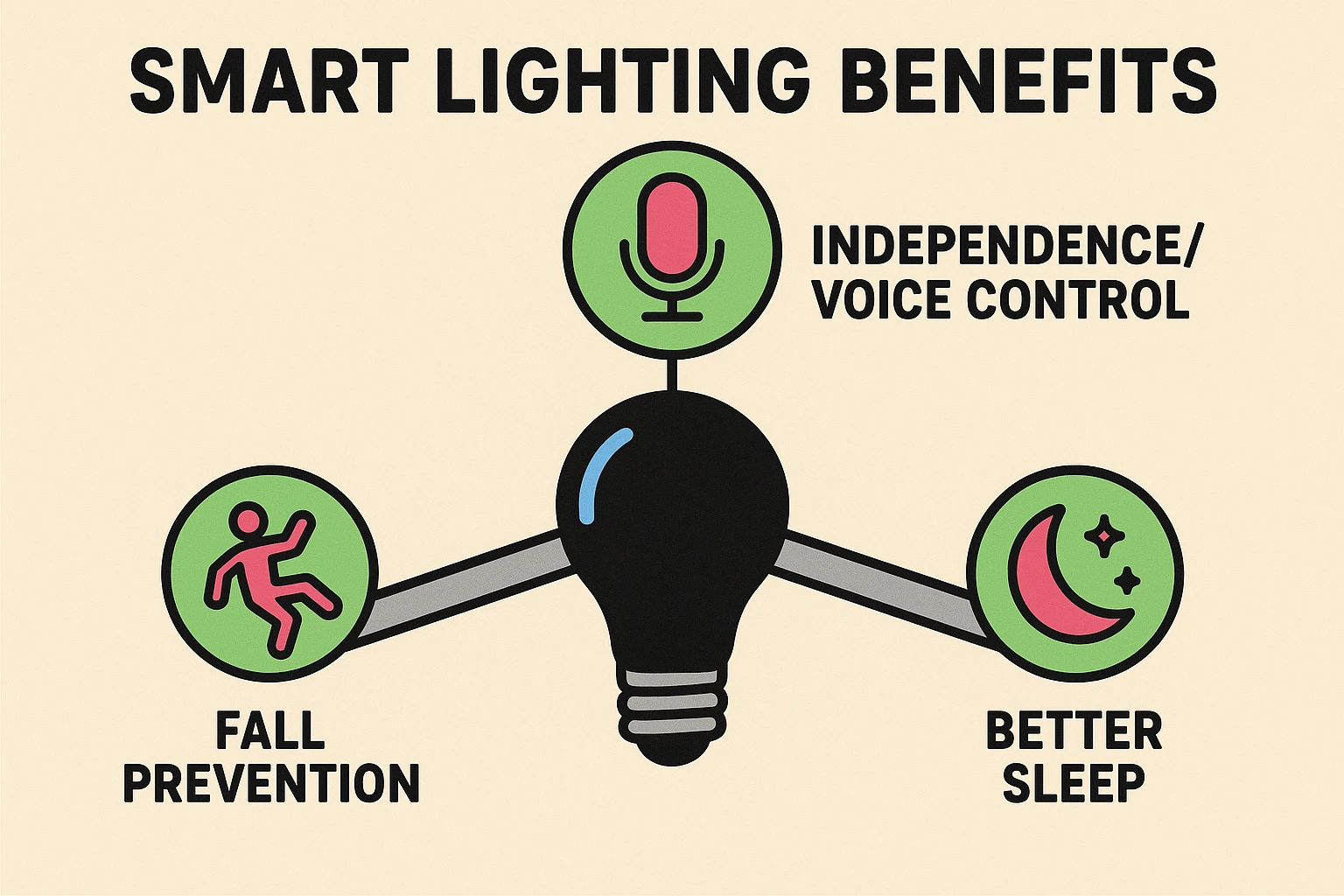
Think of a smart light as a regular lightbulb that went to college. It still does its main job—lighting up a room—but now it has extra skills. It can connect to your home’s Wi-Fi network, which lets you control it with your smartphone or even your voice.
But its real genius is that it can think for itself. You can tell it to turn on at sunset, dim itself at bedtime, or light up when it senses movement. It’s not about complicating your life with more tech; it’s about using a little bit of tech to simplify everything.
For seniors, this isn’t just a cool party trick. It’s a game-changer for safety and independence.
Different challenges call for different solutions. Smart lighting is wonderfully flexible and can be tailored to solve specific problems you might be facing.
| If Your Challenge Is… | A Smart Solution Is… |
|---|---|
| Reaching or gripping light switches is difficult due to arthritis. | Voice-Activated Lights. Simply tell your lights to turn on or off. |
| You worry about tripping on nighttime trips to the bathroom. | Motion-Activated Hallway Lights. They light your path automatically. |
| You sometimes forget to turn off lights when leaving a room. | Automated Schedules & Timers. Set lights to turn off automatically. |
| Getting out of bed to turn off the bedside lamp is a hassle. | Control from your phone or voice. Turn off the lights without moving an inch. |
Walking into the smart home aisle can feel like visiting a foreign country where everyone is talking about “hubs,” “protocols,” and “ecosystems.” Let’s ignore all of that.
You don’t need a complex system. To get started, you only need one thing: a Wi-Fi Smart Bulb.
Here’s the simple breakdown:
Our advice? Start with one Wi-Fi smart bulb. It’s the easiest, cheapest, and fastest way to see if you like it.
Ready to install your first smart bulb? Let’s do this. Grab your smartphone and your new bulb. We’ll have this done before your coffee gets cold.
Unpack your smart bulb and screw it into the lamp or fixture you want to make smart. Turn the power on at the switch. The bulb may blink, which is its way of saying, “I’m ready to connect!”
Look at the box the bulb came in. It will tell you the name of an app to download from the Apple App Store or Google Play Store. Find it on your phone and install it.
Open the app and follow the instructions to create an account. It will then ask you to connect the bulb to your home’s Wi-Fi. You’ll need to select your network name and type in your Wi-Fi password.
Caregiver’s Corner: This is a great place to help! Your loved one might not have the Wi-Fi password memorized. It’s usually printed on a sticker on the internet router.
Common Mistake Alert: Most smart devices like these bulbs only work on a type of Wi-Fi called “2.4GHz.” Your home network might have two versions (e.g., “MyWifi” and “MyWifi-5G”). During setup, make sure your phone is connected to the one that doesn’t say “5G.” You can switch it back afterward!
The app will ask you to give your bulb a name. Be practical! Call it “Bedside Lamp” or “Hallway Light.” This will be important for voice commands later.
That’s it! You can now use the app to turn the light on and off, dim it, and maybe even change its color. If you have a smart speaker like an Amazon Echo or Google Home, you can link the app and start using your voice.
Nope! A Wi-Fi smart bulb works in almost any standard lamp or fixture. No wiring, no electricians, no fuss.
The light switch on the wall or lamp will still work like it always has. You just won’t be able to control the bulb from your phone or with your voice until the internet comes back on.
Reputable brands take security seriously. Stick with well-known names like Philips Hue, Wyze, or TP-Link Kasa. Just like any online account, use a strong, unique password for the app.
Buy one single smart bulb and put it in your bedside lamp. You’ll immediately experience the magic of turning off the lights without getting out of bed, and that small win will build your confidence.
Technology can have its moments. Often, simply closing the app and reopening it, or restarting your phone, can fix a glitch. It’s very rare for a device to get seriously stuck, such as in a bootloop, but even for those strange situations, simple solutions are usually available.
Stepping into the world of smart technology doesn’t have to be intimidating. It’s about finding small, simple tools that solve real problems. A smart bulb is more than just a gadget; it’s a silent guardian that lights your way in the dark, a helpful assistant you can command with your voice, and a simple step toward a safer, more independent life at home.
You can even set lighting schedules to align with other parts of your day, like when you need a reminder for medications. (And if you’re looking for a better digital medication timer, we have some thoughts on that, too.)
So go ahead, start with one bulb. Conquer that dark hallway. You might just be surprised at how bright the future looks.