Newsletter Subscribe
Enter your email address below and subscribe to our newsletter

Enter your email address below and subscribe to our newsletter
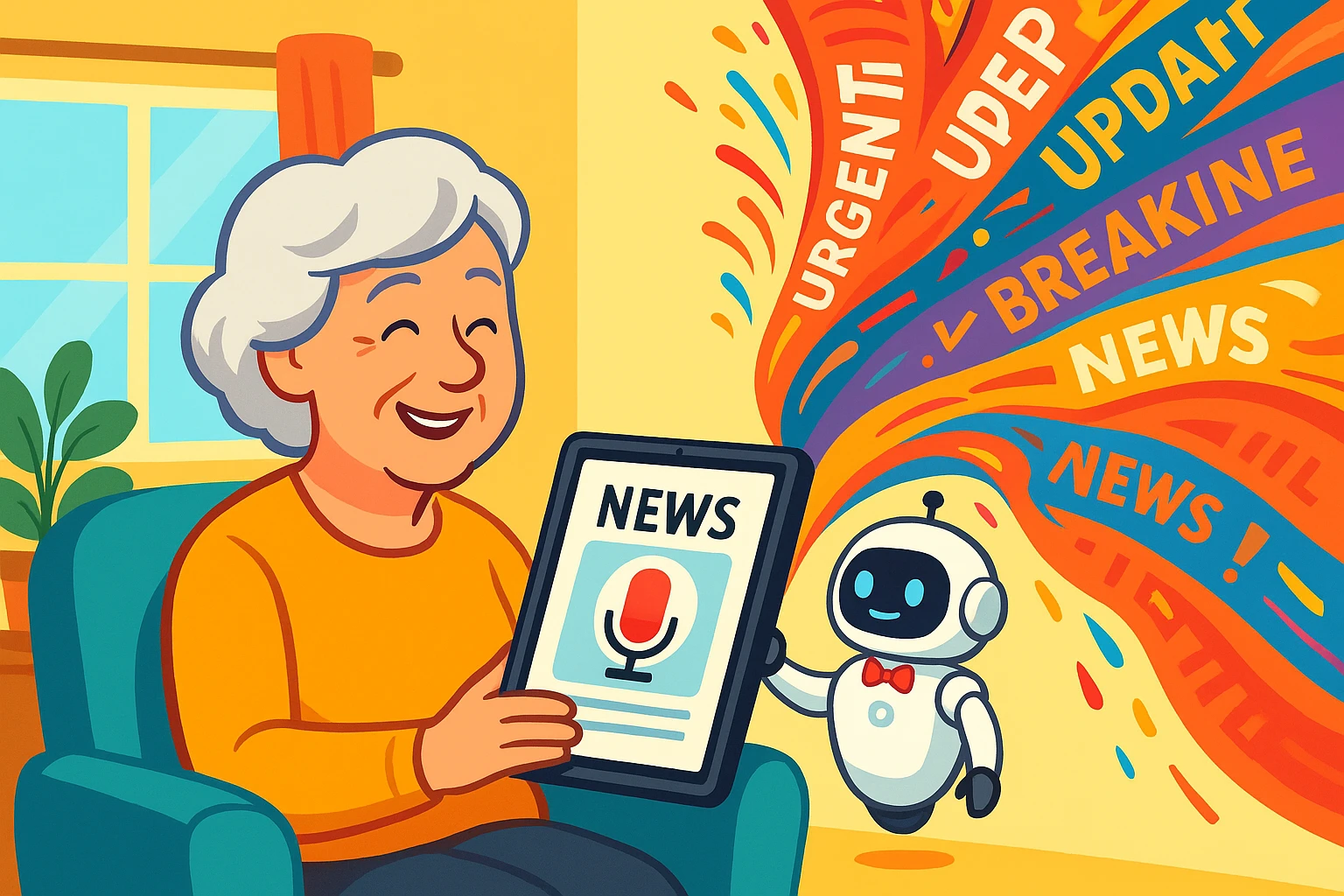
Learn how AI helps seniors filter news and find podcasts that match their interests for a tailored experience.
Remember the Sunday paper? It was a glorious, ink-smudged beast you could spread across the kitchen table. You had your sections—news, sports, comics, the crossword you swore you’d finish this week. You were in charge. You decided whether to read about global politics or what was on sale at the hardware store.
Today, “reading the news” feels less like a leisurely Sunday morning and more like trying to drink from a firehose aimed directly at your face. A constant flood of headlines, alerts, and videos pours from your phone, and most of it feels like it was written for someone else on a different planet.
What if you could have the best of both worlds? The control of the old Sunday paper with the convenience of modern technology? Well, you can. The secret is teaching a tiny, invisible robot inside your phone to be your personal news butler. And don’t worry, it’s easier than programming a VCR.

You’ve probably heard the word “algorithm” thrown around. It sounds like something you’d need a degree from MIT to understand, but the idea is simple. Think of the AI (Artificial Intelligence) in apps like Apple News or Google News as a very polite, slightly nerdy butler for your phone.
When you first hire this butler (by opening the app), he doesn’t know you very well. He brings you a little bit of everything: headlines about politics, sports scores, celebrity gossip, and a weird article about the world’s largest rubber band ball.
But as you interact, he learns. You tap on an article about container gardening. The butler makes a note: “Hmm, seems to like plants.” You quickly scroll past a story about a pop star’s new tattoo. Another note: “Not a fan of the ink, got it.” Over time, your butler gets so good that he starts bringing you exactly what you want—more gardening tips, news about your local community, and maybe a podcast about historical biographies—without you even having to ask. That’s AI personalization in a nutshell.
Now, let’s talk about podcasts. Finding good ones can feel like searching for a specific needle in a haystack the size of Texas. This is where a little piece of old-school internet magic called an RSS feed comes in.
Don’t let the name scare you. Imagine you could tell your mail carrier, “Only bring me the gardening section from the Times, the travel page from the Post, and the cartoon strip from the local paper.” The mail carrier would then hand-deliver just those clippings to your mailbox every morning.
That’s basically an RSS feed. It’s a direct delivery link to your favorite show or blog. When you subscribe to a podcast, you’re using its RSS feed to have new episodes delivered straight to your podcast app. Many news apps use this same technology under the hood to pull in stories from thousands of sources.
You don’t need to be a tech wizard to get your news feed in order. You just need to know how to give your digital butler clear instructions. Here’s how you can start training the AI in most news and podcast apps.
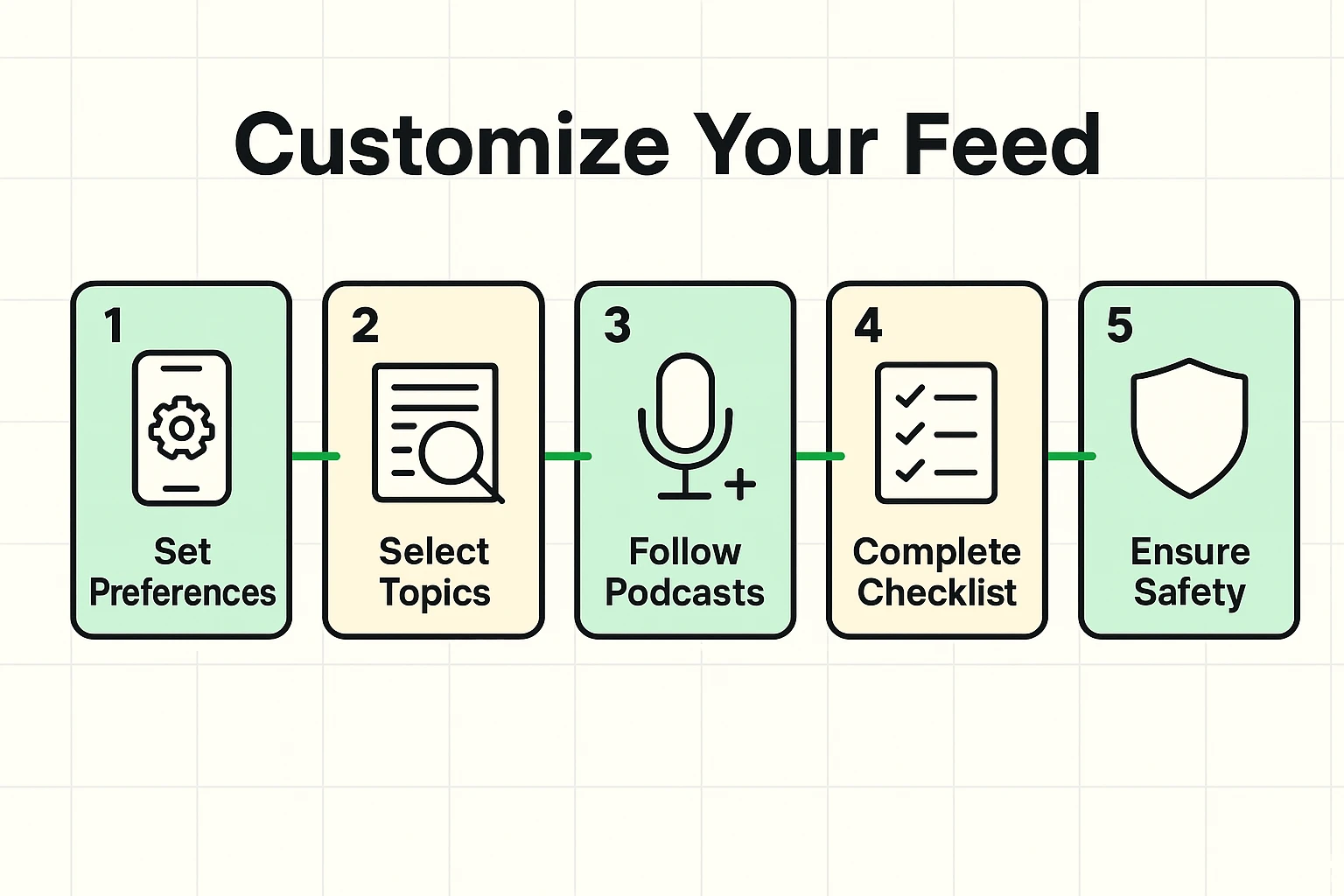
When you first open an app like Apple News, Google News, or SmartNews, it will usually ask you to pick some topics you’re interested in. Don’t be shy! Select everything that catches your eye: “Gardening,” “History,” “Technology for Seniors,” “Cooking,” “Bird Watching.”
This is your starting point. But the real training happens every day. See a story you like? Look for a “like,” “heart,” or “thumbs up” button. See a story you never want to see again? Look for an option to “dislike,” “show less of this,” or “mute this topic.” Every click is a lesson for your butler.
Most news apps allow you to follow specific publications or sources. If you trust the news from a particular newspaper or TV channel, search for it within the app and hit “Follow” or “Subscribe.” This tells the AI, “No matter what, always show me what these folks are reporting.”
For podcasts, this is even more crucial. When you find a show you enjoy, always hit the “Subscribe” or “Follow” button. This ensures new episodes automatically appear in your library, thanks to that trusty RSS feed working behind the scenes.
Your AI butler is smart, but it can’t read your mind. If you suddenly develop an interest in, say, ancient Roman history, the AI won’t know until you tell it.
Use the search bar in your news or podcast app to look up “Ancient Rome.” Read a few articles or listen to an episode of a history podcast. This is like tapping your butler on the shoulder and saying, “Psst, I’m into this now.” The AI will catch on quickly and start suggesting more content on the topic.
Once you’ve got your news feed looking more like you and less like a random jumble, you can take a few more steps to become a true master of your digital domain. This is about not just getting relevant information, but also staying safe and sane.
One of the biggest risks with a personalized feed is that the AI can get a little too good at showing you what you want to see, creating an “echo chamber” where you never see different viewpoints. It can also accidentally amplify misinformation. Knowing how to spot fake news is a crucial skill for every digital citizen, butler-assisted or not.

It’s important to remember that your AI butler is a machine. It doesn’t have opinions, but it can have biases. If the data it learns from is skewed, its recommendations might be, too. That’s why it’s healthy to occasionally search for topics or sources outside your comfort zone to keep your information diet balanced.
And while you’re managing your news, make sure you’re managing your security. The accounts you use for these apps are valuable. Protecting them with strong passwords and 2-Factor Authentication (2FA) is like putting a good lock on your front door—it’s a simple step that provides a lot of peace of mind.
Ready to get started? Here’s a simple checklist:
Think of it as a buffet versus a curated menu. A website gives you everything they have (the buffet). A news app learns what you like and brings you only your favorite dishes (the curated menu), saving you the time and effort of sifting through everything else.
Most major news aggregator apps like Google News, Apple News, and SmartNews are free to use. They make money through advertising. Some may offer premium subscriptions to remove ads or access content from publications that have a paywall.
This is a common fear, but thankfully, it’s one of the 9 big tech myths we’ve busted. Your phone isn’t constantly listening to your conversations to serve you ads or news. The AI is just very, very good at learning from your digital behavior—what you click on, what you search for, and how long you spend reading certain articles. It feels like mind-reading, but it’s just clever pattern-matching.
Many news apps are integrating podcasts. But dedicated podcast apps like Apple Podcasts, Spotify, or Google Podcasts are still the best place to go. Their search functions are designed specifically for finding shows and episodes. The principle is the same: search for topics you love, and the app will start recommending similar shows.