Newsletter Subscribe
Enter your email address below and subscribe to our newsletter

Enter your email address below and subscribe to our newsletter
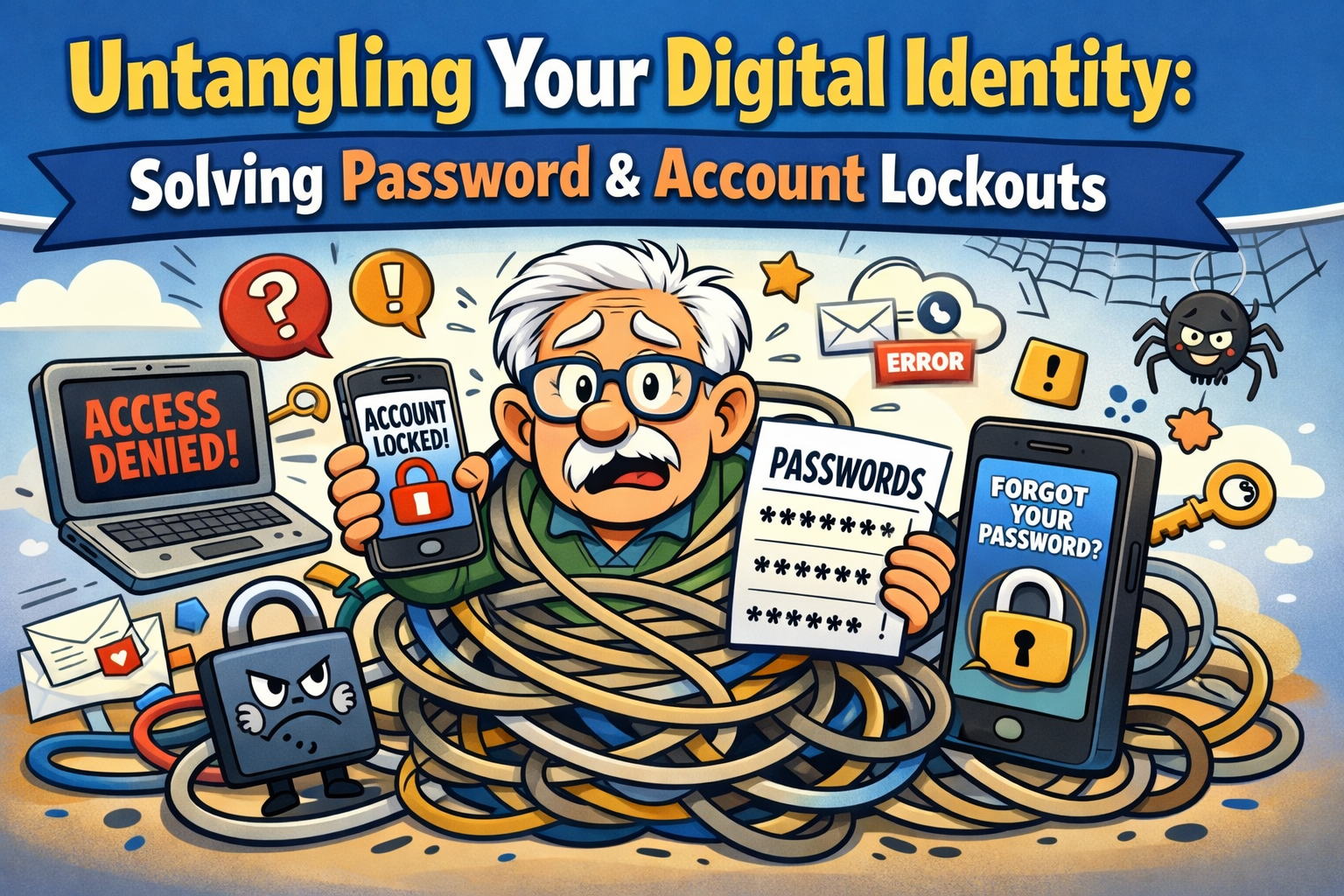
You know that feeling when you walk into a room and immediately forget why you’re there? It’s annoying, but at least the room doesn’t kick you out and lock the door for 24 hours. Unfortunately, the internet isn’t quite as forgiving.
Picture this: You sit down to check your email or peek at the latest photos of your grandkids on Facebook. You type in your password. Access Denied. You try again, perhaps typing slower and pressing the keys with the intensity of a concert pianist. Access Denied. You try one last time, certain that “Fluffy1955” is correct.
Suddenly, the screen turns red. You have been locked out. You are now a digital exile in your own home.
If this sounds familiar, take comfort in the fact that you aren’t losing your mind. You are simply navigating a security landscape that has become increasingly paranoid. With seniors facing a significant security awareness gap compared to younger generations, it’s easy to feel like the technology is working against you. But here is the secret: those annoying lockouts are actually designed to protect you, even if they feel like a personal insult.
Let’s untangle this mess, figure out why the digital bouncers kicked you out, and look at the best tools to make sure you always have a key to get back in.
First, let’s lower the blood pressure. A locked account usually means the computer is doing its job too well.
According to technical research from Microsoft, modern systems use “Smart Lockout” policies. Think of this like a bank vault that shuts down if someone jiggles the handle too many times. The system counts your failed attempts. After a certain number (usually 5 to 10), it assumes you are a hacker trying to break in and slams the door shut.
The trick is that the door stays shut for a specific duration—maybe one minute, maybe 15. If you keep guessing during that “time-out” period, the timer restarts and gets longer. It’s exactly like putting a toddler in time-out, except you’re the one sitting in the corner.
Why so aggressive? Well, with identity theft losses among seniors exceeding $3.4 billion annually, tech companies are terrified of letting the wrong person in. They would rather lock you out by mistake than let a scammer in on purpose.
So, the screen says you’re locked out. Panic sets in. Do you call the Geek Squad? Do you buy a new computer? Do you move to a cabin in the woods and communicate solely via carrier pigeon?
Before you start packing for the woods, let’s look at your actual recovery options. Not all escape routes are created equal.
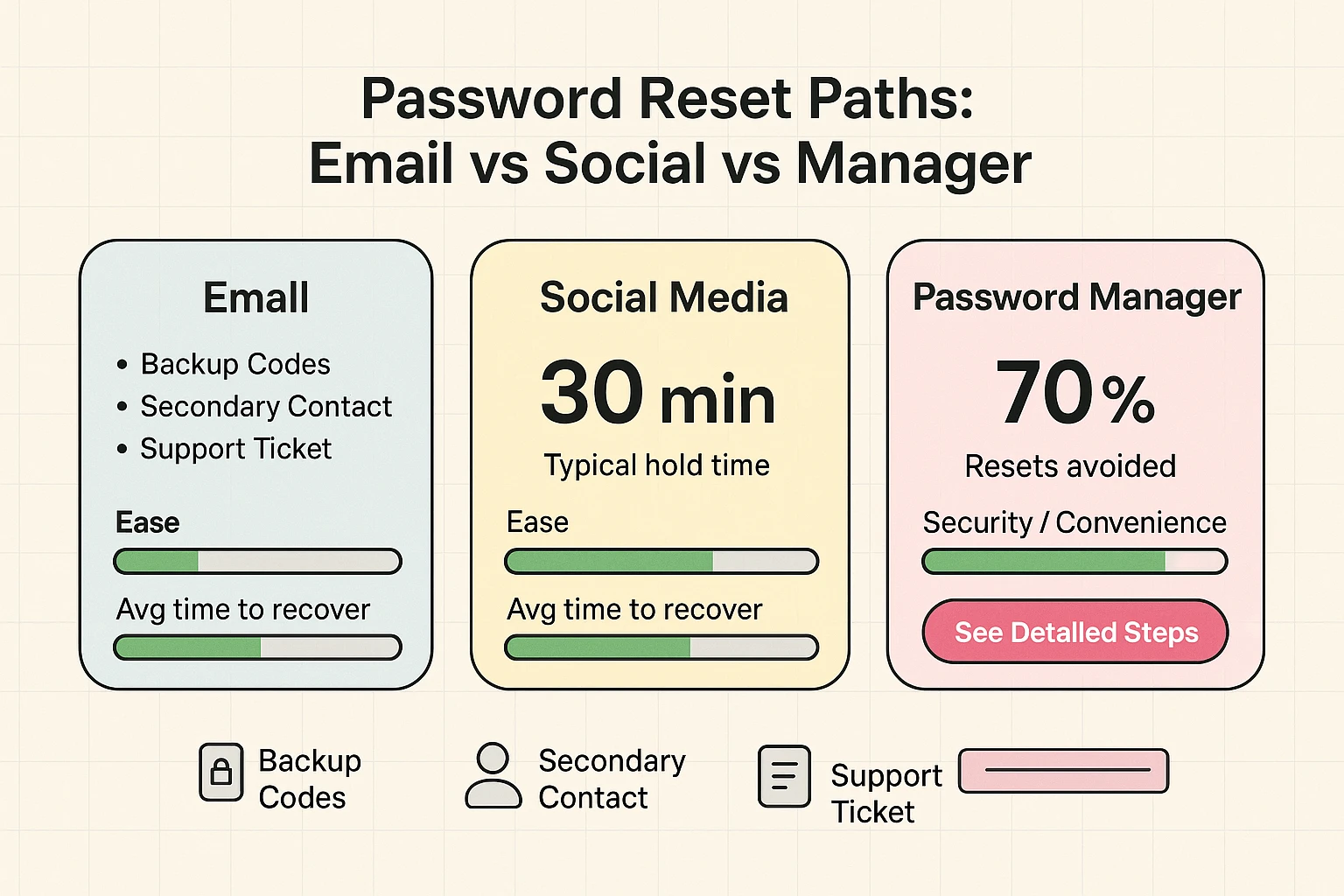
If the message says, “Try again in 15 minutes,” believe it. Walk away. Make a cup of tea. If you keep clicking “Login” during this time, you are just adding minutes to your sentence. This is often a “Soft Lockout.”
This is the most common fix. You click the link, and they send a code to your email or phone.
Facebook and Google allow you to designate a friend or family member who can vouch for you. It’s like having a neighbor with a spare key. If you haven’t set this up yet, put it on your to-do list for when you do get back in.
We know that for many readers 55+, a locked account feels like a crisis. It feels like you’ve lost access to your memories, your banking, or your communication with family. That anxiety is real.
However, hackers prey on that anxiety. They send fake “Your Account is Locked” emails hoping you will panic and click their link.
The Golden Rule: If you receive an email saying you are locked out, but you weren’t currently trying to log in, ignore it. It is a scam. Only trust lockout messages that appear on the screen while you are typing your password.
Here is a roadmap designed specifically to help you navigate these moments without the stress.
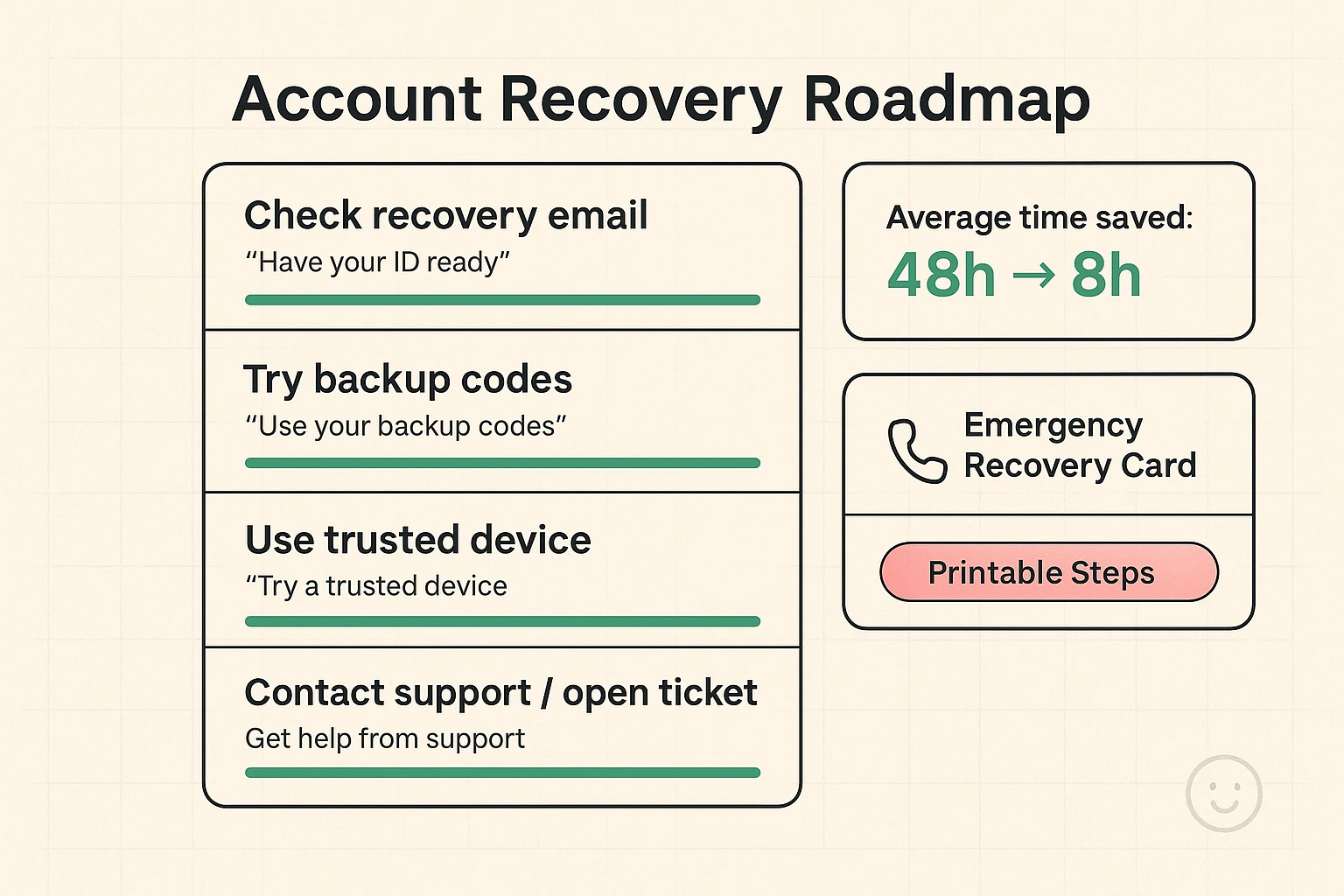
You may have encountered “Two-Factor Authentication.” This is when you type your password correctly, and the computer says, “Great! Now type the code we just texted you.”
It’s a hassle, sure. It adds an extra step between you and your email. But think of it as a deadbolt on your front door. A password is just the doorknob lock—easy to pick. The 2FA code is the heavy-duty deadbolt.
Research shows that even if a hacker steals your password (which happens in data breaches all the time), they can’t get in without your phone. However, this creates a new lockout scenario: The Lost Phone Loop.
If you lose your phone or change your number, you can lock yourself out of everything.
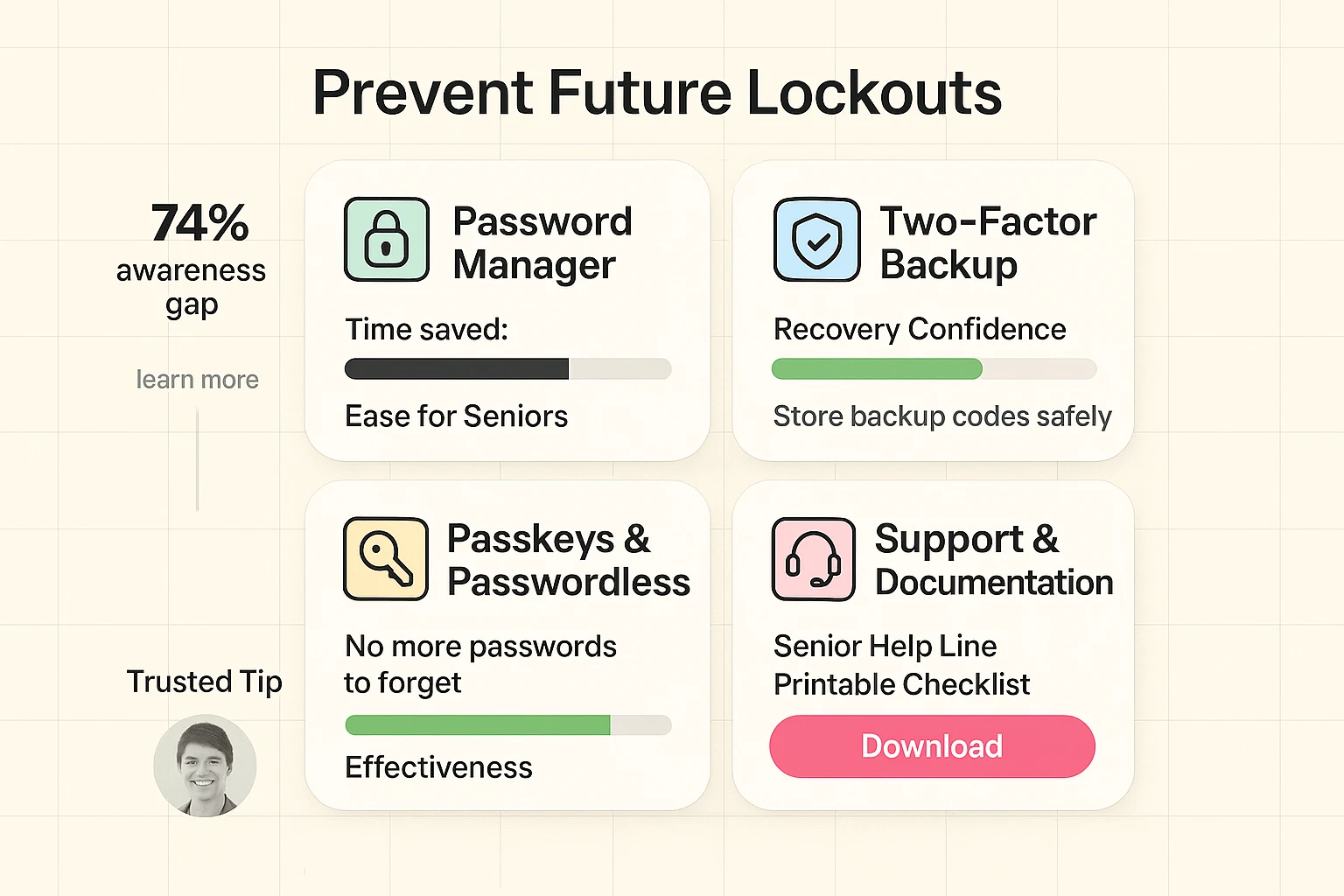
You wouldn’t drive a car without a spare tire, so don’t drive on the internet without a backup plan. The best way to solve a lockout is to prevent it from happening in the first place.
Many seniors rely on the “Little Black Book” method—writing passwords in a notebook. That works, until you spill coffee on it, or you lose it. Plus, typing in “KnittinGranny1943!$*” perfectly every time is difficult for fingers of any age.
A password manager is a secure app that remembers your passwords for you. It types them in automatically. You only have to remember one master password.
Does putting all your eggs in one basket sound scary? Consider this: Password managers use military-grade encryption. It is much safer than using the same easy password for every site (which is what most people do). Plus, companies like Password Boss note that using a manager significantly reduces time wasted on password resets.
We are moving toward a passwordless future. “Passkeys” use your face or fingerprint to log you in, just like unlocking your smartphone. It uses the biometrics on your device to tell the website, “Yes, it’s really me.” No typing required.
This is the one password you must remember. Write this one down and hide it in your house. If you lose this, recovery can be very difficult. That is the trade-off for high security.
Major platforms like Facebook or Instagram may ask for a video selfie or ID to prove you are a real person if your account was hacked. While it feels invasive, legitimate platforms delete these shortly after verification. If a random website asks for this, run away.
technically, yes. But we don’t recommend it. Turning off 2FA is like leaving your front door wide open because you’re tired of using keys. It’s convenient, but the burglars will love you for it.
Getting locked out is a nuisance, but it’s a solvable one. It doesn’t mean you are “bad at tech.” It means you are dealing with sophisticated security systems designed to keep the bad guys out.
By setting up a recovery email, printing out those backup codes, and considering a password manager, you are taking the power back. You are telling the digital world that you are here to stay, and you have the keys to prove it. Now, go find that banana bread recipe—safely.