Newsletter Subscribe
Enter your email address below and subscribe to our newsletter

Enter your email address below and subscribe to our newsletter
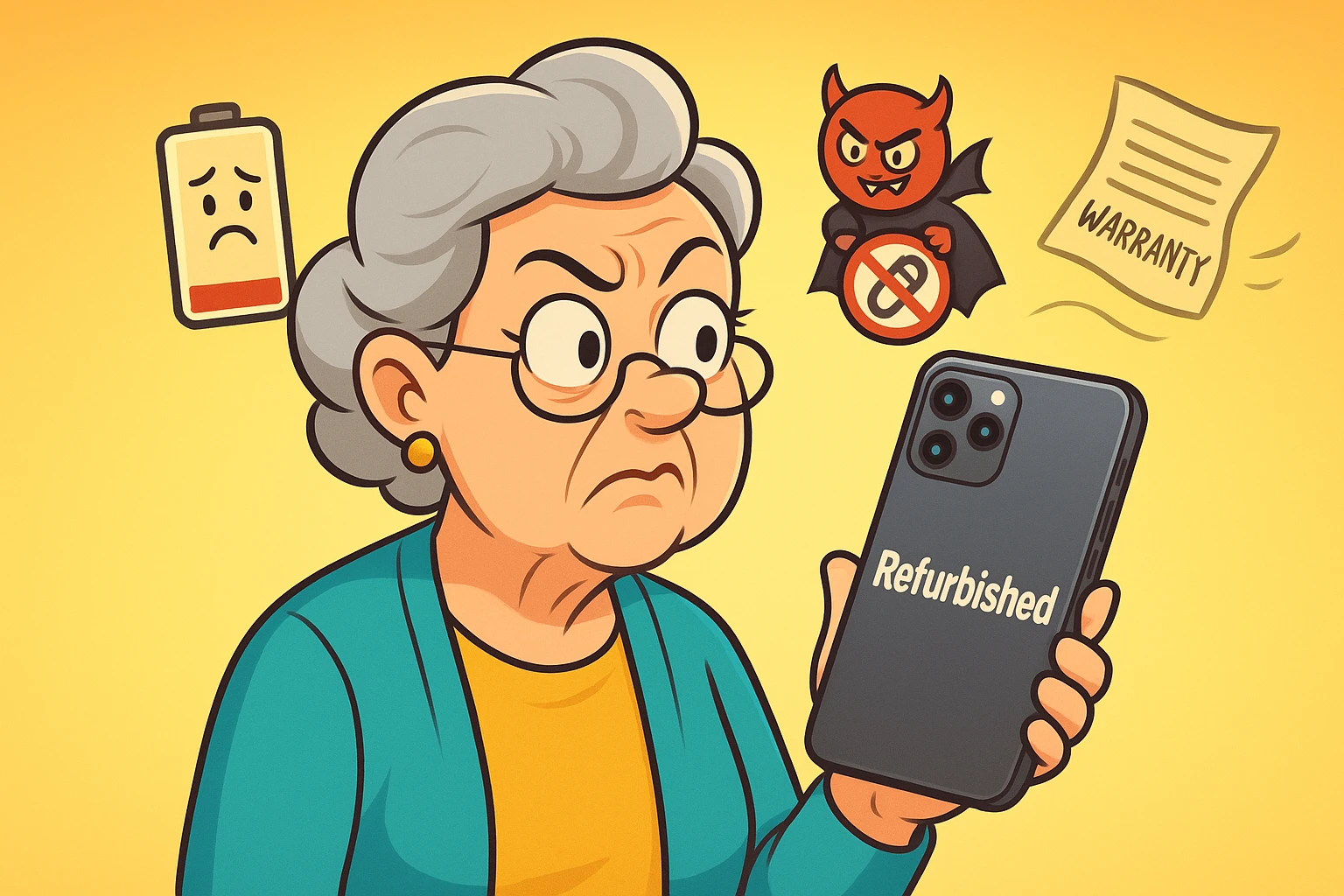
Let’s be honest—scoring a great deal feels amazing. It’s one of those small, universal victories, like finding an open parking spot near the door or remembering where you left your glasses before sitting on them. So when you spot a top-tier smartphone or laptop for half the price, labeled “refurbished,” your inner bargain hunter starts dancing like it’s the finale of Dancing with the Stars.
It looks pristine. The description promises it’s been “professionally inspected.” You’re already planning what to do with the money you’ll save. But before you sprint to the checkout, pause for a second. Sometimes, buying refurbished tech can feel like adopting a cat from a shelter—you hope for a purring companion, but you might end up with a couch-destroying maniac.
This is where comparison shopping for tech can save your sanity. Looking at multiple sellers, prices, and warranties side by side helps you spot the real deals hiding among the duds. Because while many refurbished gadgets are solid gold, others are fool’s gold wrapped in shiny marketing.
This isn’t about talking you out of a good deal—it’s about helping you make a smart one. Let’s dig into when buying refurbished is a win and when it’s a shortcut to regret.
Before we dive into the red flags, let’s clear up some confusion. The words “refurbished,” “open-box,” and “used” are often used interchangeably, but they are not the same thing. Understanding the difference is your first line of defense.

Saving money is great, but not if it costs you your peace of mind. Here are five major deal breakers that should make you slam the brakes on a refurbished purchase.
If a refurbished product has a warranty that’s shorter than a commercial break (say, 30 days) or no warranty at all, run for the hills. A reputable seller who stands by their refurbishment process will offer a solid warranty, ideally one year.
A flimsy warranty is a sign that the seller isn’t confident in the repair job. And trying to read the fine print on some of these policies is like trying to assemble Swedish furniture in the dark. If the return policy is complicated or makes you pay for shipping on a defective item, that’s another red flag.
The single biggest hidden cost in a refurbished phone, tablet, or laptop is often the battery. A device can look pristine on the outside, but if its battery can only hold a charge for 45 minutes, it’s not much more than a fancy paperweight.
“Refurbished” doesn’t automatically mean “new battery.” Many sellers only replace the battery if it falls below a certain health threshold. Always check the product description for details on battery health. If the seller doesn’t mention it, ask. Or better yet, buy from a place that guarantees a minimum battery capacity (like 85% or higher).
Here’s a tech secret: Older devices eventually stop receiving important software updates from the manufacturer. This isn’t just about missing out on new smiley faces and features. These updates contain critical security patches that protect you from hackers and viruses.
Using a device that no longer gets updates is like leaving your front door wide open with a sign that says, “Come on in, my financial information is on the kitchen table!” Before you buy a refurbished model, do a quick search to see if it can still run the latest operating system. If it’s been cut off, it’s not a bargain; it’s a security risk. You need a device that can keep you safe while you’re banking, shopping, and connecting with loved ones.
Is this device going to be used to monitor a health condition? Is it the phone you rely on for emergencies? Will it be your primary tool for managing your finances? If the answer is yes, this is not the time to roll the dice.
For critical tasks, the reliability and peace of mind that come with a new device are worth the extra cost. You don’t want to discover your refurbished phone can’t hold a signal in an emergency or that your refurbished tablet crashes every time you open your banking app.
The single most important factor in buying refurbished is the seller’s reputation. A “manufacturer-certified” refurbished product directly from Apple, Samsung, or Google is the gold standard. Reputable retailers like Best Buy or Amazon also have trustworthy programs.
Be very wary of anonymous sellers on platforms like eBay or Facebook Marketplace. While some are honest, many are not. Look for sellers with a long history of overwhelmingly positive reviews, detailed product descriptions, and actual photos of the device you’re buying. If the listing is vague and uses stock photos, it’s best to keep scrolling.
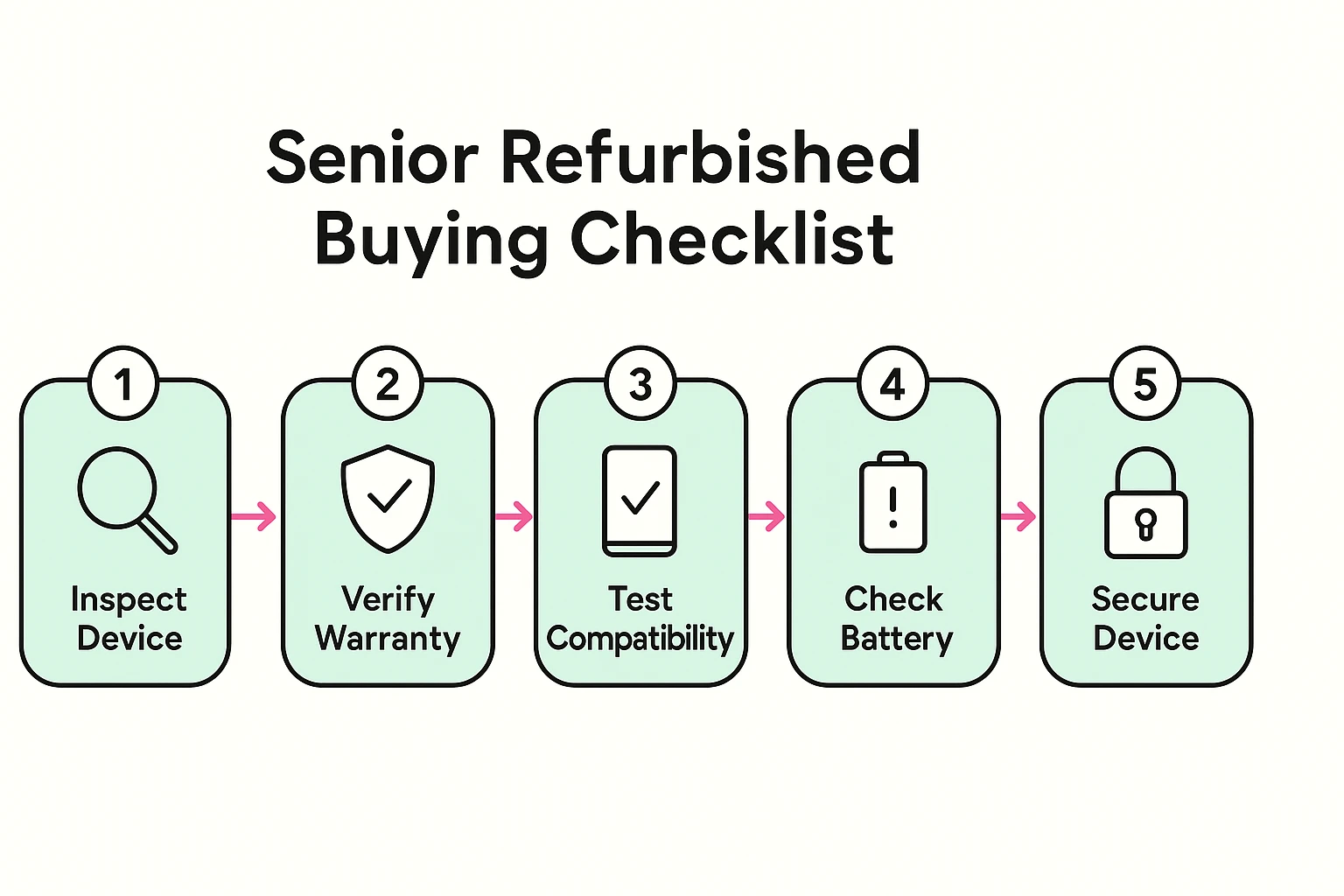
Feeling a little more prepared? Good. Use this simple checklist to vet any refurbished deal before you click “buy.”
These grades describe the cosmetic condition of the device. “Grade A” is typically in near-perfect condition with no visible scratches. “Grade B” might have minor scuffs or dings. These grades are not standardized, so what one seller calls “Grade A,” another might call “Grade B.” Functionally, they should both work perfectly.
This is a tricky one. The two main concerns are hygiene and battery life. Reputable sellers will thoroughly clean and sanitize them, but the batteries in AirPods can’t be replaced. Given their short lifespan, you might be buying a pair that’s already halfway to retirement. It’s generally a riskier refurbished purchase.
Yes, but only if you’ve done your homework. If you buy from a trusted source (like the manufacturer) and the phone is new enough to receive security updates, it is just as safe as a new phone. A reputable refurbisher will have wiped the device completely, ensuring none of the previous owner’s data remains. The danger comes from older phones that no longer get those crucial security patches.
Buying refurbished can be an absolutely brilliant way to get great technology without paying top dollar. The goal isn’t to avoid refurbished products altogether; it’s to become an informed shopper who knows exactly what to look for and what to walk away from.
By keeping an eye out for these deal breakers, you can confidently navigate the world of refurbished electronics and find a device that makes your life easier, more connected, and more fun—without the buyer’s remorse. After all, technology should solve problems, not create new ones.