Newsletter Subscribe
Enter your email address below and subscribe to our newsletter

Enter your email address below and subscribe to our newsletter
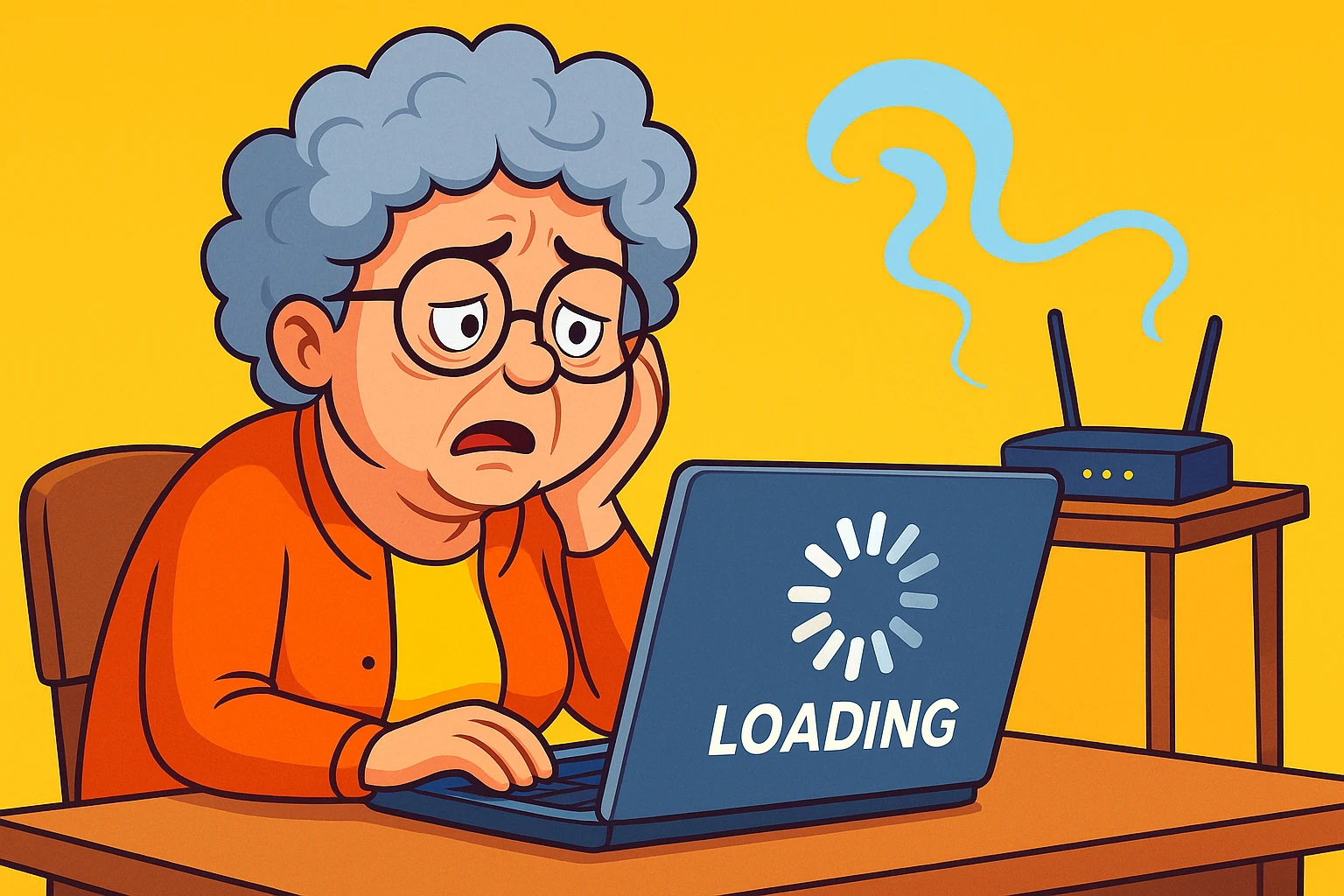
You’re settled in your favorite chair, ready for a video call with the grandkids. You click the button, their smiling faces pop up, and just as little Timmy is about to show you the questionable haircut he gave the dog, your screen freezes. A tiny, mocking circle starts spinning. The Wi-Fi, your invisible lifeline to the modern world, has vanished into thin air. It’s like it packed a tiny suitcase and went on vacation without leaving a note.
If you’ve ever found yourself shouting at a plastic box with blinking lights, you are in good company. A disappearing Wi-Fi connection is one of life’s modern mysteries, right up there with why you can never find matching socks. The good news is that you’re not powerless. Sometimes, all it takes is a simple “unplug it and plug it back in” ritual. But what about when that doesn’t work? When the Wi-Fi plays a frustrating game of peek-a-boo?
That’s when you need to become a bit of a detective. We’ll walk you through the clues, from the simple to the slightly more technical, and most importantly, we’ll help you know exactly when it’s time to hang up your detective hat and call in a professional.

Before we start our investigation, let’s clear up a major point of confusion. Many people use “Wi-Fi” and “the Internet” interchangeably, but they’re actually two different things. This is one of the biggest “aha moments” in tech!
Think of it like the water pipes in your town.
The Internet is the giant water main running under the street, provided by your city (your Internet Service Provider, or ISP, like Comcast or AT&T). It brings the service to your property line.
Your Wi-Fi Router is the plumbing system inside your house. It takes that water from the main line and directs it to your kitchen sink, your shower, and your washing machine (your laptop, smartphone, and smart TV).
This means you can have a perfectly functional plumbing system (Wi-Fi) but no water coming from the city (Internet outage). Or, the city’s water can be flowing just fine, but a leaky pipe under your sink (router problem) is stopping you from getting a glass of water. Recognizing this difference is the first step to figuring out what’s actually broken.
When your connection disappears, the culprit usually falls into one of four categories. Let’s look at the usual suspects and the clues they leave behind.
Your router is like the traffic cop of your home network, directing information 24/7. It never gets a coffee break. Sometimes, it just gets tired, confused, or overwhelmed.
Sometimes, the network is fine, but one specific device is throwing a tantrum. Your phone can’t connect, but your laptop is browsing away happily.
Wi-Fi signals are radio waves, and just like the radio in your car, they can get staticky or blocked. Your house is full of things that can bully your Wi-Fi signal.
Sometimes, the problem isn’t inside your house at all. The issue is with the main “water line” coming from your provider.
 This comparison breaks down key causes of Wi‑Fi disappearance alongside symptoms, helping identify likely sources quickly.
You’ve rebooted the router, reconnected your devices, and even moved the microwave. Still nothing. It’s easy to feel frustrated, but here’s the most important tip: knowing when to stop is a skill, not a failure. Your time is valuable, and you don’t need the headache.
It’s time to call for backup if you’re seeing these signs:
Wrestling with technology that refuses to cooperate is no fun. Calling your internet provider or a local tech expert isn’t giving up; it’s just bringing in a specialist for a tricky job, the same way you’d call a plumber for that leaky pipe.
 This stepwise flowchart guides seniors through escalating troubleshooting and indicates when to seek expert help.
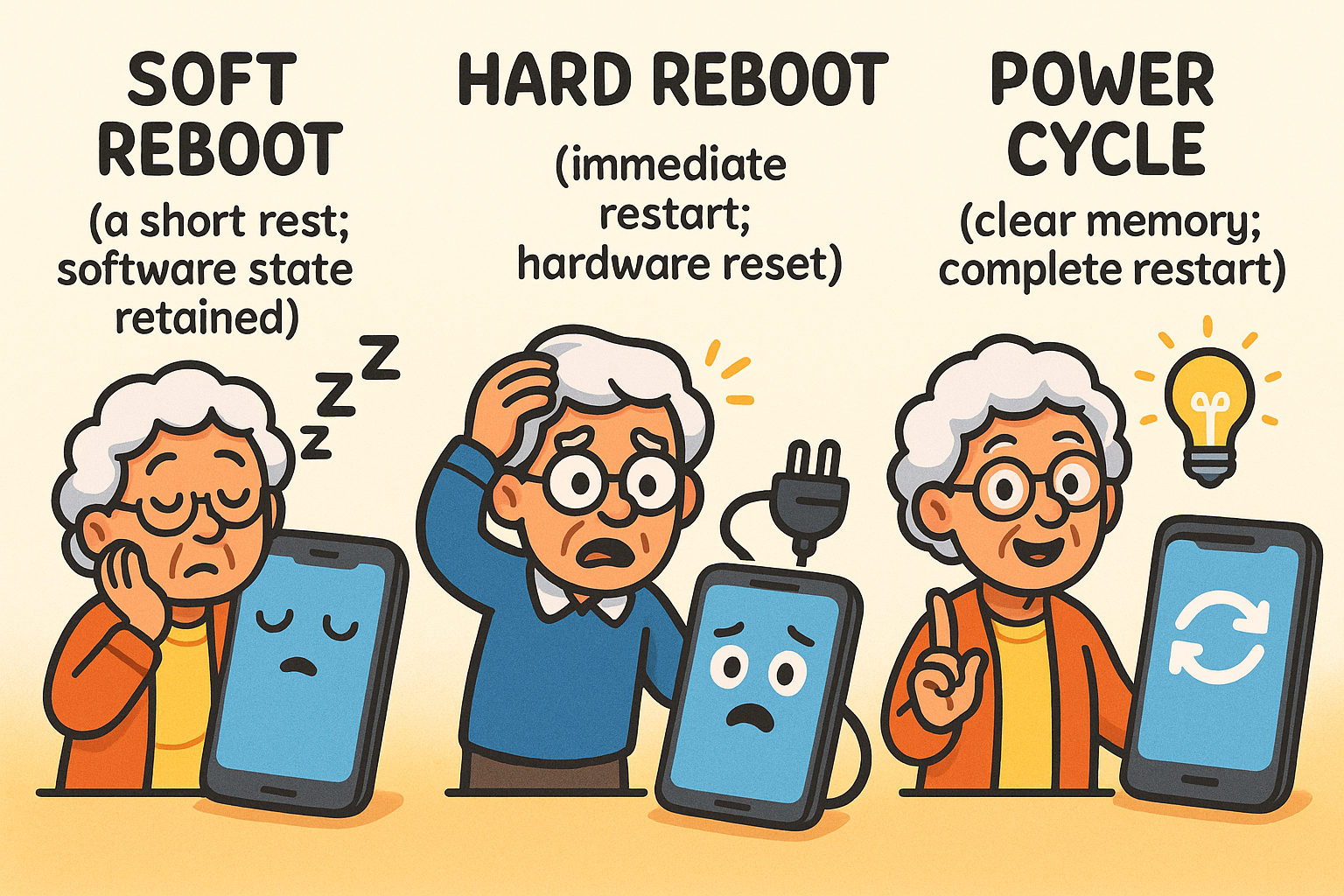
Think of your router as a mini-computer. Just like any computer, its memory can get cluttered over time, leading to glitches. A reboot is like a good night’s sleep for your router, allowing it to start fresh. If you have to do it daily, however, your router might be getting old and tired.
It can, but it won’t speed up the plan you pay for. If you pay for a 100 Mbps plan, a new router won’t magically give you 200 Mbps. However, an old, outdated router can be a bottleneck, preventing you from getting the full speed you’re already paying for, especially with lots of devices connected.
Yes! The modem is the device that connects your home to the big internet “pipe” from your provider. The router is what creates your personal Wi-Fi network inside your home. These days, many providers give you a single “gateway” device that does both jobs.
It’s best to avoid it. First, it will probably be slow. More importantly, if it’s an unsecured network (one without a password), it’s not safe. A savvy user on that same network could potentially spy on what you’re doing online. Always protect your own digital home by learning why you need 2-Factor Authentication (2FA) in your life and securing your own network.
Your home Wi-Fi is a wonderful tool for connection, learning, and entertainment. When it acts up, a little detective work can often solve the case. But when the mystery is too deep, don’t hesitate to call for professional help. Life is too short to spend it arguing with a blinking box.
Before you call your provider, have this information ready:
Having these details handy will make the support call faster and far less frustrating. And if you ever get a suspicious call from someone claiming to be tech support, be sure you know how to spot scams and fake news. At Senior Tech Cafe, we believe technology should work for you, not the other way around.