Newsletter Subscribe
Enter your email address below and subscribe to our newsletter

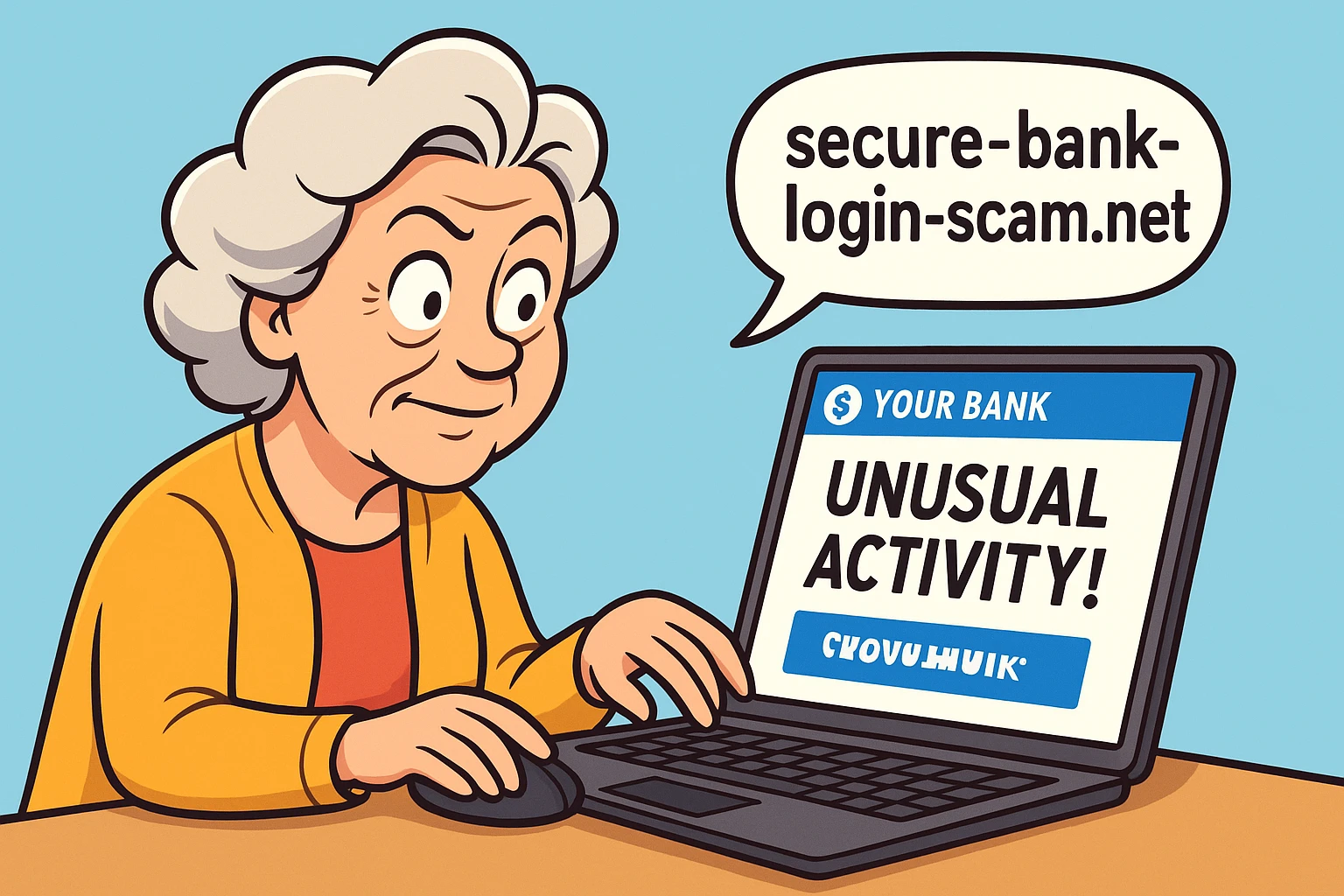
Picture this: You’re sitting down with your morning coffee, feeling generally good about the world. You open your inbox expecting a nice newsletter, a note from your sister, or perhaps a coupon for 20% off birdseed. Instead, you see a subject line in screaming capital letters: “URGENT: UNUSUAL ACTIVITY DETECTED ON YOUR ACCOUNT.”
Your heart drops into your slippers. The email has your bank’s logo, the exact right shade of corporate blue, and a highly official-sounding warning. It claims that if you don’t click their handy link right now, your funds will be frozen, your dog will be repossessed, and you’ll be banished to a deserted island without Wi-Fi.
In the old days, spotting a fake email was easy. It usually came from a mysterious “Prince” who had $40 million trapped in a vault and just needed your checking account number to get it out. The spelling was so bad it looked like it was typed by a pigeon walking across a keyboard.
But today? Today’s scammers have upgraded. They use artificial intelligence to write perfect English. They steal actual bank graphics to make their messages look flawless. They are the digital equivalent of a wolf not just wearing sheep’s clothing, but a custom-tailored, designer sheep suit.
Don’t panic, though. You don’t need a degree in computer science to outsmart them. We are going to teach you how to look past the shiny logos and spot the invisible tripwires scammers leave behind.
You’ve probably heard the basic advice from places like the FTC: look for urgent threats, generic “Dear Customer” greetings, and suspicious requests for personal info. That’s still good advice, but against modern criminals, it’s no longer enough.
Thanks to modern AI tools, scammers rarely make spelling mistakes anymore. If you’re relying entirely on typos to save you, you’re bringing a butter knife to a laser fight. Modern fake emails often include your actual name and look entirely professional.
The first real rule of spotting a modern scam is the “Premise Check.” Ask yourself: Why is the bank emailing me about this? Real banks almost never ask you to verify your account or handle “unusual activity” via a random email link. They prefer you to log in securely through their official app or website to read secure messages.
If the premise smells fishy, it’s time to put on your detective hat. Scammers can fake the visual look of an email perfectly, but they cannot easily fake the underlying digital plumbing.
The Hover Test: If you are on a computer, move your mouse pointer over the “secure link” in the email, but do not click it. A little box will pop up showing the actual web address. If the email claims to be from Bank of America, but the link points to “www.bov-america-secure-update-123.com,” run away. When in doubt, always check their website directly by typing the real, familiar address into your browser yourself.
The “From” Name vs. The Actual Address: Your inbox might say an email is from “Chase Bank Support.” But anyone can change their display name to whatever they want. I could change my display name to “The Queen of England,” but it wouldn’t get me into Buckingham Palace. You need to click on the sender’s name to reveal the actual, often messy, email address hiding underneath.
The Myth of the Little Padlock: Many people think that if a website has a little padlock icon (HTTPS) next to the web address, it means the site is legitimate and safe. Unfortunately, that’s not true. The padlock only means your connection to the website is encrypted. If you are connected to a scammer’s website, all it means is that you have a very secure connection to a very bad person.
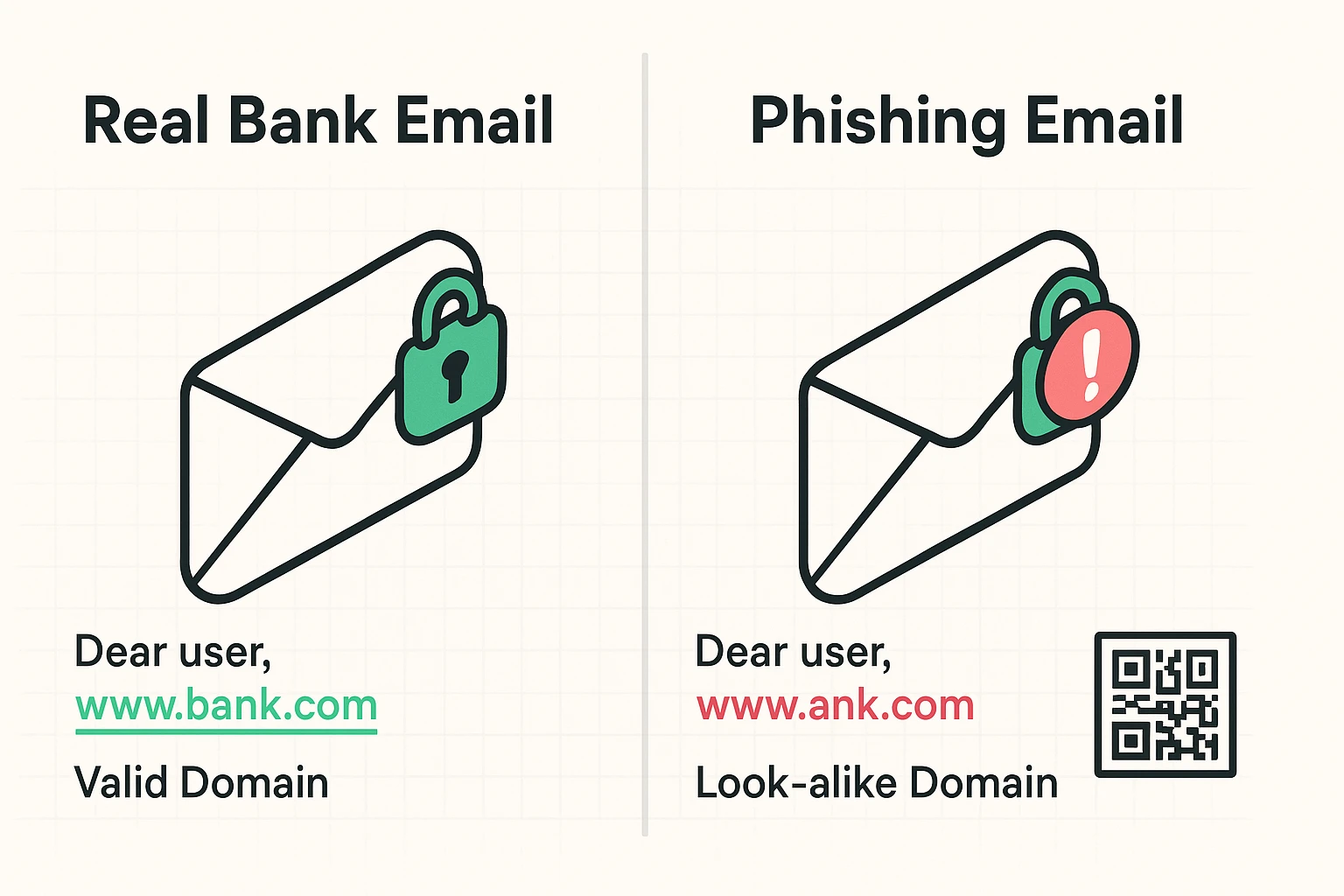
Let’s get a bit fancy. Have you ever heard of a “Homograph Attack”? It sounds like a geometry problem, but it’s actually a clever visual trick. Scammers buy web addresses that look identical to real ones by swapping out standard English letters for identical-looking letters from other alphabets, like the Cyrillic ‘a’.
To the human eye, “bank.com” and “bаnk.com” look exactly the same. But to a computer, they are completely different destinations. This invisible trap is exactly why clicking links in emails is always a gamble, even if the address looks right at first glance.
Then there are QR codes, a tactic known as “Quishing.” Scammers love embedding QR codes in fake emails because your email security software can’t read a picture of a barcode. They hope you’ll pull out your phone, scan the code, and bypass all your security filters entirely. It’s essentially the digital version of sneaking in through the doggy door.
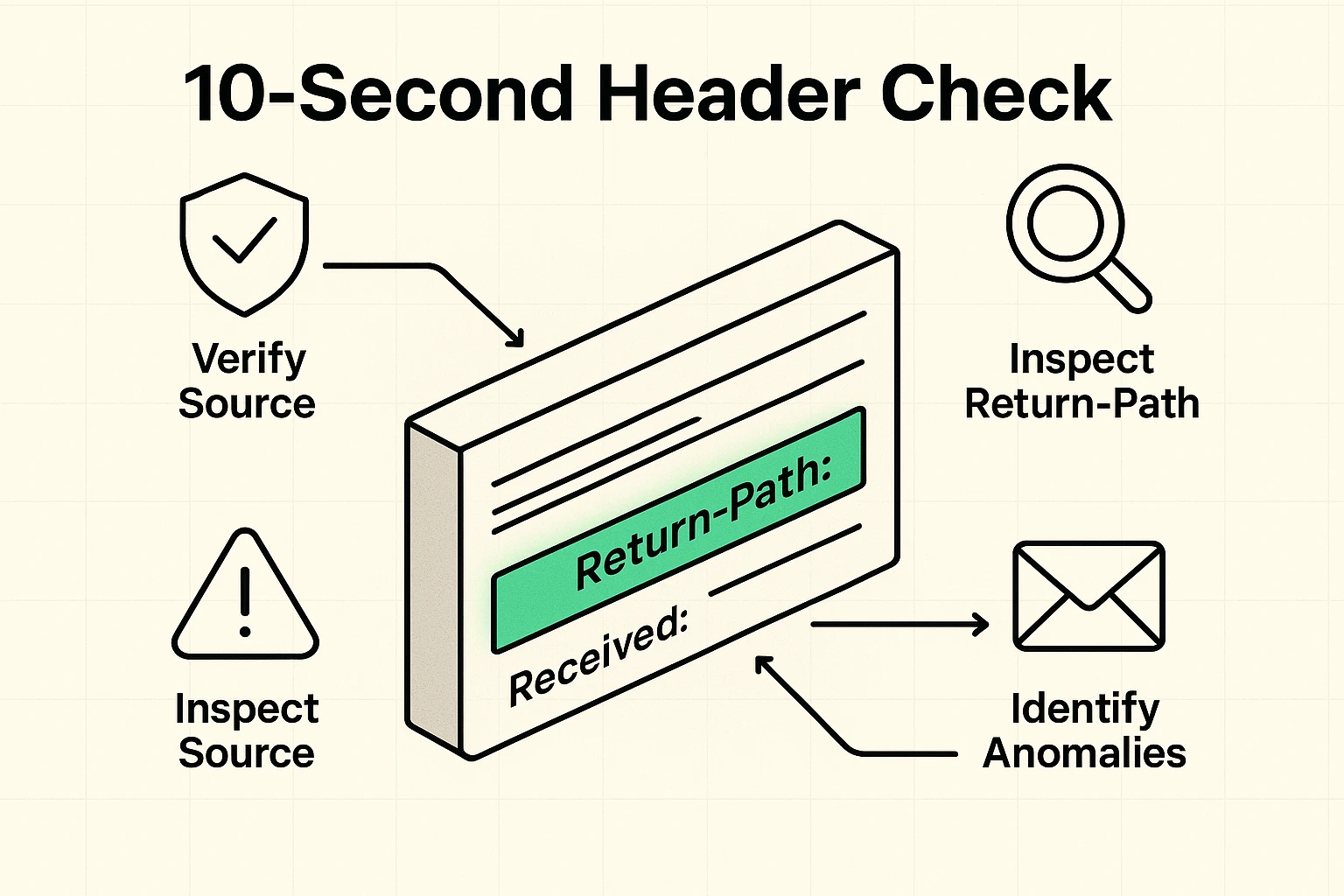
If you want to feel like a true computer hacker, you can check an email’s “header.” This is the hidden digital postmark that shows exactly where an email came from before it arrived in your inbox.
Most email providers (like Gmail or Yahoo) have an option in their menu to “Show Original” or “View Raw Message.” When you click it, you’ll see a terrifying wall of computer code that looks like it belongs in a sci-fi movie. Ignore 99% of it.
You are only looking for one specific line: Return-Path. This tells you where the email will actually go if you hit reply. If the email says it’s from Wells Fargo, but the Return-Path says “scammy-server@random-domain-in-another-country.com”, you’ve just caught the scammer red-handed.
Okay, let’s say the scammer caught you before you had your coffee, and you clicked the link. Take a deep breath. Simply clicking the link is bad, but it’s usually not the end of the world if you realize your mistake quickly and don’t type anything.
If you just clicked the link and closed the page, run a virus scan on your device just to be safe. You might also want to explore a reliable bitdefender scam detector to help automatically filter out future threats before you even see them.
If you actually typed in your username and password, the rules change. You need to contact your real bank immediately using the phone number on the back of your debit card, not any number provided in the email.
Next, you’ll need to figure out exactly what password to change when hacked? Always start with your bank password, and then immediately change the passwords for any other accounts where you reused that same combination.
Unfortunately, this usually means some of your basic information was caught in a past data breach from another company you do business with. Scammers buy these lists of leaked data and use those small, accurate details to make their fake emails look incredibly convincing.
It helps immensely! Setting up strong auth means that even if a scammer tricks you into giving up your password, they still can’t log into your account. They would also need the special, temporary code sent to your mobile phone.
Some banks use a secondary “Profile Password” (different from your login password) specifically for authorizing big changes, like wiring money or updating your phone number. If an unexpected email is urgently demanding this specific master password, it’s a massive red flag that someone is trying to hijack your account.
At the end of the day, the best defense against sophisticated phishing isn’t technical wizardry; it’s a deep, healthy suspicion of urgency. Scammers want you to panic. They want you to act out of fear before your logical brain has time to catch up.
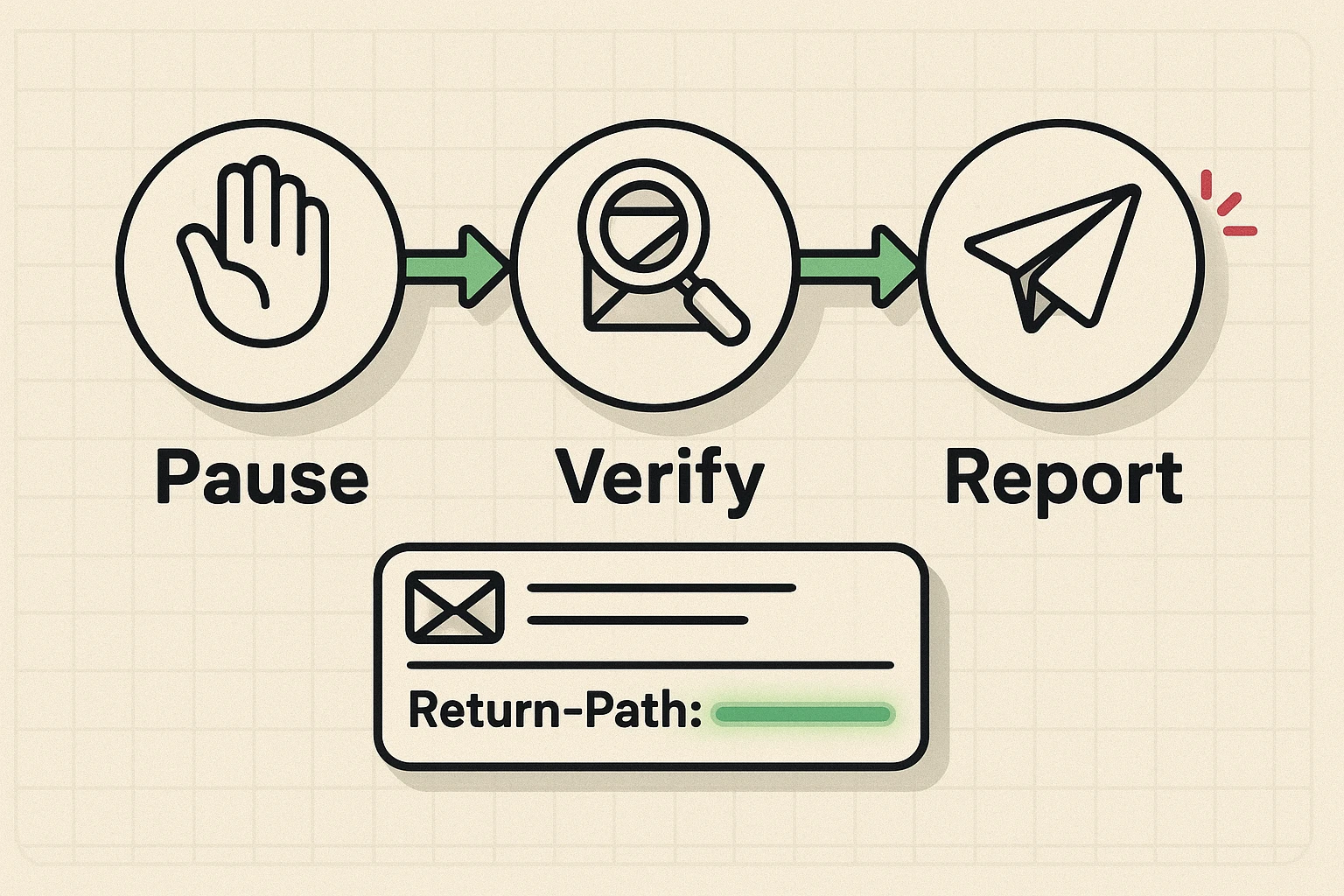
Whenever you get a scary or surprising email from “your bank,” follow the Pause-Verify-Report method. Pause and take a breath. Verify the claim by logging into your account normally through your app or a trusted bookmark you saved yourself.
Finally, report the fake email to your actual bank so they can track the scammers and warn others. Stay curious, stay cautious, and never let anyone rush you online. Your money—and your blood pressure—will thank you.