Newsletter Subscribe
Enter your email address below and subscribe to our newsletter

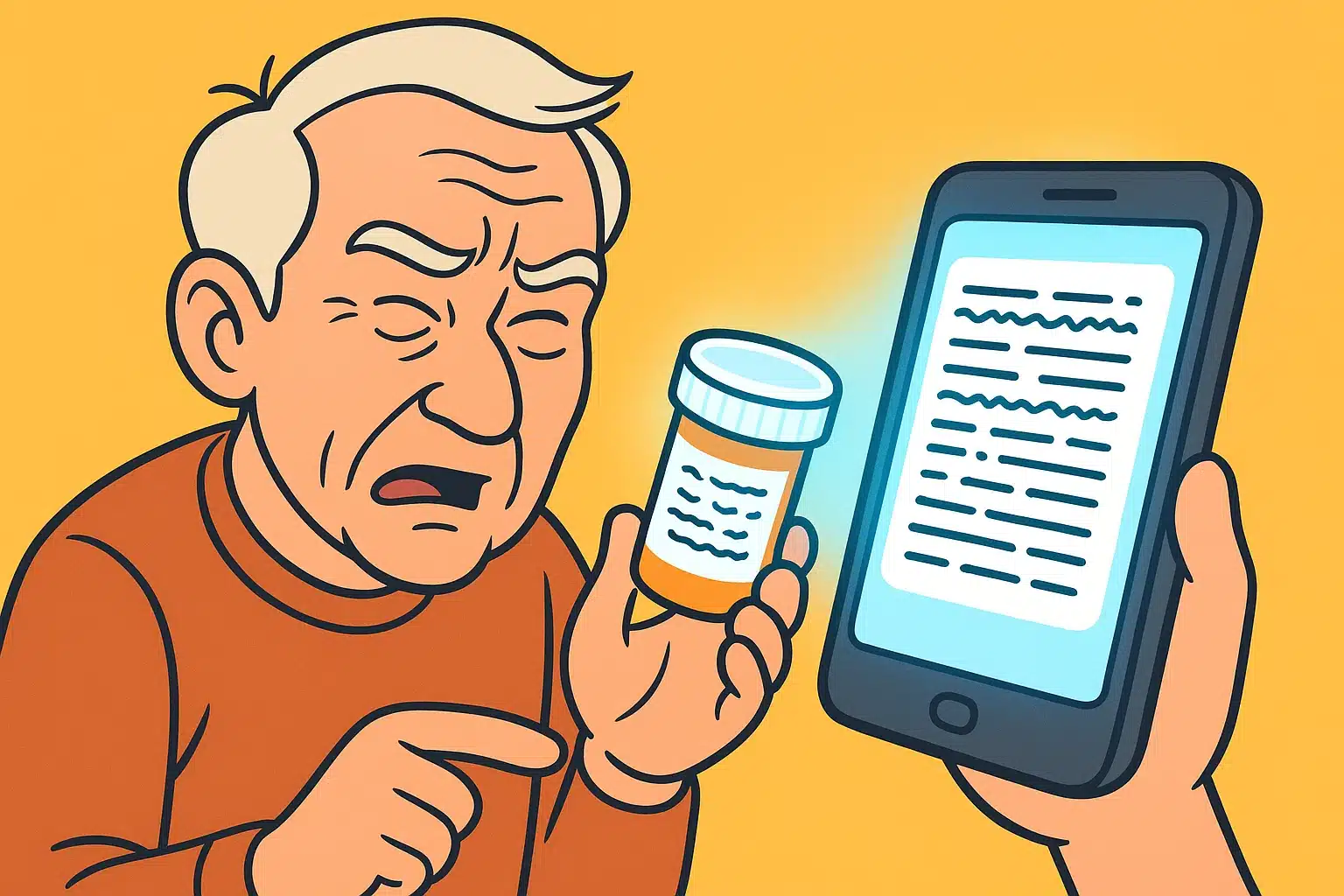
You’ve probably noticed that over the years, the print on everything from medicine bottles to restaurant menus has been steadily shrinking. Clearly, a secret committee of ink manufacturers has decided to save money by using microscopic fonts designed for a family of highly literate ants. You try holding the item closer. You try holding it farther away. You consider asking the dog to read it to you.
If this sounds familiar, you are not alone. Living with low vision can feel like an endless series of frustrating, squint-inducing hurdles. But what if I told you that the rectangular glowing gadget sitting on your coffee table could act like a magical magnifying glass that actually reads things out loud to you?
Enter Augmented Reality (AR). Now, before you start picturing yourself in a bulky sci-fi helmet dodging virtual laser beams, take a breath. In plain English, AR simply means using your smartphone’s camera to make the real world easier to interact with. It’s not about escaping reality; it’s about making your actual reality a whole lot clearer.
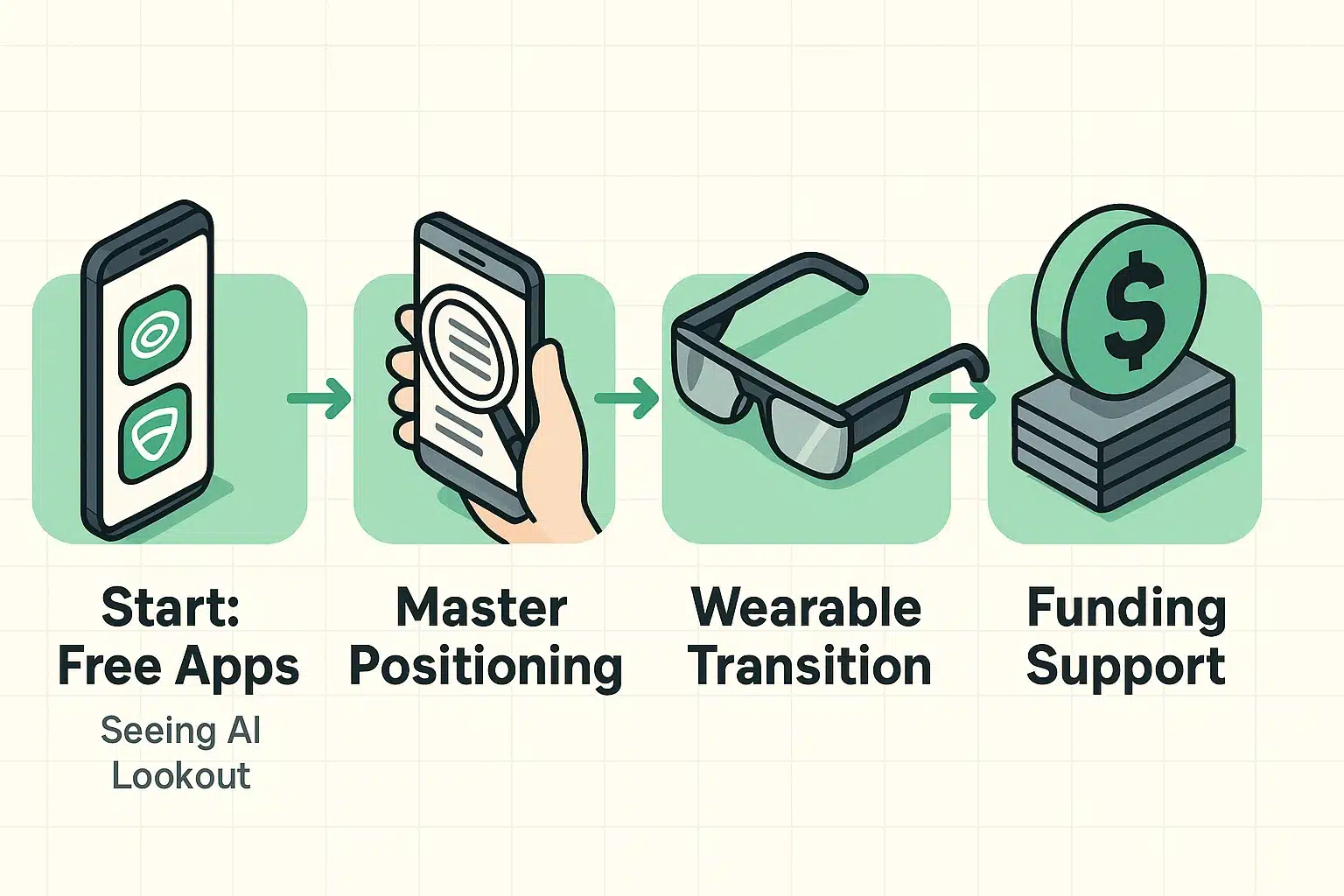
The best part about dipping your toes into the AR waters is that you don’t need to spend a dime to get started. There are brilliant, completely free apps designed specifically to help you read mail, identify products, and even distinguish a $1 bill from a $20 bill.
We love a platform-agnostic approach here, so whether you’re loyal to Apple or a die-hard Android fan, there is a fantastic option waiting for you in your phone’s app store.
Developed by Microsoft, Seeing AI is like a Swiss Army knife for your eyes. You simply point your iPhone’s camera at a document, and the app reads the text out loud. It can scan barcodes to tell you if you’re holding a can of soup or a can of dog food—a distinction you definitely want to get right before lunch.
Google Lookout provides the exact same life-changing assistance for Android users. It uses your phone’s camera to identify food labels, read documents, and even scan your surroundings to point out where the nearest chair or door is located.
Sometimes, a computer just can’t figure out what you’re looking at. Be My Eyes is a free app available on both platforms that connects you via live video to a sighted volunteer. You point your camera at the problem—like the thermostat dial—and a friendly human on the other end tells you exactly what it says.
Many seniors download these apps, point their phone at a piece of mail, and get absolutely nothing but digital gibberish. They assume the technology is broken and throw their phone into the nearest drawer. But usually, the app is fine. The phone is just having trouble “seeing” the document.
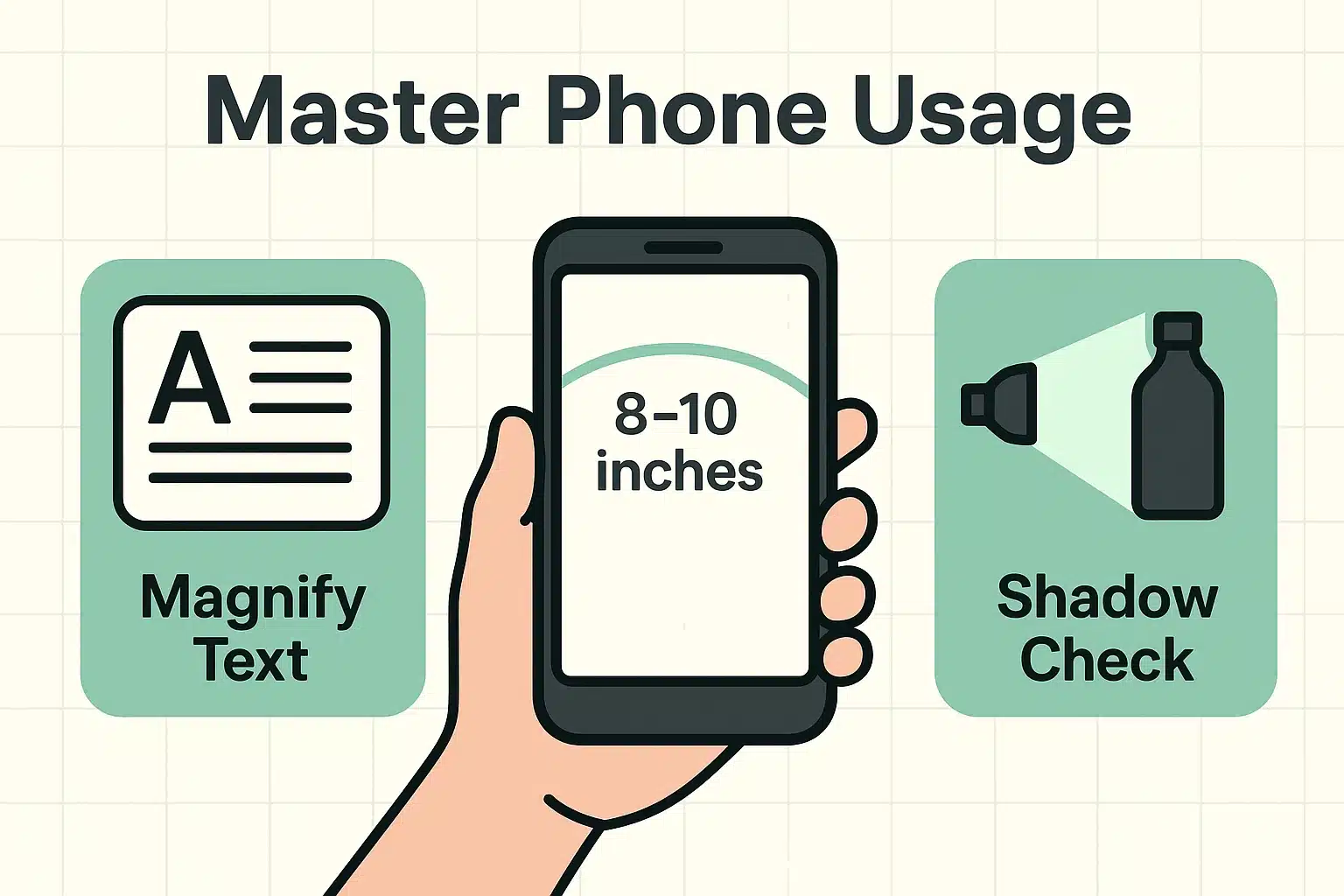
To avoid this frustration, you just need to master a couple of simple techniques. First, use The Hula Hoop Rule. Don’t press the phone right up against the paper. Instead, keep a slight bend in your elbow—about 8 to 10 inches away from the object. This gives the camera enough distance to see the full picture.
Next, perform The Shadow Check. A major reason AR apps fail is poor lighting in the room. Most of these apps have a button to turn on your phone’s flashlight. Use it! Bathing the document in light removes confusing shadows. And finally, take a microfiber cloth and wipe your phone’s camera lens. You’d be amazed how often a thumb smudge is the only thing standing between you and a perfectly read letter.
Once you master using your smartphone to read things, you might find yourself wishing you didn’t have to hold a device in your hand all the time. This is where physical AR smart glasses enter the picture.
These wearables look like slightly chunky eyeglasses, but they pack incredible technology. There are generally two types. “See-through” AR glasses project directions and high-contrast text directly into your line of sight to help with walking and mobility. “Video pass-through” glasses act more like wearable magnifiers, perfect for reading a book or watching television.
If you already enjoy the hands-free convenience of alexa for seniors, transitioning to smart glasses might feel like a natural next step in making your home environment work for you, rather than against you.
Here is the hard truth: while the smartphone apps are free, wearable AR smart glasses can cost anywhere from a few hundred to a few thousand dollars. Many seniors find the perfect pair of high-tech glasses only to experience severe sticker shock.

The good news is that you don’t always have to pay out of pocket. There is a whole world of financial assistance out there if you know where to look. Veterans can often get these devices fully covered through the VA’s blind rehabilitation services.
For non-veterans, while standard Medicare doesn’t usually cover low-vision devices, many state-level vocational rehabilitation programs and local Lions Clubs offer grants and assistance. Never let the price tag stop you from investigating a device that could change your life; the funding is often out there if you do a little digging.
Nope! Unless your phone belongs in a museum next to the telegraph machine, it can probably run these apps. Any iPhone or Android smartphone made in the last four or five years has a camera good enough to handle basic AR tasks.
This is a great question. Apps like Seeing AI and Google Lookout process most information directly on your phone, making them very safe. However, if you use Be My Eyes, remember you are broadcasting video to a live stranger. It’s fantastic for finding dropped car keys, but please don’t point it at your Social Security card or bank statements!
While AR apps are great for reading the labels on your pill bottles, they won’t tap you on the shoulder when it’s time to take them. For that, you’ll want to pair your new reading skills with a reliable medication reminder to ensure you stay on schedule safely.
Technology doesn’t have to be intimidating, and you don’t need an engineering degree to make your life a little easier. Your smartphone is sitting right there, waiting to be your personal reading assistant.
Your mission for today is simple: Go to your phone’s app store, download Seeing AI (if you have an iPhone) or Google Lookout (if you have an Android), and try it out on a piece of junk mail. Practice the Hula Hoop Rule, turn on that flashlight, and enjoy the satisfaction of having your phone do the squinting for you.