Newsletter Subscribe
Enter your email address below and subscribe to our newsletter


Reader’s loved our first article about tech myths (9 Big Tech Myths Busted). So we’re back with more! 🥳
Turns out we weren’t even close to being done with tech myth debunking. Oh no, friend. That was just the warm-up!
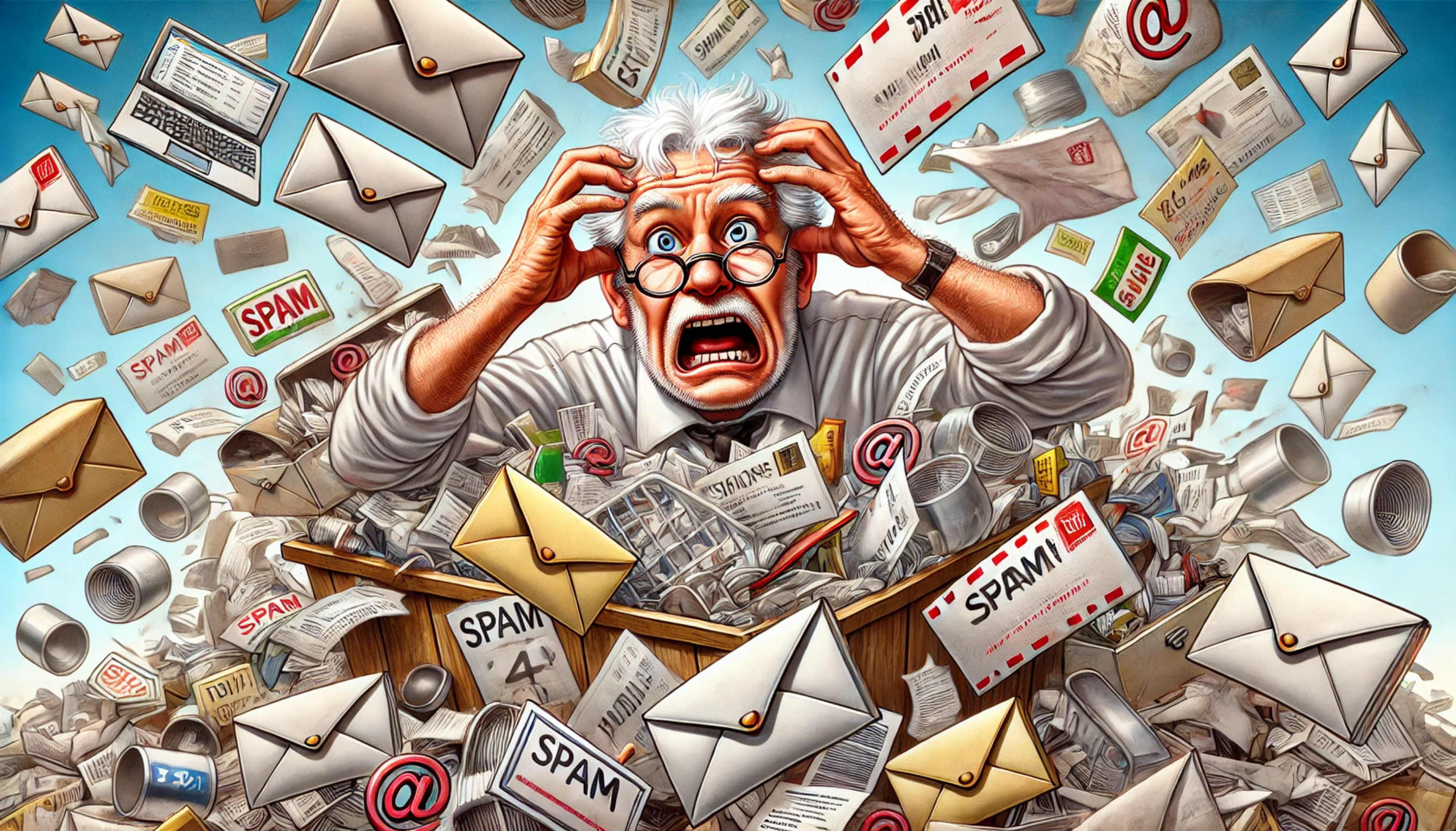
Turns out the world of tech myths is deeper than your email inbox after a two week vacation.
These myths are so sneaky. Sure, they sound helpful at first blush. But instead of making your life easier, they just add confusion, slow your devices, and give you one more reason to mutter bad words at your screen.
This is Part Two of our ongoing mission to call out the digital nonsense and help you make smarter choices with your devices. We’re talking about tips that waste time, kill battery life, and generally mess with your sanity—all in the name of “helpful advice.”
So if you’ve ever followed a tech tip and wondered, “Is this actually doing anything?”—you’re in the right place.
Let’s bust some more myths.
(Spoiler: To a scammer, everyone is a baked potato waiting to be buttered.)
This one’s a classic. “Why would anyone hack me? I’m not a celebrity. I don’t have secret government files. My most sensitive document is a chili recipe from 1987.”
Totally understandable. But here’s the sneaky truth: scammers love regular folks. Especially the ones who think they’re not worth targeting.
Why? Because we’re easier. We click links. We reuse passwords. We think a message from “Your Bank” is probably real, even if “bank” is spelled wrong.
And while a hacker might have to do serious digital gymnastics to break into a high-security company, it takes about 12 seconds to trick someone into handing over their info through a fake email, text, or phone call.
Sadly, seniors are often the top target—scammers think we’re less tech-savvy (even though we’ve all become pretty sharp since learning to unmute ourselves on Zoom).
Also, even if you’re not storing state secrets, your email, your shopping habits, your saved passwords—they’re all worth money. Hackers can sell them, use them to steal identities, or send embarrassing spam to your entire church group.
The truth: If you use the internet, you’re a target. But that doesn’t mean you have to live in fear—just be smart. Use strong passwords, don’t click on weird links, and never believe an email that says your Netflix account is “urgently frozen due to goat-related activity.”
(Spoiler: Constantly swiping them away is just giving your thumb a workout.)
This one feels true. You open your phone, see 27 apps running in the background, and immediately panic. “No wonder my battery’s dying!” you think, swiping like you’re chopping onions in a cooking show.
Surely, closing all those apps is saving power, right? Well… not really.
Modern smartphones are, well, pretty darn smart. When you leave an app and go back to your home screen, the phone usually freezes it in place.
It’s not chugging battery in the background—it’s just hanging out quietly, waiting for you to come back. Like a well-behaved dog, not a toddler with markers and no supervision.
Ironically, constantly closing apps and reopening them can actually use more battery. Why?
Because every time you restart an app from scratch, your phone has to load it all over again. It’s like making a pot of coffee, dumping it out, and starting a fresh one every five minutes. Not helpful. Just jittery.
The truth: You don’t need to close apps unless one is frozen, misbehaving, or playing music from three hours ago. Otherwise? Let your phone handle it. It knows what it’s doing—even if it still autocorrects “ducking” when you really don’t mean ducking. 😜
(Spoiler: Your vacation photos are safe. Your socks? Still mysteriously missing.)
There’s a special kind of panic that hits just as your carry-on slides into that airport X-ray machine.
Suddenly you remember: The memory card! The one full of grandkid photos, travel snapshots, and that one blurry picture of your thumb that you’re convinced in abstract art.
But do X-rays erase memory cards?!
Relax. They don’t.
Airport X-rays aren’t out to destroy your digital memories. They’re looking for liquids, lighters, and anything shaped like it might beep ominously—not tiny bits of data on an SD card.
Your memory cards, flash drives, and camera storage? Totally safe. X-rays pass right through them like they’re not even there. No corruption. No deletion. No mysterious photo disappearances.
This myth probably comes from the days of old-school film photography, where X-rays could fog undeveloped film.
But digital memory? Totally different story. Your vacation selfies are not going to vanish just because they flew coach.
The truth: X-rays won’t mess with your memory cards. If you lose your photos, it’ll be thanks to something else—like deleting them by accident or forgetting which pocket you stuffed the card into during your 5 a.m. TSA sprint.

(Spoiler: Your phone isn’t dinner—and rice is no miracle worker.)
Ah yes, the age-old wisdom passed down from one panicked phone owner to the next: “Quick! Stick it in rice!”
For years, rice has been the emergency room of smartphone disasters—kind of like chicken soup for the tech soul.
But here’s the soggy truth: while rice might absorb some moisture, it’s not exactly the Phone Whisperer. It’s slow, not very effective, and worst of all—it gives you a false sense of security while your phone slowly stews in its own misery.
Meanwhile, actual experts (you know, the folks who don’t recommend using food staples as tech tools) will tell you that the rice method is mostly a myth.
In fact, tiny rice grains or dust can get stuck in ports and make things worse. It’s like trying to dry out your shoes by shoving them in a bag of crackers. Crunchy? Yes. Helpful? Not so much.
Turn it off immediately. Remove the case. Gently dry it with a towel.
And then—this part is important—leave it alone to dry in a well-ventilated area. Or use silica gel packets (those little pouches that come in shoe boxes and yell “DO NOT EAT”). They’re way better at pulling out moisture.
The truth: Rice is great for dinner. Not so great for drying electronics. Unless your goal is to make tech-flavored pilaf… in which case, we can’t help you.
(Spoiler: It’s not a speed boost—it’s just digital fidgeting.)
If you’ve ever right-clicked your desktop and hit “Refresh” 37 times in a row with the intensity of someone trying to revive a comatose computer—you’re not alone.
For some reason, “Refresh” has become the digital version of shaking a vending machine when your snack gets stuck. It feels like it should do something. You click it and think, Yes. That oughta speed things up around here.
But here’s the reality: the Refresh button on your Windows desktop doesn’t clean out memory, fix sluggish performance, or magically free up space.
What it does do is redraw the icons on your desktop. That’s it. If you moved a file, or a shortcut disappeared, or the wallpaper’s acting weird, Refresh tidies things up.
But it’s not waving a wand over your entire system. If your computer is slow, Refresh is basically the equivalent of straightening up your coffee table while the kitchen is still on fire.
The truth: Clicking Refresh won’t boost performance—it just refreshes what’s on screen. If your computer is dragging, try restarting it, closing programs you’re not using, or yelling lovingly at it until it behaves.
(Spoiler: Unless you’re carrying a magnet the size of a bowling ball, you’re probably fine.)
For some reason, magnets have earned a reputation as the tiny assassins of the tech world.
Many people live in fear of dropping a fridge magnet anywhere near their computer, like it might say “abracadabra” and make all their files vanish into the void.
But here’s the good news: that souvenir magnet from your trip to Dollywood is not going to erase your laptop’s hard drive. Or your phone. Or your memory cards. Not even a little.
This myth comes from the days of floppy disks and VHS tapes—ancient technology that was sensitive to magnets. Back then, a strong enough magnetic field could scramble the data.
But today’s devices? They use solid-state storage, which doesn’t care about magnets unless you’re wielding something industrial-grade from a mad scientist’s lab.
Even old-school hard drives—the ones that do still use magnetic storage—are built like little tanks. They’re shielded. Protected. You’d need a magnet strong enough to pick up a car and the poor decision making skills to press it directly against your hard drive to do any real harm.
The truth: Everyday magnets won’t wipe your data. So go ahead and hang that “World’s Okayest Grandpa” magnet near your computer. Your files are safe, and your title is secure.

(Spoiler: You’re not paying for quality—you’re paying for fancy packaging and heartbreak.)
You’re at the store. You’ve finally picked out a shiny new TV. You’re feeling good. And then the salesperson swoops in with a $79 HDMI cable and says, “You’ll want this one. It gives you a much better picture.”
At that moment, you might wonder: Does it also serve snacks and tell me I look great today?
Let’s bust this myth wide open—HDMI is a digital signal. That means it’s either getting through… or it’s not. There’s no “kinda better” version.
It’s like flipping a light switch: the light is on or it’s off. If your cheap cable works, your picture is just as good as it would be with the expensive one. Crystal-clear. No fuzz. No magical enhancement that justifies the price of a dinner for two at Olive Garden.
Super long cables (think 25 feet or more). If you’re trying to stretch a signal across the living room, higher quality can help avoid flickering or dropouts. But for your average TV setup? That $10 cable from the checkout bin is just fine.
The truth: Expensive HDMI cables don’t improve picture quality. They just improve the store’s profit margins. Save your money for something more exciting—like popcorn for movie night.
(Spoiler: Unless your device is held together with duct tape and dreams, you’re probably good.)
Ah yes, the tech treadmill. Just when you’ve finally figured out how to use your phone without accidentally turning on the flashlight every five minutes—BAM! There’s a new model out. With more cameras. More buzzwords. More opportunities to feel like your perfectly fine device is now a potato.
Let’s be clear: tech companies love making you feel like your stuff is outdated. That’s how they sell you a $1,200 phone that folds in half and takes 3D photos of your cat’s aura.
But the truth is, unless your device is painfully slow, can’t run the apps you need, or refuses to update, there’s usually no need to upgrade.
Do newer devices have cool features? Sure. But do most people use those features? Nope.
A lot of us are mostly using our phones to check email, take photos of grandchildren, and Google things like “is it OK to microwave aluminum foil?” (Answer: please don’t.)
The truth: If your current device works well and does what you need it to do, you’re not missing out. You don’t need to keep up with the digital Joneses. In fact, one of the most powerful moves in tech today is saying, “No thanks, my stuff still works just fine.”
Check out our related article, “Tariff-Proof Tech” for more on why you don’t need to be buying the “latest, greatest” tech and what to do instead that can save you 40% – 70% on your next tech purchase.
Congratulations! You’ve just graduated from the University of “Wait, That’s Not True?” with a major in Myth Busting and a minor in Not Panicking When Your Phone Gets Wet.
The truth is, tech can feel overwhelming sometimes—not because it’s all that complicated, but because there’s so much bad advice floating around. From charging rituals that sound like superstitions to overpriced cables that do nothing but drain your wallet, it’s easy to fall for a digital tall tale.
But now? You’re smarter. Sharper. You know the truth about magnets, megapixels, and that weird obsession with closing apps every 10 minutes.
More importantly, you know that you are not too small to be targeted by cybercrooks—and that your computer won’t magically speed up just because you clicked “Refresh” like it owes you money.
So the next time someone says, “You really shouldn’t use your phone while it’s charging,” you can smile, nod, and think, Bless their heart.
Keep learning, keep laughing, and remember: technology’s here to make life easier, not scarier. And with a little know-how (and a lot less rice), you’ve got this.
Now go enjoy your day—preferably with a phone that’s charged, dry, and myth-free.